MiniMax MCP
Interagiere mit den leistungsstarken APIs von MiniMax für Text-to-Speech, Sprachklonen und Video-/Bildgenerierung.
Dokumentation









Official MiniMax Model Context Protocol (MCP) server that enables interaction with powerful Text to Speech and video/image generation APIs. This server allows MCP clients like Claude Desktop, Cursor, Windsurf, OpenAI Agents and others to generate speech, clone voices, generate video, generate image and more.
Documentation
- 中文文档
- MiniMax-MCP-JS - Official JavaScript implementation of MiniMax MCP
Quickstart with MCP Client
- Get your API key from MiniMax.
- Install
uv(Python package manager), install withcurl -LsSf https://astral.sh/uv/install.sh | shor see theuvrepo for additional install methods.
Claude Desktop
Go to Claude > Settings > Developer > Edit Config > claude_desktop_config.json to include the following:
{
  "mcpServers": {
    "MiniMax": {
      "command": "uvx",
      "args": [
        "minimax-mcp"
      ],
      "env": {
        "MINIMAX_API_KEY": "<insert-your-api-key-here>",
        "MINIMAX_MCP_BASE_PATH": "<local-output-dir-path>",
        "MINIMAX_API_HOST": "https://api.minimaxi.chat",
        "MINIMAX_API_RESOURCE_MODE": "<optional, [url|local], url is default, audio/image/video are downloaded locally or provided in URL format>"
      }
    }
  }
}
⚠️ Warning: The API key needs to match the host. If an error "API Error: invalid api key" occurs, please check your api host:
- Global Host:
https://api.minimaxi.chat(note the extra "i") - Mainland Host:
https://api.minimax.chat
If you're using Windows, you will have to enable "Developer Mode" in Claude Desktop to use the MCP server. Click "Help" in the hamburger menu in the top left and select "Enable Developer Mode".
Cursor
Go to Cursor -> Preferences -> Cursor Settings -> MCP -> Add new global MCP Server to add above config.
That's it. Your MCP client can now interact with MiniMax through these tools:
Transport
We support two transport types: stdio and sse.
| stdio | SSE |
|---|---|
| Run locally | Can be deployed locally or in the cloud |
Communication through stdout | Communication through network |
Input: Supports processing local files or valid URL resources | Input: When deployed in the cloud, it is recommended to use URL for input |
Available Tools
| tool | description |
|---|---|
text_to_audio | Convert text to audio with a given voice |
list_voices | List all voices available |
voice_clone | Clone a voice using provided audio files |
generate_video | Generate a video from a prompt |
text_to_image | Generate a image from a prompt |
Example usage
⚠️ Warning: Using these tools may incur costs.
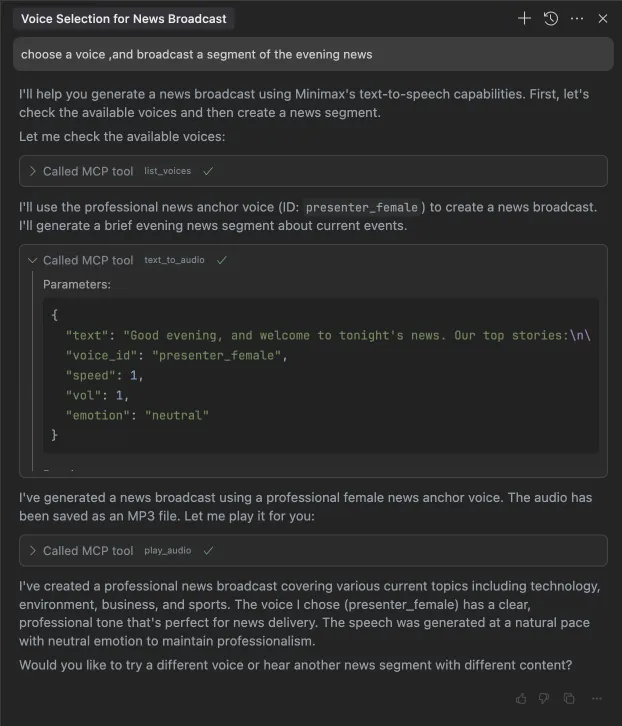
1. broadcast a segment of the evening news
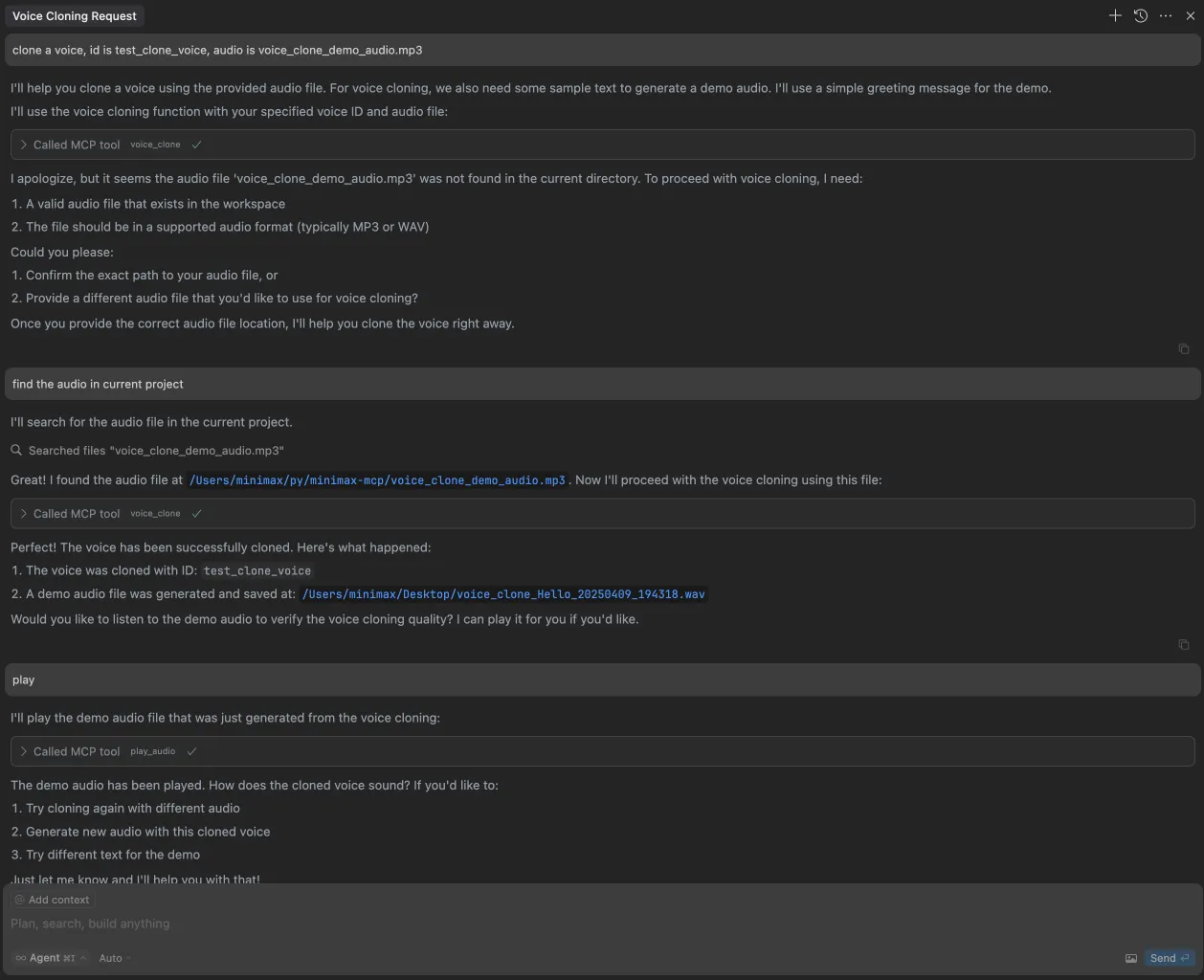
2. clone a voice
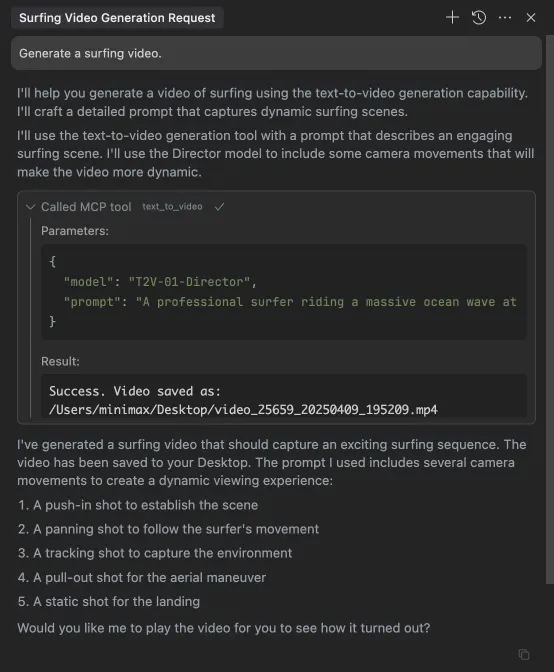
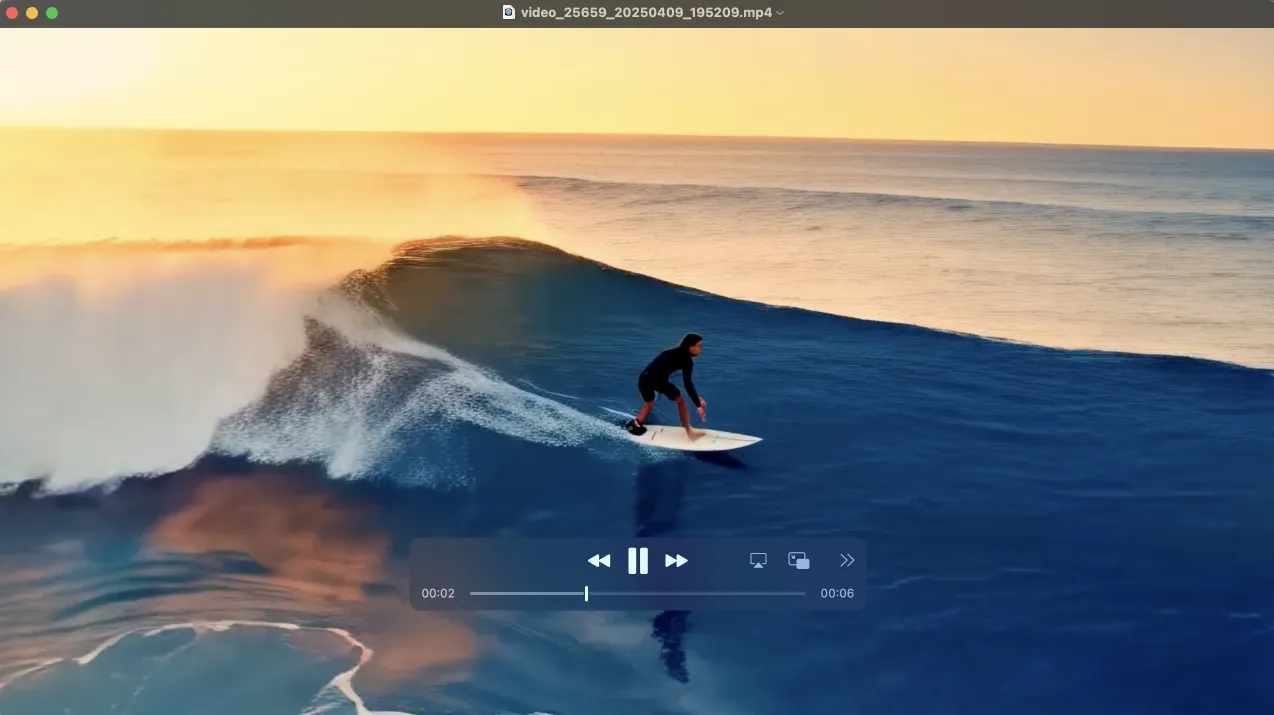
3. generate a video
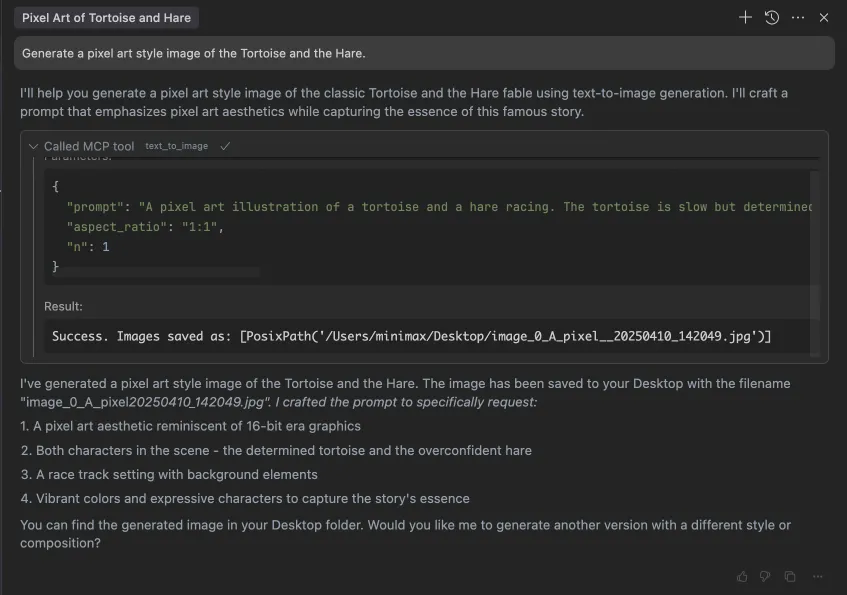
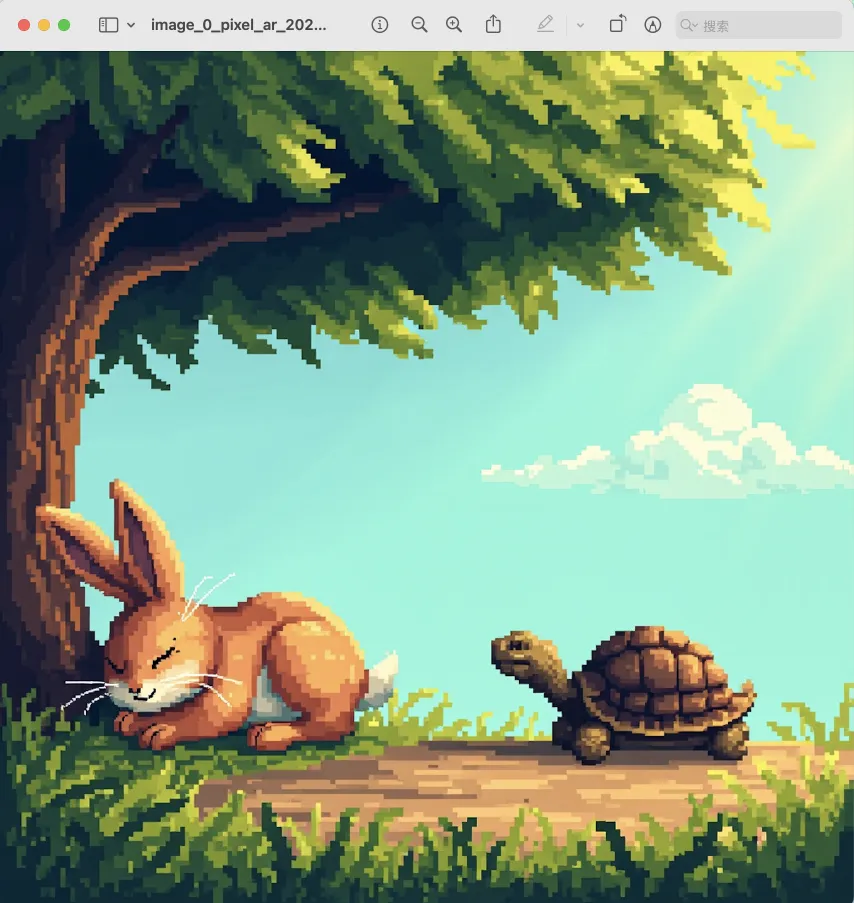
4. generate images