iTerm MCP Server
Ermöglicht Zugriff auf Ihre iTerm-Sitzung, erfordert iTerm2 und Node.js.
Dokumentation
iterm-mcp
A Model Context Protocol server that provides access to your iTerm session.
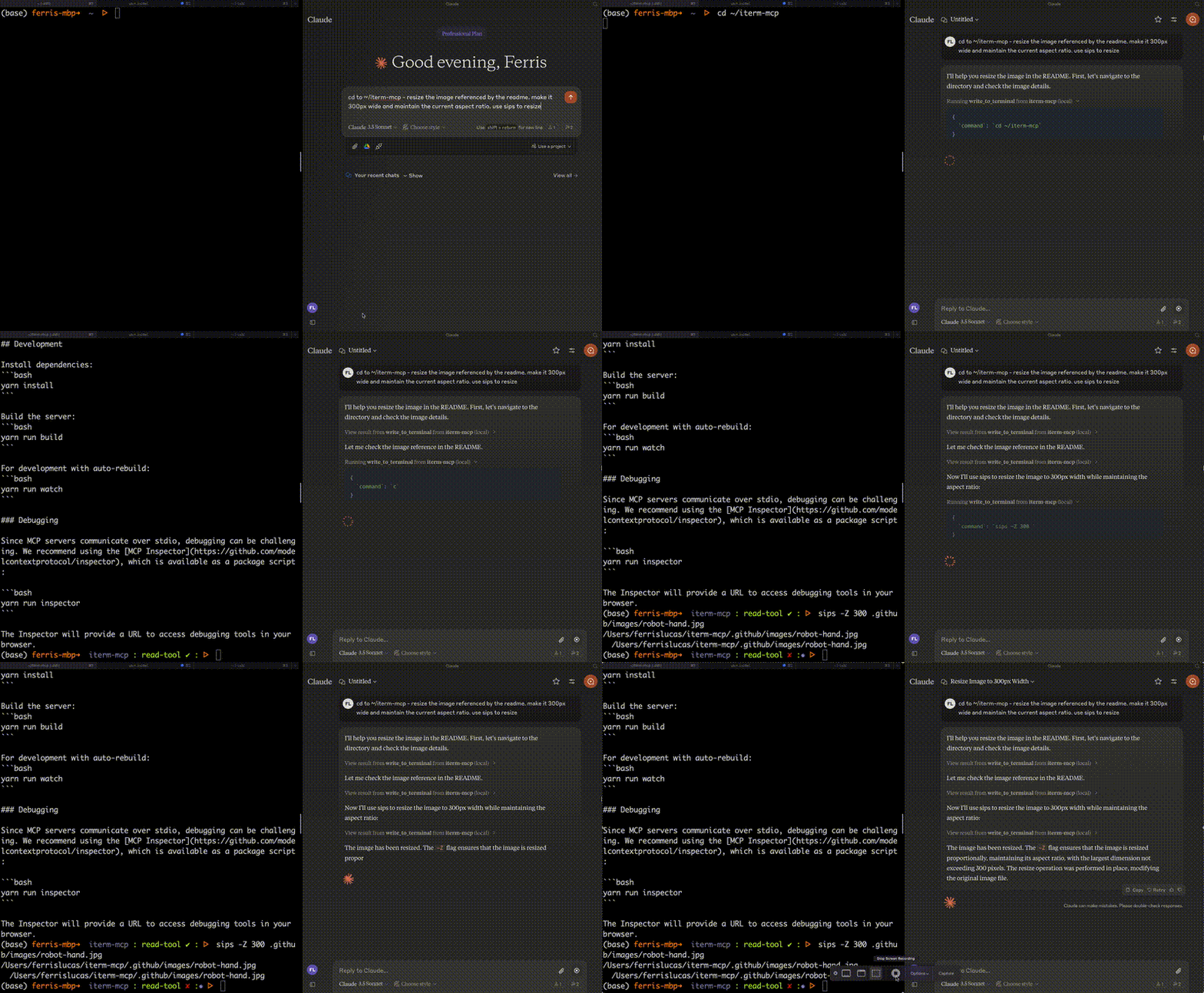
Features
Efficient Token Use: iterm-mcp gives the model the ability to inspect only the output that the model is interested in. The model typically only wants to see the last few lines of output even for long running commands.
Natural Integration: You share iTerm with the model. You can ask questions about what's on the screen, or delegate a task to the model and watch as it performs each step.
Full Terminal Control and REPL support: The model can start and interact with REPL's as well as send control characters like ctrl-c, ctrl-z, etc.
Easy on the Dependencies: iterm-mcp is built with minimal dependencies and is runnable via npx. It's designed to be easy to add to Claude Desktop and other MCP clients. It should just work.
Safety Considerations
- The user is responsible for using the tool safely.
- No built-in restrictions: iterm-mcp makes no attempt to evaluate the safety of commands that are executed.
- Models can behave in unexpected ways. The user is expected to monitor activity and abort when appropriate.
- For multi-step tasks, you may need to interrupt the model if it goes off track. Start with smaller, focused tasks until you're familiar with how the model behaves.
Tools
write_to_terminal- Writes to the active iTerm terminal, often used to run a command. Returns the number of lines of output produced by the command.read_terminal_output- Reads the requested number of lines from the active iTerm terminal.send_control_character- Sends a control character to the active iTerm terminal.
Requirements
- iTerm2 must be running
- Node version 18 or greater
Installation
To use with Claude Desktop, add the server config:
On macOS: ~/Library/Application Support/Claude/claude_desktop_config.json
On Windows: %APPDATA%/Claude/claude_desktop_config.json
{
  "mcpServers": {
    "iterm-mcp": {
      "command": "npx",
      "args": [
        "-y",
        "iterm-mcp"
      ]
    }
  }
}
Installing via Smithery
To install iTerm for Claude Desktop automatically via Smithery:
npx -y @smithery/cli install iterm-mcp --client claude
Development
Install dependencies:
yarn install
Build the server:
yarn run build
For development with auto-rebuild:
yarn run watch
Debugging
Since MCP servers communicate over stdio, debugging can be challenging. We recommend using the MCP Inspector, which is available as a package script:
yarn run inspector
yarn debug <command>
The Inspector will provide a URL to access debugging tools in your browser.