FLUX
Offizieller FLUX MCP-Server von Black Forest Labs. Generieren, bearbeiten, variieren und durchsuchen Sie FLUX.2-Bilder direkt in jedem MCP-kompatiblen Client.
Dokumentation

FLUX MCP
Bring FLUX into the tools you already use.
Generate, edit, vary, and browse FLUX and videos from any MCP-compatible client.



Install · Showcase · Tools · Skills · Examples · Troubleshooting
The FLUX MCP server exposes the full FLUX toolkit — text-to-image, image editing, multi-reference composition, virtual try-on, FLUX 3 video, variations, and history — to any client that speaks the Model Context Protocol. Generate options in parallel, edit attached images through prompts, try garments on a photo, animate stills into clips with audio, and branch into variations from any result you like. No API code, no keys pasted into the conversation.
- Hosted, remote, OAuth-only. Connect to
https://mcp.bfl.ai. Sign in with your BFL account, pick the org to bill — done. - Every FLUX.2 model. Pro, Max, Klein (4B & 9B), Flex. Your client picks the right one for the task.
- FLUX 3 video. Text-to-video, image-to-video from keyframes, and video continuation with synchronized audio, draft previews included.
- Built for chat. Up to 8 images in parallel per prompt. Edit attached images. Browse and reuse history.
- Specialist prompting guides. Official BFL guides cover focused image and FLUX 3 workflows.
- You pay BFL directly. No middleman, no shared quotas. Current rates: bfl.ai/pricing.
Install
Claude — Desktop & claude.ai
- Open Settings → Connectors.
- Click Add custom connector.
- Name it
FLUX, URLhttps://mcp.bfl.ai. - Click Connect, sign in, choose the BFL organization to bill.
Claude Code
claude mcp add --transport http FLUX https://mcp.bfl.ai
A browser opens on first use for OAuth. Tokens refresh automatically.
Cursor
One-click: Add to Cursor — opens Cursor with the FLUX server pre-filled.
Manual — add to .cursor/mcp.json:
{
  "mcpServers": {
    "FLUX": {
      "url": "https://mcp.bfl.ai"
    }
  }
}
Codex
codex mcp add flux --url https://mcp.bfl.ai
codex mcp login flux
Or append to ~/.codex/config.toml:
[mcp_servers.flux]
url = "https://mcp.bfl.ai"
Windsurf
Edit ~/.codeium/windsurf/mcp_config.json (note Windsurf uses serverUrl, not url):
{
  "mcpServers": {
    "FLUX": {
      "serverUrl": "https://mcp.bfl.ai"
    }
  }
}
Reload plugins from the Cascade panel. The first FLUX call opens a browser for sign-in.
Other MCP clients (stdio bridge via mcp-remote)
For clients that support stdio MCP but don't handle the OAuth flow themselves — for example Hermes (Nous Research) and similar tools that only accept static bearer tokens:
{
  "mcpServers": {
    "FLUX": {
      "command": "npx",
      "args": ["-y", "mcp-remote", "https://mcp.bfl.ai"]
    }
  }
}
mcp-remote opens a browser for OAuth, caches tokens to ~/.mcp-auth/, and refreshes them automatically.
Showcase
Generate a batch of options in one prompt
"Generate 4 editorial portrait variants — varied lighting, palette, and mood."
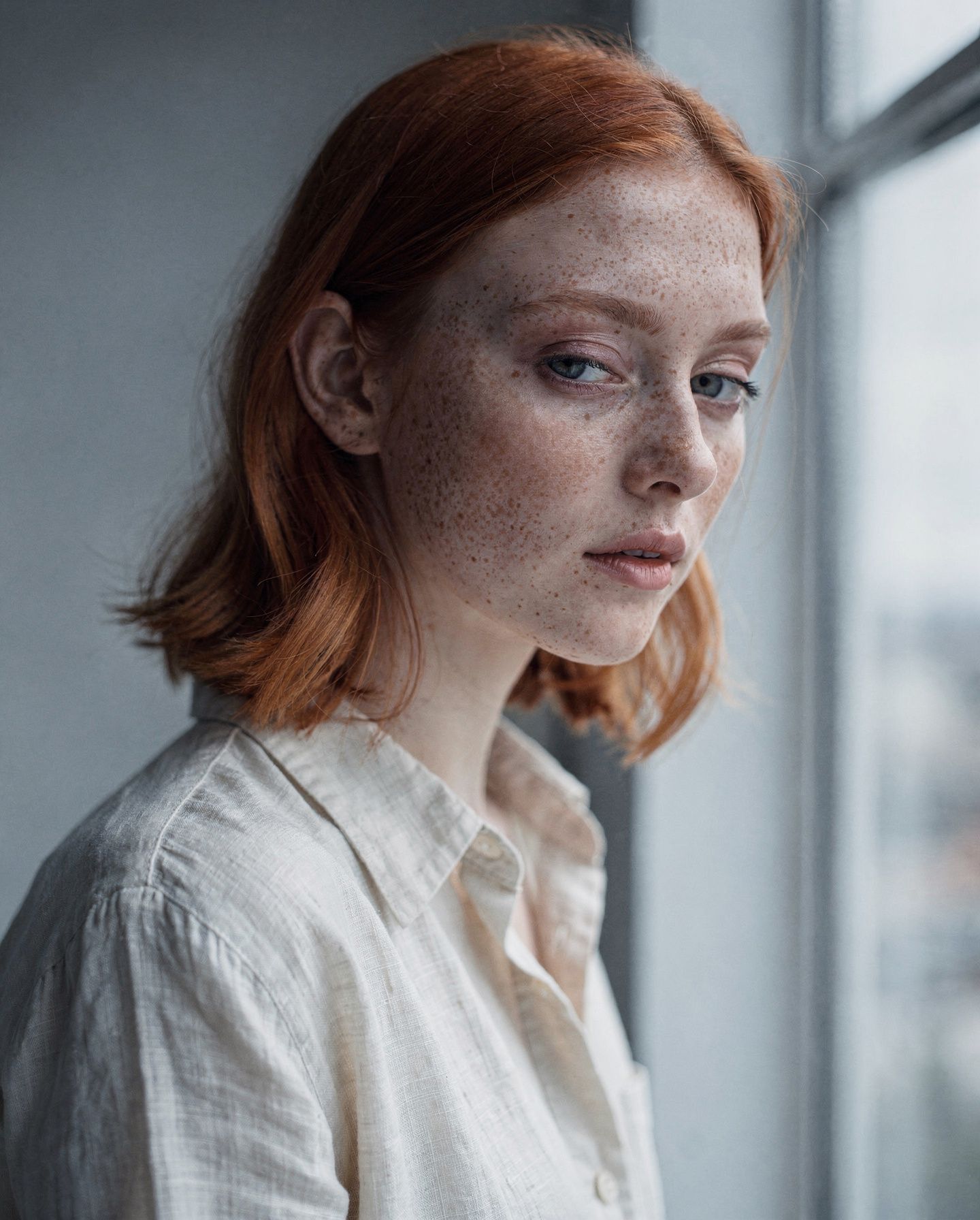
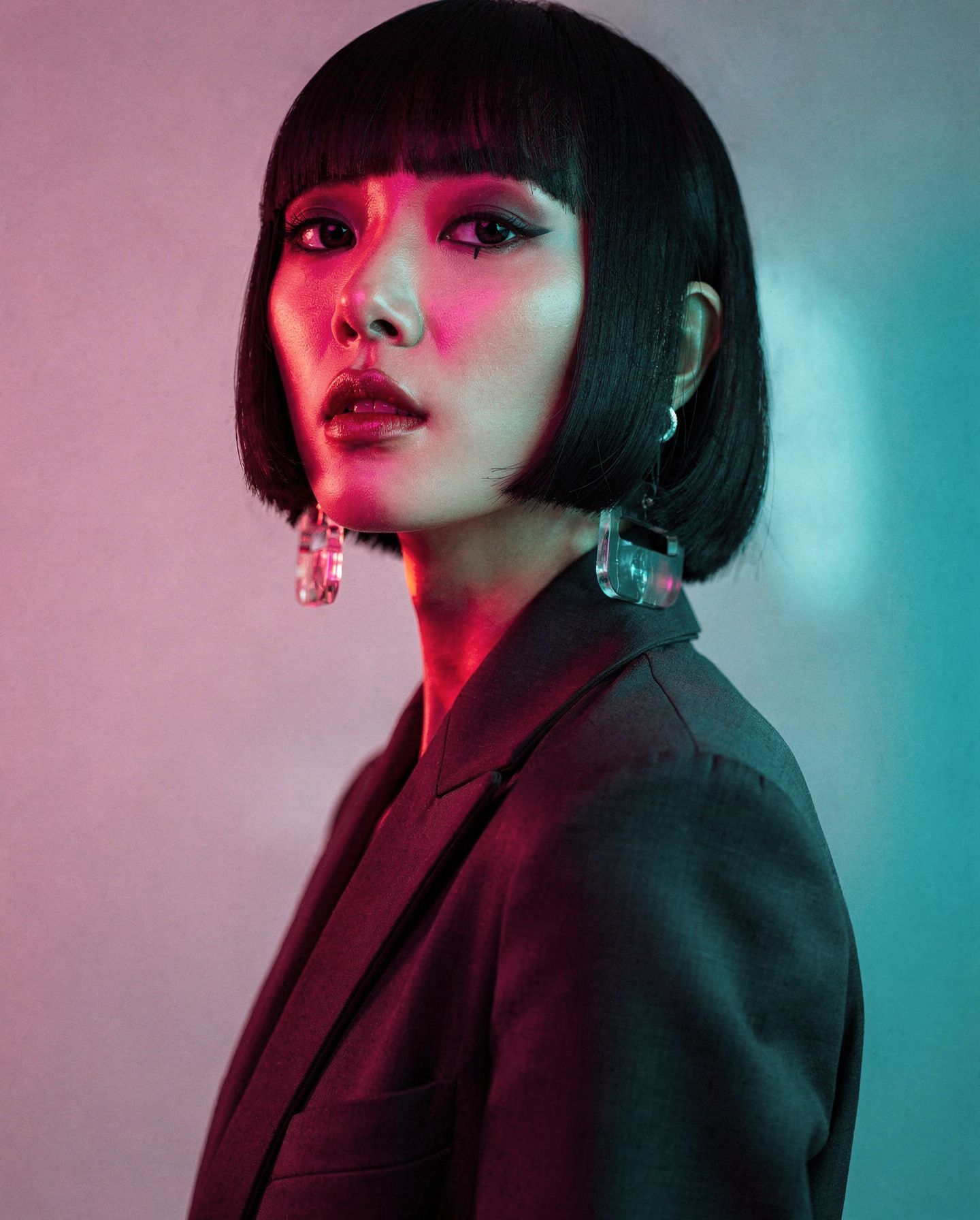
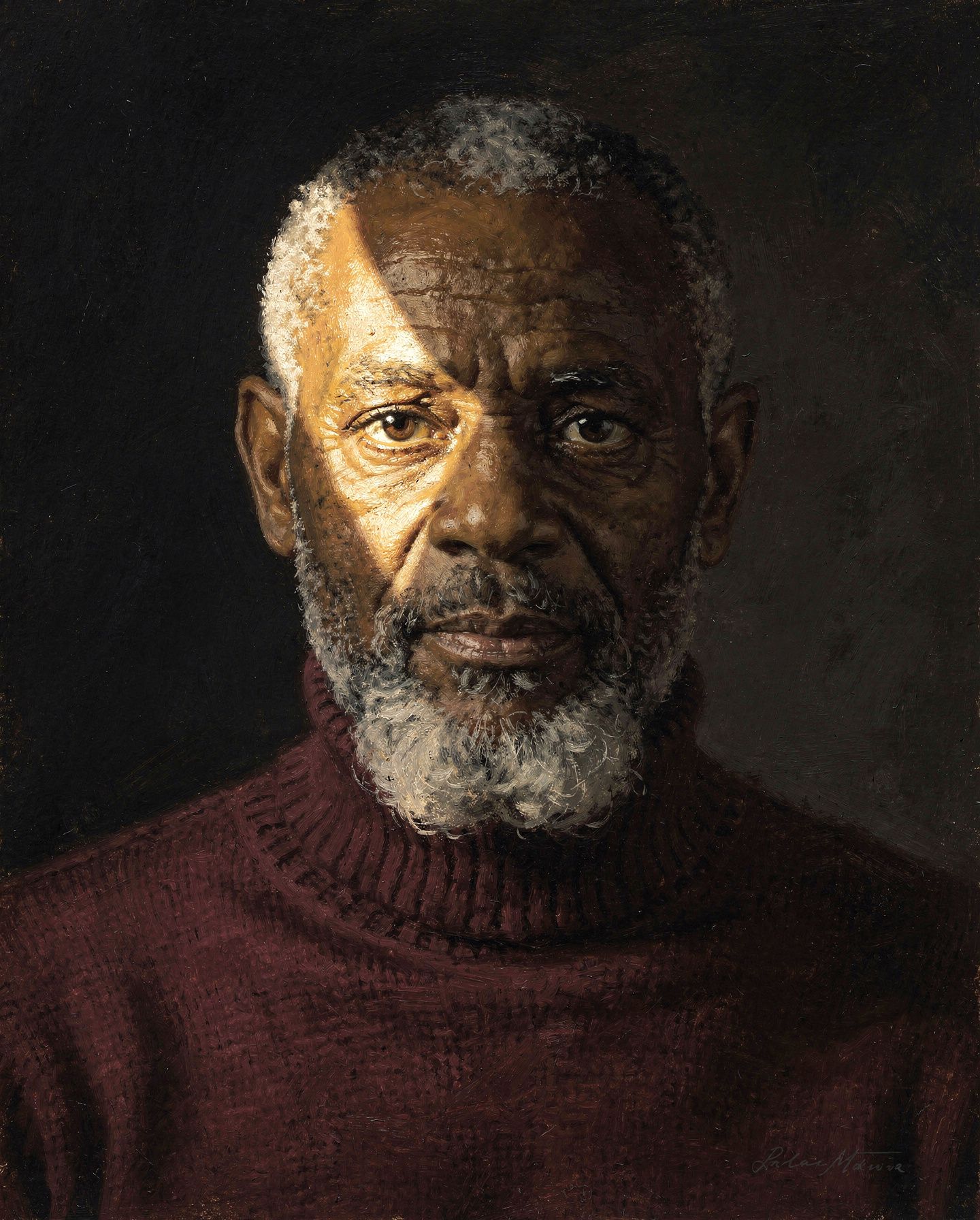
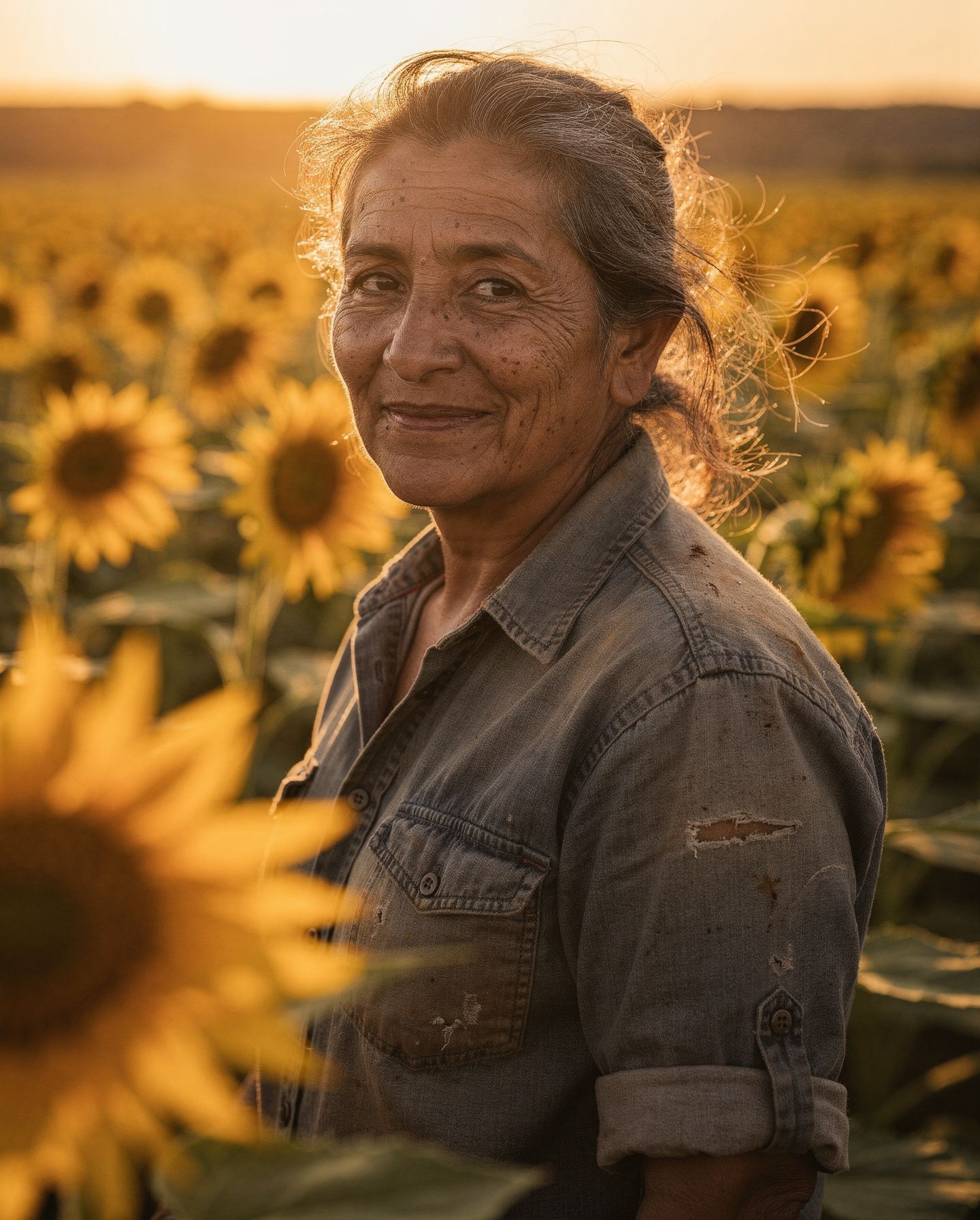
Or just one — when a single hero shot is what you need
"A top-down aerial photograph of shallow desert salt pools, intense direct sunlight."

Edit any image directly in chat
"Add a camel on the sand."
| Before | After |
| 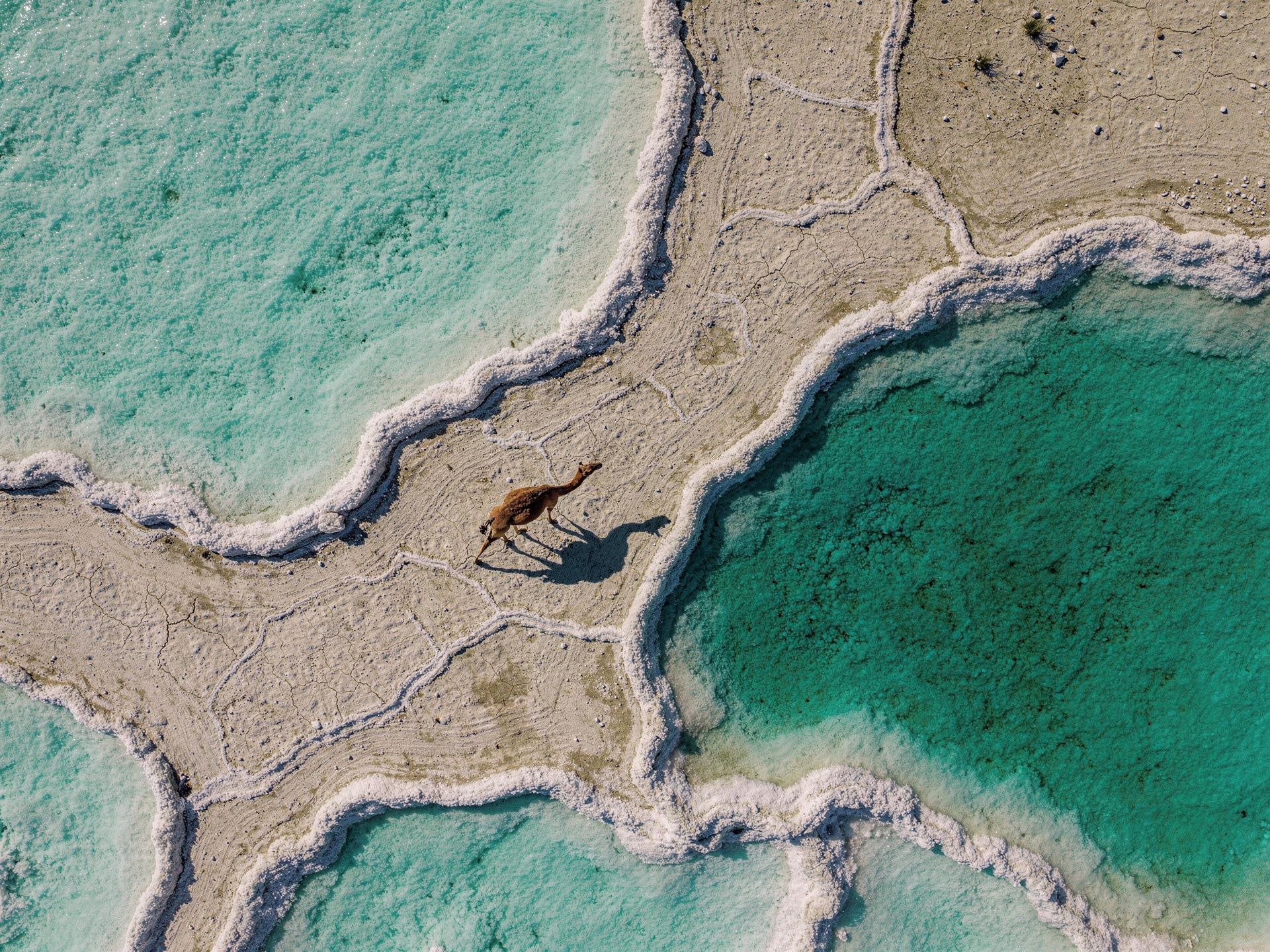 |
Browse and reuse your full generation history
"Show me my recent FLUX generations."
Every generation is saved. Tap any tile to edit, vary, or download. Variations branch off any past image in one click.
Tools
Your client picks which tool to call based on your prompt — you don't need to invoke them by name.
| Tool | What it does |
|---|---|
generate_image | Generate 1–8 images in parallel. Covers text-to-image, edits, multi-reference composition, style transfer, inpainting-style edits, and outpainting — all through prompts. |
vto | Virtual try-on — dress a person (or pet) in a garment, hat, sunglasses, shoes, bag, or any wearable from a reference image. Preserves face, hair, and pose; only the worn item changes. |
generate_video | Generate 1–4 videos in parallel with FLUX 3 — text-to-video, image-to-video from keyframes, or continuation of an existing video. 5–20 seconds, synchronized audio. |
enhance_video | Re-render a draft video at full quality — the same composition, seed, and prompt plan as the draft you picked. |
generate_variations | Produce N more images in the same direction as a previous generation (identified by request_id). Defaults to 4, max 8. |
get_history | List recent generations as a thumbnail grid with per-tile Variations / Edit / copy / download actions. Keyset pagination, date filters. |
get_credits | Return your remaining BFL credit balance. |
list_skills | List the official BFL prompting guides — image best practices, video direction, audio and dialogue, keyframes, product ads, archival looks, API integration. |
get_skill | Fetch one guide by name. Long guides return an intro plus a section index; fetch the sections the task needs. |
Models
Available on generate_image:
| Model | Use it for |
|---|---|
flux2_pro_preview (default) | Everyday work — best balance of quality and speed |
flux2_max | Hero shots, final assets — highest quality |
flux2_klein_9b_preview | Faster iterations, up to 4 input images |
flux2_klein_4b | Fastest option |
flux2_flex | Typography and readable text |
The full catalog, per-model reference-image limits, the FLUX Tools (vto), and FLUX 3 video are also exposed as the bfl://models MCP resource.
Video
generate_video renders 24fps MP4 clips of 5–20 seconds with synchronized audio, up to 4 in parallel per call. Every request uses one of three modes:
| Mode | Input | What you get |
|---|---|---|
t2v | Prompt only | A clip generated from your description |
i2v | Prompt + 1–10 keyframe images | One keyframe animates a still from its exact opening frame; two bridge an opening and a closing frame; 3–10 form a storyboard spread evenly across the clip (explicit duration required) |
v2v | Prompt + a source video | A continuation of the source's final seconds, audio included |
- Prompts are prose FLUX 3 reasons about the prompt and plans the generation before rendering — describe the scene, the motion, and the sound. There is no seed or model parameter on video.
- Keyframes reference a prior result (
request_id), an uploaded image, or a public URL. Optional per-keyframe timestamps (in seconds, ascending — set on all keyframes or none) pin exact positions in the clip; withdurationset toauto, the clip runs to the last timestamp (20 seconds max). - Source videos for
v2vare a priorgenerate_videoresult, an attached MP4 up to 50 MB, or a public MP4 URL. - Format controls.
duration: 5–20 seconds orauto(default).aspect_ratio:auto(default),21:9,2:1,16:9,4:3,1:1,3:4, or9:16.resolution:hd(default, 704p-class) orfhd(finished by a video upsampler on a 1080p-class canvas).generate_audio: on by default. - Drafts are the way to explore.
draft: truerenders a fast low-step preview of the exact planned generation (hdonly). Batch cheap drafts, pick the winner, andenhance_videore-renders it at full quality from itsrequest_id. - Renders take minutes — long clips up to about an hour. The tool returns immediately with a pending
request_id; results survive closing the chat and resume automatically. - Reference-based conditioning (identity and motion references) is not part of the video surface; a dedicated
r2vmode follows later.
Prompting skills
The server ships specialist prompting guides from black-forest-labs/skills and serves them three ways, so every client gets at least one. These guides cover focused workflows; a general FLUX 3 prompting guide is not included yet:
- Tools —
list_skillsandget_skill(name). Works everywhere, including ChatGPT. - Resources —
bfl://skills/<name>for clients with resource pickers (Claude, Cursor). - Prompts —
skill_<name_with_underscores>slash-prompts where the client supports them (e.g.skill_flux_image_best_practices).
Ask "what FLUX skills do you have?", or just request something specialized like a product ad, Super 8 footage, dialogue direction. The generation tools point your client at the matching guide before it writes the prompt.
Example prompts
Try these in your client once FLUX is connected:
Generate 4 editorial portrait variants — varied lighting, palette, and mood.
Use FLUX.2 [pro] at 1440×1792.
A top-down aerial photograph of shallow desert salt pools at golden hour,
intense direct sunlight, #FF6B6B and #F5E6D3 mineral deposits, FLUX.2 [max].
[attach an image]
Add a camel on the sand. Preserve the rest of the composition exactly.
Generate a movie poster with the title "MIRAGE" in 1970s grindhouse type,
high-contrast cyan and orange. Use FLUX.2 [flex].
[attach a selfie]
Try this on me — a red Nike Tech Fleece hoodie, oversized fit.
[attach an image]
Animate this into a 10-second clip — slow push-in, wind through the palms,
distant surf.
Generate 3 draft videos of a paper lantern rising over a night market,
each with a different camera move. I'll enhance the best one.
Show me my recent FLUX generations.
[click Variations on a past image]
4 more like this one, vary the lighting.
Prompt tips
- Front-load the subject. Put the most important object, person, or scene first.
- Describe lighting. "Soft golden hour light" or "overcast diffused studio light" gives the model useful direction.
- Use hex colors.
#FF6B6B (coral pink)is more precise than "pinkish red". - Quote rendered text. Use exact quoted strings for typography, labels, posters, and signs.
- Avoid negative prompts. FLUX responds to what you describe, not a list of what to avoid.
- Iterate from results. Use Variations for alternatives, or Edit to keep refining a generated image.
The server exposes specialist guides for focused workflows. A general FLUX 3 prompting guide is not included yet.
Troubleshooting
Tools don't appear after connecting
- Claude Desktop / claude.ai: Settings → Connectors, confirm FLUX shows as Connected. If it failed silently, remove and re-add — make sure pop-ups aren't blocked so the OAuth window can open.
- Claude Code:
claude mcp listshould show the server. - Codex:
codex mcp listshould showflux. Start a new Codex session after adding. - Quick smoke test: ask your client "check my BFL credits".
Refreshing tools or reconnecting the server
- Claude.ai / Desktop: Settings → Connectors → toggle FLUX off and on, or click Reconnect.
- Claude Code:
/mcpshows status and reauth. Full rebuild:claude mcp remove FLUX claude mcp add --transport http FLUX https://mcp.bfl.ai - Codex:
codex mcp login flux. Full rebuild:codex mcp remove flux codex mcp add flux --url https://mcp.bfl.ai - mcp-remote clients:
rm -rf ~/.mcp-authand restart the client to force a fresh OAuth.
Authentication or billing errors
- Make sure you have a BFL account at bfl.ai.
- Disconnect and reconnect the connector to redo OAuth.
- Check the selected organization has sufficient credits.
- Ask your client to check your BFL credits to verify the balance.
A generation keeps loading
Large batches, FLUX.2 [max], or complex edits take longer than smaller generations. Visual MCP clients update the image view automatically.
Video renders take minutes — long clips up to about an hour. They return a pending request immediately and resume automatically, even if you close the chat and come back later.
Attached image or video editing fails
Your MCP client needs permission to upload attached media to BFL. If your client blocks outbound HTTPS from its sandbox, allow *.bfl.ai or pass a public URL instead. Video uploads are MP4 only, up to 50 MB.
Switching the billed organization
Disconnect the FLUX connector in your client and reconnect it. The OAuth flow will prompt you to select an organization again.
Agent Skills (companion repo)
MCP and Agent Skills solve different problems:
| MCP (this repo) | Agent Skills | |
|---|---|---|
| What it does | Generates, edits, varies, and browses images directly in chat | Teaches your coding agent how to write FLUX API code |
| Best for | Creative work inside Claude or another MCP client | Building applications that call the FLUX API |
Use both. They complement each other and the skills repo's prompting guides are served directly over MCP too (see Prompting skills).
Links
- Docs — docs.bfl.ai
- Pricing — bfl.ai/pricing
- Status — status.bfl.ai
- Black Forest Labs — bfl.ai
License
MIT © Black Forest Labs