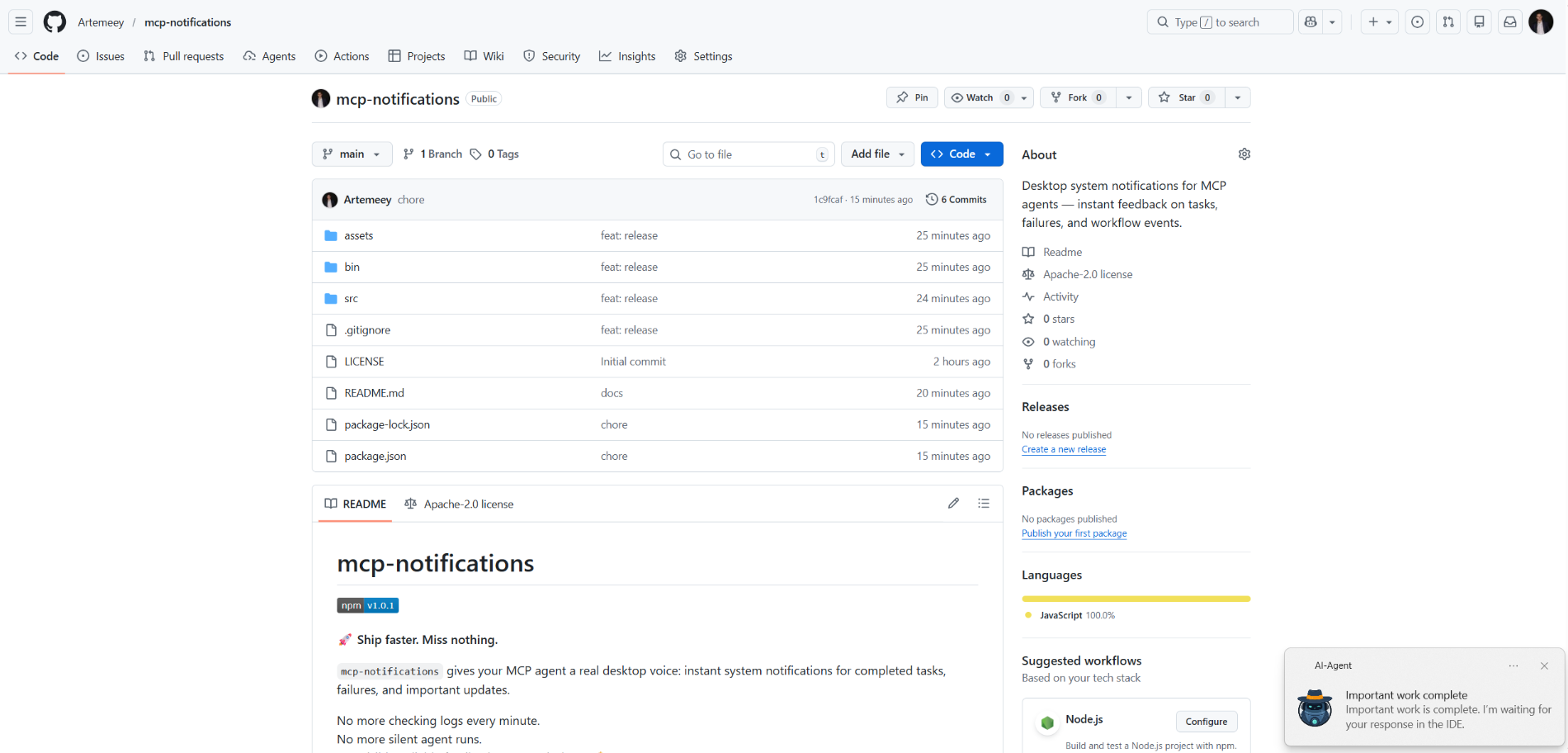
mcp-notifications
官方桌面系統通知,適用於 MCP 代理程式 — 提供任務、失敗及工作流程事件的即時回饋。
你可以用 Notifications MCP 做什麼?
- 發送桌面通知 — 要求代理在任務完成時呼叫
send_notification,並附上自訂標題與訊息。 - 包含聲音提示 — 設定
play_sound: true,讓通知送達時播放系統音效。 - 在 Windows 上自訂通知來源 — 傳入
app_id以控制快顯通知中顯示的應用程式名稱,或透過MCP_NOTIFICATIONS_APP_ID環境變數進行全域設定。 - 使用自訂圖示 — 提供
icon路徑以取代通知中的預設圖像。
文件
mcp-notifications

🚀 更快交付。絕不遺漏。
mcp-notifications 讓您的 MCP 代理能夠針對已完成的任務、失敗情況和重要更新發送桌面通知。
這對主控台 AI 代理特別有用,因為它們預設通常沒有內建的通知功能。
不用再每分鐘檢查對話。
不再有無聲的代理回應。
只有桌面上可見、可靠的回饋。🔔
此工具解決的常見問題
您將任務交給多個 AI 代理,然後等待並不斷檢查誰已經回覆。
有了 mcp-notifications,這變得更簡單:代理可以在需要您輸入或工作完成時,在桌面上通知您。
團隊安裝此工具的原因
- ⚡ 來自 MCP 工作流程的即時回饋。
- 🧠 更佳的專注力:讓代理工作,您則繼續處理主要任務。
- 🖥️ 透過
node-notifier的原生作業系統通知。 - 🧵 非阻塞行為:通知發送在背景佇列中處理。
全域安裝
需求:
- Node.js
>=20 - npm
>=10
npm i -g @topvisor/mcp-notifications
執行檔名稱(在 MCP 設定中使用此名稱):
mcp-notifications
mcp-notifications 是一個 MCP 伺服器進入點 (stdio),而非一次性通知指令。
設定:Codex
將此新增至 ~/.codex/config.toml:
[mcp_servers.notifications]
enabled = true
command = "mcp-notifications"
args = []
設定更新後重新啟動 Codex。
設定:Claude Agent
將 MCP 伺服器設定新增至您的 Claude 客戶端設定檔:
{
  "mcpServers": {
    "notifications": {
      "command": "mcp-notifications",
      "args": []
    }
  }
}
然後重新啟動 Claude 客戶端。
AI 代理通知指令
通知有兩種方式:手動和自動。
選擇最適合您工作流程的方式。
手動
在您希望收到通知的任務中,明確要求代理。範例:
Count files in the project; after the task is fully complete, notify me with sound.
您也可以在特定對話中定義聲音、主題和頻率規則。範例:
Notify me about your replies without sound, include the reply text, and use title: "Large Refactoring"
自動
自動通知可以在全域或按專案設定。
啟用代理回覆自動通知的範例指令:
Send `send_notification` after your replies (actual task time >5 seconds or many steps); `play_sound: false`; `app_id: '{put your chat name here}'`
時間是一個粗略的閾值,取決於模型行為,因此請根據自己的偏好調整此指令。
在技能中
您也可以在特定技能中啟用通知。以「審查」技能為例:
After the review, run `send_notification` with a short summary; `play_sound: true`; `app_id: 'Reviewer {put task id here}'`
工具
send_notification
輸入:
titlestring(必要)messagestring(必要)play_soundboolean(可選,預設:false)iconstring(可選,圖片檔案的絕對或相對路徑)app_idstring(可選,用於快顯通知來源的 Windows 應用程式使用者模型 ID)
範例:
{
  "title": "Codex",
  "message": "Deployment completed successfully",
  "play_sound": true,
  "icon": "/opt/mcp-notifications/icons/custom.png",
  "app_id": "Topvisor.Codex"
}
app_id (Windows)
app_id控制 Windows 快顯通知中顯示的來源。- 如果未設定
app_id,Windows 可能會將SnoreToast顯示為來源。 - 您可以在每次工具呼叫中傳遞
app_id,或將MCP_NOTIFICATIONS_APP_ID設定為伺服器的環境變數。
後端選擇
您可以透過環境變數 MCP_NOTIFICATIONS_BACKEND 選擇通知傳輸方式:
auto(預設):如果可用,在 WSL 中使用powershell,否則使用node-notifierpowershell:強制使用powershell.exeWindows 快顯通知傳輸(建議用於 WSL)node-notifier:強制使用node-notifier套件
在 Codex 中測試的聊天提示
直接在聊天中使用這些訊息:
Check send_notification
Send a notification without sound: title "Test", message "Check"
Send a notification with sound: title "Test", message "Check"
Send a notification with app_id "Topvisor.Codex": title "Test", message "Check"
Send 3 test notifications in a row without sound
預期的日誌/回應中的工具結果:
Notification queued
行為
- ✅ 使用標準系統通知管道。
- 🔊 當
play_sound: true時,使用標準系統通知音效。 - 🤖 使用內建的 Topvisor 機器人圖像作為預設通知圖示。
- 🧰 快速返回,同時通知在背景佇列中傳遞。
範例
AI 代理正在等待您: