Dr. Canary Customer Journey QA
将 Dr. Canary 客户旅程 QA 引入你的助手:在已连接的网站和 Web 应用中查找 UX 问题,审查浏览器证据,准备开发者修复说明,保存针对性检查并跟进受支持的复查。包括移动 Web、咨询回复和 Cookie 同意观察。
托管 MCP 服务器
npx add-mcp 'https://www.drcanary.com/api/mcp/'可安装到 Claude Code、Codex、Cursor 等客户端
文档
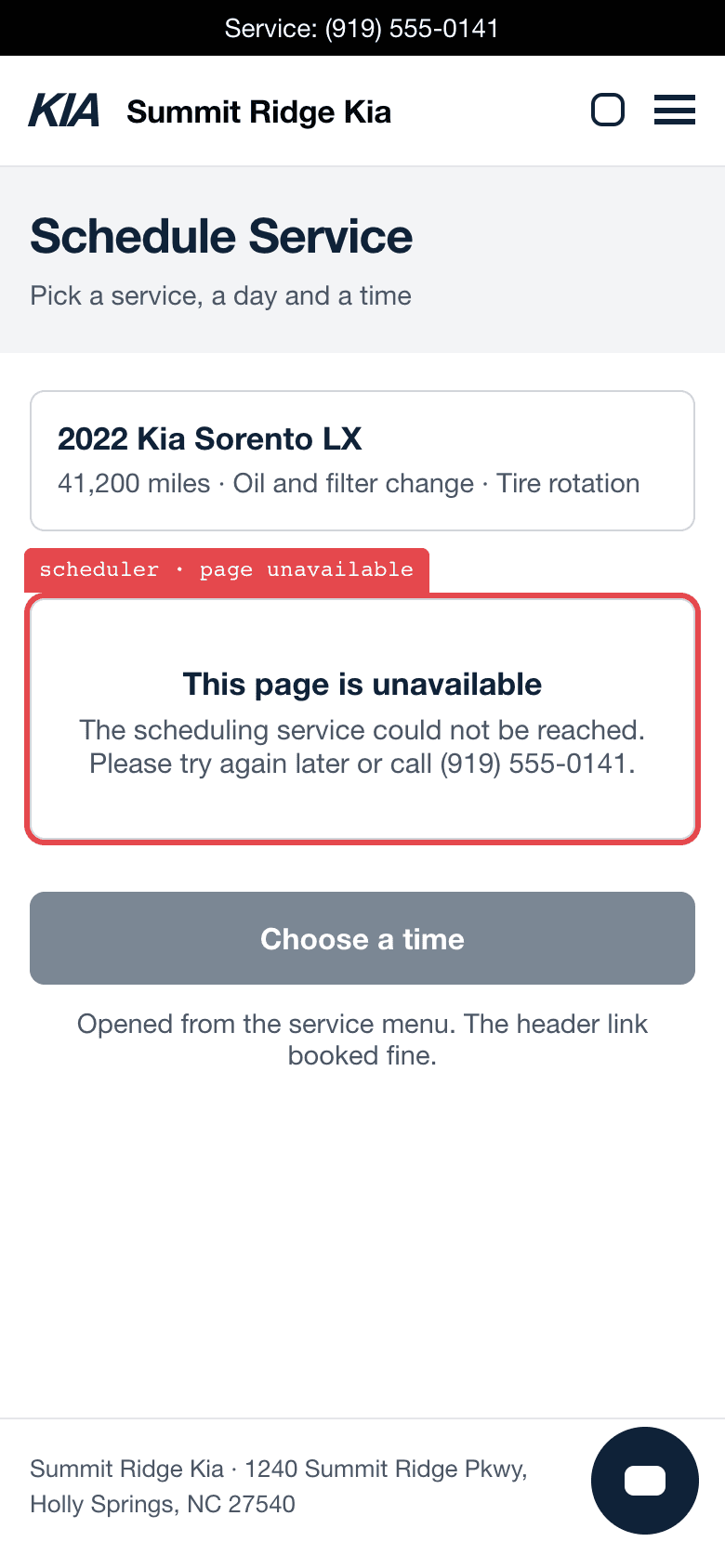
A service scheduler on a phone showing “This page is unavailable” where the calendar should be.
Three jobs, 19 customer tools.
Your assistant uses the same customer services as the portal for reads, shopper changes, and checks.
Read what the bird found
Your sites and Groups, saved shoppers and recorded checks, site tools and journeys, inquiry details, and published reports with their evidence.
Try What did the last check find at my store?
list_siteslist_assignmentslist_assignment_runslist_runsget_runlist_groupsget_grouplist_site_toolslist_journeysget_journey_assessmentlist_reportsget_reportget_inquiry
Change a saved shopper
Create a shopper on one of your site’s defaults or edit one, set its calendar, pause it, or retire it. Saved settings include its name, frequency and areas of focus, and a dealer shopper’s departments and inquiry choice. Saving never starts a check.
Try Pause the service shopper.
save_assignmentset_assignment_calendarretire_assignment
Request a check
Request a site or authorized Group check. The basic site check uses the first saved shopper that has not been retired, including one that is paused. A finding recheck requests the ordinary site check. Checks may send permitted test inquiries and use your allowance.
Try Recheck the site and follow this check to its report.
request_recheckrequest_group_recheckrequest_finding_recheck
Optional CRM outreach tools
A current superadmin can separately opt in to 12 CRM outreach tools on a connection. This is distinct from the staff grant for catalogue access and public checks. The consent checkbox is off by default; these tools can import CRM records and approve and send real campaign emails.
Connect your account
Pick your assistant. Each path ends at the Dr. Canary sign-in, where you see what the connection can read and change before you approve it. Then ask your assistant to list your Dr. Canary sites.
WherePlugins, on chatgpt.com
- Open Plugins, press +, and choose Add custom MCP server.
- Paste the server URL and choose OAuth for authentication.
https://www.drcanary.com/api/mcp/Copy - Choose Create as a plugin, install it, then press Connect and sign in to Dr. Canary.

Give your assistant something to read.
A checkup is one report. Monitoring keeps the bird shopping your site on a schedule, so there is a fresh report every time you ask.