Hologrow
官方适用于任何AI的电子商务数据层
你可以用 Hologrow MCP 做什么?
- 发现已连接的平台 — 让您的助手调用
list_platforms来查看哪些数据源已连接及其模式名称。 - 浏览可用表 — 使用
list_tables查找特定平台(如 Amazon 或 Google Ads)的可查询表。 - 检查数据模式 — 在编写任何 SQL 之前,让
get_data_dictionary解释列、类型和字段含义。 - 检查数据新鲜度 — 在做出时间敏感决策之前,使用
get_freshness验证同步覆盖范围和上次刷新时间。 - 运行只读查询 — 让
query_db使用安全、只读的 SQL 针对您已同步的商业数据回答业务问题。
文档






Hologrow MCP
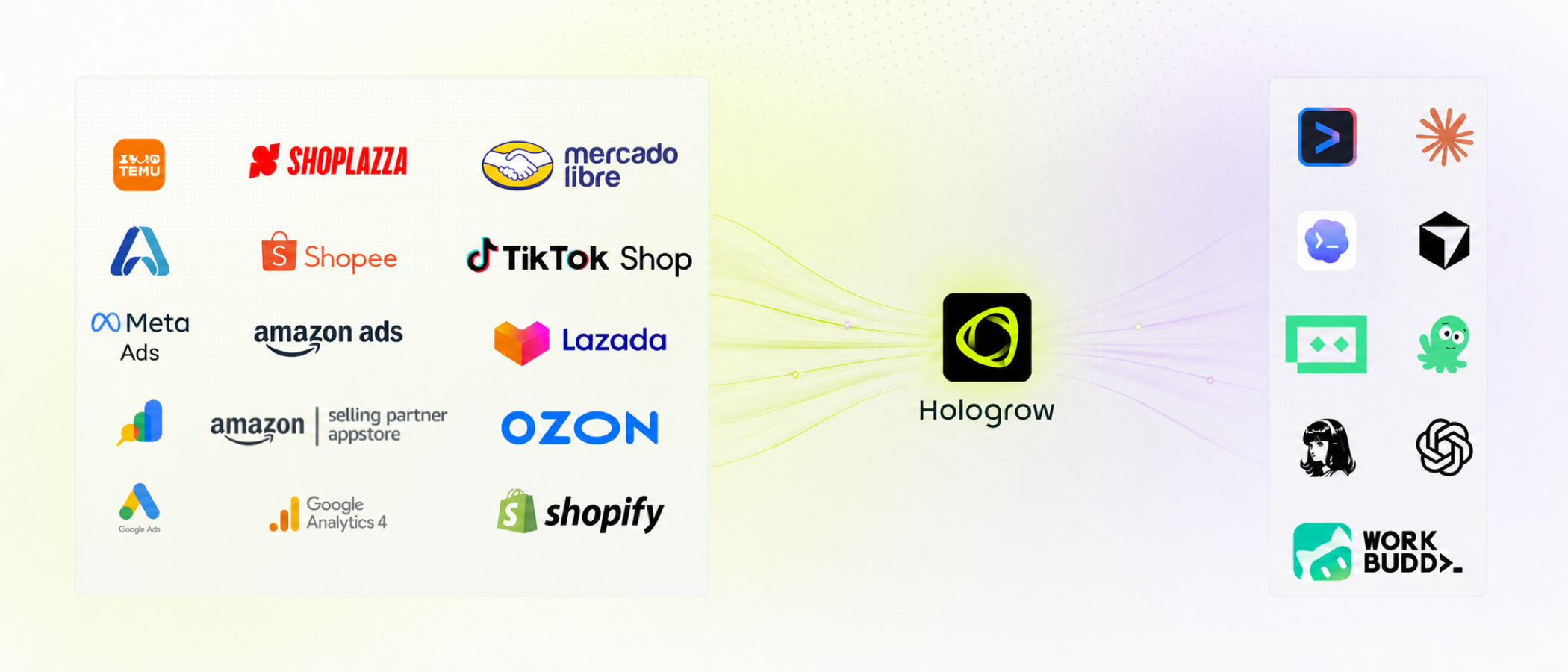
面向 AI 的商业数据层。 一次连接 Amazon、Google Ads、GA4 及其他销售系统。Hologrow 保持数据同步,然后 MCP 让 Claude、Cursor、Codex、ChatGPT 及其他智能体查询数据——无需 CSV 导出或一次性 API 脚本。
托管于 mcp.hologrow.ai。控制台位于 connector.hologrow.ai。文档位于 docs.hologrow.ai。
为什么选择 Hologrow?
- 为你已在使用的工具而生:一次连接,然后在 Claude、Cursor、Codex、ChatGPT、豆包或 Hermes 中提问
- 面向 LLM 的商业数据:为 Amazon SP、Amazon Ads、Google Ads、GA4、Search Console、Shoplazza 和领星 ERP 提供稳定的表结构
- 复杂工作交给我们:平台 OAuth、同步、数据新鲜度和模式——智能体只负责读取
- 默认只读:MCP 从不写回广告账户或店铺
- 智能体就绪:五个发现工具,加上一条命令即可安装的分析技能
功能概览
MCP 工具
| 功能 | 描述 |
|---|---|
| list_platforms | 查看已连接的数据源以及可查询的模式 |
| list_tables | 列出某个平台可查询的表 |
| get_data_dictionary | 编写 SQL 前查看列、类型、键和字段描述 |
| get_freshness | 查看同步覆盖范围和最近一次成功刷新时间 |
| query_db | 对 schema_name.table 执行一次只读 SELECT |
更多
| 功能 | 描述 |
|---|---|
| 技能 | 为你的智能体提供可复用的 Amazon / Google Ads 分析工作流 |
| 客户端 | ChatGPT、Claude、Cursor、豆包、Claude Code、Hermes |
快速开始
- 在 connector.hologrow.ai 创建工作区。
- 至少连接一个数据源,等待首次同步完成。
- 将 Hologrow MCP 添加到你的智能体。OAuth 客户端在界面中完成授权。Cursor / Claude Code / Hermes 使用 AI 平台 → 高级设置 中的 API 密钥。
仅创建 API 密钥是不够的。当智能体能够调用 list_platforms 时,安装才算成功。
MCP
连接任何兼容 MCP 的客户端。传输方式为 Streamable HTTP。
{
  "mcpServers": {
    "Hologrow": {
      "url": "https://mcp.hologrow.ai/mcp",
      "headers": {
        "Authorization": "Bearer YOUR_API_KEY"
      }
    }
  }
}
ChatGPT / Claude / 豆包(OAuth)
ChatGPT 网页版
- ChatGPT → 设置 → 安全与登录 → 开启开发者模式。
- 侧边栏 → 插件 → +。
- 名称:
Hologrow - 服务器 URL:
https://mcp.hologrow.ai/mcp - 身份验证:
OAuth
- 名称:
- 点击使用 Hologrow 登录并允许访问。
ChatGPT 桌面版 / Codex
- 设置 → 插件 → 添加 MCP 服务器。
- 名称:
Hologrow。类型:Streamable HTTP。URL:https://mcp.hologrow.ai/mcp。 - 点击身份验证并完成授权。
Claude 网页版 / 桌面版
- 设置 → 自定义 → 连接器 → 添加自定义连接器。
- 名称:
Hologrow。远程 MCP 服务器 URL:https://mcp.hologrow.ai/mcp。 - 登录并点击允许访问。
豆包桌面版(仅桌面应用)
- 技能 · 连接器 · 合作伙伴 → 新建自定义连接器。
- 名称:
Hologrow。传输方式:HTTP。URL:https://mcp.hologrow.ai/mcp。请求头留空。 - 点击授权并允许访问。
Cursor / Claude Code / Hermes(API 密钥)
从控制台复制 API 密钥,然后将以下提示发送到新的 Agent 对话中。替换 {apiKey}。不要要求智能体回显密钥。
Install the Hologrow MCP server and test the connection.

Connection details:
- Name: Hologrow
- URL: https://mcp.hologrow.ai/mcp
- Transport: Streamable HTTP
- Authentication: API Key
- Header: Authorization: Bearer {apiKey}

Requirements:
1. Add Hologrow using this client's native MCP configuration. Use API Key authentication only; do not use OAuth.
2. Make only the changes required for installation. Keep the API key secret and do not repeat, log, or include it in your response.
3. After installation, call Hologrow's list_platforms tool once. Do not call any other tools.
4. If successful, list the connected data platforms exactly as returned. If installation, authentication, connection, or the tool call fails, stop and explain the error.
验证
开启新的对话并发送:
Use Hologrow’s list_platforms tool to list my connected data platforms. Do not call any other tools.
输出:
{
  "items": [
    {
      "platform": "amazon_sp_seller",
      "connected": true,
      "table_count": 30,
      "schemas": [
        {
          "schema_name": "amazon_sp_seller_xxxxxxxx",
          "display_name": "US Seller",
          "connection_status": "healthy"
        }
      ]
    },
    {
      "platform": "google_ads",
      "connected": false,
      "table_count": 15,
      "schemas": []
    }
  ]
}
空列表仍表示 MCP 已安装——只是工作区尚未连接数据源。
赋能你的智能体
几分钟内将 Hologrow 连接到任何 AI 智能体。
技能
为你的智能体提供查询工作流以及 Amazon / Google Ads 操作手册。
npx skills@latest add hologrow/hologrow-mcp --skill hologrow-data-middleware --global --yes
安装后重启智能体。适用于 Claude Code、Cursor、Codex 及其他支持技能的客户端。
npx skills@latest add hologrow/hologrow-mcp --skill amazon-ppc-campaign --agent cursor --global --yes
npx skills@latest add hologrow/hologrow-mcp --skill google-ads-audit --agent claude-code --global --yes
智能体接入
你是 AI 智能体吗?获取此技能,然后调用 list_platforms。
curl -s https://raw.githubusercontent.com/hologrow/hologrow-mcp/main/skills/hologrow-data-middleware/SKILL.md
工具
| 工具 | 描述 |
|---|---|
list_platforms | 发现可用的数据平台、连接状态和模式名称。首先调用此工具。 |
list_tables | 列出由 list_platforms 返回的精确平台的可查询表。 |
get_data_dictionary | 检查来自 list_tables 的 1 到 10 个精确表名的列、类型、键和字段含义。 |
get_freshness | 检查同步覆盖范围和新鲜度。schema_name 来自 list_platforms;传入来自 list_tables 的 1 到 50 个表名。 |
query_db | 使用一条只读 SQL SELECT 针对 schema_name.table 回答数据问题。 |
始终从工具中发现名称。切勿凭空编造平台、模式、表或列名。中间件字段名通常与 Amazon / Google 界面标签不同。
list_platforms → list_tables → get_data_dictionary → get_freshness → query_db
如果工具失败或被取消,请明确说明。切勿从未返回的结果中推断为零、无数据或某个指标。
list_platforms
发现用户可用的数据平台、连接状态和模式名称。在接入期间以及相关平台或模式未知时使用。返回平台以及供后续工具和 SQL 使用的 schemas[].schema_name。
list_platforms()
list_tables
列出由 list_platforms 返回的精确平台的可查询表。在检查字段或编写 SQL 之前,使用此工具查找与用户问题相关的表。返回 get_data_dictionary、get_freshness 和 query_db 的精确表名;切勿编造表名。
list_tables({ "platform": "amazon_sp_seller" })
输出:
{
  "tables": ["order_items", "sales_and_traffic_daily", "fba_inventory_summaries"]
}
get_data_dictionary
检查由 list_tables 返回的 1 到 10 个精确表名的列、类型、键和字段含义。在编写 SQL 之前使用。这些名称可能与源平台 API 或报表字段不同;仅使用返回的名称。
get_data_dictionary({
  "platform": "amazon_sp_seller",
  "table_names": ["orders", "order_items"]
})
get_freshness
在做出对时间敏感的结论之前,检查同步覆盖范围和新鲜度。schema_name 必须来自 list_platforms schemas[].schema_name;提供来自 list_tables 的 1 到 50 个精确表名。可选的 scope 按资源身份过滤,例如 {"marketplace_id": "ATVPDKIKX0DER"}。
get_freshness({
  "schema_name": "amazon_sp_seller_xxxxxxxx",
  "table_names": ["orders"],
  "scope": { "marketplace_id": "ATVPDKIKX0DER" }
})
query_db
在发现相关模式、表和列之后,使用一条只读 SQL SELECT 回答具体的数据问题。将每个表完全限定为 schema_name.table,并且只使用由 list_platforms、list_tables 和 get_data_dictionary 返回的标识符。
query_db({
  "query": "SELECT purchase_date::date AS day, order_status, COUNT(*) AS order_items, SUM(quantity) AS units FROM amazon_sp_seller_<schema>.order_items WHERE purchase_date >= CURRENT_DATE - INTERVAL '7 days' GROUP BY 1, 2 ORDER BY 1 DESC LIMIT 100",
  "max_rows": 100
})
将 <schema> 替换为来自 list_platforms 的 schema_name。item_price 是订单行总额;仅当需要单价时才除以 NULLIF(quantity, 0)。不要将 _synced_at 用作销售日期。
规则
- 仅限单条语句。不允许
INSERT/UPDATE/DELETE/ DDL,不允许EXCEPT或INTERSECT,不允许public模式或系统目录 - 优先使用过滤、聚合和
LIMIT,而非SELECT * - 默认
max_rows为 1000
技能
基于已连接 Hologrow 数据的咨询性、只读工作流。先安装 hologrow-data-middleware,以便其他技能在解释表现之前检查覆盖范围和新鲜度。
npx skills@latest add hologrow/hologrow-mcp --skill SKILL_NAME
| 技能 | 描述 |
|---|---|
hologrow-data-middleware | 发现覆盖范围、新鲜度、模式和安全 SQL 范围 |
amazon-ppc-campaign | 构建或优化 Amazon Sponsored Products / Brands |
amazon-display-ads | 规划 Sponsored Display 受众、再营销和衡量 |
amazon-listing-optimization | 根据搜索和转化证据审核商品文案 |
google-ads-audit | 建立 Google Ads 账户健康基线 |
google-ads-anomaly-detection | 解释花费、CPA、CVR、CTR 或 ROAS 的变化 |
google-ads-utm-generator | 标准化 Google Ads UTM / ValueTrack 约定 |
ads-performance-analytics | 对归因、ROAS 和混合 CAC 进行对账 |
21-ads-audit-global | 对已连接的付费媒体账户进行评分并确定修复优先级 |
安装后的示例提示:
Use $hologrow-data-middleware, then $google-ads-audit.
Audit my connected Google Ads account for the last 30 days. Show evidence, caveats, and the next action.
更大的目录(SEO、研究连接器等)位于 hologrow/hologrow-ai-skills。该仓库维护依赖 Hologrow MCP 的技能。
集成
智能体与 AI 工具
- ChatGPT 网页版、ChatGPT 桌面版、Codex
- Claude 网页版、Claude 桌面版、Claude Code
- Cursor
- 豆包(桌面版)
- Hermes
数据源
Amazon SP Seller、Amazon SP Vendor、Amazon Ads、Google Ads、GA4、Google Search Console、Shoplazza、领星 ERP。
资源
安全
Hologrow MCP 是租户隔离且只读的。仅使用工作区已授权的数据源。在将数字视为当前值之前,请检查新鲜度。在每项重要结论中说明指标定义、归因窗口和对比周期。切勿将 API 密钥放入 git、技能文件或模型回复中。
将活动、商品和预算变更视为提案,直到人工批准。
故障排除
| 症状 | 尝试方法 |
|---|---|
| 找不到插件 / 连接器界面 | 确认客户端版本和权限。ChatGPT 需要开发者模式。豆包需要桌面应用。 |
| OAuth 被取消 | 重新开始授权。不要静默切换到 API 密钥。 |
| 新对话看不到 Hologrow | 刷新或重启客户端,然后重试 list_platforms。 |
| 智能体从不调用 Hologrow | 再次发送验证消息,并指明 list_platforms。 |
list_platforms 返回 [] | MCP 正常工作;连接数据源并等待首次同步。 |
| 未知列的 SQL 错误 | 重新运行 get_data_dictionary。不要复用源平台字段名。 |