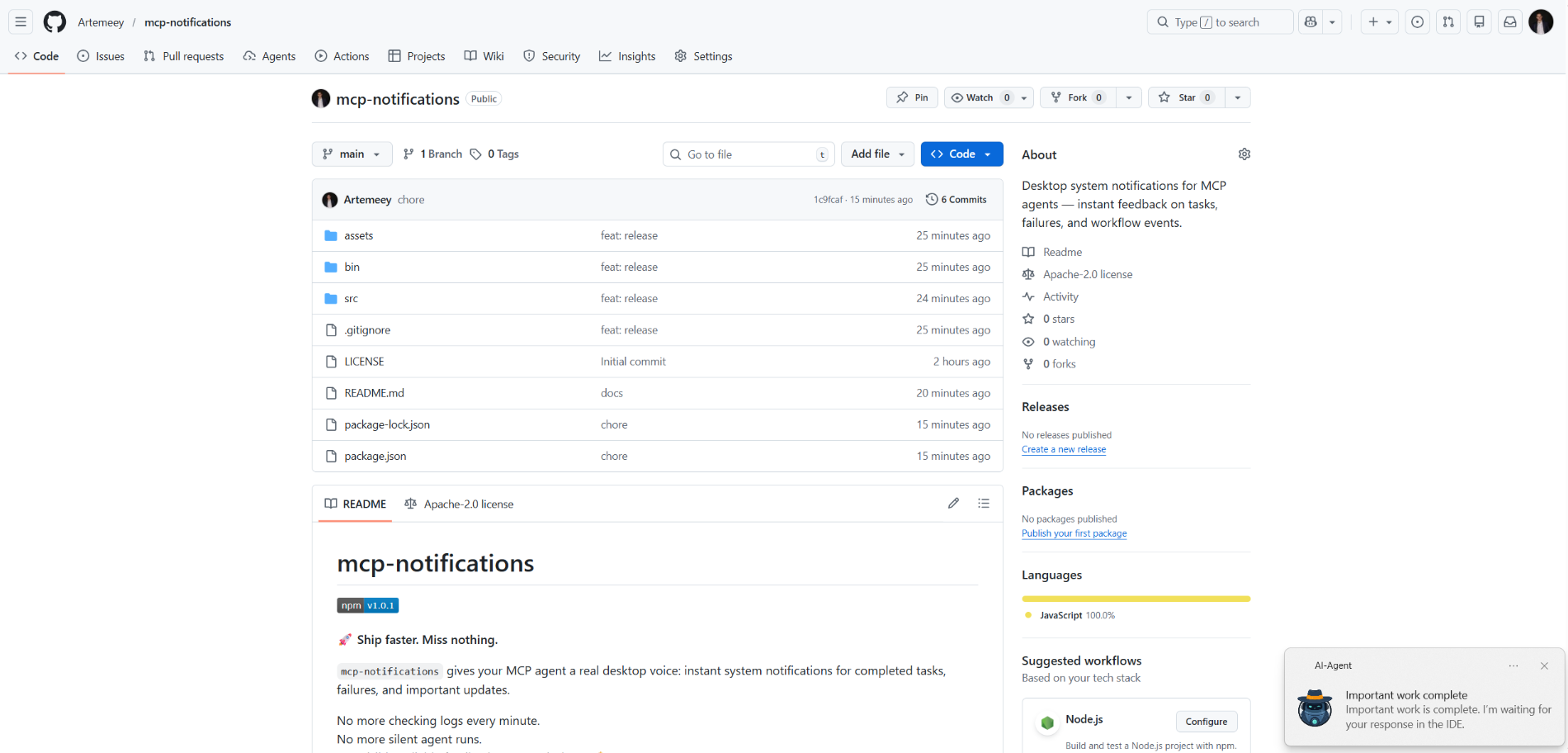
mcp-notifications
resmiMCP ajanları için masaüstü sistem bildirimleri — görevler, hatalar ve iş akışı olayları hakkında anında geri bildirim.
Notifications MCP ile neler yapabilirsiniz?
- Masaüstü bildirimi gönder — Görev bittiğinde aracıdan özel bir başlık ve mesaj ile
send_notificationçağırmasını isteyin. - Sesli uyarı ekle — Bildirimin teslim edildiğinde sistem sesini çalması için
play_sound: trueolarak ayarlayın. - Windows'ta bildirim kaynağını özelleştirin — Bildirimde görünen uygulama adını kontrol etmek için bir
app_idiletin veyaMCP_NOTIFICATIONS_APP_IDortam değişkeni aracılığıyla küresel olarak ayarlayın. - Özel simge kullan — Bildirimdeki varsayılan resmi değiştirmek için bir
iconyolu sağlayın.
Dokümantasyon
mcp-notifications

🚀 Daha hızlı yayınlayın. Hiçbir şeyi kaçırmayın.
mcp-notifications, MCP ajanınızın tamamlanan görevler, hatalar ve önemli güncellemeler için masaüstü bildirimleri göndermesini sağlar.
Bu, özellikle konsol AI ajanları için kullanışlıdır, çünkü genellikle varsayılan olarak yerleşik bildirimleri yoktur.
Artık her dakika sohbetleri kontrol etmek yok.
Artık sessiz ajan yanıtları yok.
Sadece masaüstünüzde görünür, güvenilir geri bildirim. 🔔
Çözdüğü yaygın sorun
Birkaç AI ajanına görevler verir, sonra bekler ve kimin yanıt verdiğini sürekli kontrol edersiniz.
mcp-notifications ile bu daha basit hale gelir: ajan, girdinize ihtiyaç duyduğunda veya iş tamamlandığında sizi masaüstünde bilgilendirebilir.
Ekipler neden yükler
- ⚡ MCP iş akışlarınızdan anında geri bildirim.
- 🧠 Daha iyi odaklanma: siz ana görevinizde kalırken ajanın çalışmasına izin verin.
- 🖥️
node-notifieraracılığıyla yerel işletim sistemi bildirimleri. - 🧵 Engellemeyen davranış: bildirim gönderimi arka planda sıraya alınır.
Genel olarak yükle
Gereksinimler:
- Node.js
>=20 - npm
>=10
npm i -g @topvisor/mcp-notifications
Çalıştırılabilir adı (MCP yapılandırmasında bunu kullanın):
mcp-notifications
mcp-notifications bir MCP sunucu giriş noktasıdır (stdio), tek seferlik bir bildirim komutu değildir.
Kurulum: Codex
Bunu ~/.codex/config.toml dosyasına ekleyin:
[mcp_servers.notifications]
enabled = true
command = "mcp-notifications"
args = []
Yapılandırma güncellemesinden sonra Codex'i yeniden başlatın.
Kurulum: Claude Agent
Claude istemci yapılandırma dosyanıza MCP sunucu yapılandırmasını ekleyin:
{
  "mcpServers": {
    "notifications": {
      "command": "mcp-notifications",
      "args": []
    }
  }
}
Ardından Claude istemcisini yeniden başlatın.
AI Ajanı Bildirim Talimatları
Bildirimler için iki yaklaşım vardır: manuel ve otomatik.
İş akışınız için daha iyi çalışanı seçin.
Manuel
Bildirim almak istediğiniz bir görevde, ajana açıkça sorun. Örnek:
Count files in the project; after the task is fully complete, notify me with sound.
Ayrıca belirli bir sohbet içinde ses, konu ve sıklık kuralları tanımlayabilirsiniz. Örnek:
Notify me about your replies without sound, include the reply text, and use title: "Large Refactoring"
Otomatik
Otomatik bildirimler genel olarak veya proje bazında yapılandırılabilir.
Ajan yanıtları için otomatik bildirimleri etkinleştirmek için örnek talimat:
Send `send_notification` after your replies (actual task time >5 seconds or many steps); `play_sound: false`; `app_id: '{put your chat name here}'`
Süre yaklaşık bir eşiktir ve model davranışına bağlıdır, bu nedenle bu talimatı kendi tercihlerinize göre ayarlayın.
Becerilerde
Belirli becerilerde de bildirimleri etkinleştirebilirsiniz. Bir İnceleme becerisi için örnek:
After the review, run `send_notification` with a short summary; `play_sound: true`; `app_id: 'Reviewer {put task id here}'`
Araç
send_notification
Girdi:
titlestring(gerekli)messagestring(gerekli)play_soundboolean(isteğe bağlı, varsayılan:false)iconstring(isteğe bağlı, resim dosyasına mutlak veya göreli yol)app_idstring(isteğe bağlı, bildirim kaynağı için Windows Uygulama Kullanıcı Modeli Kimliği)
Örnek:
{
  "title": "Codex",
  "message": "Deployment completed successfully",
  "play_sound": true,
  "icon": "/opt/mcp-notifications/icons/custom.png",
  "app_id": "Topvisor.Codex"
}
app_id (Windows)
app_id, Windows bildirimlerinde gösterilen kaynağı kontrol eder.app_idayarlanmazsa, Windows kaynak olarakSnoreToastgösterebilir.- Her araç çağrısında
app_idiletebilir veya sunucu için bir ortam değişkeni olarakMCP_NOTIFICATIONS_APP_IDayarlayabilirsiniz.
Arka uç seçimi
Bildirim aktarımını MCP_NOTIFICATIONS_BACKEND ortam değişkeni ile seçebilirsiniz:
auto(varsayılan): WSL'de mevcutsapowershellkullanır, aksi takdirdenode-notifierpowershell:powershell.exeWindows bildirim aktarımını zorla (WSL için önerilir)node-notifier:node-notifierpaketini zorla
Codex'te Test Edilecek Sohbet İstemleri
Bu mesajları doğrudan sohbette kullanın:
Check send_notification
Send a notification without sound: title "Test", message "Check"
Send a notification with sound: title "Test", message "Check"
Send a notification with app_id "Topvisor.Codex": title "Test", message "Check"
Send 3 test notifications in a row without sound
Günlüklerde/yanıtta beklenen araç sonucu:
Notification queued
Davranış
- ✅ Standart sistem bildirim kanallarını kullanır.
- 🔊
play_sound: trueolduğunda standart sistem bildirim sesini kullanır. - 🤖 Varsayılan bildirim simgesi olarak paketlenmiş Topvisor robot resmini kullanır.
- 🧰 Bildirimler arka plan kuyruğunda iletilirken hızlıca geri döner.
Örnek
AI ajanı sizi bekliyor: