spinnaker-mcp
เซิร์ฟเวอร์ MCP ที่เปิดเผยแพลตฟอร์ม Spinnaker CD ผ่าน Gate API สำหรับการจัดการไปป์ไลน์และการปรับใช้
เอกสาร
spinnaker-mcp





A bridge that exposes any Spinnaker instance as an MCP server via the Gate API, written in Go.
It gives an LLM 38 tools to read and operate Spinnaker: applications, pipelines, executions, strategies and infrastructure. By default only the 27 read tools are registered; TOOLSETS=all adds the 11 that change things.
Features
- Applications and pipelines: list, read, trigger, save, update and delete pipelines, with revision history.
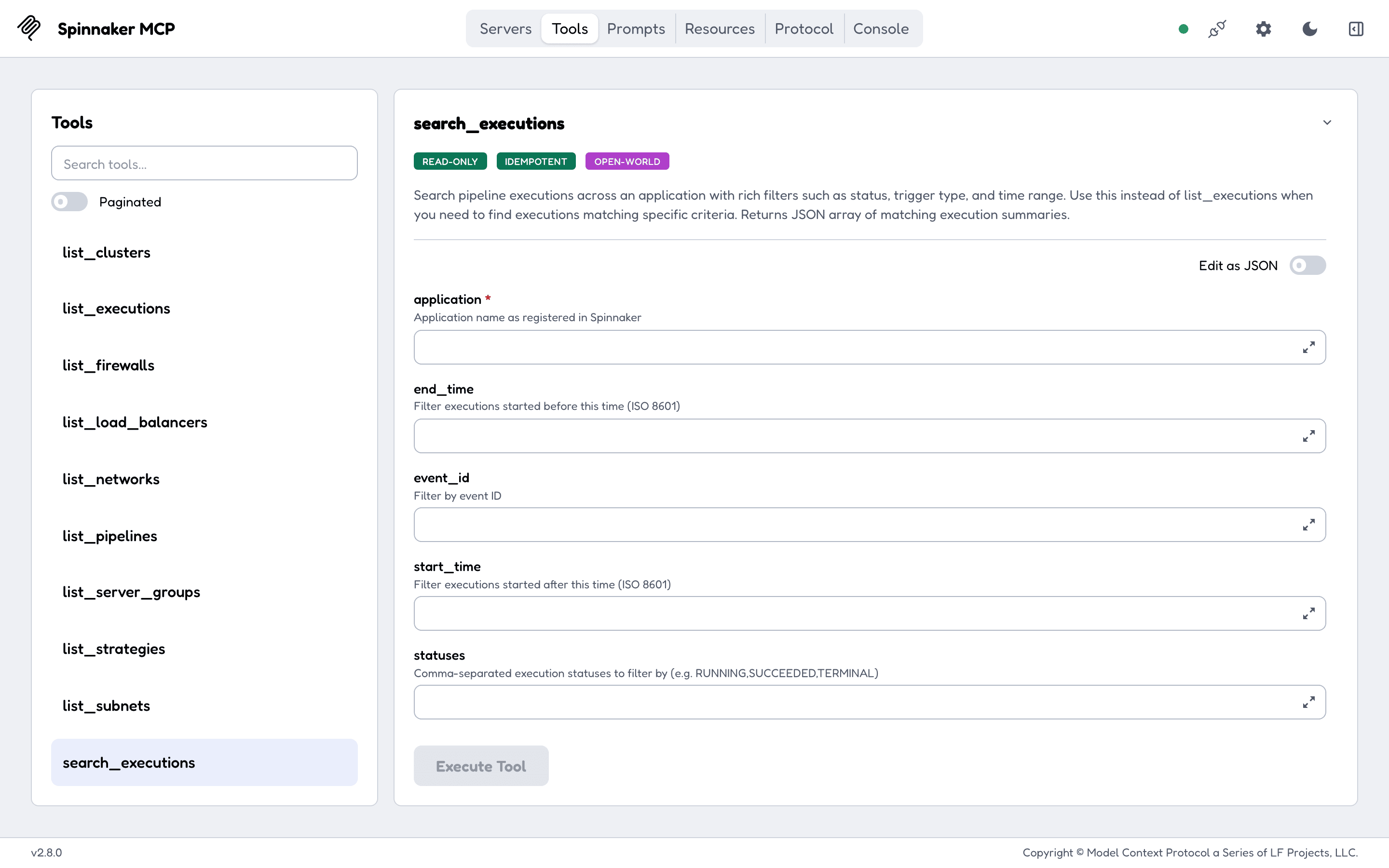
- Executions: list, search by pipeline, trigger type, time range and status, read a compact summary, approve or reject a Manual Judgment, cancel, pause, resume, restart a stage, evaluate SpEL.
- Deployment strategies: list, save and delete.
- Infrastructure: server groups, load balancers, clusters, firewalls, instances and console output, images, networks, subnets, accounts.
- Orchestration task status (deploy, resize, rollback).
- Bearer token, basic auth, x509 client certificate, or the session cookie of a Gate behind SSO (
spinnaker-mcp login). - MCP 2026-07-28 and every earlier version down to 2024-11-05, on both transports, so current clients and older ones connect.
- Every tool has a title and all four annotation hints; read tools return structured output with a schema.
- stdio or stateless Streamable HTTP. HTTP binds to
127.0.0.1, needs a bearer token (MCP_AUTH_TOKEN) anywhere else, and rejects cross-site browser requests. - Ships as an npm package (
npx spinnaker-mcp), a Docker image and multi-arch Go binaries.
Quick start
Claude Code:
claude mcp add spinnaker -e GATE_URL=https://spin-gate.example.com -e GATE_TOKEN=your-token-here -- npx -y spinnaker-mcp
Claude Desktop (claude_desktop_config.json) and Cursor (.cursor/mcp.json):
{
  "mcpServers": {
    "spinnaker": {
      "command": "npx",
      "args": ["-y", "spinnaker-mcp"],
      "env": { "GATE_URL": "https://spin-gate.example.com", "GATE_TOKEN": "your-token-here" }
    }
  }
}
VS Code (.vscode/mcp.json):
{
  "servers": {
    "spinnaker": {
      "command": "npx",
      "args": ["-y", "spinnaker-mcp"],
      "env": { "GATE_URL": "https://spin-gate.example.com", "GATE_TOKEN": "your-token-here" }
    }
  }
}
Codex (~/.codex/config.toml):
[mcp_servers.spinnaker]
command = "npx"
args = ["-y", "spinnaker-mcp"]
env = { GATE_URL = "https://spin-gate.example.com", GATE_TOKEN = "your-token-here" }
Add "TOOLSETS": "all" to env to let the assistant trigger, judge, cancel or edit. Needs Node 18 or newer; the npm package fetches the Go binary for your platform on first run, checks it against the release checksums, and runs it over stdio. Docker, local builds and the other credentials are in Getting started.
A variable whose value is only an unexpanded placeholder, such as ${GATE_TOKEN}, counts as unset.
Documentation
The full documentation is at geiserx.github.io/spinnaker-mcp.
- Getting started: npm, Docker, Helm, local build, and the client configuration
- Configuration: every environment variable, the read-only toolset, the HTTP endpoints
- Usage: the 38 tools and which ones change Spinnaker, the 10 resources, the 5 prompts
- Development: testing, contributing, credits
- Related projects: the other MCP servers and the registry listings