Hyperiux Vault
MCP server for the Hyperiux Vault effect registry — browse, search, and install React/Next.js animation effects for AI coding clients.
Documentation
Hyperiux Vault



A collection of high-quality animation and interaction effects for Next.js - designed by Hyperiux.
170+ effects in total - 80+ free and open source, 90+ pro effects available with a Pro subscription. The CLI installs source code directly into your project - you own what you install.
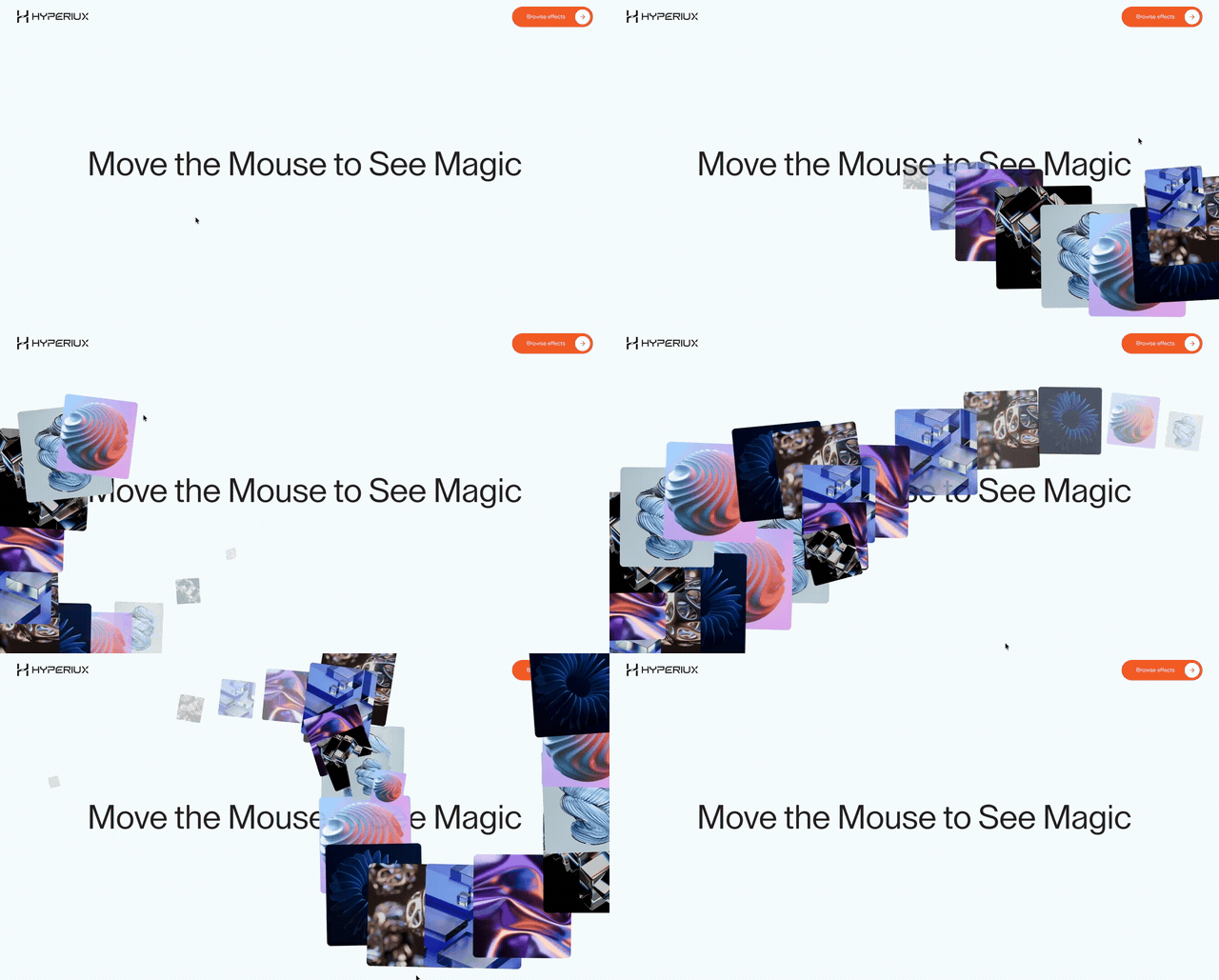 npx hyperiux add phantom-image-trail | 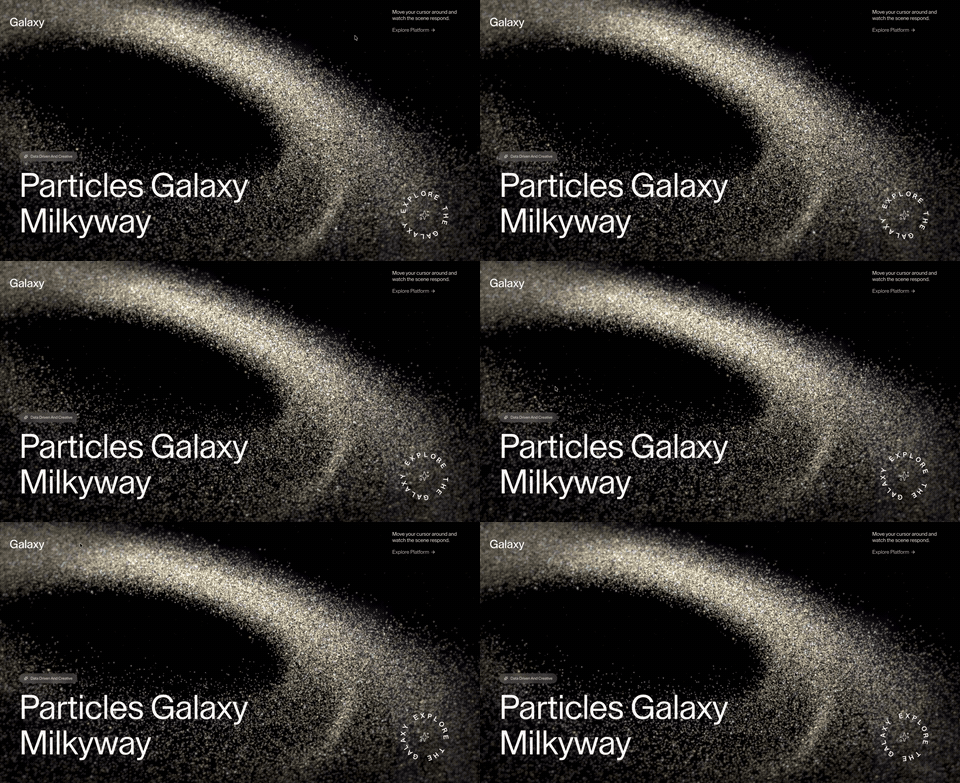 npx hyperiux add milky-way |
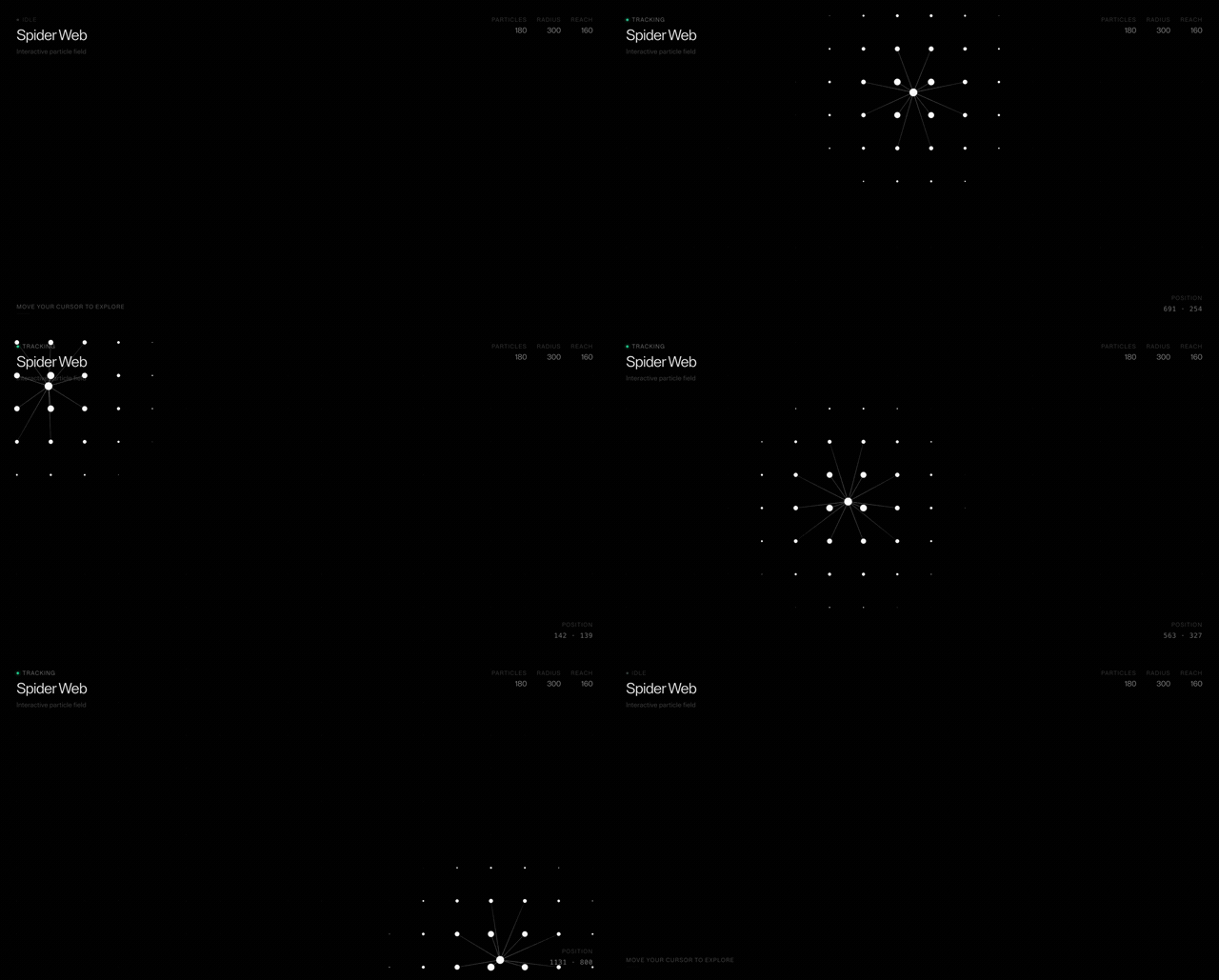 npx hyperiux add spider-particles | 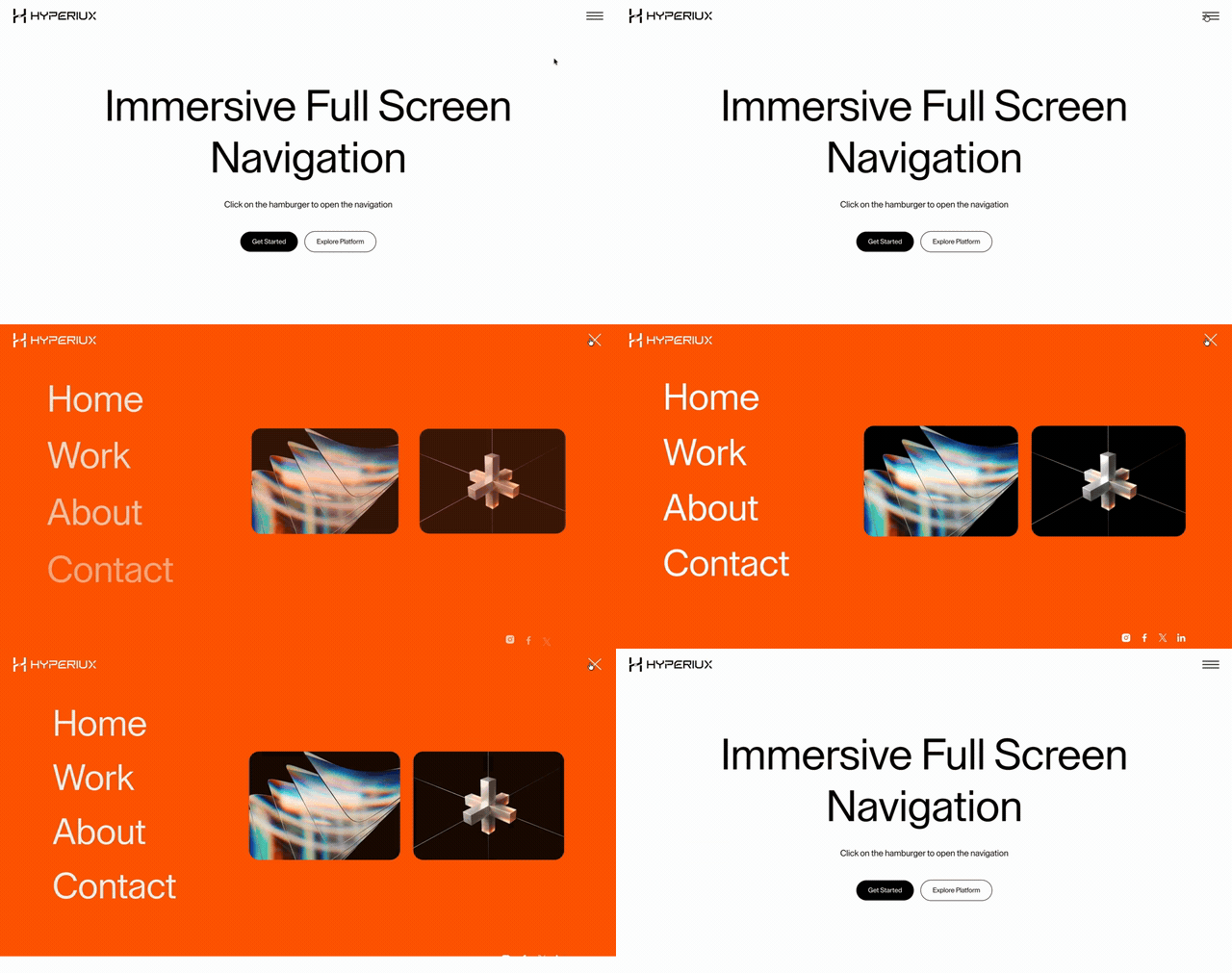 npx hyperiux add immersive-full-screen-nav |
Quick Start
1. Initialize
npx hyperiux init
2. Sign in (free account)
npx hyperiux login
3. Add a free effect
npx hyperiux add rectangular-text-reveal
4. Use it
import RectangularTextReveal from "@/components/effects/rectangular-text-reveal";

export default function Page() {
  return <RectangularTextReveal>Hello, world.</RectangularTextReveal>;
}
CLI Commands
| Command | Description |
|---|---|
npx hyperiux init | Initialize config in your project |
npx hyperiux add <effect> | Add an effect to your project |
npx hyperiux list | List all available effects |
npx hyperiux outdated | Check installed effects for available updates |
npx hyperiux versions | List installed effects and their versions |
npx hyperiux diff [effect] | Show what changed upstream for an installed effect (all installed effects if omitted) |
npx hyperiux login | Sign in (needed for every install, free effects too) |
npx hyperiux logout | Remove saved credentials |
npx hyperiux whoami | Show login status |
Options for add
-o, --overwrite- overwrite existing files-y, --yes- skip confirmation prompts--dry-run- preview without writing files
Free vs Pro
Every install needs a Hyperiux account - create a free one, then sign in once:
npx hyperiux login
80+ free effects - any account (3 a day on Free):
npx hyperiux add rotation-slider
npx hyperiux add spider-particles
npx hyperiux add phantom-image-trail
90+ pro effects - require a Pro subscription:
npx hyperiux add grid-tunnel
Effects
Effects marked (Pro) need a Pro subscription; the rest are free.
Text
Letter-level and line-level reveal animations - blur, scramble, stagger, perspective flip, mask wipe.
rectangular-text-reveal · blur-text (Pro) · text-fill-animation (Pro) · scramble-text (Pro) · +more
Backgrounds
Ambient canvas and particle backgrounds that sit behind content without competing for attention.
arc-light · ascii-band · aurora-ribbon · dot-transition · dotted-grid · moss-grid · opal-flow · spider-particles
Buttons
Interactive button treatments - fill sweeps, metallic sheens, shiny highlights, and scramble-on-hover text.
arrow-fill-button · link-button · metallic-button · scramble-link-button · shiny-button
Carousels
Slider and carousel patterns beyond a plain swipe - arc paths, 3D flips, parallax strips, and zoom transitions.
arc-flow-carousel · dimensional-switch-slider · ellipse-carousel · orbit-flip-slider · portal-carousel · +more
Scroll
Scroll-driven animations built on GSAP ScrollTrigger - parallax galleries, pinned sequences, horizontal storytelling, and stacking cards.
sticky-content-wrapper · horizontal-feature-reveal · infinite-perspective-slider · rotation-slider · circular-split-roll · split-canvas · image-pixel-reveal · +more
Components
Small, self-contained UI pieces - accordions, counters, timelines, and hover-driven lists.
animated-faq · border-beam · gooey-counter · gsap-flip-card · +more
Navigation
Menus and navbars with desktop and mobile interaction patterns.
directional-menu · elevate-navbar · immersive-full-screen-nav
Cursor
Canvas 2D and Three.js cursor effects - image trails, rope followers, liquid glass, character grids.
phantom-image-trail · pixelated-image-effect · liquid-glass-cursor · magnetic-image-trail (Pro) · character-trail (Pro) · rope-cursor (Pro) · +more
Transitions
Page and section transitions built from animated grids and block-based motion.
block-transition · chess-grid-transition
Loaders
Animated loading indicators for numeric, stacked, and motion-heavy states.
numeric-tunnel · stack-loader
WebGL
Three.js and R3F scenes with custom GLSL shaders - image carousels, pixel grids, frosted glass, GPU particle galaxies, and 3D heroes.
interactive-blur-reveal · mouse-pixelation (Pro) · grid-tunnel (Pro) · draggable-canvas (Pro) · milky-way · fractal-glass
Configuration
hyperiux.json is created at your project root by init:
{
  "$schema": "https://vault.hyperiux.com/schema.json",
  "tailwind": {
    "config": "tailwind.config.js",
    "css": "src/app/globals.css"
  },
  "aliases": {
    "components": "@/components",
    "effects": "@/components/effects",
    "hooks": "@/hooks",
    "lib": "@/lib"
  }
}
Environment Variables
| Variable | Purpose |
|---|---|
HYPERIUX_TOKEN | Use a CLI token without saving it locally (useful in CI) |
HYPERIUX_APP_URL | Override the Hyperiux app URL for self-hosting or testing |
HYPERIUX_API_URL | Override the API URL independently of the app URL |
HYPERIUX_REGISTRY_URL | Override the registry URL for local development |
HYPERIUX_DEBUG | Set to 1 to enable verbose request logs - do not use in shared CI |
HYPERIUX_TELEMETRY_DISABLED | Set to 1 (or true) to turn off anonymous usage telemetry |
DO_NOT_TRACK | Set to 1 to turn off anonymous usage telemetry (standard opt-out) |
HYPERIUX_TELEMETRY_URL | Override the telemetry endpoint |
Telemetry
The CLI sends anonymous usage telemetry by default (init and add events, CLI version, platform, Node version and a hashed per-project ID - never your project path; if you're signed in, your saved token is attached so installs are credited to your account). It is non-blocking and never interrupts an install. Opt out with HYPERIUX_TELEMETRY_DISABLED=1 or DO_NOT_TRACK=1.
Architecture
This is a pnpm monorepo with Turborepo:
packages/cli-npx hyperiuxCLI tool, published to npm ashyperiuxpackages/mcp-server- MCP (Model Context Protocol) server that lets AI clients (Claude, Cursor, etc.) browse, inspect and fetch installable source for Vault effects (read-only - your AI client writes the files); published to npm ashyperiux-mcp-serverregistry/effects- Free effect source, organized by category
The registry index (registry/index.json) lists the free effects in this repo. The full catalogue, free and Pro, is served from https://vault.hyperiux.com/r. Pro effect source lives in a private repository and is served via a protected API - pro file contents are not publicly accessible.
Running the MCP server
Add it to your client's MCP config via npx:
{
  "mcpServers": {
    "hyperiux": {
      "command": "npx",
      "args": ["-y", "hyperiux-mcp-server"]
    }
  }
}
Contributing to the server itself? Point your MCP client at a local build instead - see packages/mcp-server.
See packages/mcp-server/README.md for the full tool list and auth behavior.
Contributing
Found a bug or want to contribute a free effect? Pull requests are welcome.
git clone https://github.com/Hyperiux-Immersion-Labs/hyperiux-components
cd hyperiux-components
pnpm install
pnpm build
pnpm -r test
To add a new free effect, follow Adding a free effect in CONTRIBUTING.md.
Requirements
- React 18+ or Next.js 14+ (App Router or Pages Router). Vite + React projects work too.
- WebGL / 3D effects use React Three Fiber 9, which needs React 19 (Next.js 15+).
- Page transitions built on
next-transition-routerneed the Next.js App Router. - Tailwind CSS v3 or v4
- Node.js 18.17+ (20+ recommended)
- Package manager: npm, pnpm, yarn or bun
Connect
| 🌐 Agency | hyperiux.com |
| 🎨 UI Library | vault.hyperiux.com |
| 💻 GitHub | github.com/Hyperiux-Immersion-Labs |
License
- The
hyperiuxCLI and thehyperiux-mcp-serverare licensed under the MIT License. - Free effects in
registry/are licensed under the Mozilla Public License 2.0 (MPL 2.0). No attribution is required. - Pro effects are proprietary, licensed under the Hyperiux Pro License, and not included in this repo. They require an active Pro or Pro+ subscription - not open source, not redistributable.