Day Off
officialAI-Powered Leave & Time Tracking for Modern Teams
What can you do with Day Off MCP?
- Request time off — Ask your assistant to submit a leave request through Day Off's Slack or Teams integration.
- Check leave balances — Have your assistant look up your or your team's current PTO and vacation balances.
- Review pending approvals — Ask your assistant to list and manage pending time-off requests awaiting your approval.
- Sync leaves to calendar — Get approved time off automatically added to your Google Calendar or Outlook schedule.
Documentation
The #1 leave tracker
AI-Powered Leave & Time Tracking for Modern Teams
Connect the Day Off leave tracker to AI agents, Slack, Microsoft Teams, mobile apps, and calendars to automate leave requests, time tracking, and workforce scheduling.


4.9 – Join 50,000+ teams
The #1 leave tracker
AI-Powered Leave & Time Tracking for Modern Teams
Connect the Day Off leave tracker to AI agents, Slack, Microsoft Teams, mobile apps, and calendars to automate leave requests, time tracking, and workforce scheduling.

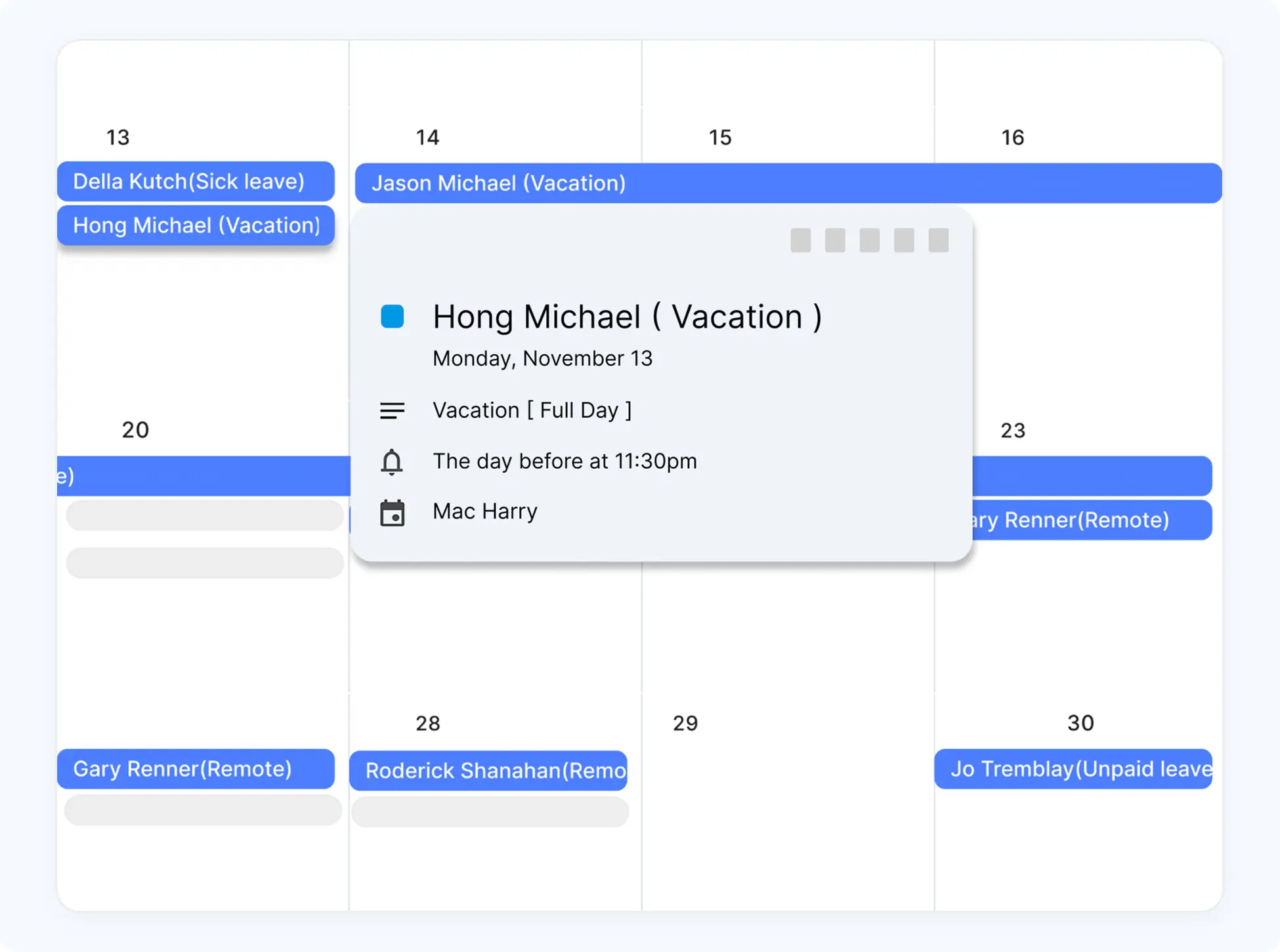
Keep everyone in sync with Google Calendar
Integrate time off directly into your team’s calendar. Approved leaves show up instantly, helping everyone stay organized, avoid overlaps, and plan smarter.

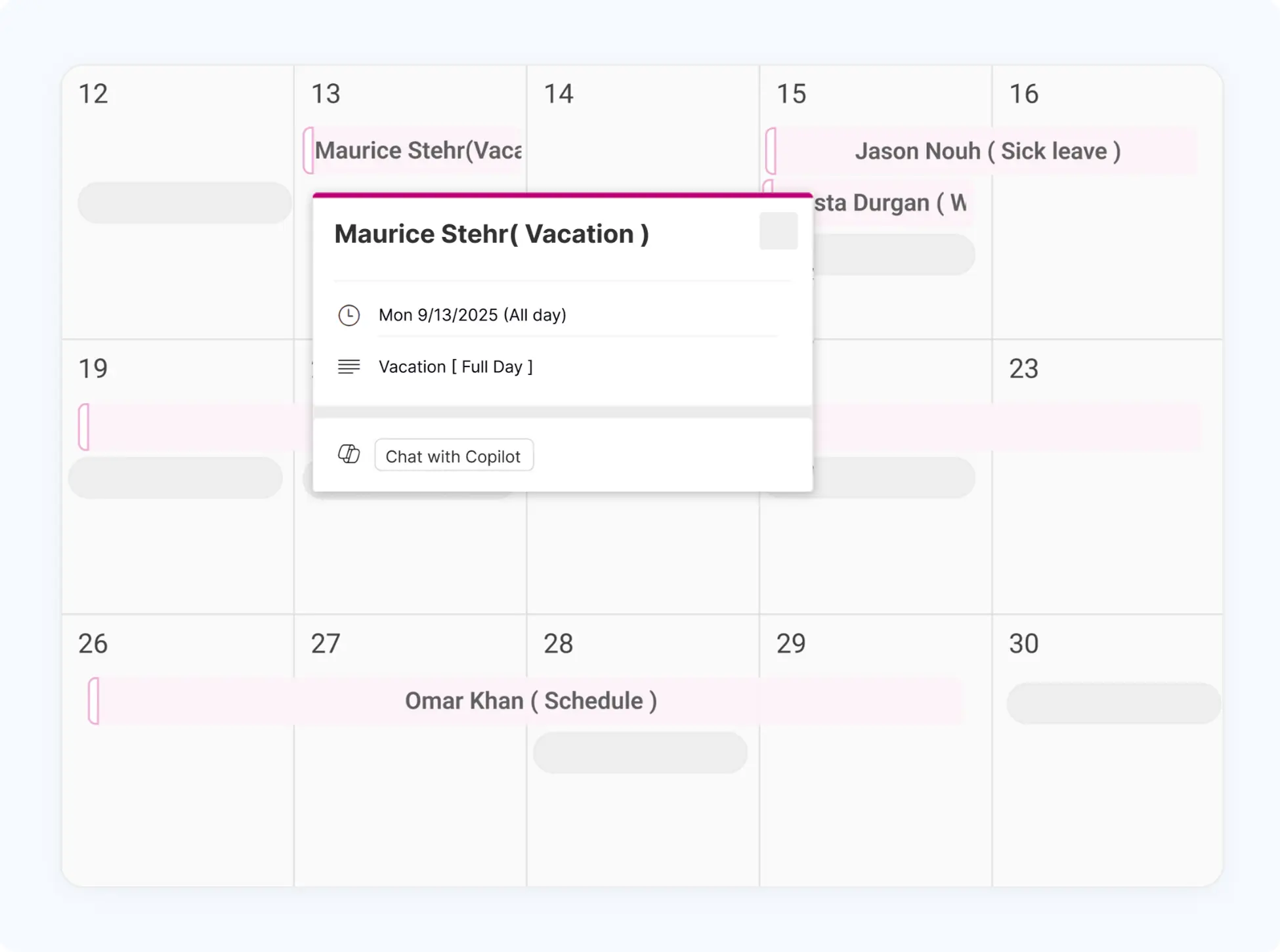
Day Off meets Outlook for smarter scheduling
With Day Off’s Outlook integration, approved leaves are automatically synced to your calendar, helping your team plan better, avoid overlaps, and stay informed without lifting a finger.

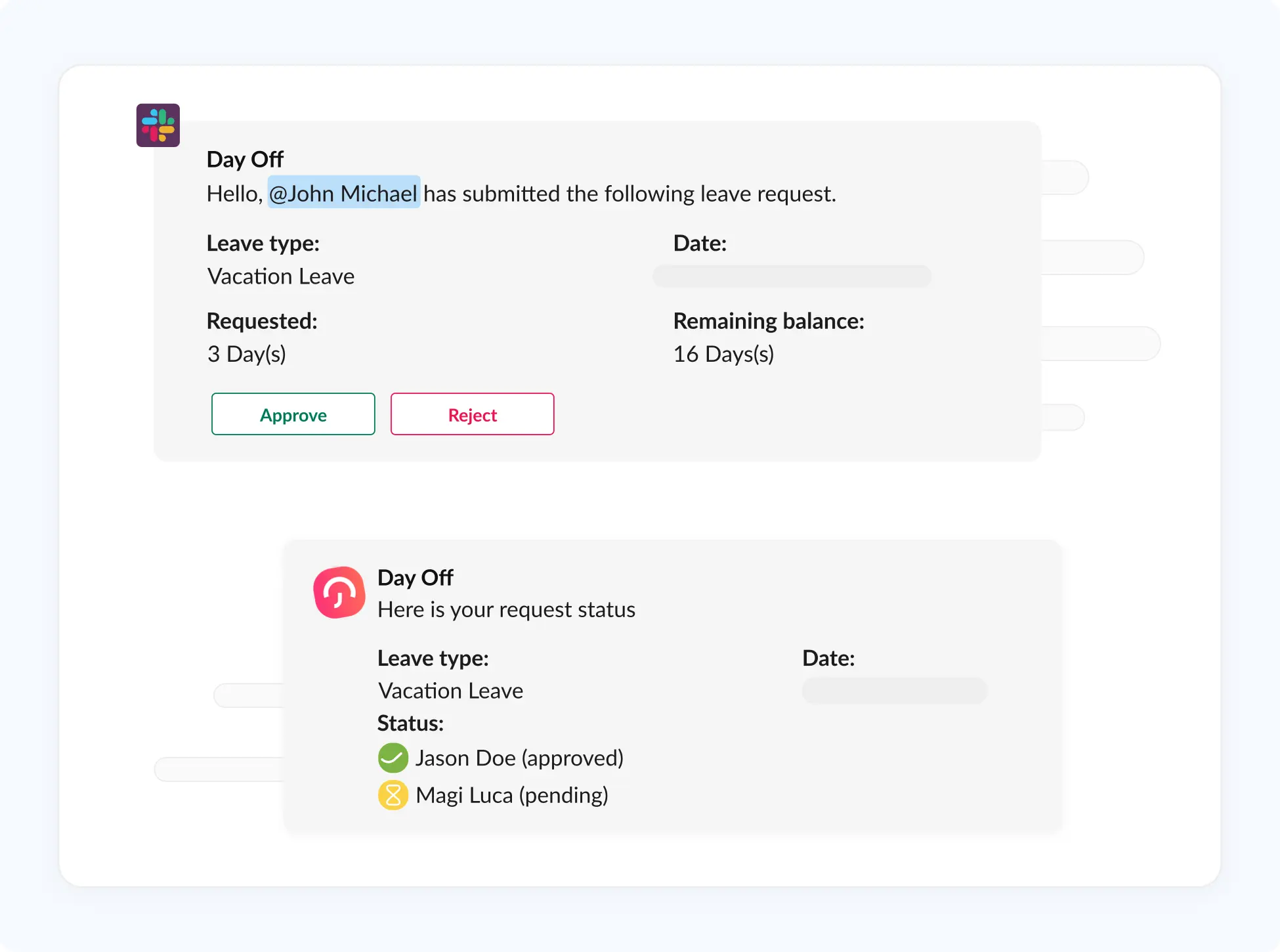
Effortless time off management inside Slack
Request time off, get approvals, and track leave directly in Slack, no need to switch tools. Keep your team aligned and communication effortless.

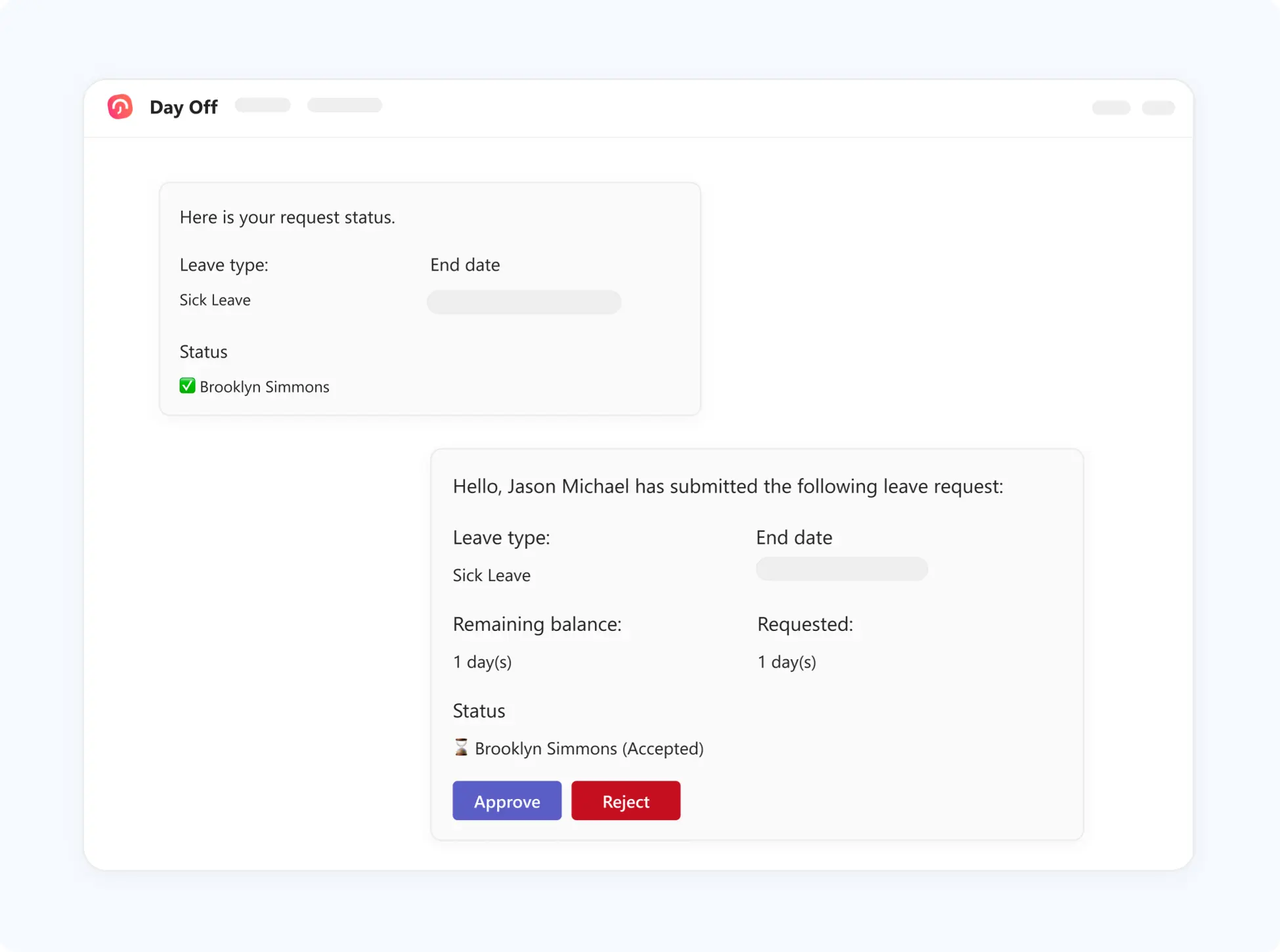
Manage time off directly in Microsoft Teams
Integrate Day Off with Microsoft Teams to manage leave requests, approvals, and team updates in one place, without disrupting your workflow.
Leo - your AI assistance
Customize how time off requests are reviewed and approved.
Ask Leo
Generate Handbook with AI
Customize how time off requests are reviewed and approved.
Ask Leo
connect with AI Agents
Customize how time off requests are reviewed and approved.
Ask Leo
The global impact of Day Off
Companies everywhere trust Day Off as their PTO tracker to work smarter.
Requests annually
0 M+
Every year, millions of leave requests are managed effortlessly through Day Off.
Monthly active users
0 K+
Teams of all sizes use Day Off's vacation tracker daily to stay organized and productive.
Companies rely on Day Off
0 K+
From startups to global enterprises, businesses rely on us to simplify HR processes.
Countries supported
0 +
A truly global platform, built for distributed and international teams.
Continuously updated with real adoption data from the Day Off platform.
Your data is safe and secured
Secure connectivity
Data encryption safeguards your information during transmission via TLS and at rest.

Secured data centers
Our hosting service provider is AICPA, SOC 2 Type II, SOC 3 Type II certified, and more.

Backup and Disaster Recovery
Every day, your data is backed up securely encrypted in diverse locations to enhance your protection.
More about security and data safety
Trusted By Leading Companies

Capterra score
Real stories from teams using our leave tracker
All reviews
This is a really useful app that fills a need in the market, we've got about 30 employees, and getting them all set up on the app was fast and easy.
Carlo Pannella
CFO, Lorne Park

I like how easy it is to set up and implement, employees are able to set up their accounts with their invite and use it without question, I'm able to make sure there's no overlapping vacation and that people are able to take the required time off.
Josh L.
Manager
Day off is a great app, easy to manage and easy to set up, allows you to eliminate paper work and be more organized.
Janaina s.
Operador de atendimento
I love it, we're a small company and it's easy to let time off get way off track if not monitored, this solves all my issues with tracking and is easy for all of us at any time.
Stephanie B.
CEO
I can better plan the staff slack scale, and plan better in relation to scheduling vacations, and I don't get lost when an employee is on sick leave.
Teri A.
CEO
Leave Tracker Features
Day Off is the leave tracker built for every business type and HR manager to plan, track and manage employee PTO and vacations.
All features
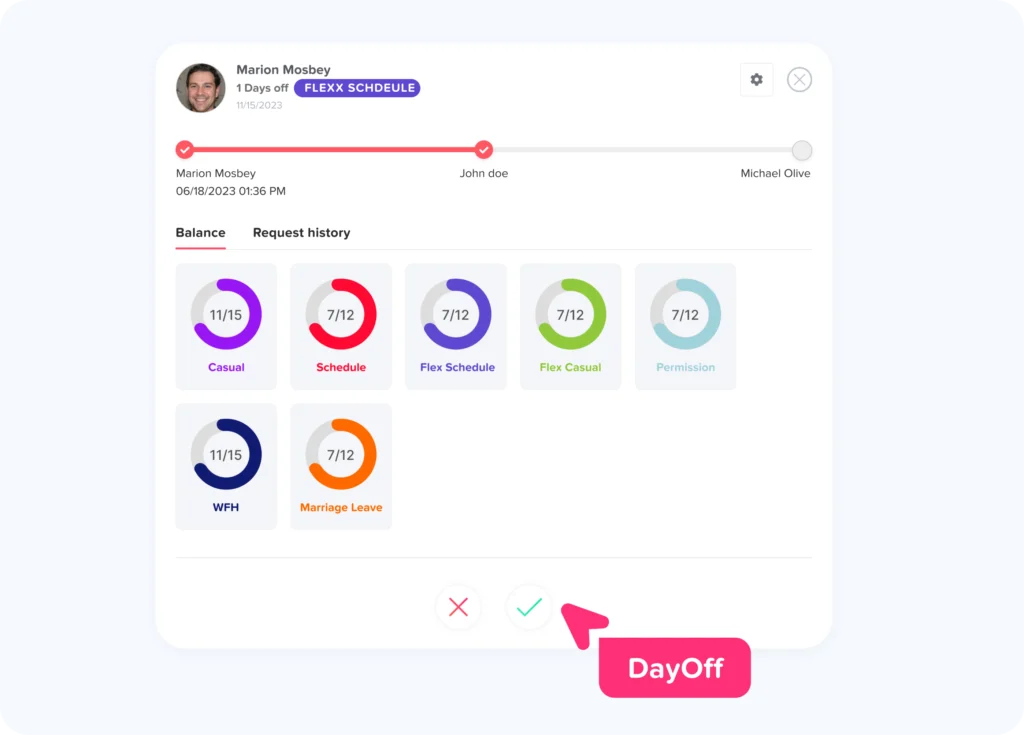
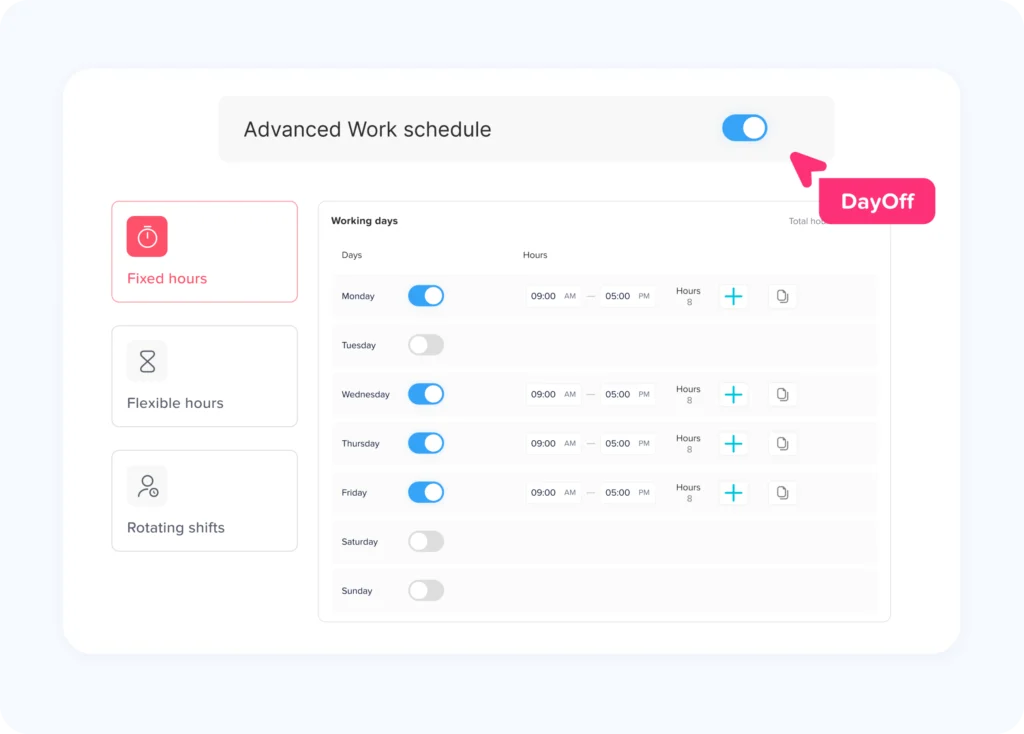
Pending Approvals Track employee vacation, PTO, and time off balances. Work schedule Assign custom schedules with set days, times, shifts. Custom Domain Use a custom domain for branded web address. Requests History Easily manage employee time off requests and organization.
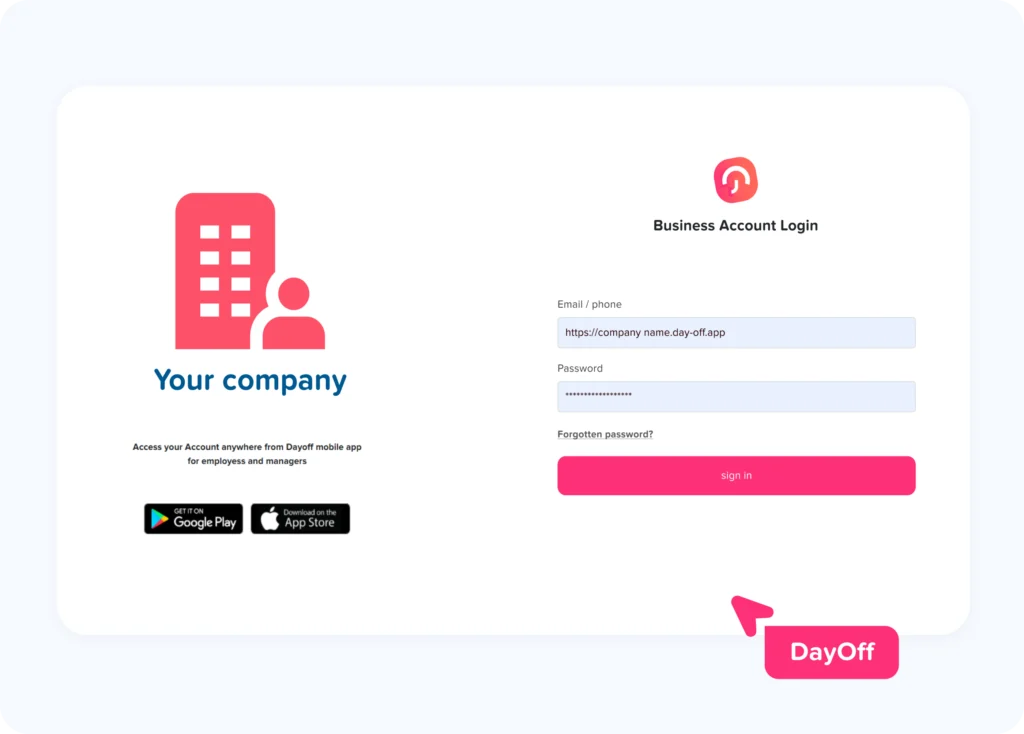
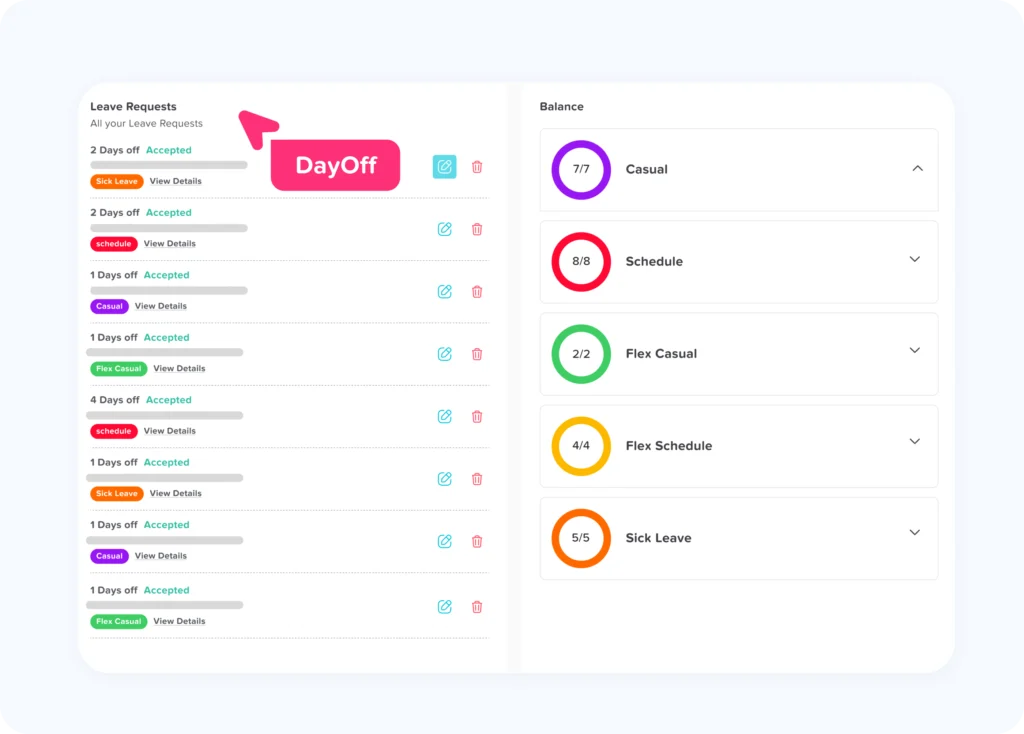
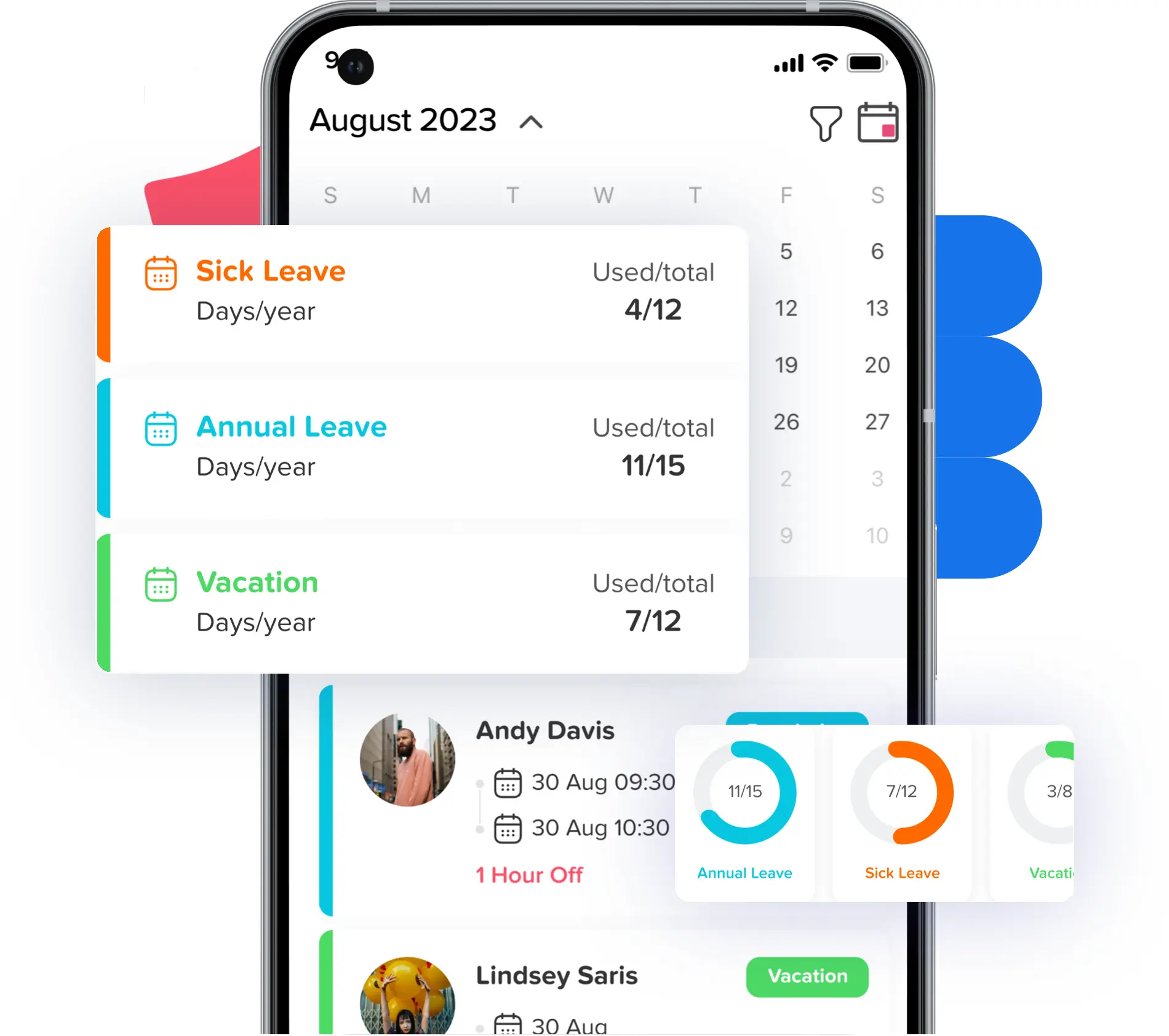
Manage your teams from your mobile


{"@context":"https:\/\/schema.org","@graph":[{"@type":"WebPage","@id":"https:\/\/day-off.app\/","url":"https:\/\/day-off.app\/","name":"Leave Tracker & Free PTO Tracker for Teams | Day Off","isPartOf":{"@id":"https:\/\/day-off.app\/#website"},"about":{"@id":"https:\/\/day-off.app\/#organization"},"primaryImageOfPage":{"@id":"https:\/\/day-off.app\/#primaryimage"},"image":{"@id":"https:\/\/day-off.app\/#primaryimage"},"thumbnailUrl":"http:\/\/day-off.app\/wp-content\/uploads\/2025\/10\/full-star.svg","datePublished":"2025-10-12T09:38:06+00:00","dateModified":"2026-10-18T08:44:14+00:00","description":"Day Off is the free leave tracker for teams. Manage PTO, vacation and time tracking with AI, Slack, Microsoft Teams and calendars.","breadcrumb":{"@id":"https:\/\/day-off.app\/#breadcrumb"},"inLanguage":"en-US","potentialAction":[{"@type":"ReadAction","target":["https:\/\/day-off.app\/"]}]},{"@type":"ImageObject","inLanguage":"en-US","@id":"https:\/\/day-off.app\/#primaryimage","url":"https:\/\/day-off.app\/wp-content\/uploads\/2025\/10\/full-star.svg","contentUrl":"https:\/\/day-off.app\/wp-content\/uploads\/2025\/10\/full-star.svg","width":17,"height":16,"caption":"Day Off – Employee Leave & PTO Tracker - Day Off"},{"@type":"BreadcrumbList","@id":"https:\/\/day-off.app\/#breadcrumb","itemListElement":[{"@type":"ListItem","position":1,"name":"Home"}]},{"@type":"WebSite","@id":"https:\/\/day-off.app\/#website","url":"https:\/\/day-off.app\/","name":"Day Off","description":"Free PTO | Vacation Tracker | Leave Tracker","publisher":{"@id":"https:\/\/day-off.app\/#organization"},"potentialAction":[{"@type":"SearchAction","target":{"@type":"EntryPoint","urlTemplate":"https:\/\/day-off.app\/?s={search_term_string}"},"query-input":{"@type":"PropertyValueSpecification","valueRequired":true,"valueName":"search_term_string"}}],"inLanguage":"en-US"},{"@type":"Organization","@id":"https:\/\/day-off.app\/#organization","name":"Day Off","url":"https:\/\/day-off.app\/","logo":{"@type":"ImageObject","inLanguage":"en-US","@id":"https:\/\/day-off.app\/#\/schema\/logo\/image\/","url":"https:\/\/day-off.app\/wp-content\/uploads\/2025\/10\/full-logo.svg","contentUrl":"https:\/\/day-off.app\/wp-content\/uploads\/2025\/10\/full-logo.svg","width":151,"height":48,"caption":"Day Off"},"image":{"@id":"https:\/\/day-off.app\/#\/schema\/logo\/image\/"}}]}
{
  "@context": "https://schema.org",
  "@type": "Organization",
  "name": "Day Off",
  "url": "https://day-off.app",
  "logo": "https://day-off.app/wp-content/uploads/2025/10/full-logo.svg",
  "sameAs": [
    "https://eg.linkedin.com/company/enozom",
    "https://www.instagram.com/dayoffleavetracker/",
    "https://www.facebook.com/app.dayoff",
    "https://twitter.com/Day_off_app"
  ],
  "contactPoint": {
    "@type": "ContactPoint",
    "contactType": "Customer Support",
    "url": "https://day-off.app/support/"
  }
}
{
  "@context": "https://schema.org",
  "@type": "SoftwareApplication",
  "name": "Day Off - Leave Tracker & PTO",
  "operatingSystem": "Web, iOS, Android",
  "applicationCategory": "BusinessApplication",
  "offers": {
    "@type": "Offer",
    "price": "0",
    "priceCurrency": "USD"
  },
  "aggregateRating": {
    "@type": "AggregateRating",
    "ratingValue": "4.9",
    "ratingCount": "1250",
    "bestRating": "5"
  }
}