Onadit
Onadit keeps your Claude Code, Codex and Cursor sessions on your Mac and indexes them there. Any agent you connect over MCP pulls back the few past passages that matter, so you stop re-explaining your project at every session. Mac only, closed source. Free for 7 days, then €5 a month.
Documentation
Onadit
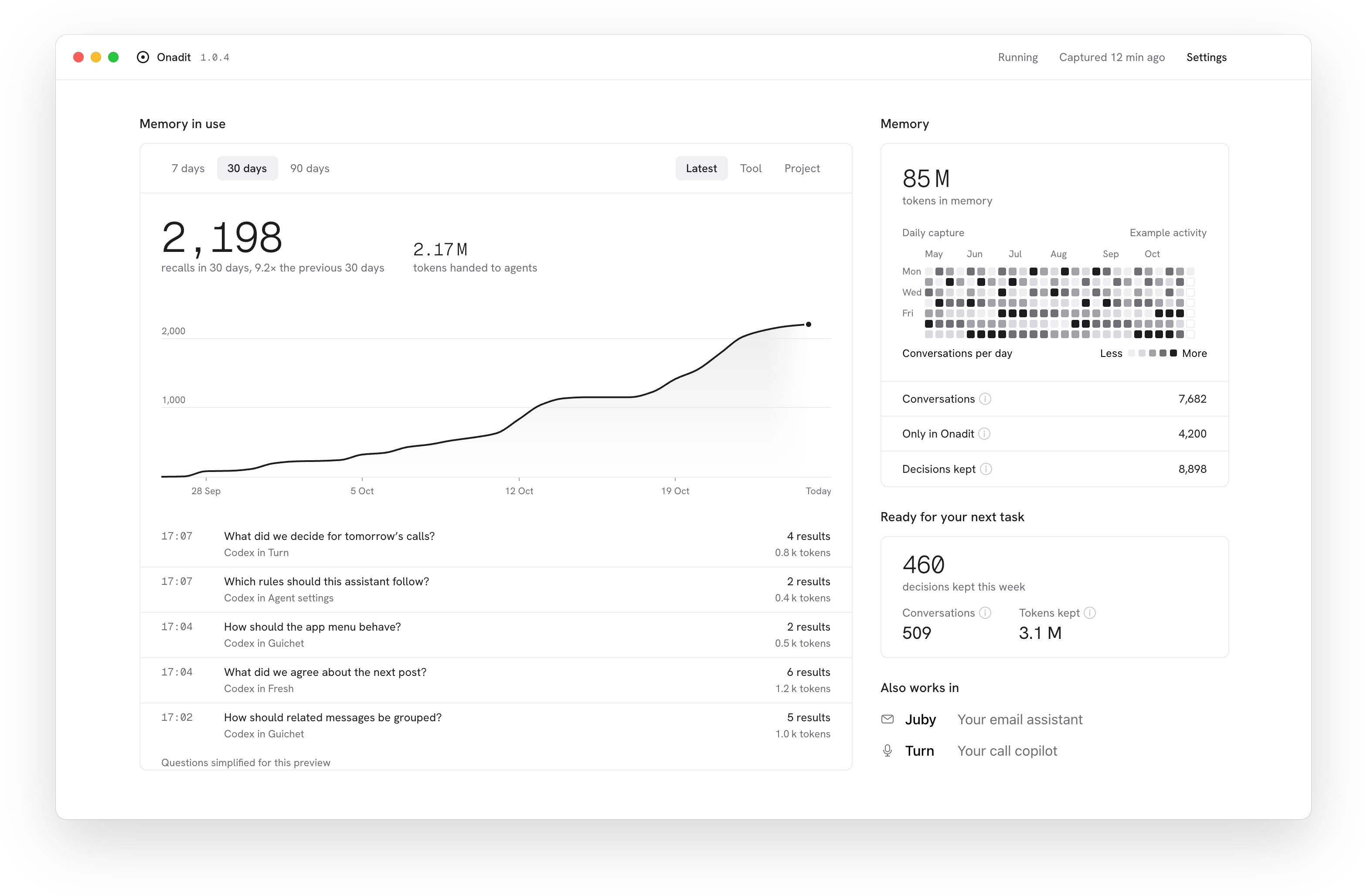
Onadit is a Mac app that keeps the chats you import, and your Claude Code and Codex sessions once you turn on capture, in a searchable archive on your Mac. Claude Code, Codex, Cursor and any MCP client that can start a local process search it for your earlier decisions, so you explain your project once.
Download for Mac | Docs | Privacy | onadit.com
What this repository holds
This repository holds the signed macOS installer for Onadit (in Releases) and this README. The source code is not published here.
- Mac only: Apple silicon and macOS 14 or later. It does not install on Intel Macs
- Signed with a Developer ID certificate and notarized by Apple. Each release lists the package's SHA-256
- Free for 7 days, then €5 a month until 31 December 2026 and €9 a month after, excluding VAT. The 7 days start with your first import or captured session after you turn on search by meaning in the app, on the key Onadit pays for. With your own Voyage key there is no clock. After the 7 days, without a license, your archive and keyword search keep working, and capture and search by meaning pause. See Free week and license
Install
- Download
Onadit.pkgfrom onadit.com/download or from the latest release - Open it. It installs for your user only, with no admin password
- Onadit.app opens. Import past chats and connect your agents. Capture of new sessions is off until you turn it on, and needs search by meaning plus Claude Code or Codex signed in
Full steps: Install and Quickstart.
Connect your agents
Use the Connect button for each tool in Onadit.app, or one command in Terminal:
~/.rift/bin/onadit mcp install --client claude-code   # or codex, cursor, claude-desktop
~/.rift/bin/onadit mcp install --all                  # all 4
It points the agent at the Node and MCP server installed with the app, backs up the config file first and keeps your other servers. Restart the agent afterwards.
To add it by hand instead, install Onadit for Mac first: the MCP server only relays to the Onadit engine on your Mac. The entries below start it from npm, so they need Node 20.19 or later on your PATH.
Claude Code
claude mcp add --scope user onadit -- npx -y onadit mcp serve
Codex
codex mcp add onadit -- npx -y onadit mcp serve
Or add this to ~/.codex/config.toml:
[mcp_servers.onadit]
command = "npx"
args = ["-y", "onadit", "mcp", "serve"]
Cursor: add the onadit entry inside mcpServers in ~/.cursor/mcp.json, next to your other servers.
{
  "mcpServers": {
    "onadit": {
      "command": "npx",
      "args": ["-y", "onadit", "mcp", "serve"]
    }
  }
}
If Cursor reports that npx is missing, use the Connect button in Onadit.app instead: that entry uses the Node installed with the app.
There is no API key in the entry. Other MCP clients that can start a local process take the same command. See Connect an agent.
Tools
Onadit's MCP server has 9 tools.
| Tool | What it does |
|---|---|
onadit_context_pack | Gets context before a task: earlier decisions, project rules and matching past conversations, in a few KB |
onadit_search | Looks for something specific across your conversations, digests and project files |
onadit_conversations_search | Filters past conversations by source, topic, decision or date |
onadit_open_evidence | Opens the full passage behind a result, and records that it was opened |
onadit_save | Files a session or a note in the archive |
onadit_log_outcome | Records which passages a task actually used |
onadit_status | Shows what Onadit holds and which tool to use for which job |
onadit_why_evidence | Shows what Onadit recorded about one passage |
onadit_forget_evidence_feedback | Resets what Onadit recorded about one passage, without deleting the passage |
Each tool's inputs and outputs: MCP tools.
Privacy
- Your conversations and the search index stay on your Mac. No Onadit account is needed
- A fresh install uses keyword search and makes no AI calls
- Search by meaning is off until you turn it on. Then the text Onadit indexes and the searches are sent to Voyage's models to be embedded, with a key Onadit gives you or your own. Turned on in the app, it also sends your existing archive once
- Capture is off until you turn it on. It sends sessions to Claude Code or Codex, under your own account, to judge and summarise them
- What an agent retrieves from Onadit enters that agent's chat, and goes to its provider like the rest of the chat
- The app checks
registry.npmjs.orgfor a newer version at start and about once an hour. That request carries no content and no ID - No telemetry, no analytics, no crash reports
Every network call, one by one: What leaves your Mac. In plain words: Privacy.
Support
Questions and bugs: support@onadit.com.