SQL Server Comparison Tool (SCT)
Ask Claude and other AI assistants whether two SQL Server databases are in sync. Runs saved schema and data comparisons in SQL Server Comparison Tool and explains the differences in plain English. Read-only by design. Windows.
Documentation
SQL Server Comparison Tool: MCP Server
Ask your AI assistant whether two SQL Server databases are in sync.
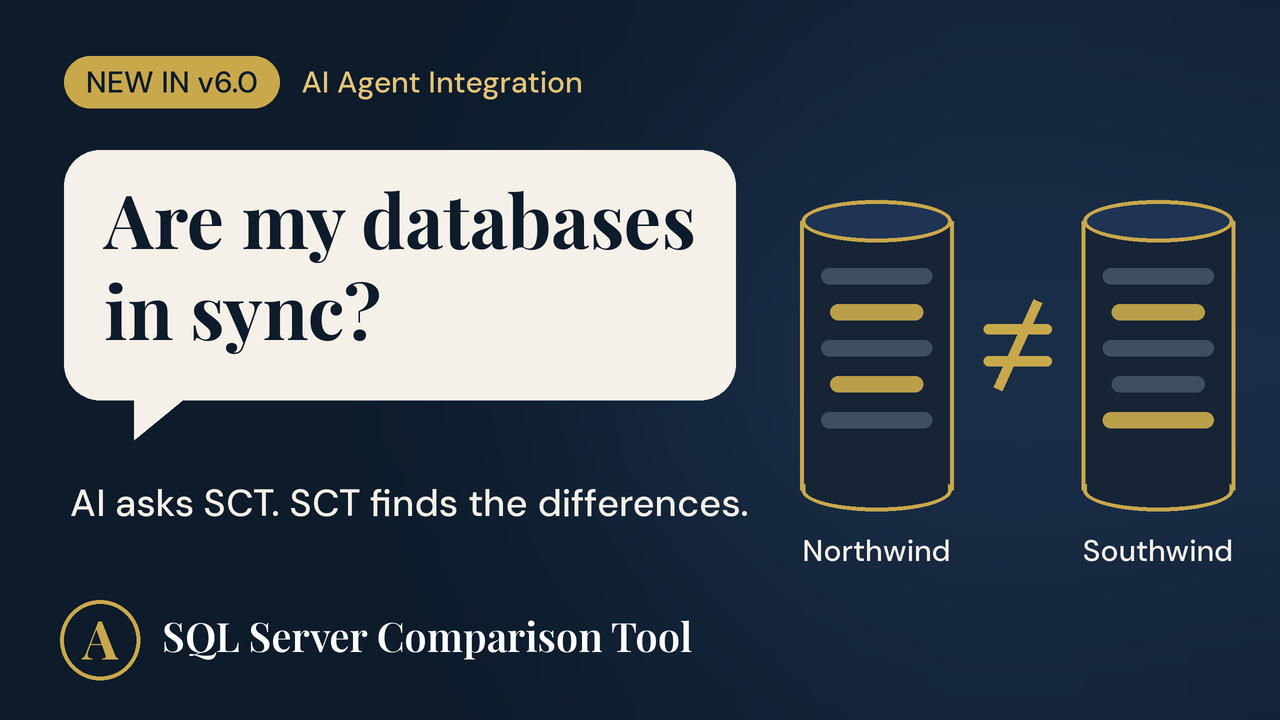
SQL Server Comparison Tool (SCT) compares SQL Server database schemas and data, and has been used by developers and DBAs since 1999. Version 6.0 adds an MCP (Model Context Protocol) server, so AI assistants such as Claude Desktop can run your saved comparisons and explain the differences in plain English.
You:     Are my Northwind and Southwind databases in sync?
Claude:  No. Running your saved "Northwind vs Southwind" comparison, I found
         tables that differ in structure, a table that exists only in
         Northwind, and the tables that are identical. Here are the details...
This repository contains documentation only. SCT is commercial Windows software with a free 30-day trial. The MCP server (
SctMcpServer.exe) is installed together with SCT 6.0.
Tools
| Tool | What it does |
|---|---|
list_saved_comparisons | Lists the comparisons you have saved in SCT. |
run_comparison | Runs one saved comparison and returns structured results: which objects differ, which exist in only one database, and which are identical. |
Example prompts:
- "Are our staging and production databases in sync?"
- "Run comparison 4 and summarize what changed."
- "Which tables exist in production but not in the test database?"
Read-only by design
Connecting an AI agent to production databases should make any DBA careful. The integration is built so it can't cause damage, even if the AI misunderstands a request:
- It can't change your databases. Nothing in the integration writes to SQL Server. SCT only reads what it needs to compare.
- It can't choose which servers to connect to. It can only run comparisons you created and saved in SCT yourself.
- It never sees your credentials. Connection details stay in SCT on your computer, with passwords stored encrypted.
- It doesn't see your data. Data comparisons report counts of differing and missing rows, never the row contents.
To apply differences, you generate the update script in SCT, review it, and run it yourself.
Requirements
- Windows 10 or 11 (.NET Framework 4.8, preinstalled on both)
- SQL Server Comparison Tool 6.0 or later (free 30-day trial)
- Claude Desktop or another MCP client that supports stdio servers
- At least one comparison saved in SCT
- SQL Server 2005 through 2025, or Azure SQL
Quick setup (Claude Desktop)
- Install SCT 6.0 and save at least one comparison in it.
- Quit Claude Desktop (system tray icon, then Quit).
- Open
%APPDATA%\Claude\claude_desktop_config.jsonin Notepad (create it if it doesn't exist) and add:
{
  "mcpServers": {
    "SQL Server Comparison Tool": {
      "command": "C:\\Program Files (x86)\\SQL Server Comparison Tool\\SctMcpServer.exe"
    }
  }
}
- Start Claude Desktop and ask: "List my saved database comparisons."
Adjust the path if SCT is installed elsewhere. The double backslashes are required by JSON.
Full instructions, configuration settings and troubleshooting: Setup guide (also on the SCT website).
How it works
You  ->  Claude Desktop  ->  SctMcpServer.exe  ->  sct.exe  ->  SQL Server
                   (MCP, JSON-RPC over stdio)     (runs your saved comparison locally)
SctMcpServer.exe is a small .NET Framework 4.8 program with no third-party dependencies. When the AI calls a tool, it runs SCT's comparison engine in the background and returns the results as structured JSON, which the AI then explains to you.
Links
- Website: https://www.sql-server-tool.com/
- Demo video: https://youtu.be/Jno8Svs-DTs
- Overview article: Ask Your AI Whether Your SQL Server Databases Are in Sync
- Setup guide: docs/setup-guide.md
- Support: contact form
About
SQL Server Comparison Tool is developed by AlfaAlfa Software Corporation, Toronto, Canada, since 1999.