FullyDefined – AI for SOLIDWORKS
Drive SOLIDWORKS on Windows from Claude and other AI apps: fully defined sketches, part features, sheet metal, weldments, assemblies and drawings, with every result measured from the model.
Documentation
FullyDefined – AI for SOLIDWORKS
Tell your AI app what to build. It builds it in SOLIDWORKS, fully defined and measured, and you keep working on it like any part you made yourself.
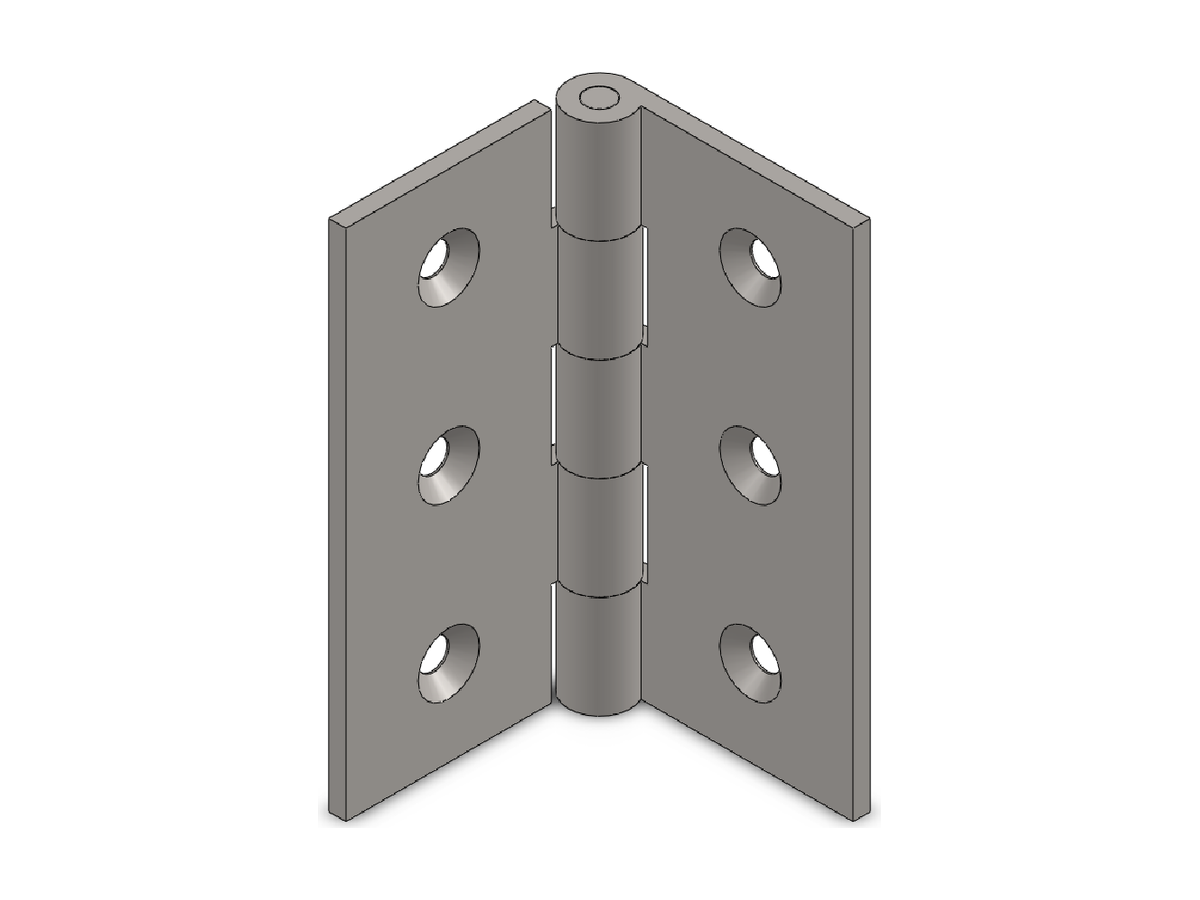
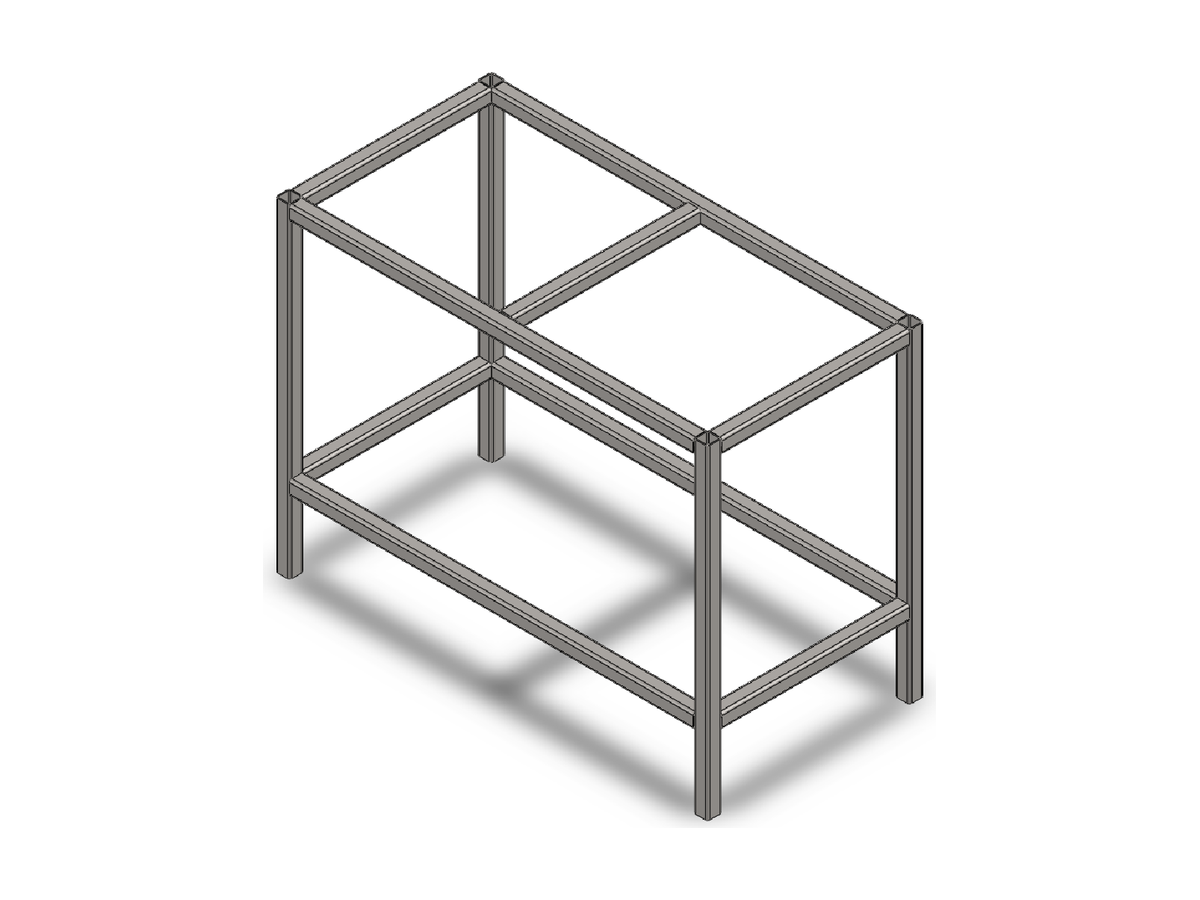
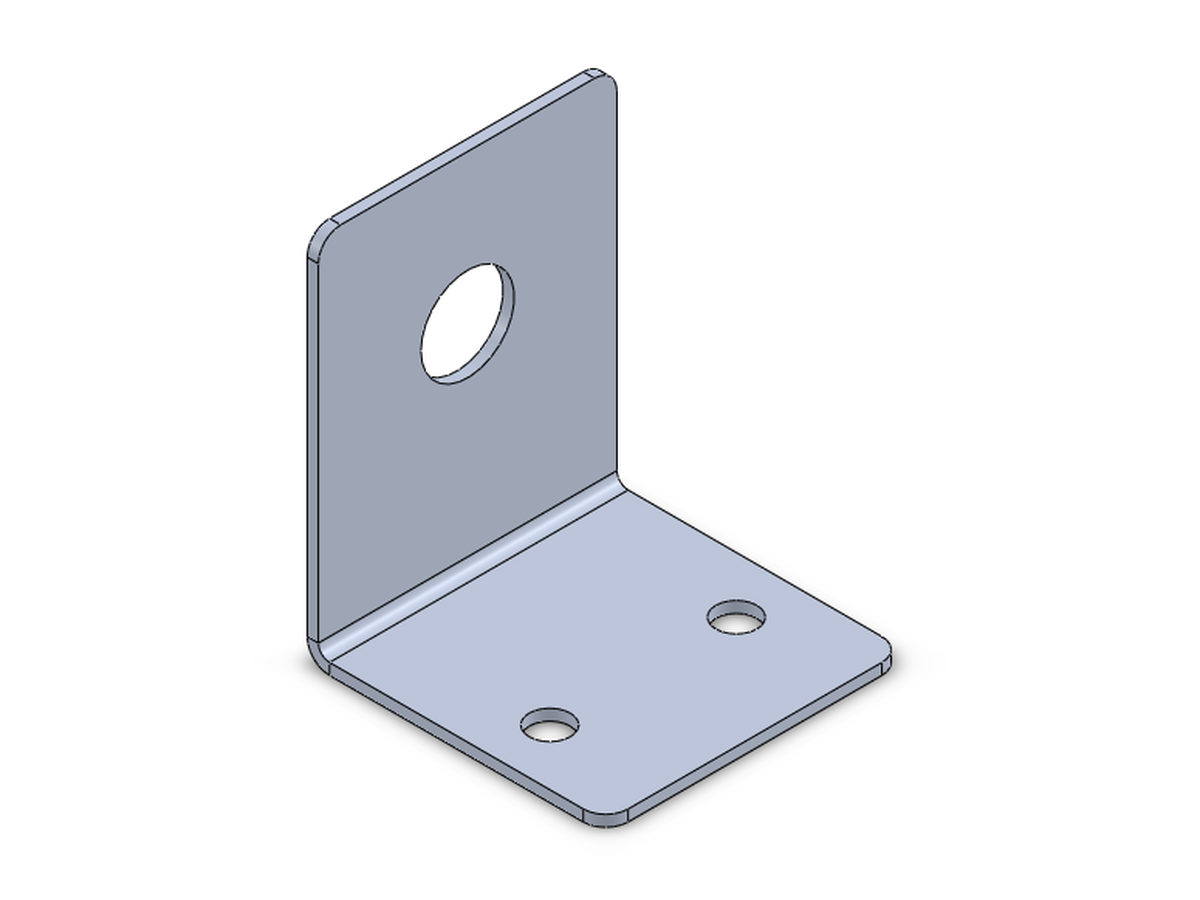
Download the installer · Examples · Practice results · All tools
Why FullyDefined
- 121 tools. Parts, sheet metal, weldments, assemblies, drawings and export, from a first sketch to a drawing with a bill of materials.
- Tested on official problems. Given only the drawing from SOLIDWORKS' own practice problems, the AI built 20 of 22 parts within 0.5% of the official answer. Both misses were sizes the drawing doesn't give, not a tool. All results are published.
- Measured, not guessed. After each step the tools read the model back: volume, mass, distances, sketch status. If something is off, you see it.
- Real CAD. Sketches are fully defined from your dimensions, and the feature tree is clean. You can edit everything afterwards.
- One-click install. A normal Windows installer, with no admin rights and no Python or Git to set up. It tests itself by building and measuring a small part.
- Your files are safe. A copy of your file is made before the first change. Your own files are never auto-saved, and folders you protect are never written to.
What it can do
- Parts: lines, arcs, circles, rectangles, polygons and slots, fully defined; extrude, cut, revolve, sweep, loft, fillet, chamfer, shell, mirror, patterns, Hole Wizard holes, reference planes, surfaces, materials, equations and configurations.
- Sheet metal: base, edge and miter flanges, tabs, hems, sketched bends, forming tools, flat pattern and DXF.
- Weldments: structural members and their cut list.
- Assemblies: add, move, fix, hide and replace components; add and edit mates; interference checks; exploded views.
- Drawings: standard, section and detail views, dimensions, balloons, a bill of materials with your own columns, centrelines, title block and sheets.
- Files: STEP, STL and PDF export, and custom properties.
Install
For Windows with SOLIDWORKS 2022 or later. Tested on SOLIDWORKS 2026.
- Download
FullyDefined-Setup-<version>.exefrom the latest release. - Windows warns because the installer is not code-signed yet. Click More info, then Run anyway.
- Tick your AI apps and click Install. When it finishes, fully quit and reopen your AI app.
Zip install, other apps and settings: Help.
Try it
Open SOLIDWORKS and ask your AI app:
Create a new part, sketch a 40 mm circle on the Front plane, extrude it 10 mm and tell me its volume.
Or give it a drawing of a part and ask it to build it.
Works with
- Tested: Claude Desktop and Claude Code, with Claude Opus and Claude Sonnet.
- Installed and used: Antigravity.
- Should work: Gemini CLI, VS Code with GitHub Copilot, and other apps that run local MCP servers.
ChatGPT can't use it: it only connects to servers on the internet, and FullyDefined runs next to SOLIDWORKS on your PC.
Help
Full requirements are on the Install page; limits, settings and other setups are on the Help page. Something not working, or a tool you want? Open an issue. What changed in each version is on the Releases page.
Licence
MIT. SOLIDWORKS is a registered trademark of Dassault Systèmes SolidWorks Corporation. This project is not affiliated with or endorsed by Dassault Systèmes or Anthropic.