TradingView Backtest Assistant”
원격 MCP 엔드포인트를 노출하여 에이전트가 심볼/시간대/날짜 범위별로 전략 백테스트를 실행하고, 전략 입력값을 프로그래밍 방식으로 전달하며, 구조화된 백테스트 결과(거래 내역, 승률, 수익, 드로다운)를 수신할 수 있습니다.
문서
Backtesting engine for your AI Agent with PineScript support for TradingView usage
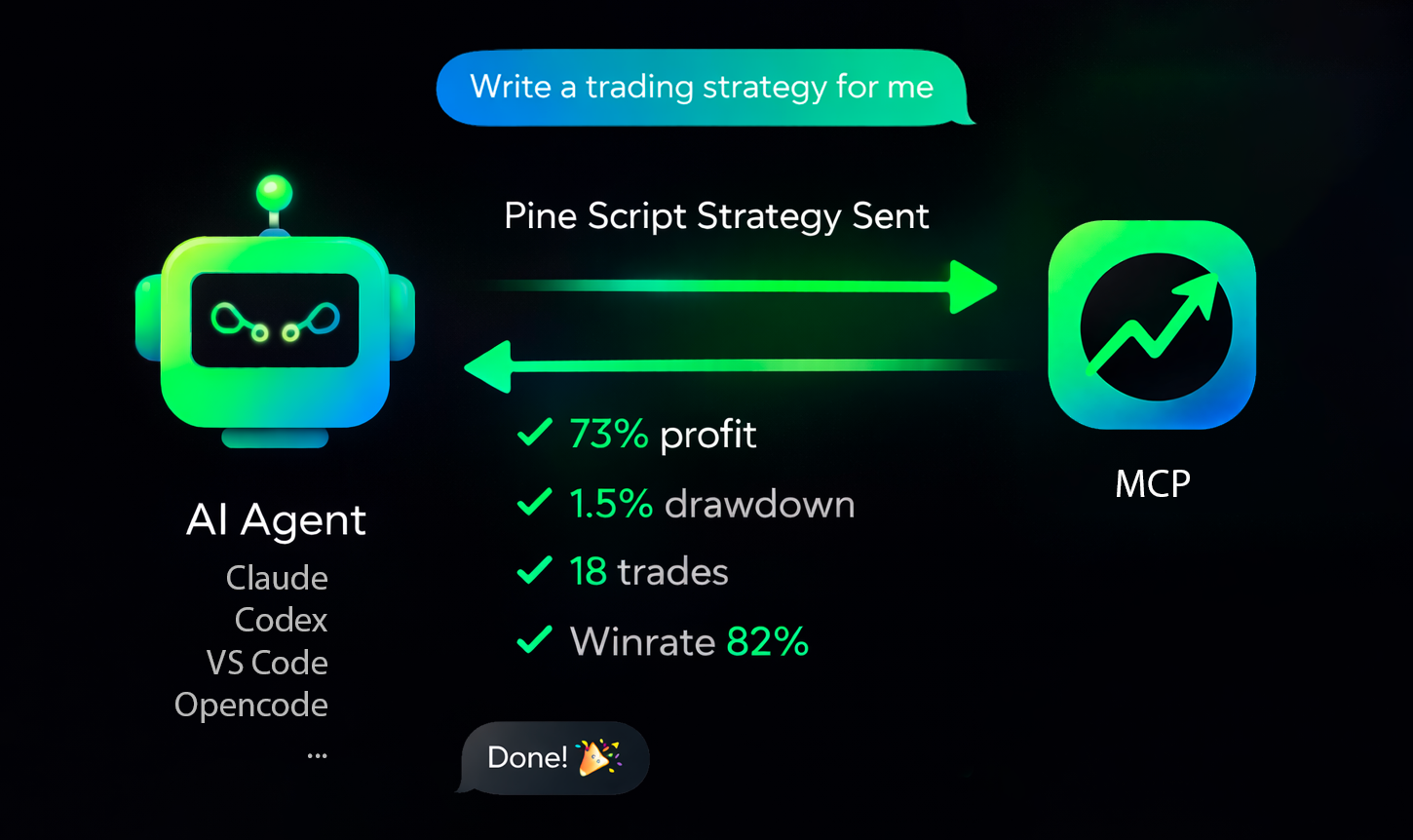



Production-ready MCP server for running TradingView Pine Script strategy backtests (Binance data) from AI agents.
Overview • Connect • Supported Agents • Troubleshooting • Get API Key • Website
Quick Overview
tv-pinescript-backtest-mcp exposes a remote MCP endpoint so agents can:
- run strategy backtests by symbol/timeframe/date range,
- pass strategy inputs programmatically,
- receive structured backtest results (trades, win rate, profit, drawdown),
- keep long-running runs observable via progress notifications,
- support Binance Futures tickers only,
- enforce a maximum of 1440 candles per backtest,
- apply a rate limit of 3 backtests per minute per user,
- ask your agent to write a strategy and backtest it.
Connect To Your Agent
Get API key: https://backtest-engine-mcp.click/dashboard
You need:
- Your MCP server URL (
https://backtest-engine-mcp.click/mcp/backtest) - Your API key (Bearer token)
Use HTTP transport and pass the API key in Authorization: Bearer <API_KEY>.
Supported Agents
Claude Code
CLI:
claude mcp add --transport http tvmcp https://backtest-engine-mcp.click/mcp/backtest --header "Authorization: Bearer <API_KEY>"
Project file (.mcp.json):
{
  "mcpServers": {
    "tvmcp": {
      "type": "http",
      "url": "https://backtest-engine-mcp.click/mcp/backtest",
      "headers": {
        "Authorization": "Bearer <API_KEY>"
      }
    }
  }
}
OpenCode
opencode.json:
{
  "$schema": "https://opencode.ai/config.json",
  "mcp": {
    "tvmcp": {
      "type": "remote",
      "url": "https://backtest-engine-mcp.click/mcp/backtest",
      "oauth": false,
      "headers": {
        "Authorization": "Bearer <API_KEY>"
      }
    }
  }
}
Cursor
Add to .cursor/mcp.json (or ~/.cursor/mcp.json globally):
{
  "mcpServers": {
    "tvmcp": {
      "url": "https://backtest-engine-mcp.click/mcp/backtest",
      "headers": {
        "Authorization": "Bearer <API_KEY>"
      }
    }
  }
}
Note: the same MCP configuration is used by cursor-agent CLI.
Codex
Add to ~/.codex/config.toml (or .codex/config.toml in a trusted project):
[mcp_servers.tvmcp]
url = "https://backtest-engine-mcp.click/mcp/backtest"
http_headers = { Authorization = "Bearer <API_KEY>" }
Note: Codex CLI and IDE extension share the same config.toml.
VS Code
Open MCP configuration (.vscode/mcp.json or user mcp.json) and add:
{
  "servers": {
    "tvmcp": {
      "type": "http",
      "url": "https://backtest-engine-mcp.click/mcp/backtest",
      "headers": {
        "Authorization": "Bearer <API_KEY>"
      }
    }
  }
}
If needed, use Command Palette: MCP: Open User Configuration.
Minimal Test Prompt
Try these prompts with your agent:
Optimize my strategy: <pinescript code>
Optimize my strategy from file: sma20.pine
Find a strategy on the internet and backtest it using the tvmcp backtest tool.
Backtest my strategy on BTCUSDT 1h from 2026-03-01 to 2026-03-10, Pine code:
//@version...
Troubleshooting
The backtest-engine server has been tested on 30 strategies and tuned to match TradingView backtests 1:1 as closely as possible. Some operators may still be unsupported.
If you hit this case, please create a minimal strategy that reproduces the issue and submit it in Issues. We will do our best to add support quickly.