FLUX 3
Claude, ChatGPT, Cursor 및 기타 MCP 클라이언트에서 FLUX 3 크레딧으로 이미지와 동영상을 생성하세요. 문서: https://flux3.video/developers
호스팅형 MCP 서버
npx add-mcp 'https://flux3.video/mcp'Claude Code, Codex, Cursor 등에 설치됩니다
문서
FLUX 3 AI Video Generator — Free Online
Free FLUX 3 AI video generator online. Text to video and image to video in one workspace. Start free — no card required.
Source: https://flux3.video/
New — FLUX 3 Max is here: faster FLUX 3 video with sound.# FLUX 3: Free FLUX 3 AI Video Generator
Make short AI video from a prompt or a photo. Text to video and image to video in one free FLUX 3 AI video generator — no card to start.
Start
End
Prompt
VideoText/Image to videoFLUX 3 Turbo16:9·480P·5s·×1
Generate
What you can make## What You Can Make with the FLUX 3 AI Video Generator
The FLUX 3 AI video generator is built for short clips you can post — write a scene, or upload a still and animate it, then save the result to your library.
Clips that look more like real lifeText to video from a plain promptImage to video from a photo
Clips that look more like real life
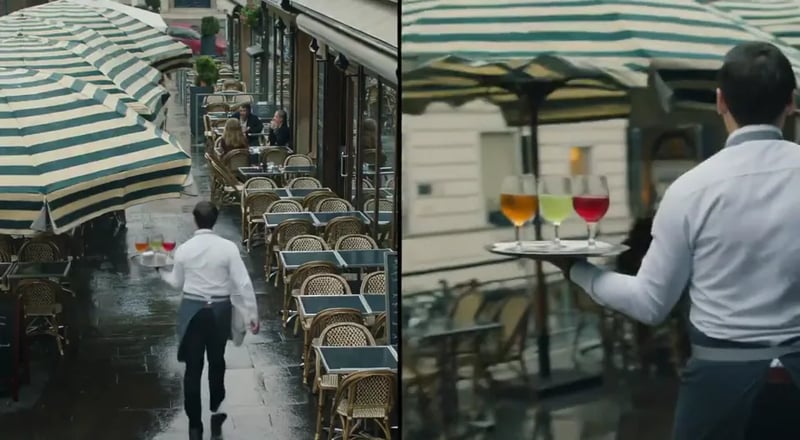
Creators care about faces, motion, and everyday style — not only glossy film looks. Use the FLUX 3 AI video generator when you want a short clip that feels natural enough to drop into a story, ad, or product demo.
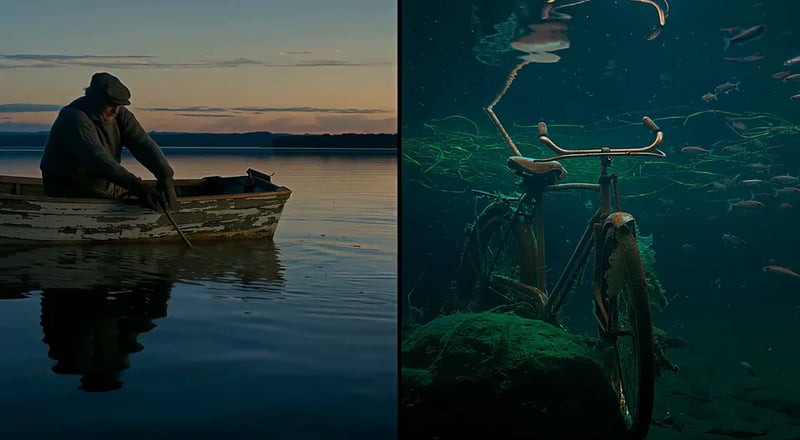
Text to video from a plain prompt
Describe the shot in everyday words — who is there, what moves, how it should feel. Text to video in this FLUX 3 AI video generator turns that brief into a short clip without a timeline app.
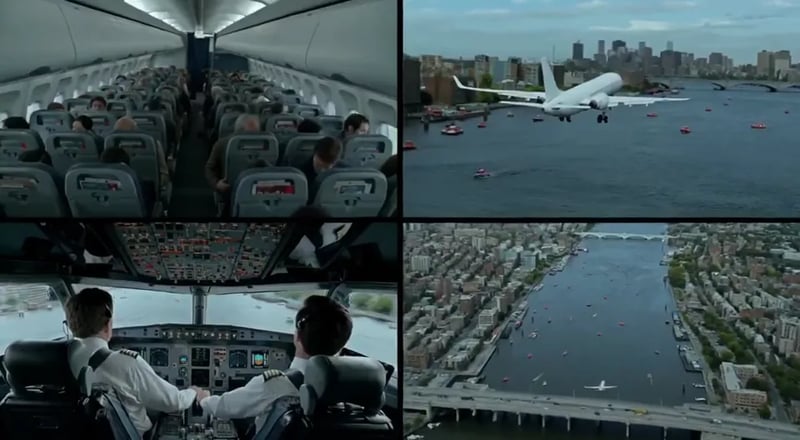
Image to video from a photo
Upload a still and animate it. Image to video is ideal when you already have a product shot, character frame, or poster and want motion without rebuilding the scene from scratch.
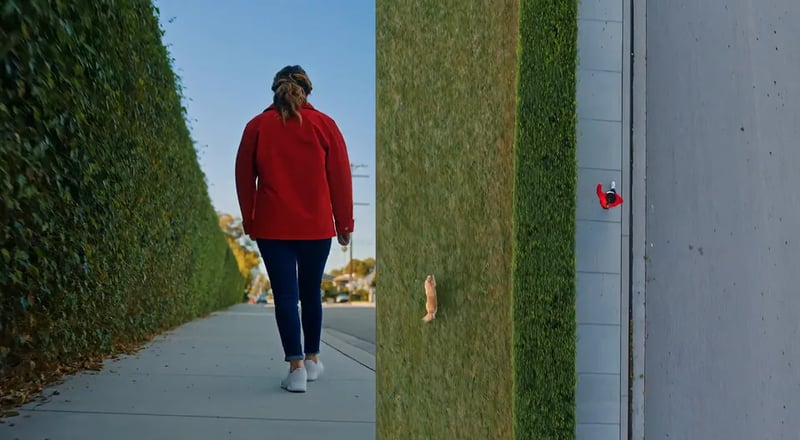
How it works## How FLUX 3 Creates AI Video in Seconds
Four steps from idea to a saved clip. Text to video and image to video share one workspace and the same free start.
- 1 ### Write or upload Type a short scene in plain language, or upload a photo to animate. Keep the first prompt simple — subject, action, and place are enough to start on the FLUX 3 AI video generator.
- 2 ### Pick FLUX 3 (or another model) Default video is FLUX 3. Prefer another model in the picker when you need a faster draft or a different look. Image work uses FLUX 3 Image as the house default on /image.
- 3 ### Generate the clip Run the job and wait for the short video to finish. Failed runs refund credits automatically so a bad take does not waste your balance.
- 4 ### Save and reuse Download the result or open it later from your library. Paid plans include commercial licensing when you need client or ad use.
Toolkit## Inside FLUX 3: Your Complete AI Video Generator Toolkit
Everything you need to make and reuse short video — write a prompt, animate a photo, switch models, and keep winners — without bouncing between apps.
Text to video
Describe a short scene and generate a clip in the FLUX 3 AI video generator. Best for social hooks, product explainers, and first-pass storyboards that start from words alone.
Image to video
Turn a product photo, character still, or design frame into motion. Image to video keeps the visual you already like and adds movement for ads, reels, and demos.
Many styles, one workspace
Try candid, animated, design-led, or clean product looks without leaving the page. The FLUX 3 AI video generator is built for everyday posting styles, not only one film look.

More models when you need them
FLUX 3 is the default for video SEO and house branding. The same picker also lists other video and image models so you can compare drafts without a second product login.
History and library
Every finished run can land in your library so prompts and clips compound. Search by date, reopen a draft, and regenerate with a small prompt change.
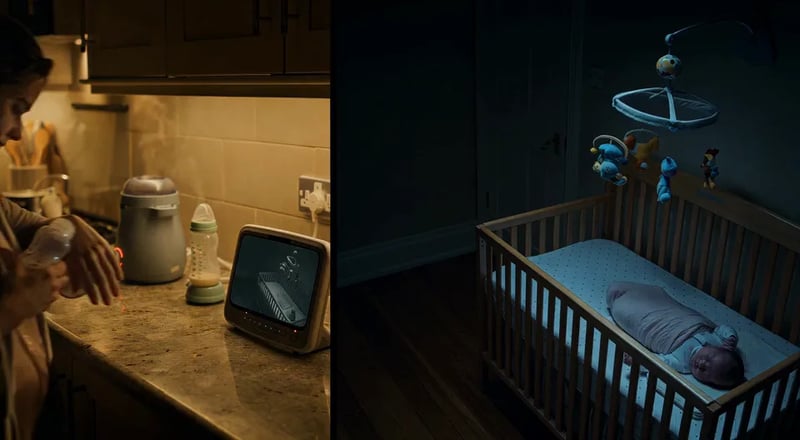
Free tier, no card
Start free with a real quota and no credit card. Upgrade only when volume or commercial rights grow — no surprise lock-in to open the FLUX 3 AI video generator.
Video vs image## FLUX 3 Video vs FLUX 3 Image — Which Path?
Black Forest Labs positions FLUX 3 as one multimodal family with staged rollouts. On this site, pick the path that matches your job: short AI video by default, or stills when you need a frame first.
PrimaryFLUX 3 VideoDefault on this siteOpen videoImage pathFLUX 3 ImageStills & editsOpen image
Best first useShort AI video for posts, demos, and product motionPosters, product stills, and editable frames
Main inputsText prompt or start photo (text to video / image to video)Text prompt or reference image (text to image / image to image)
OutputShort video clip ready to download or saveStill image for design, ads, or a later video pass
Where to open/video — FLUX 3 AI video generator default/image — FLUX 3 Image house default
Who should pick itCreators who searched for FLUX 3 video and want a free online tryTeams who need a sharp still before they animate
Why FLUX 3 here## Why Creators Choose This FLUX 3 AI Video Generator in 2026
A free browser workspace focused on the FLUX 3 name people search for — with a clear free start and paid plans when volume grows.
-
Online now — no waitlist form BFL early access uses a request form. This FLUX 3 AI video generator opens in the browser so you can try a short clip without waiting on an invite email.
-
Built around video first Domain and homepage focus on AI video. Image tools stay one click away on /image instead of splitting the page across two equal category keywords.
-
Generate in the browser No install. Type a prompt or upload a photo, run FLUX 3, and keep results in your library when you sign in.
-
Text to video and image to video Both modes live in one workspace. Start from words when you have no plate, or from a photo when the frame already looks right.
-
Free quota — no card Try the FLUX 3 AI video generator with a real free tier. Upgrade only when you need more runs or commercial licensing.
-
Independent product, clear disclaimer FLUX 3 is a trademark of Black Forest Labs. This site is an independent generator workspace and is not affiliated with or endorsed by BFL.
Use cases## FLUX 3 AI Video Generator for Creators & Teams
Where short AI video shows up day to day — from social hooks to product motion and client drafts.
-
For Social Creators Ship a 5–15 second hook without a full edit suite. The FLUX 3 AI video generator is built for posts that need motion today, not a week-long shoot.
-
For E-commerce & Catalog Teams Animate a product still into a short demo loop. Image to video keeps packaging and brand framing while adding simple motion for PDP and ads.
-
For Marketers & Growth Teams Spin prompt variants for A/B creative tests. Free quota covers early drafts; paid plans cover higher volume when a winner scales.
-
For Short-Form & Story Teams Block a beat as a short clip, then iterate the prompt. Use the library to keep character and scene experiments in one place.
-
For Agencies & Freelancers Show clients a moving first pass in the same call. Switch models only when a draft needs a different look — FLUX 3 stays the default.
-
For Educators & Course Creators Turn a slide idea into a short explainer clip. Text to video helps when you need motion to teach a step, not a full production.
Creators using FLUX 3 online## What People Love About This FLUX 3 AI Video Generator
Short clips, free starts, and a browser workflow — without a design suite install.
- From prompt to post the same afternoon. I needed a short AI video for a product tease. The free FLUX 3 AI video generator got me a usable first clip without waiting on a waitlist email. Elena M. Social creator
- Image to video saved the product still. We already had a hero photo. Image to video on FLUX 3 added motion for ads without rebuilding the whole scene. Jordan K. Growth marketer
- Client saw motion in one meeting. I opened the FLUX 3 AI video generator on a call, ran two prompts, and we picked a direction before the hour ended. Sofia R. Agency producer
- No card to try video. Free quota was enough to test whether short AI video helps our landing page. I upgraded only after the third keeper. Noah P. Indie founder
Pricing## FLUX 3 Pricing
Start free on the FLUX 3 AI video generator with a real free tier — no credit card. Upgrade only when you need more volume or commercial licensing.
Limited-time offer30% OFF
Enjoy Limited-Time 30% OFF!
07d 00:00:0007days00hrs00min00sec
Loading plans…
FAQ## Frequently Asked Questions About the FLUX 3 AI Video Generator
What is the FLUX 3 AI video generator on this site?
It is a free online workspace where FLUX 3 is the default video model name. You can run text to video and image to video in the browser, save results to your library when signed in, and upgrade for more volume or commercial licensing.
What is FLUX 3 according to Black Forest Labs?
On July 23, 2026, Black Forest Labs announced FLUX 3 as a multimodal foundation model for image, video, audio, and action prediction, jointly trained in one architecture. FLUX 3 Video opened in early access with native audio generation in BFL’s own rollout. Capability details and timelines come from BFL’s public posts and blog; this site is a separate online generator product.
Is this free FLUX 3 AI video generator affiliated with Black Forest Labs?
No. FLUX 3 is an independent product and is not affiliated with, endorsed by, or sponsored by Black Forest Labs. Model names are trademarks of their owners, used here for identification. Footer legal pages carry the full disclaimer.
Do I need a BFL early-access invite to generate here?
No. BFL’s official FLUX 3 Video early access uses their own request form. This site is a separate free online FLUX 3 AI video generator workspace you can open in the browser without that waitlist.
Can I do text to video and image to video?
Yes. Open /video for the FLUX 3 AI video generator. Text to video starts from a prompt; image to video starts from a photo you upload. Both modes share the same account, credits, and library.
Does this site ship every BFL FLUX 3 capability on day one?
No. BFL’s public roadmap also mentions native audio, multi-shot chaining, image early access, action models, and open-weight plans on their side. This workspace focuses on practical online generation with FLUX 3 as the house video default and other models in the picker. We do not claim official BFL API access or unreleased BFL features as live product guarantees.
Is the FLUX 3 AI video generator free?
Yes. You can start free with a real free tier and no credit card. Upgrade when you need higher limits, priority capacity, or commercial licensing for client and ad work.
What about FLUX 3 Image?
Use /image for stills. FLUX 3 Image is the house image default for text to image and image to image. Many creators make a still first, then animate it with image to video on /video.
Can I use outputs commercially?
Paid plans include commercial licensing for ads, products, and client deliverables as stated on the pricing page. Free-tier outputs are for personal, non-commercial use unless your plan says otherwise.
Do I need to install software?
No. The FLUX 3 AI video generator runs in the browser. Start on the free tier; signing in unlocks your library, history, and higher limits.
Get started## Start Free With the FLUX 3 AI Video Generator
Try text to video or image to video online — free tier, no credit card, no BFL waitlist form.