Catchr
公式Connect to 100+ marketing platforms to query campaign data, compare channels, and analyze client performance directly in Claude, ChatGPT, or your preferred AI agent.
Catchr MCPで何ができますか?
- Ask questions about live marketing data — Have your AI assistant investigate performance questions like "Why did CPA increase?" using connected campaign data.
- Investigate campaign momentum — Ask your assistant to identify which campaigns lost momentum across connected ad platforms and analytics tools.
- Build client-ready reports — Direct your assistant to generate pacing checks, campaign reviews, monthly summaries, and custom client reports from unified data.
- Prepare data for reporting tools — Have your assistant route connected marketing data to Looker Studio, Power BI, Google Sheets, or BigQuery for further analysis.
ホスト型 MCP サーバー
npx add-mcp 'https://api.catchr.io/mcp'Claude Code、Codex、Cursor などにインストールできます
ドキュメント
Your client sees one report. Your team manages everything behind it.
Each client brings a different mix of ad platforms, analytics tools, CRMs, ecommerce stores, and reporting requirements. Catchr connects every source once and makes the data available wherever your team needs it.
100+ marketing platforms 20+ destinations No code required
 Meta Ads · Client A
  Google Ads · Client A
  GA4 · Client A

Client performance · Live
Spend €48.2K
ROAS 4.7x
CPA €31.4
From campaign data to client-ready answers.
Use the same connected data to build reports, investigate performance, work in spreadsheets, or feed your agency's data stack.
Talk with AI




Ask the question your client is about to ask.
Why did CPA increase? Which campaigns lost momentum? Give your AI assistant access to live marketing data and investigate performance without collecting the numbers first.


Connect paid media, analytics, CRM, and ecommerce data directly to Looker Studio, Power BI, or your preferred reporting tool.
Build pacing checks, campaign reviews, monthly summaries, margin calculations, and custom client reports using the spreadsheet workflow your team already knows.

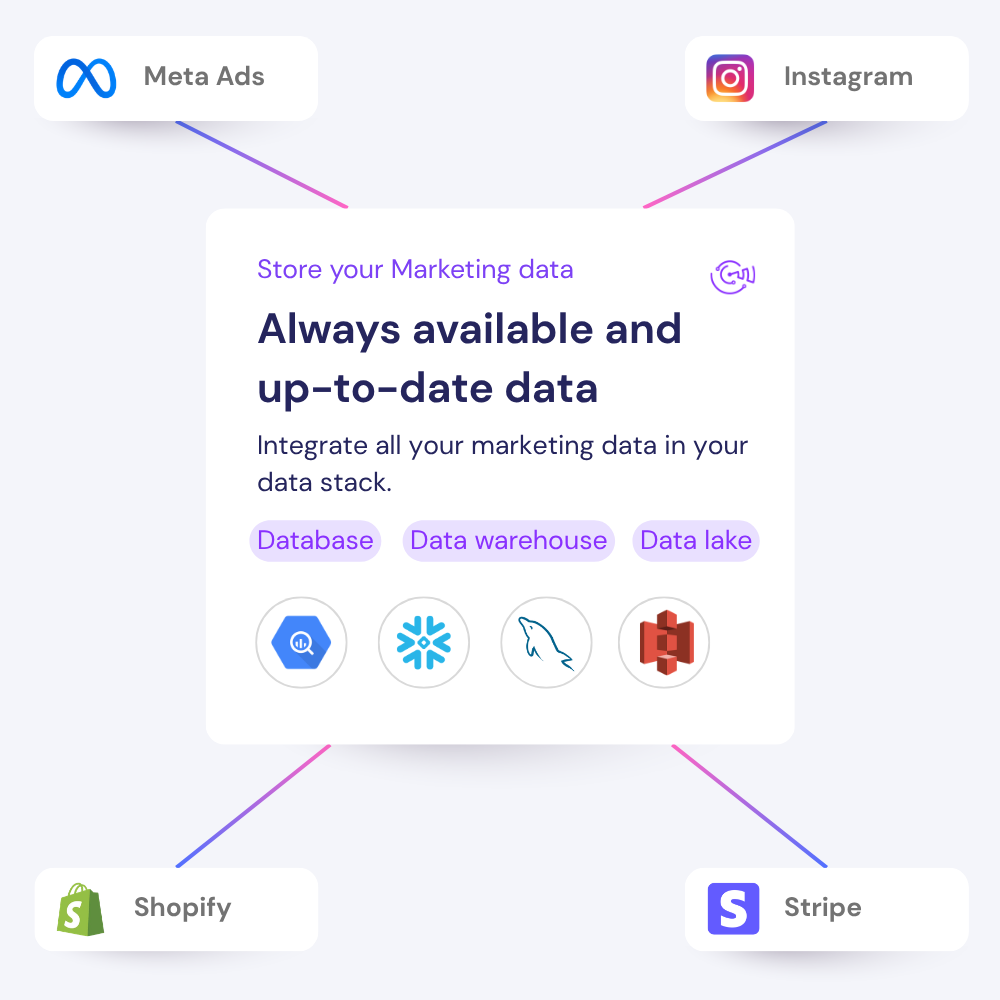
When a client asks for a new report, a BigQuery export, or an AI analysis, your team does not need to rebuild the data pipeline from scratch.
How it works?
Use the same connected data to build reports, investigate performance, work in spreadsheets, or feed your agency's data stack.
Authenticate all the platforms used, then choose the exact accounts your team needs for reporting and analysis.
Client A · Connected sources
5 sources ready
Meta Ads 3 advertising accounts Connected
Google Ads 2 advertising accounts Connected
Google Analytics 4 1 web property Connected
Client A · Data routing
4 destinations live Meta Ads Google Ads GA4 
 Looker Studio
  Google Sheets AI assistants
  BigQuery
Select the tools used by your team and client. Catchr reuses the connected sources instead of making you rebuild a pipeline for each destination.
Open a client report, ask Claude or ChatGPT about performance, work in a spreadsheet, or send the data to your warehouse.
Client A · Ready to use
Setup complete
3 sources connected to 4 destinations Your team can start reporting, analyzing, and exporting now. Ready
Open your report Looker Studio Ready to query
Ask your data Claude or ChatGPT MCP connected
Open your spreadsheet Google Sheets Export ready
Store the data BigQuery First sync scheduled
Your client stack is already supported.
Connect paid media, analytics, CRM, ecommerce, SEO, email, and organic social platforms from one place.
View all marketing integrations
Three ways Catchr fits into the working week.
From preparing the client call to maintaining the data layer, each team gets the workflow it needs without creating another manual handoff.
Made for teams that need the numbers to be ready.
From agency reporting to ecommerce performance, Catchr keeps the data moving behind the client-facing work.
[
Explore customer stories
](https://catchr.io/case-studies)
Your next report should not start with five exports
Connect your marketing platforms and build a data workflow your entire agency can use.
14 days free-trial
No credit-card required
100+ sources