Google Calendar
Interagir avec les API Google Calendar pour gérer les événements et les calendriers.
GitHub
2
Essayer ce MCPSponsoriséDocumentation
🗓️ Google Calendar MCP Server
This project integrates the Google Calendar v3 APIs with a custom MCP (Model Context Protocol) Server, enabling natural language interaction with your calendar via tools like Claude Desktop.
It acts as a bridge between your calendar data and an LLM using MCP-compatible HTTP streaming.
🧠 Overview
This project contains two core servers:
1. 🔐 Google OAuth Server
- Handles OAuth 2.0 flow
- Stores and refreshes access tokens in a local session file
2. 🤖 MCP Server
- Implements the Model Context Protocol (MCP)
- Exposes an HTTP streaming interface
- Uses saved credentials to interact with Google Calendar API v3
🚀 Getting Started
Step 1: 🔧 Set Up Google API Credentials
- Go to the Google Cloud Console
- Create or select a project
- Enable the Google Calendar API
- Go to Credentials → Create OAuth 2.0 Client ID
- Choose Desktop App
- Set branding and add test user emails in audience
- Download the OAuth credentials as
client_secret.json - Place this file in the root directory of the project
Step 2: 📦 Install Dependencies
poetry install
Step 3: 🚪 Start the OAuth Server
poetry run uvicorn src.main:app --host 0.0.0.0 --port 8000
- This should automatically open a browser for OAuth authentication.
- If not, visit http://0.0.0.0:8000/google_oauth/
- Upon successful authentication, you'll see a success page.
- A
session.jsonfile will be created with your access/refresh tokens.
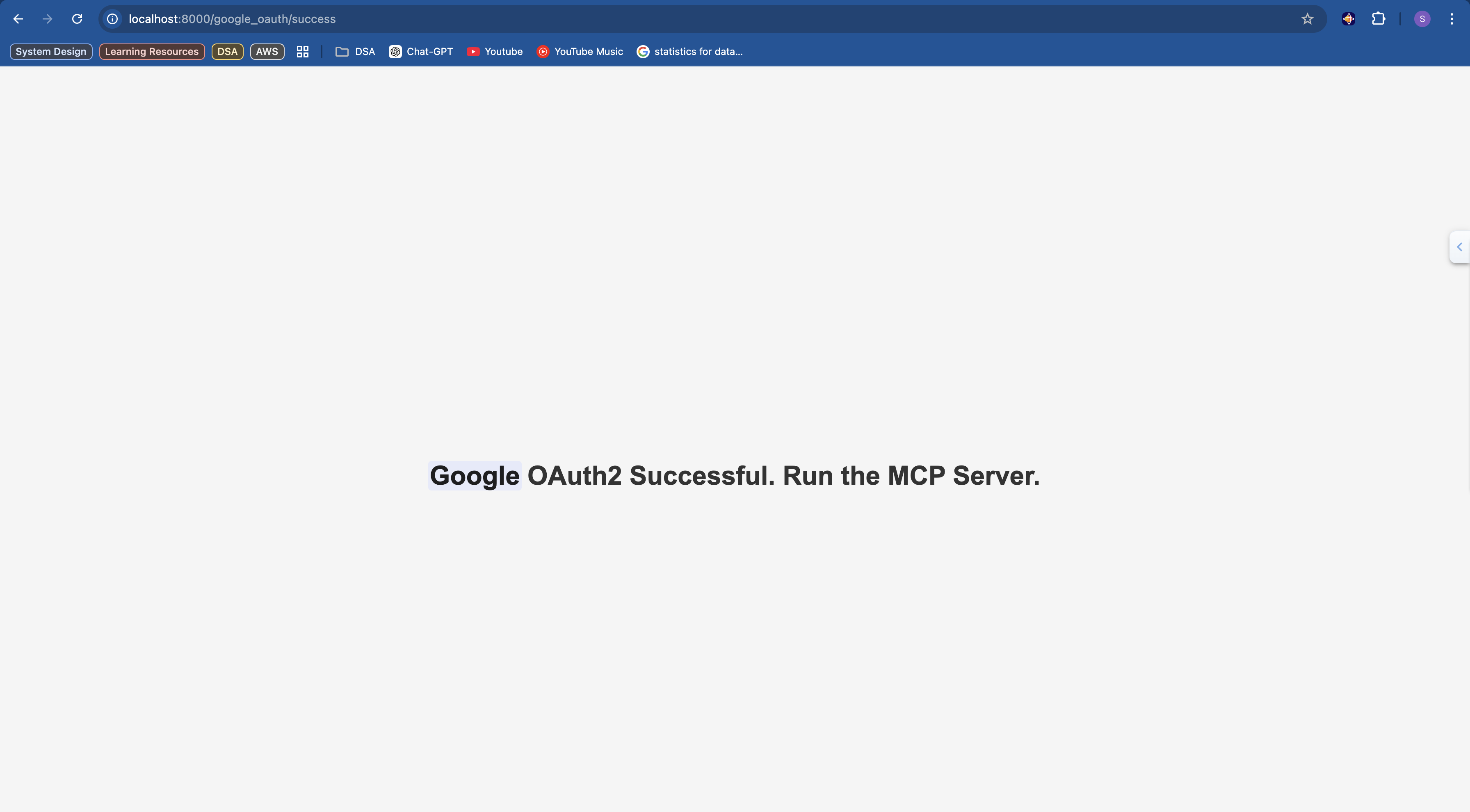
Step 4: 🧩 Run the MCP Server
poetry run python src/server.py
This launches a streamable MCP-compatible HTTP server at
http://localhost:8080/mcp
Step 5: 🧠 Connect MCP Client (Claude Desktop)
Update the config file at:
~/Library/Application Support/Claude/claude_desktop_config.json
Add the following entry:
{
  "mcpServers": {
    "google-calendar-mcp": {
      "command": "npx",
      "args": [
        "mcp-remote",
        "http://localhost:8080/mcp"
      ]
    }
  }
}
Step 6: ✅ Verify Integration
- Open Claude Desktop settings.
- If the MCP server was added correctly, it will appear under Settings -> integrations
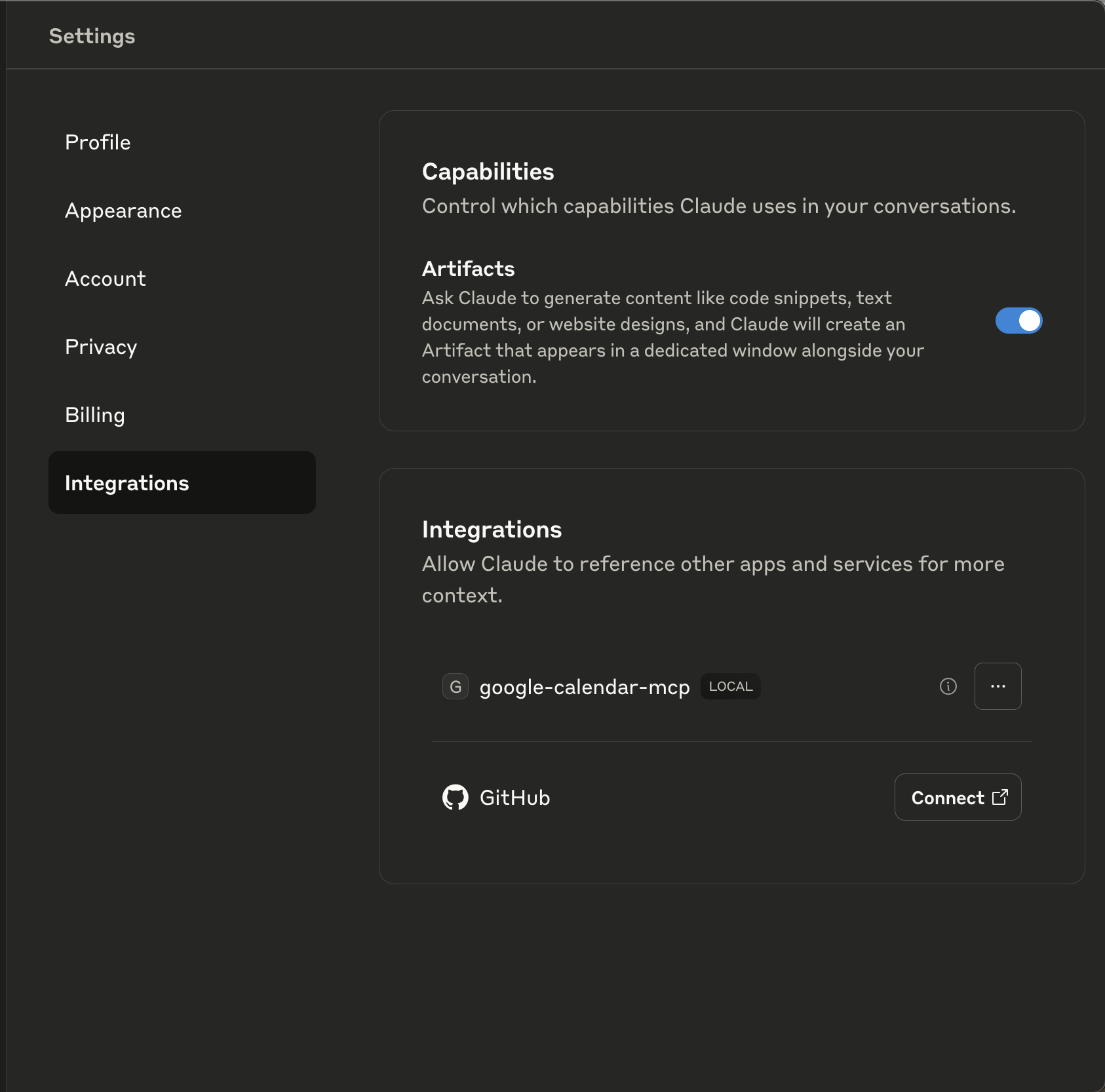
🧠 Demo
https://github.com/user-attachments/assets/27a8e5ee-8f2f-40c7-bdfc-1caa93767efb
🧱 Project Structure
project-root/
├── client_secret.json         # Google OAuth credentials
├── session.json               # Access/refresh token storage
├── pyproject.toml             # Poetry project config
├── README.md

└── src/
    ├── main.py                # FastAPI app for OAuth server
    ├── server.py              # MCP-compatible server
    ├── settings.py            # App settings and constants

    ├── api/
    │   └── oauth_callback.py  # OAuth endpoint logic

    ├── core/
    │   ├── calendar_client.py # Google Calendar API wrapper
    │   ├── mcp_tools.py       # Tools exposed to MCP clients
    │   ├── oauth_manager.py   # OAuth initiation and flow
    │   └── session_manager.py # Token handling

    └── gcalendar_types/       # Typed definitions for Calendar v3 API
🧩 Dependencies
- FastAPI
- Uvicorn
- Google Auth Libraries
- Poetry for dependency management