Capybaroar MCP
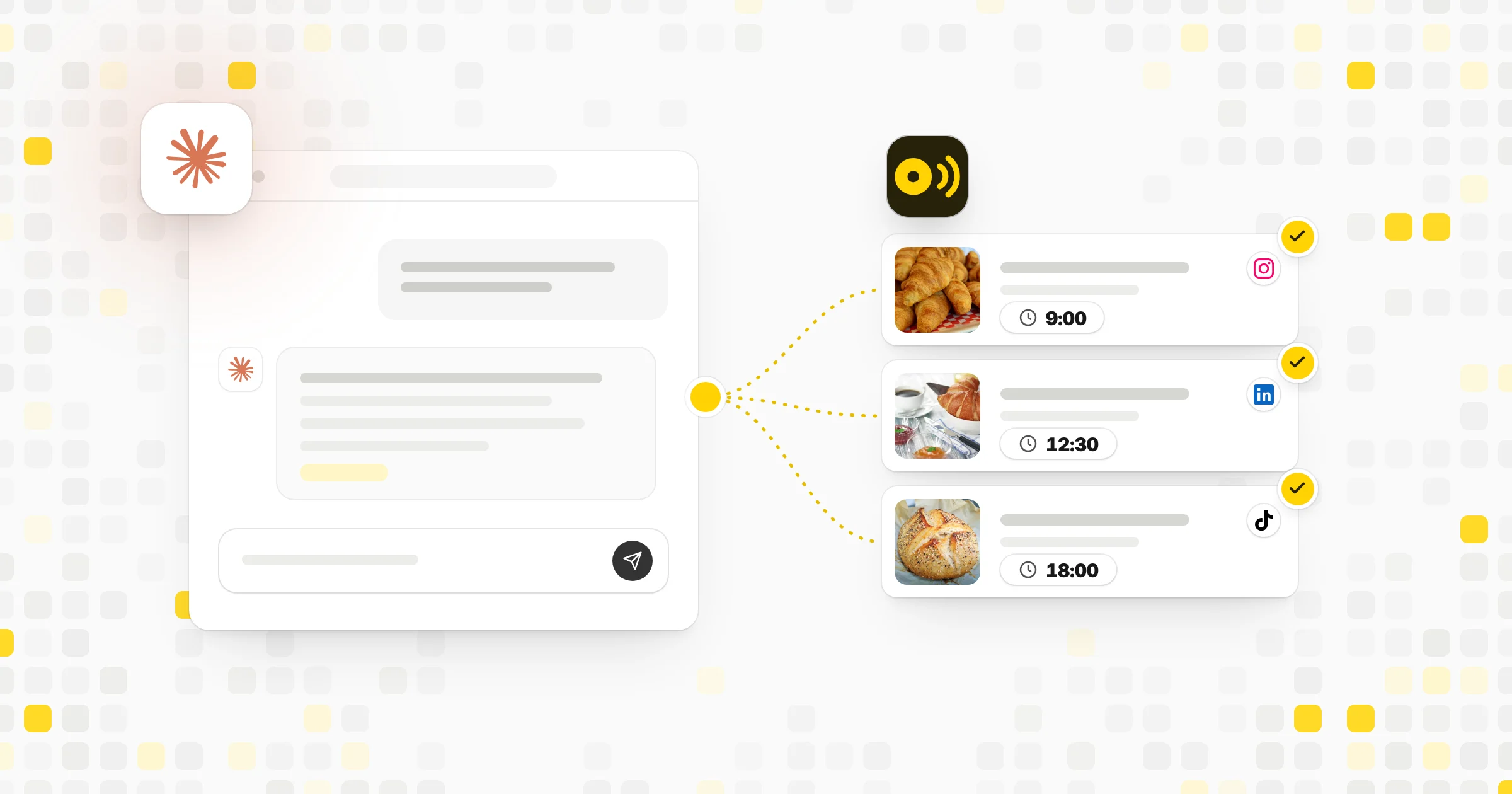
Planifiez, rédigez et programmez des publications sur les réseaux sociaux sur 14 plateformes, créez des images et consultez les statistiques depuis Claude, ChatGPT ou Cursor. Disponible avec tous les forfaits Capybaroar, y compris le forfait Free.
Serveur MCP hébergé
npx add-mcp 'https://app.capybaroar.com/api/mcp'S’installe dans Claude Code, Codex, Cursor et plus
Documentation
- 1
Copy your link from Capybaroar
Open Settings, then API and MCP, and press New key. Copy the MCP link. https://app.capybaroar.com/api/mcp/cbr\_•••••••• Keep it private. Anyone with the link can post as you. Get my link - 2
Add it to Claude
- 3
Copy a prompt into your AI
- Plan a week Use Capybaroar. Look at my channels and recent posts, then write a week of posts about [your topic]. Save them as drafts at my next queue times. Copy
- Reuse an article Use Capybaroar. Turn this article into a LinkedIn post and an X post, and save both as drafts: [link] Copy
- Check results Use Capybaroar. Show my results for the last 30 days and tell me which posts did best. Copy
- See my week Use Capybaroar. List everything scheduled for this week. Copy
Plan
- Use Capybaroar. Look at my channels and recent posts, then write a week of posts about [your topic]. Save them as drafts at my next queue times. Copy
- Use Capybaroar. Plan two posts a week about [your topic] for the next month, spread across my channels, as drafts. Copy
- Use Capybaroar. Look at what is scheduled next week and fill the empty days with drafts. Copy
Write
- Use Capybaroar. Turn this article into a LinkedIn post and an X post, and save both as drafts: [link] Copy
- Use Capybaroar. Rewrite my drafts for next week so each one has a stronger first line. Copy
- Use Capybaroar. Post this to Instagram tomorrow at 9 AM with this picture: [text] [picture link] Copy
Media
- Use Capybaroar. Make a picture of [your idea] and add it to my Monday draft. Copy
- Use Capybaroar. Make an 8 second video of [your idea] for TikTok and add it to a draft when it is ready. Copy
Results
-
Use Capybaroar. Show my results for the last 30 days and tell me which posts did best. Copy
-
Use Capybaroar. Which day and format work best for me? Use the last 90 days. Copy
-
Use Capybaroar. List everything scheduled for this week. Copy
-
Plan and post
Write, schedule, change and delete posts on any channel.
- list_channels
- next_queue_slot
- create_posts
- update_post
- delete_post
- list_posts
- get_post
- list_channels
-
Media
Upload pictures and videos, or make new ones with AI.
- upload_media
- list_media
- generate_media
- get_generation
- upload_media
-
Results
Read reach, engagement and best times for any period.
- get_analytics
-
Brands and groups
Work across brands and saved channel groups.
- list_brands
- list_channel_groups
- list_brands
-
Webhooks
Get an event in your own app when a post goes out.
- create_webhook
- set_webhook
- list_webhooks
- test_webhook
- delete_webhook
- create_webhook
-
Drafts first
Your AI saves drafts unless you ask it to schedule. Brands with approvals still wait for a yes.
-
Acts as you
A key has your role and your brands, and nothing more. Delete it any time and access stops.
-
Plan limits apply
Posts from your AI count toward your plan, just like posts from the app.
-
Fair use
Each key can make 120 requests a minute.
What is MCP?
MCP (Model Context Protocol) is an open standard that lets AI apps use tools. Capybaroar's MCP server gives your AI the same actions you have in the app.
Which AI apps work with Capybaroar?
Claude, ChatGPT, Cursor, Claude Code and any other app that supports remote MCP servers. Apps that take only a link use your MCP link with the key inside it.
Is MCP on every plan?
Yes. The MCP server and the REST API come with every plan, Free too. Making pictures and videos uses AI credits, which come with every paid plan.
Will my AI post without asking me?
It saves drafts unless you ask it to schedule. If a brand needs approval, posts wait for a yes from an owner, an admin or the client.
Is my MCP link safe?
Treat it like a password. It acts as you. If it leaks, delete the key in Settings, then API and MCP, and make a new one.
Does ChatGPT need a paid plan?
Yes. ChatGPT adds custom connectors in Developer mode, which needs a paid ChatGPT plan.
 Compare 8 Best Tools for Scheduling Social Media Posts with AI The best tool for scheduling social media posts now plans and writes them too. 8 tools with AI and MCP, compared on what the AI really does.