Code Snippet Image
通过语法高亮和多种主题,从代码片段生成美观、可分享的图片。
文档
Code snippet image MCP server
An MCP (Model Context Protocol) server that generates beautiful code snippet images to post to social media.
Demo
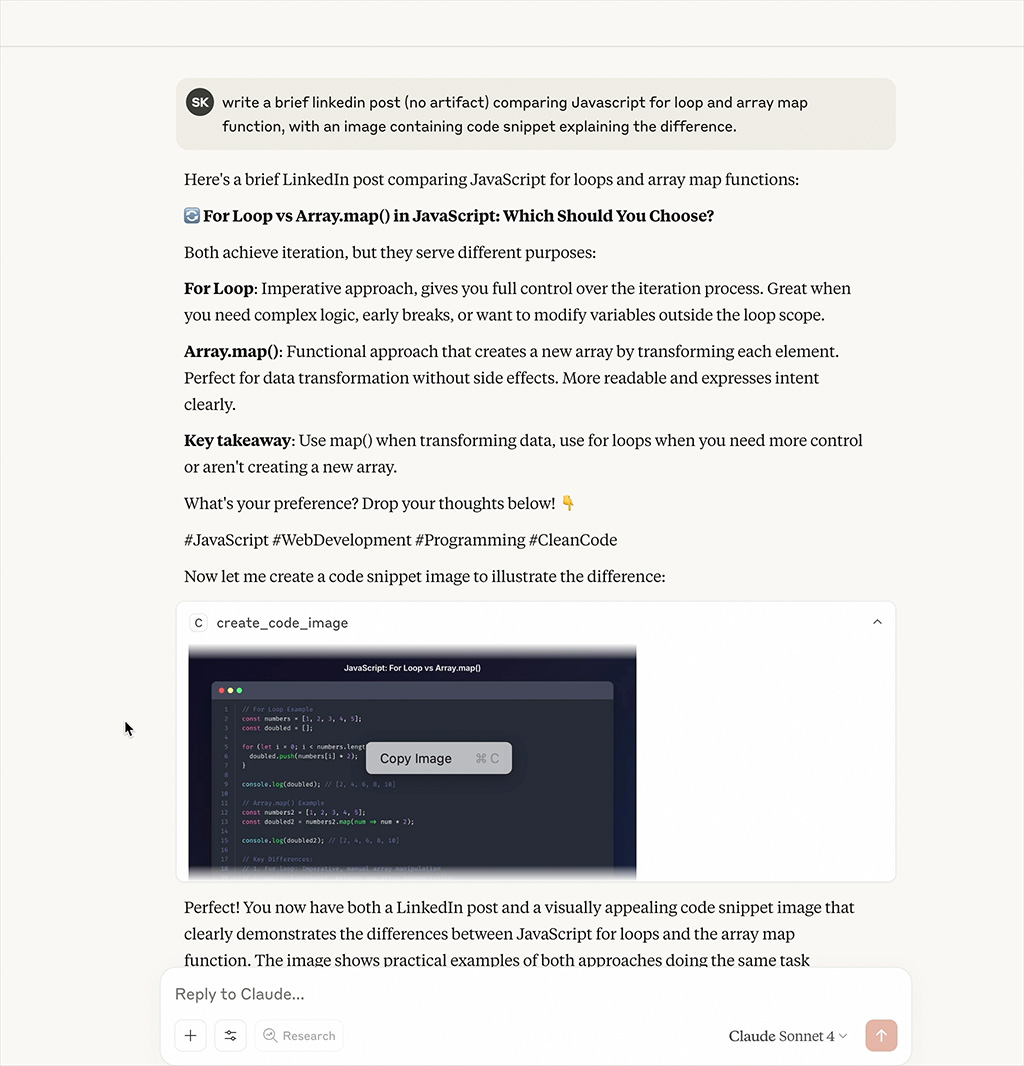
Watch the MCP server generate beautiful code snippet images in real-time
Features
- Beautiful Code Images: Generate beautiful code snippet images with syntax highlighting
- Multiple Themes: Support for Dracula, Monokai, GitHub, Solarized Dark/Light themes
- Syntax Highlighting: Support for multiple programming languages
- Customizable: Configurable dimensions, themes, and styling options
Installation
npm install
npm run build
Configuration
Add to your MCP configuration file:
{
  "mcpServers": {
    "code-snippet-image-mcp-server": {
      "command": "npx",
      "args": [
        "-y",
        "code-snippet-image-mcp-server",
        "/custom/output/directory"
      ]
    }
  }
}
The server accepts an optional output directory as the first command line argument. If not provided, it defaults to ./output in the current working directory.
Usage
The MCP server provides one main tool:
create_code_image
Generate a beautiful code snippet image:
Parameters:
code(string, required): The code to convert to imagelanguage(string, optional): Programming language for syntax highlighting (default: "javascript")theme(string, optional): Color theme (default: "dracula")title(string, optional): Title for the code snippetwidth(number, optional): Image width in pixels (default: 800)height(number, optional): Image height in pixels (auto if not specified)padding(number, optional): Padding around the code window in pixels (default: 52)backgroundColor(string, optional): Custom background color (overrides theme background)showLineNumbers(boolean, optional): Show or hide line numbers (default: true)
Example:
{
  "code": "const hello = () => console.log('Hello, World!');",
  "language": "javascript",
  "theme": "dracula",
  "title": "Hello World Function",
  "width": 800,
  "height": 600,
  "padding": 52,
  "showLineNumbers": true
}
Supported Themes
Dracula (Default)
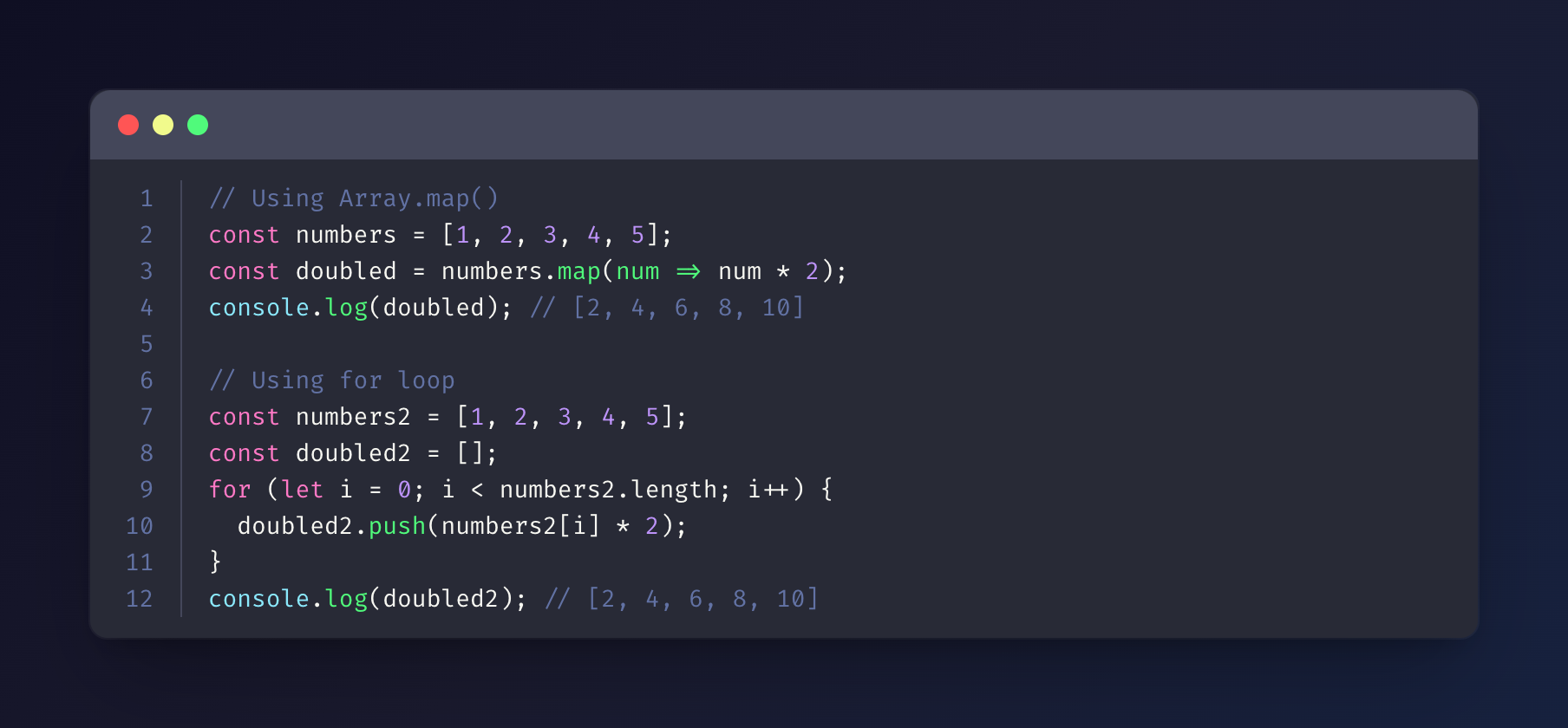
Monokai
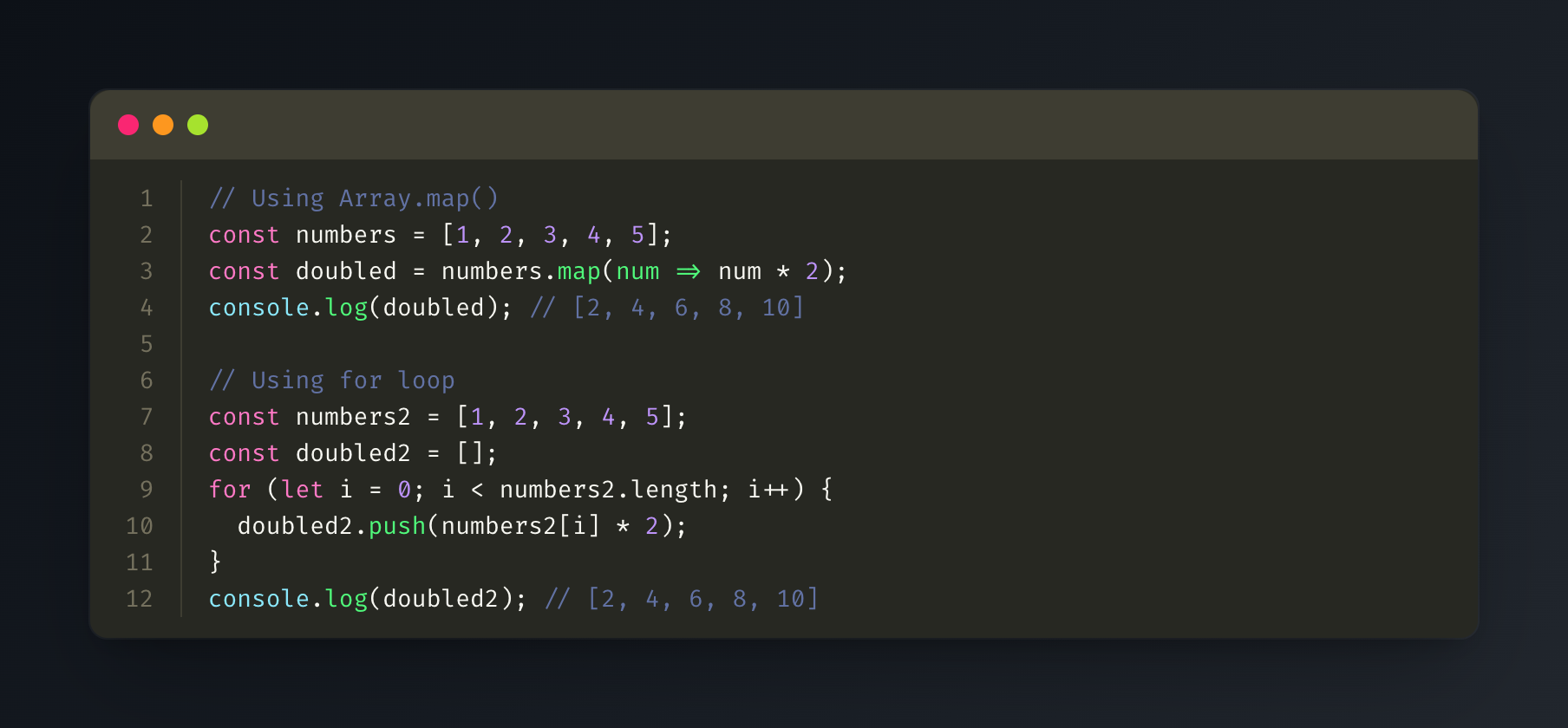
GitHub
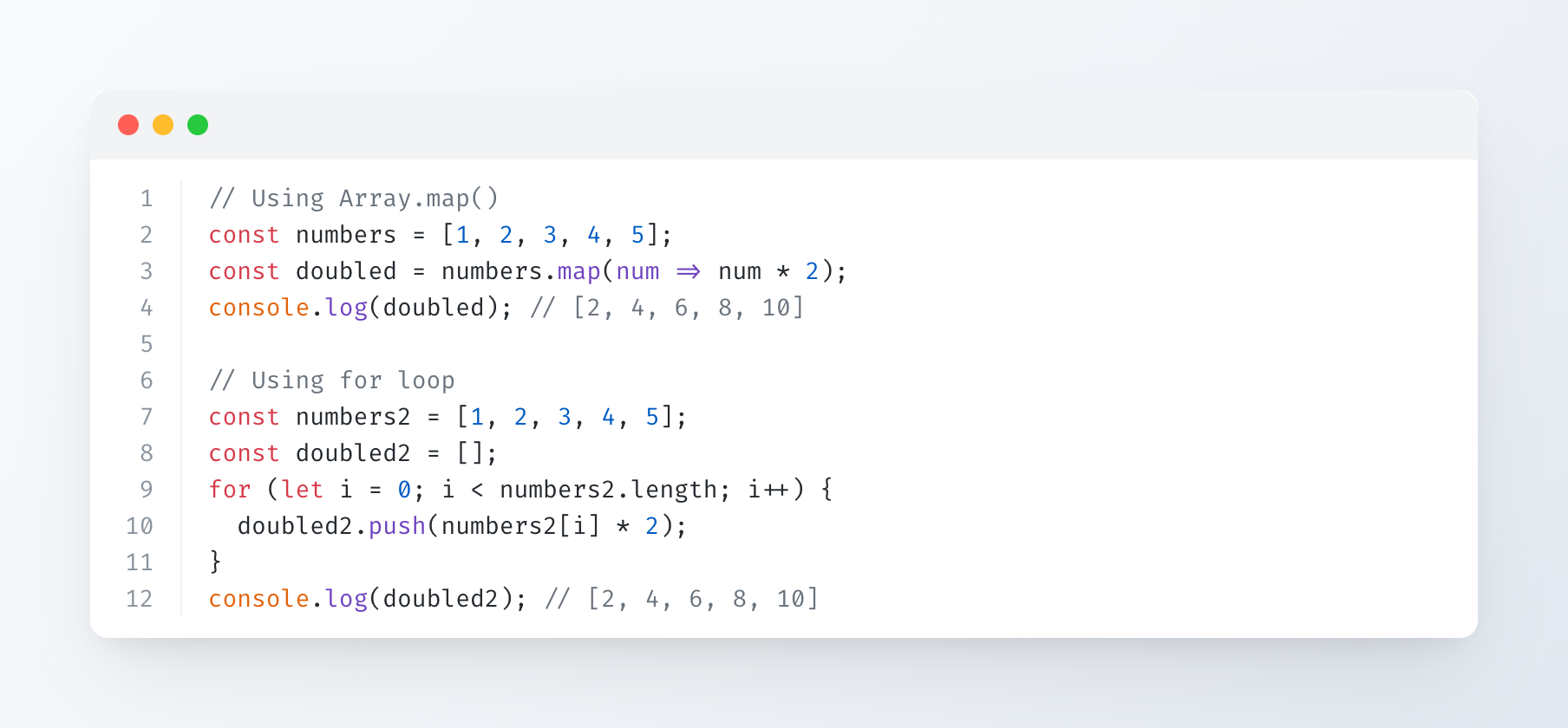
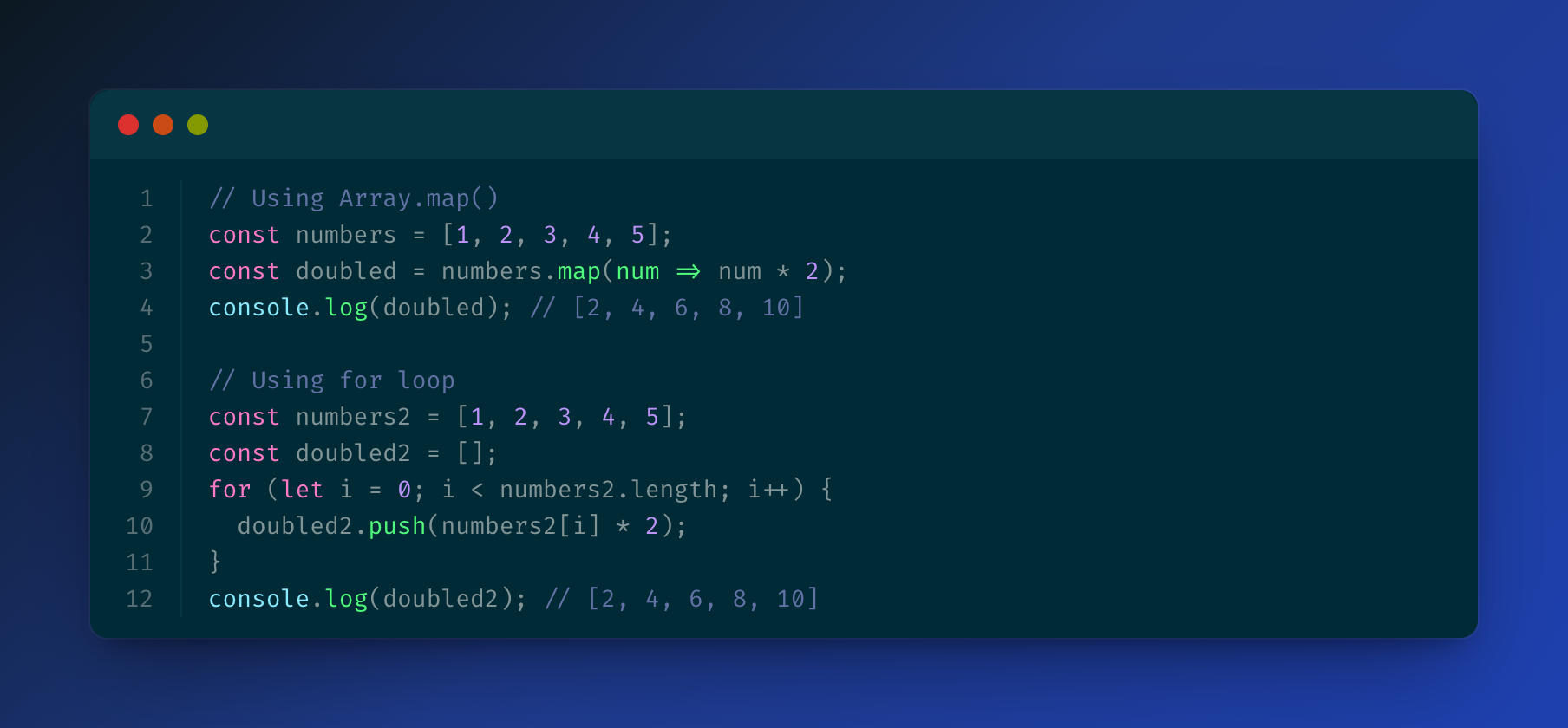
Solarized Dark
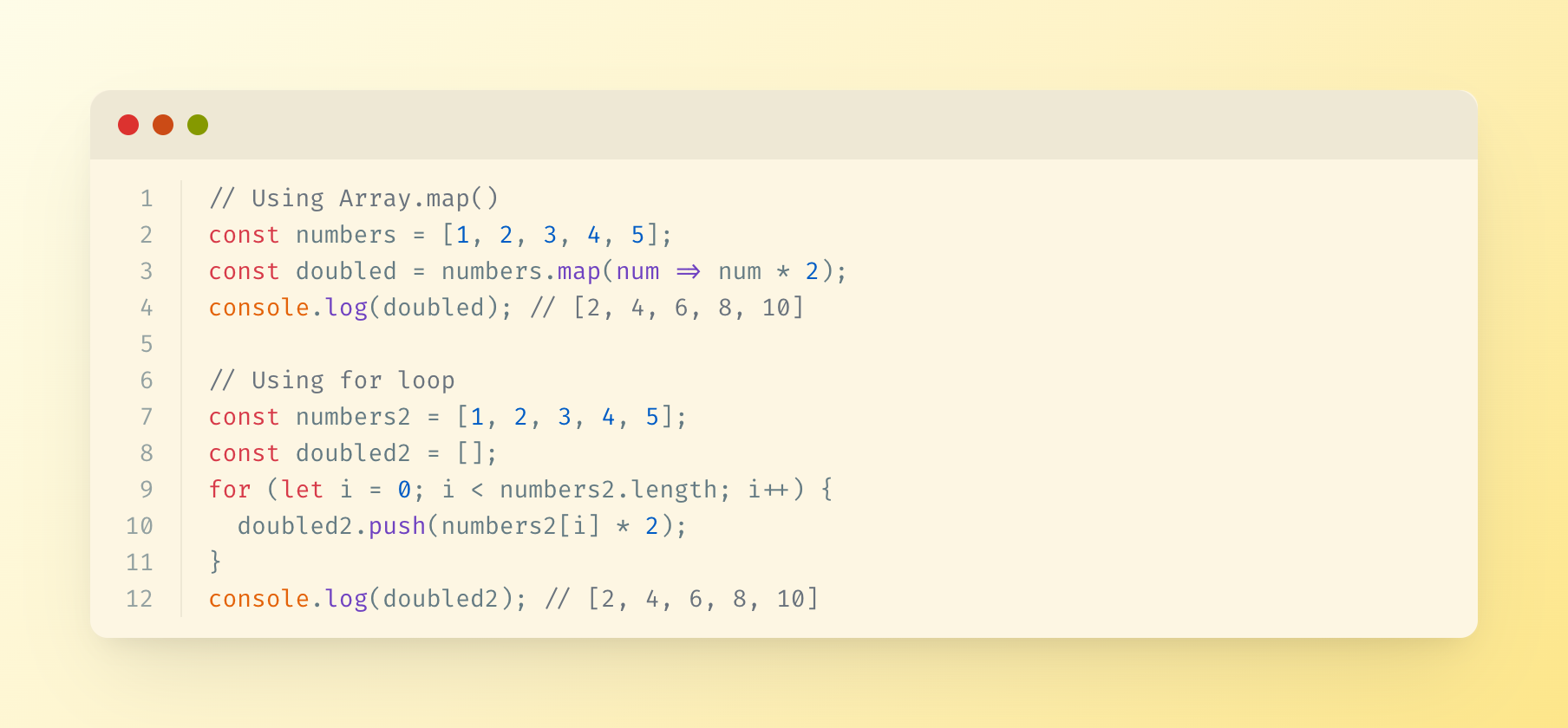
Solarized Light
Supported Languages
The server uses highlight.js for syntax highlighting and supports all languages that highlight.js supports, including:
- JavaScript/TypeScript
- Python
- Java
- C/C++
- Go
- Rust
- PHP
- Ruby
- And many more...
Output
Generated images are saved in the specified output directory (or ./output by default) with timestamps.
License
MIT