Kive
由AI生成的品牌产品图片和视频。添加产品,选择Kive工作室,即可生成直接保存到Kive工作区的图片和视频。
文档
Kive MCP
Your brand assets, in the AI tools you already use. Connect Kive to Claude, ChatGPT, Cursor and more.
Choose your AI tool
One Kive connection, wherever you work. Pick your tool for a quick setup guide.
-
ChatGPT
Now in the ChatGPT app store. Add Kive in one click. -
Claude
Generate on-brand visuals from any chat. -
Figma
Bring product shots and brand assets into your designs. -
Cursor
Pull brand assets into your editor while you build. -
n8n
Auto-generate visuals inside your workflows. -
Lovable
Let the agent build sites and apps with your real catalog. -
Zapier
Trigger Kive generations from any Zap. -
Notion
On-brand visuals for your docs and databases. -
Windsurf
On-brand imagery without breaking flow in Cascade. -
v0
Generated UIs featuring your actual products. -
Replit
Apps built by Replit Agent, shipped with your imagery. -
Bolt
Bolt.new builds that come out on-brand. -
Canva
Pair the Canva and Kive servers to design with your shots. -
Webflow
Generate on-brand imagery and publish it to your site. -
Framer
Fill your Framer sites with on-brand product shots. -
Gamma
Decks built around your product shots.
Working in design? See the best MCP servers for designers.
What is Kive?
Kive makes AI product photography for e-commerce brands. Import a product from a photo or URL, and Kive generates campaign-ready images and videos that stay true to your product.
Your brand lives in Kive as styles, trained models, and studios. Everything you generate uses them, so your visuals look like you wherever you create them.
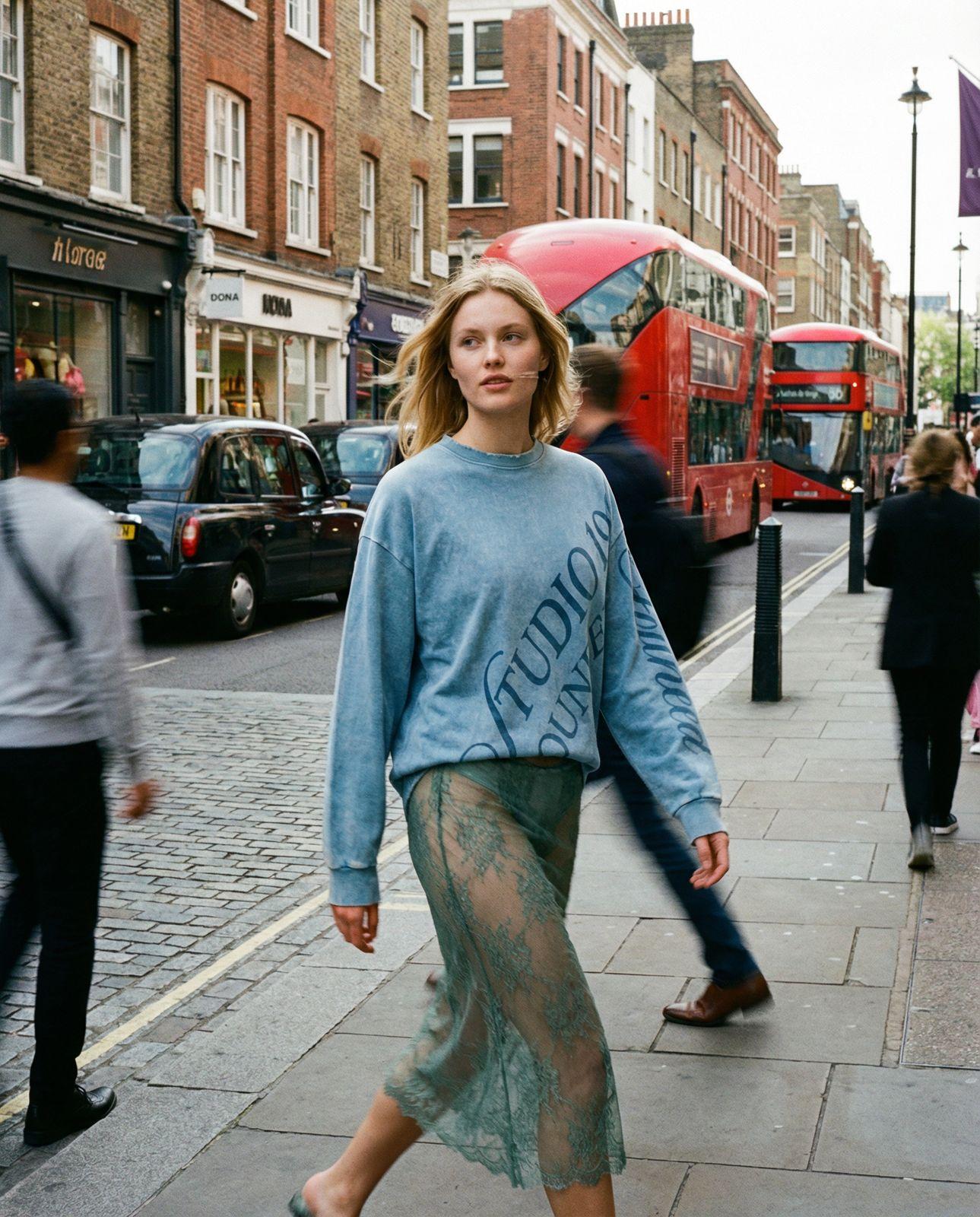
A street campaign shot, generated with Soho Streetstyle
What you can do with Kive MCP
-
Import your products
Pull any product into Kive from a Shopify store, product URL, or image. create_product_in_kive · find_products -
Start from an idea
Pick a curated scene or ad and remake it with your product. Kive asks what it needs, then makes the image. find_ideas · remix_idea -
Generate product videos
Turn a product image into ad-ready video with curated presets. generate_product_video · find_video_presets -
Edit images
Refine any visual with follow-up instructions: swap backgrounds, adjust styling. edit_image -
Use your studios and AI models
Your products, characters, and studios are available in every tool you connect. find_studios · find_models -
Browse your library
Search past generations and reuse what worked, wherever you work. find_generations · list_workspaces
See all 31 MCP tools with their exact tool names, inputs, and example prompts.