BestSaaSWebDesigns MCP
Search 400+ real SaaS marketing websites by category, section, style, stack, colour palette and font, with homepage links.
托管 MCP 服务器
npx add-mcp 'https://mcp.bestsaaswebdesigns.com/mcp'可安装到 Claude Code、Codex、Cursor 等客户端
文档





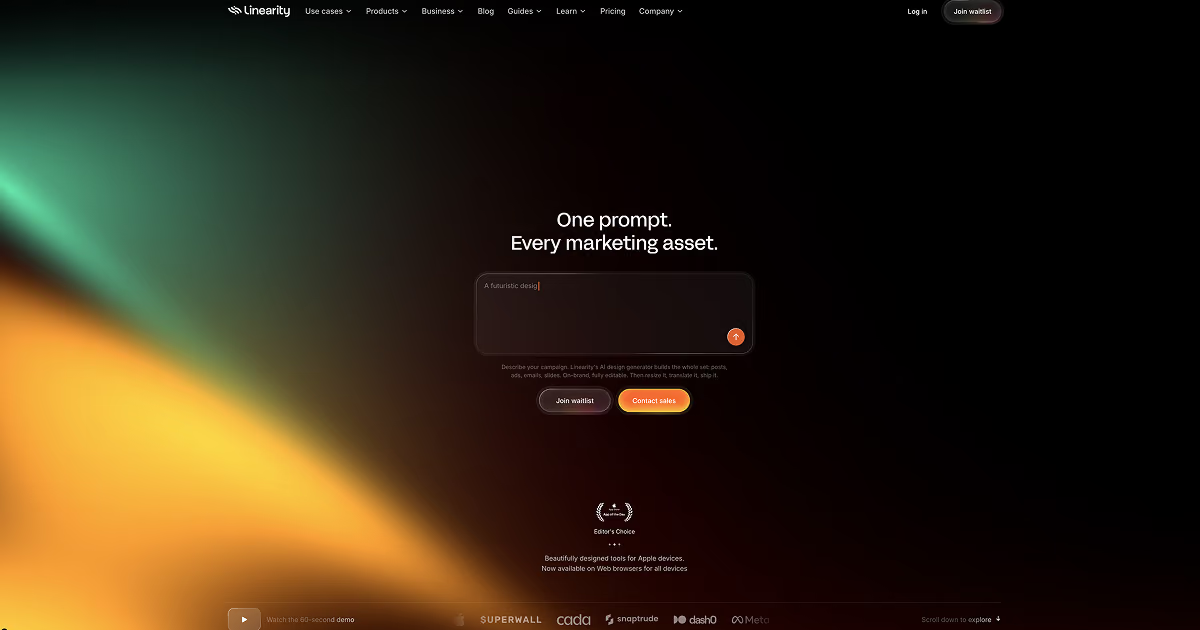
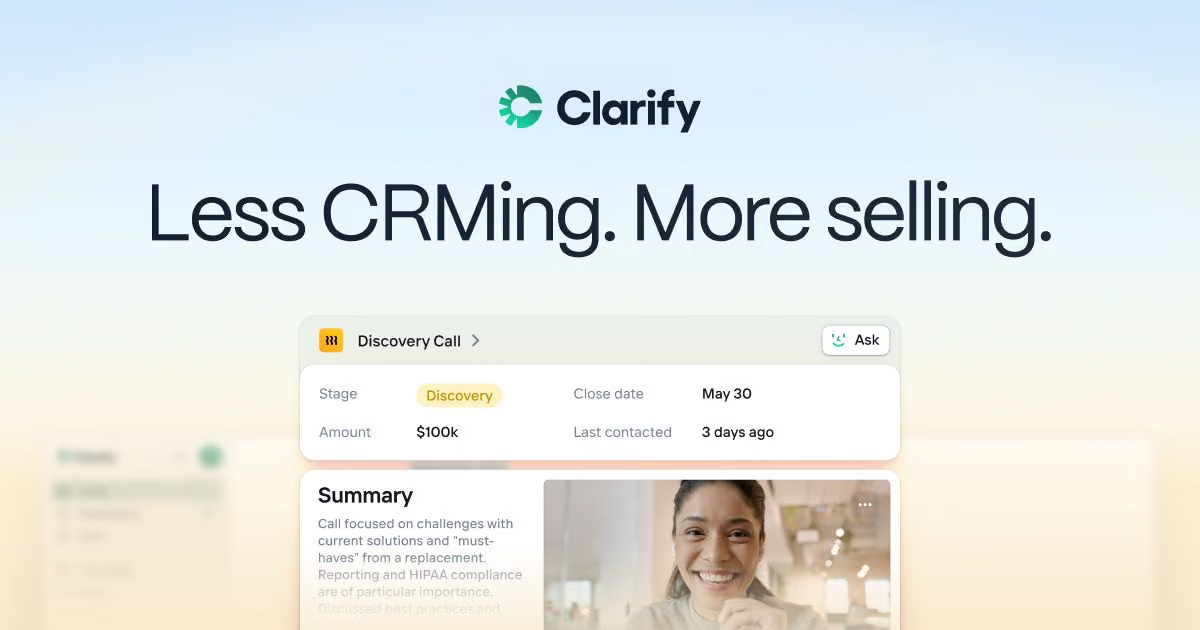
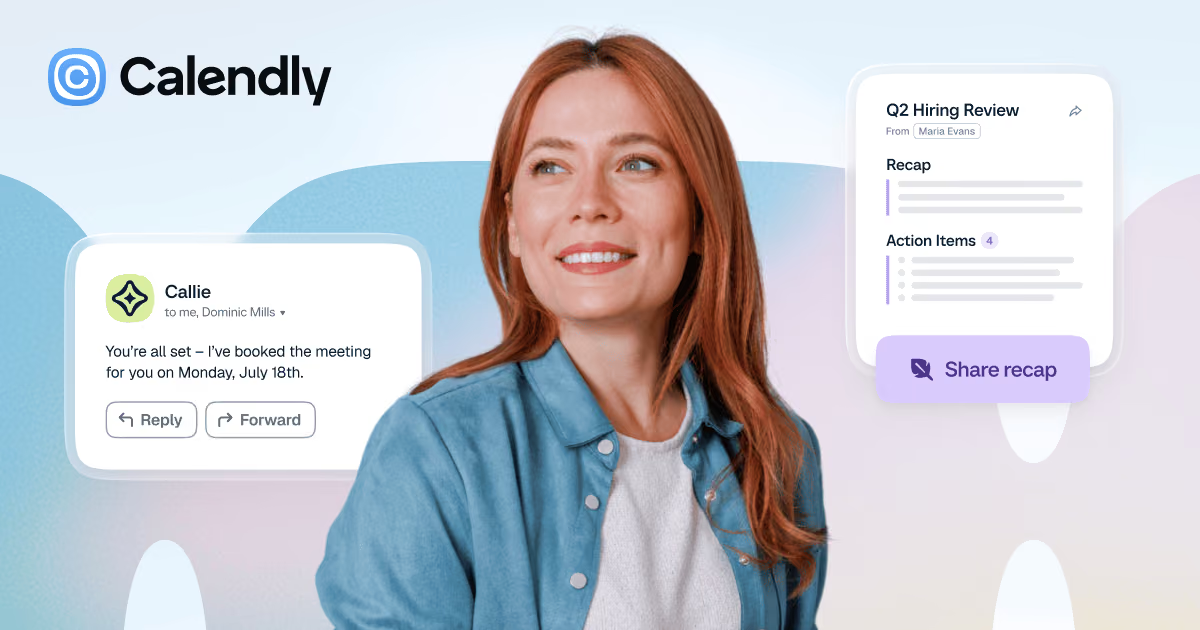


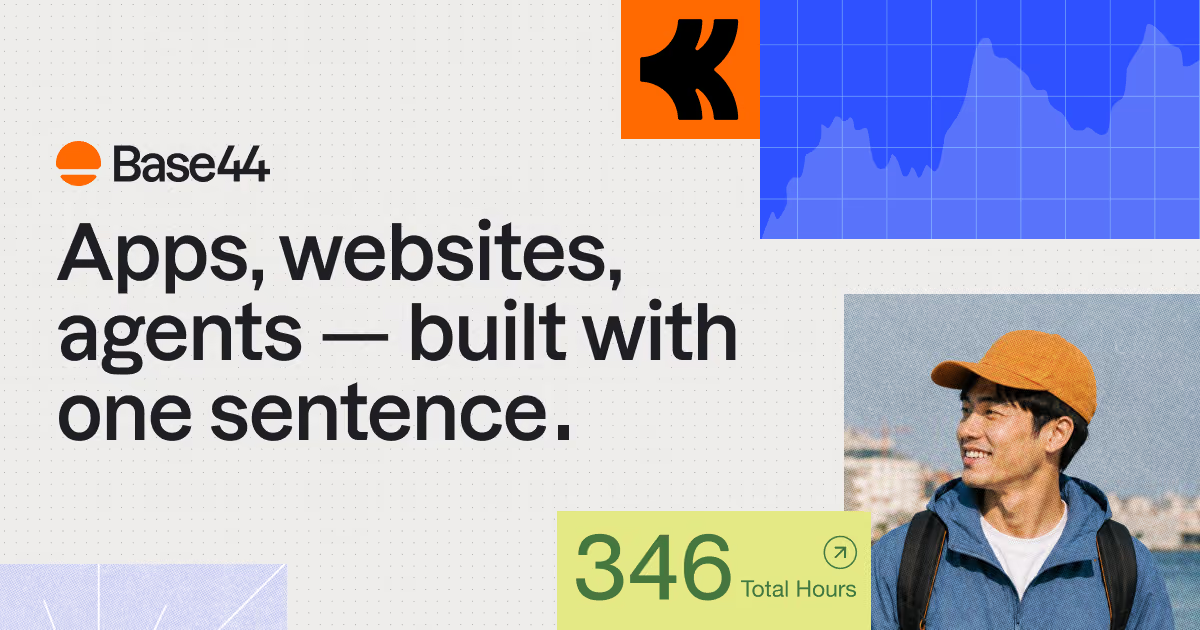
Your agent searches 422 real SaaS websites — by category, section, style, stack, font and colour — and builds from what it finds.
Read the docs: tools, limits & errors →
Set up in one prompt.
Free, with no sign-in and no API key. One URL works in every client:
https://mcp.bestsaaswebdesigns.com/mcpCopy
- 01
Add it in one command
Run this in your terminal.$ claude mcp add --transport http bestsaaswebdesigns https://mcp.bestsaaswebdesigns.com/mcp - 02
Start a new session
Claude Code loads MCP servers when a session starts. Then just ask.
Price
Free
Auth
None
Rate limit
30 / min
Access
Read-only
Tools
4
Tools, parameters, limits and errors are in the MCP docs.
BestSaaSWebDesignsMCP for
- $pricing pages183 sites Pull pricing sections from 183 SaaS sites — filter by style, stack or category — with each site's palette, fonts and a link to the full screenshot. “Find 5 dark developer-tool sites with a pricing page and compare their colour palettes.” Copy
- H1hero sections421 sites
- brand colours421 palettes Search by any hex colour and get sites whose palette sits close to it — then turn the palettes into theme tokens. “Find sites with a palette close to #5e6ad2 that have an FAQ section.” Copy
- Aatypefaces381 fonts Every site comes with its display and body fonts, so your agent can find who uses Inter, Geist or a serif — and how. “Which SaaS sites use Inter as their display font? Give me their website URLs.” Copy
- </>tech stacks13 stacks See what real marketing sites are built with — Next.js, Framer, Webflow and more — before you pick yours. “Show me AI product sites built with Framer and list their stacks and palettes.” Copy
- ?footers & FAQs506 sections
- ↗live websites422 live sites Get a batch of homepage links and let your agent open them in its own browser to study the current design. We only hand out links; your agent does the browsing. “List 10 dark AI product sites with a pricing page, then open each homepage and note how they structure the hero.” Copy
One call. Everything about a site.
Not just a picture. Every result comes back as clean fields your agent can reason over — the website, its category and style, the stack it runs on, its colour palette, its fonts and the sections we captured.
→ get_site("linear")

Linear
linear.app
Category
Productivity & Collaboration
Style
darkminimal
Stack
Next.js
Palette
#5e6ad2#08090b#242628#464749#767878
Fonts
Inter Variable
Sections
HeroesFeaturesFootersPricingCTAsAbout UsContact UsCareers pagesBlog pagesOG imagesMobile
Screenshots on BestSaaSWebDesigns →
Works with the agents you already use
- Claude Code
- Cursor
- VS Code
- Codex
- ChatGPT
Questions
Is the MCP server free?
Yes. There is no sign-in, no API key and no paid tier. It is rate limited to 30 requests a minute per IP to keep it fast for everyone.
What does my AI agent get from it?
Real SaaS marketing websites with their website URL, categories, visual style, tech stack, 5-colour palette, fonts and which page sections we captured, plus links to each site's page and to the matching gallery pages on BestSaaSWebDesigns.
Does it return screenshots?
No. The server returns links and facts, not images. Each result links to the site's page on BestSaaSWebDesigns, where you can see the full-page and section screenshots.
Which AI tools does it work with?
Any client that supports remote MCP servers over Streamable HTTP, including Claude Code, Cursor, VS Code, Codex and ChatGPT.
How fresh is the data?
The server reads the same catalog as this website. A newly published site shows up in MCP results within about 10 minutes.
Can it change anything?
No. All four tools are read-only. The server only looks things up in the catalog.
Does your server visit the websites?
No. It only hands out links. list_site_links gives your agent the homepages of matching sites; if your agent can browse, it opens them itself to see the current design.
My agent says it hit a rate limit (HTTP 429). What now?
The server allows 30 requests a minute per IP (300 for ChatGPT's and Claude's connector servers, which many users share). Wait for the time in the Retry-After header (about a minute) and try again, or ask your agent to use fewer, broader searches.
I added the server but my agent doesn't see the tools.
Start a new session or restart the app after adding it — most clients only load MCP servers at startup. In ChatGPT, also check the plugin is switched on for the chat.
I own a site that appears in it. Can I have it removed?
Yes — contact us and we will remove it. Removal from the website also removes it from the MCP server within about 10 minutes.