BeatAPI
面向 AI 智能体的统一模型 API:通过一个 API 密钥即可调用文本、图像和视频模型,以及社交数据和网页搜索,按使用量付费。
托管 MCP 服务器
npx add-mcp 'https://beatapi.io/mcp'可安装到 Claude Code、Codex、Cursor 等客户端
文档
client = OpenAI(
  base_url=
    "https://api.beatapi.io/v1",
  api_key=
    os.environ["BEATAPI_API_KEY"]
)
"mcpServers": {
  "beatapi": {
    "url":
      "https://beatapi.io/mcp"
  }
}
$ beatapi capabilities
  search "web search"

search → inspect → run

$ beatapi --help
POST /v1/capabilities/search
Content-Type: application/json

{
  "query": "web search"
}
One API for Your Agentand the Apps You Build
Leading AI models up to 78% cheaper, 1K+ data APIs — one API key for your agent and your product.
set up https://beatapi.io/SKILL.md
Your agents Muse Claude Code Codex Cursor OpenCode Grok Bot WorkBuddy OpenClaw Hermes Models Data Web tools GPT-6 Astra Claude Opus 5.5 Nano Banana Seedance TikTok Reddit YouTube Instagram Web Search Page Reader Site Map Research +70 more models +15 more platforms Your agents Muse Claude Code Codex Cursor OpenCode Grok Bot WorkBuddy OpenClaw Hermes Models Data Web tools GPT-6 Astra Claude Opus 5.5 Nano Banana Seedance TikTok Reddit YouTube Instagram Web Search Page Reader Site Map Research +70 more models +15 more platforms BeatAPI
33+accounts, keys and bills
14+ model vendors · 19 data platforms, each set up separately
1API key for all of it
70+ models · 1,000+ data APIs
Muse
Claude Code
Codex
Cursor
OpenCode
Hermes
OpenClaw
Manus
Grok Bot
WorkBuddy
Pi
MiniMax
DeepSeek
ByteDance
Zhipu
OpenAI
Qwen
Moonshot
Kling
xAI
Hunyuan
Anthropic
Models, data, and tools. One key for your agent.
Search the catalog, check inputs and price, then run it from your agent or your app.
What your agent can call
- Models GPT-6, Claude Opus 5.5, Seedance 2.5, MiniMax H3, Veo 3.1, Nano Banana 2 — up to 78% cheaper
- Social data X, Reddit, TikTok, Instagram, YouTube, LinkedIn
- Web tools Web search, page reader, site map, research
- Workflows Music video, ecommerce video, realtime video
How your agent uses BeatAPI
Send one line to your agent. It connects with your BeatAPI key.
In your agent's chat, send:
set up https://beatapi.io/SKILL.md
- 01SearchFind the right capability.
- 02InspectCheck inputs and pricing.
- 03RunRun supported tools or use the inspected API.
Built for teams that ship with model APIs.
From a first prototype to production volume.
Indie developers & startups
One key to try models. The same key when you ship.
Product & engineering teams
Add video and image to a product you already have. No extra vendor per model.
SaaS & application platforms
One task shape for every customer, whichever model you route.
Agent & automation builders
POST a task, then poll or wait for the file. Same interface every run.
Stop wiring every agent to every API
Agents on one side. Models, data and tools on the other. BeatAPI is the one connection in between.
Without BeatAPI
Claude Code
Codex
Cursor
OpenCode
Models
Data
Tools
- Many keys
- Many docs
- Many bills
Every agent wired to every API.
An account, a key and a doc for each service, set up again in every agent you use.
With BeatAPI
Claude Code
Codex
Cursor
OpenCode
Beat API
Models
Data
Tools
- One key
- One catalog
- One balance
Connect each agent once.
BeatAPI sits in the middle. Every agent reaches models, data and tools through one key and one balance.
Why choose BeatAPI?
Price it, try it, then keep every run visible.

A quiet AI infrastructure operations space
Clear prices before you call
Same model, BeatAPI rate next to the public provider rate.
Try it before you integrate
Run the real model in the playground, then use that model in your app.
One key, one task shape
Video, image, and workflows share an account, a task id, and hosted output.
Every run stays visible
Status, usage, files, and failure reasons stay on the task.
Give your agent the right capability, on demand
Search models, data, and workflows, inspect each contract and price, then follow its supported execution path with one BeatAPI key.
1
Search capabilities
Find the right model, data action, or workflow.
capabilities_search
2
Inspect the contract
Review inputs, outputs, pricing, and execution mode.
capabilities_inspect
3
Run with one key
Use Run when supported; otherwise call the inspected API.
capabilities_run
Search. Inspect. Run.
Search and Inspect discover the right contract. Run executes supported capabilities; direct-API contracts use their inspected endpoint.
Inspect before you run
live capability contract
inputs
validated
price
current
execution
sync / async
Models, data, and workflows. One catalog.
model
model:nano-banana-pro
data
data:tiktok.web.fetch_post_detail
workflow
workflow:music-video
capabilities_search.ready200
capability.types3
stable IDslive pricingpublic schema
One run. A traceable production lifecycle.
same execution layer
capabilities_run
public execution contract
sync / async
reference<inspected run-capable reference>
operationstart
input{...validated fields }
AuthorizationBearer sk_xxx
task IDstatushosted output
MCP or RESTsame execution layer
response200
{ status: "task" }
{ task_id: "tsk_9f2" }
{ next: "check_status" }
eventtask.succeeded
queued
processing
succeeded
99.8% task success
auditable
sk_demo_8x92...k
server-side key active
Recorded
usage
Visible
task logs
task.succeedednow
media.ready04s
request.logged18s
What agents get done with BeatAPI
One key for data, video, images, creators and SEO.





From the blog
Product updates, guides, and engineering notes from the team.
Oct 31, 2026
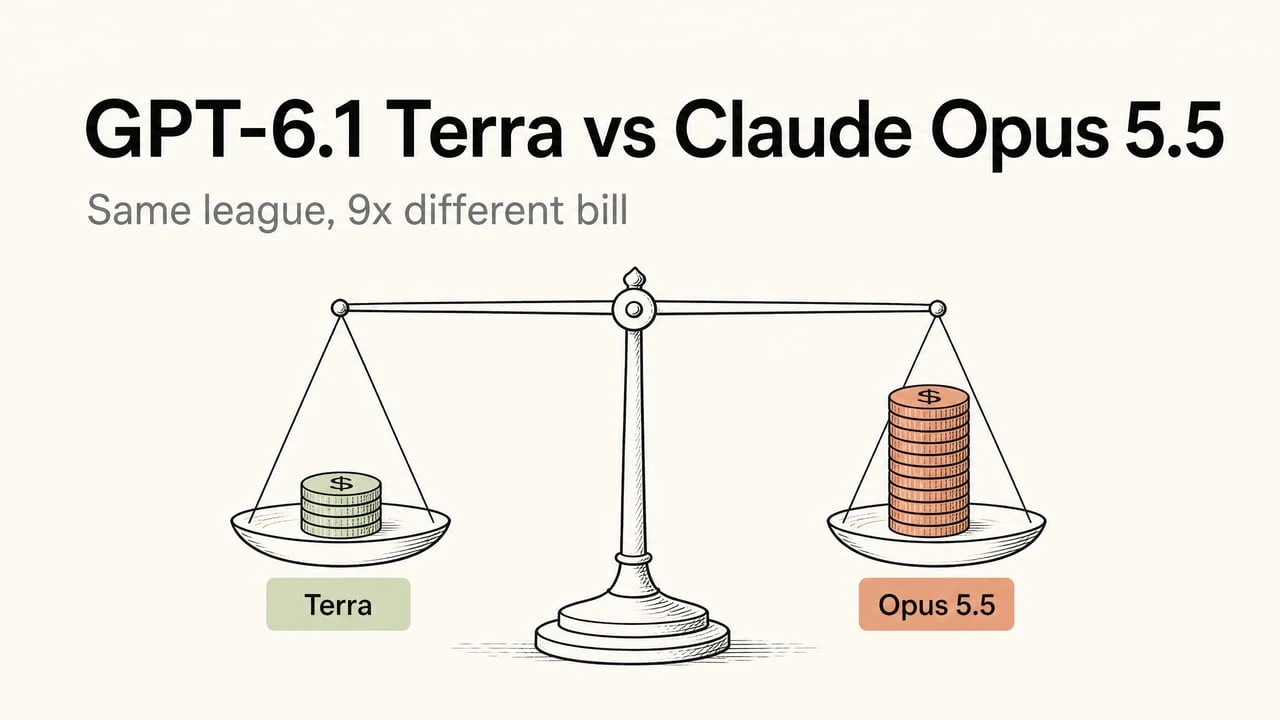
GPT-6.1 Terra vs Claude Opus 5.5: Benchmarks, Cost per Task, and Which to Use
Compare GPT-6.1 Terra and Claude Opus 5.5 on benchmarks, task costs, coding, computer use, and API integration, with practical routing advice.
[
Oct 27, 2026
GPT-6.1 Terra vs Sol: Which One Should You Use?
Compare GPT-6.1 Terra and Sol for coding, data analysis, computer use, and API costs, with practical advice on choosing between them.
 ](https://beatapi.io/blog/gpt-6-1-terra-vs-sol)[
Oct 27, 2026
GPT-6.1 Terra Review: What Is It Good For, and What Does It Cost?
A practical GPT-6.1 Terra review covering vision, computer use, coding, writing, independent benchmarks, and API costs compared with GPT-6.1 Sol.
 ](https://beatapi.io/blog/gpt-6-1-terra-review)[
Oct 26, 2026
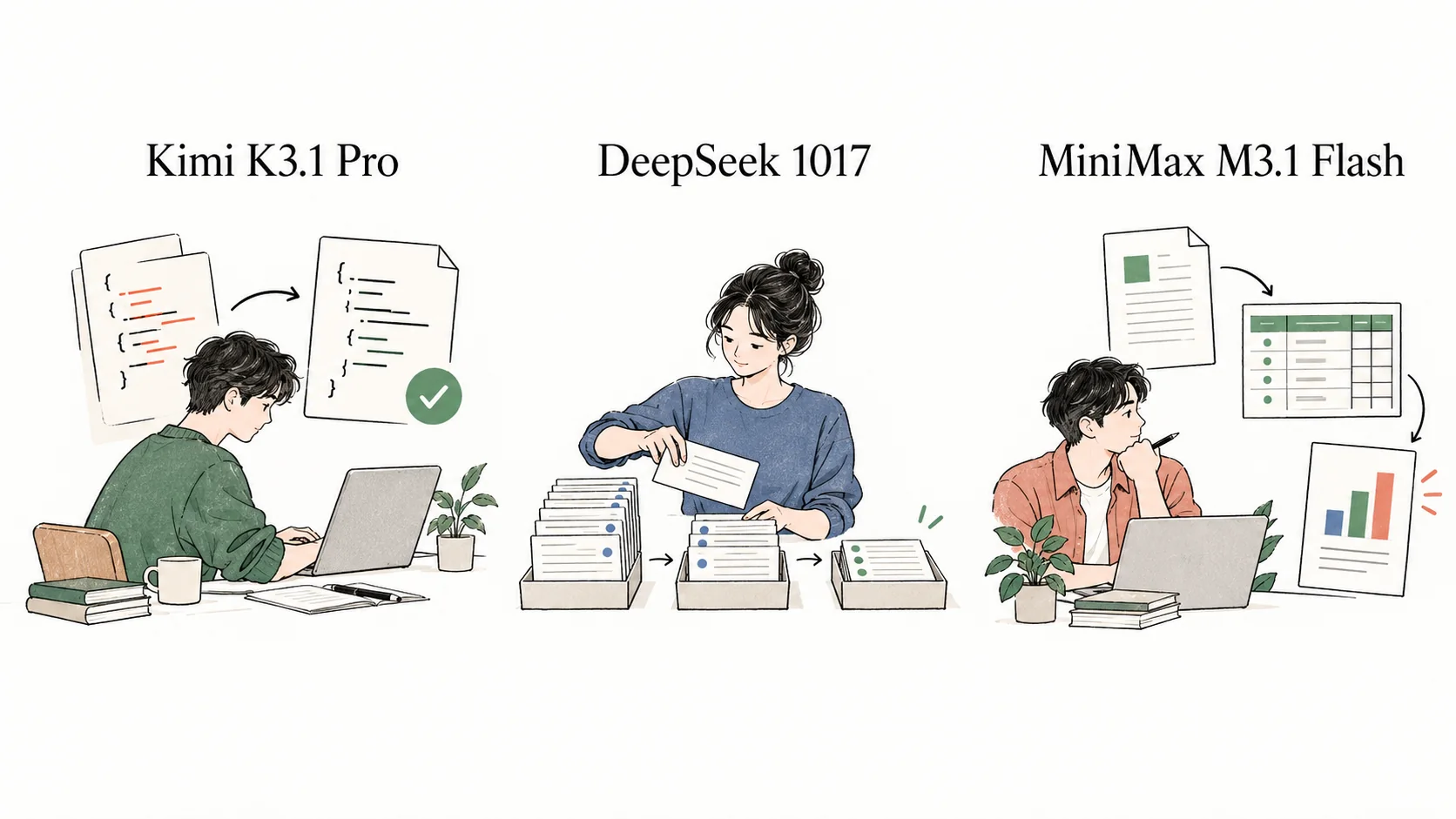
Kimi K3.1 Pro vs DeepSeek 1017 vs MiniMax M3.1 Flash: Which Should You Use?
Compare Kimi K3.1 Pro, DeepSeek 1017 and MiniMax M3.1 Flash on coding, business workflows, document work, factual reliability, speed and API costs.
 ](https://beatapi.io/blog/kimi-k3-1-pro-vs-deepseek-v4-1-flash-1017-vs-minimax-m3-1-flash)[
Oct 24, 2026
Kimi K3.1 Pro Review: Capabilities, Use Cases, and Pricing
Review Kimi K3.1 Pro through code repairs, interactive demos, 3D projects and financial files. Compare API pricing, task costs and long-task reliability.
 ](https://beatapi.io/blog/kimi-k3-1-pro-review)
Questions before you integrate
What BeatAPI is, how agents connect, what they can call, and how billing works.
Get your API key
Create a key, send your agent one setup line, then let it search, inspect and run.
BeatAPI is the capability layer for AI agents. One API key gives Claude Code, Codex, Cursor, Muse or your own app access to 70+ AI models, 1,000+ social data APIs and web tools for search, page reading and research. Your agent finds the right capability, checks its inputs and price, then runs it.
A model router forwards chat requests to LLMs. BeatAPI also covers social data, web tools and image, video and workflow tasks, and it is built for agents to use on their own: search the catalog, inspect a capability's input schema and price, then run it. The agent reads the contract before it spends anything.
Claude Code, Codex, Cursor, OpenCode, Muse and any client that supports MCP or can make HTTP requests. Each agent has a setup guide on the Integrations page, and apps can call the same API directly.
Send your agent one line: set up https://beatapi.io/SKILL.md. It reads the guide and asks for your key. For MCP hosts, add the server https://beatapi.io/mcp and put your key in the host's secret settings. Never paste a key into chat.
Public data from TikTok, Instagram, YouTube, X, Reddit, LinkedIn, Threads, Xiaohongshu and Douyin: posts, profiles, comments, search results and trends. Web tools add search, page reading, site maps and multi-step research. Results come back as structured JSON your agent can rank, compare and cite.
No. One BeatAPI key and one USD balance cover models, social data and web tools. There are no per-vendor accounts, separate bills or provider keys to rotate.
Calls spend a prepaid USD balance. Every capability publishes its price before you run it, and every response reports what the call cost. Model prices are listed next to the official provider rate on the pricing page.
Data and web calls that fail on our side are not charged. For image, video and workflow tasks, BeatAPI reserves the price when the task is accepted and refunds eligible failures to your balance. Every error also says whether a retry can succeed, so agents don't loop.
Yes. A finished image or video task returns a hosted file URL on the task record, so your agent can hand over a link without you setting up storage.