TradingView Backtest Assistant”
cung cấp một endpoint MCP từ xa để các tác nhân có thể: chạy backtest chiến lược theo biểu tượng/khung thời gian/khoảng ngày, truyền đầu vào chiến lược theo chương trình, nhận kết quả backtest có cấu trúc (giao dịch, tỷ lệ thắng, lợi nhuận, drawdown).
Tài liệu
Backtesting engine for your AI Agent with PineScript support for TradingView usage
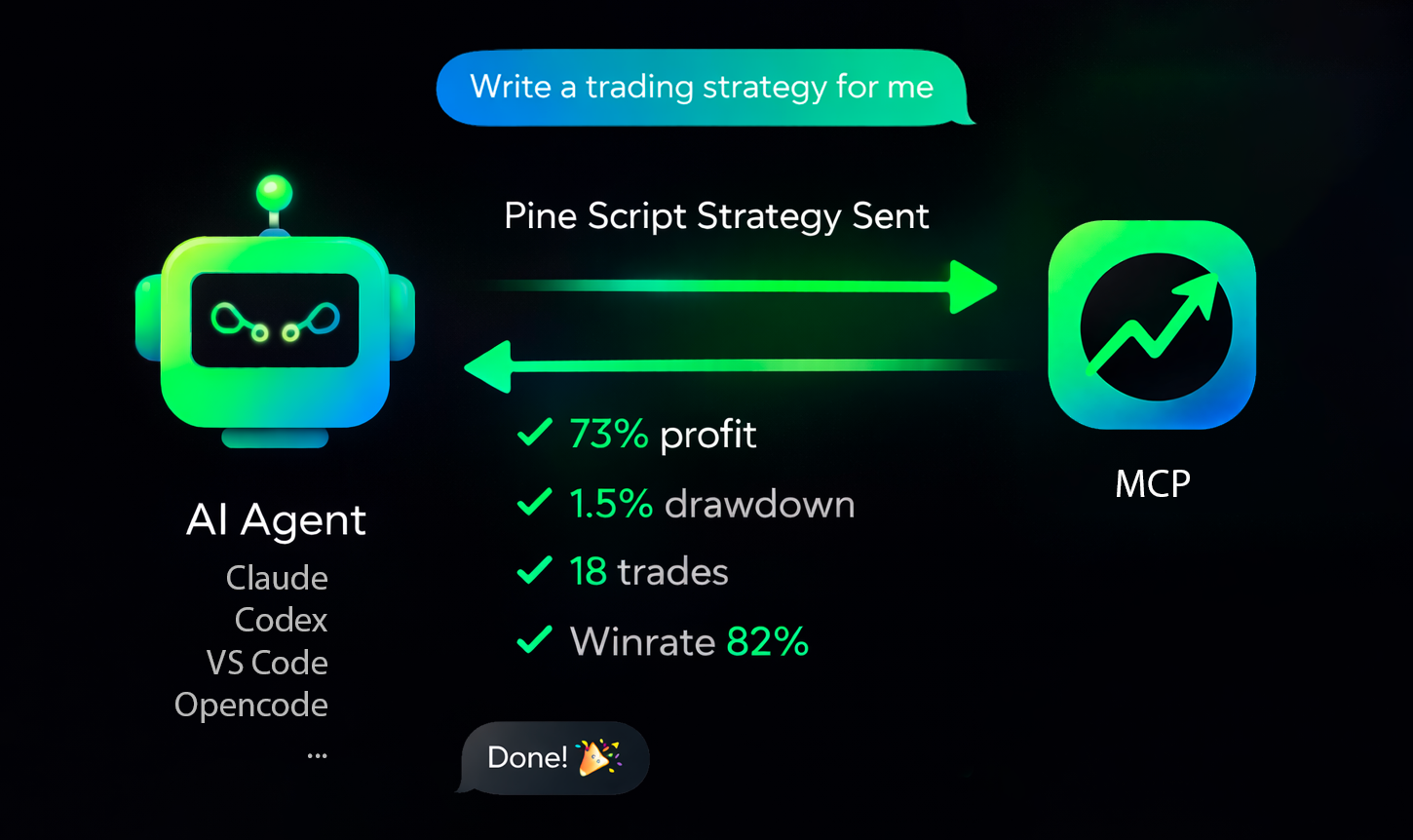



Production-ready MCP server for running TradingView Pine Script strategy backtests (Binance data) from AI agents.
Overview • Connect • Supported Agents • Troubleshooting • Get API Key • Website
Quick Overview
tv-pinescript-backtest-mcp exposes a remote MCP endpoint so agents can:
- run strategy backtests by symbol/timeframe/date range,
- pass strategy inputs programmatically,
- receive structured backtest results (trades, win rate, profit, drawdown),
- keep long-running runs observable via progress notifications,
- support Binance Futures tickers only,
- enforce a maximum of 1440 candles per backtest,
- apply a rate limit of 3 backtests per minute per user,
- ask your agent to write a strategy and backtest it.
Connect To Your Agent
Get API key: https://backtest-engine-mcp.click/dashboard
You need:
- Your MCP server URL (
https://backtest-engine-mcp.click/mcp/backtest) - Your API key (Bearer token)
Use HTTP transport and pass the API key in Authorization: Bearer <API_KEY>.
Supported Agents
Claude Code
CLI:
claude mcp add --transport http tvmcp https://backtest-engine-mcp.click/mcp/backtest --header "Authorization: Bearer <API_KEY>"
Project file (.mcp.json):
{
  "mcpServers": {
    "tvmcp": {
      "type": "http",
      "url": "https://backtest-engine-mcp.click/mcp/backtest",
      "headers": {
        "Authorization": "Bearer <API_KEY>"
      }
    }
  }
}
OpenCode
opencode.json:
{
  "$schema": "https://opencode.ai/config.json",
  "mcp": {
    "tvmcp": {
      "type": "remote",
      "url": "https://backtest-engine-mcp.click/mcp/backtest",
      "oauth": false,
      "headers": {
        "Authorization": "Bearer <API_KEY>"
      }
    }
  }
}
Cursor
Add to .cursor/mcp.json (or ~/.cursor/mcp.json globally):
{
  "mcpServers": {
    "tvmcp": {
      "url": "https://backtest-engine-mcp.click/mcp/backtest",
      "headers": {
        "Authorization": "Bearer <API_KEY>"
      }
    }
  }
}
Note: the same MCP configuration is used by cursor-agent CLI.
Codex
Add to ~/.codex/config.toml (or .codex/config.toml in a trusted project):
[mcp_servers.tvmcp]
url = "https://backtest-engine-mcp.click/mcp/backtest"
http_headers = { Authorization = "Bearer <API_KEY>" }
Note: Codex CLI and IDE extension share the same config.toml.
VS Code
Open MCP configuration (.vscode/mcp.json or user mcp.json) and add:
{
  "servers": {
    "tvmcp": {
      "type": "http",
      "url": "https://backtest-engine-mcp.click/mcp/backtest",
      "headers": {
        "Authorization": "Bearer <API_KEY>"
      }
    }
  }
}
If needed, use Command Palette: MCP: Open User Configuration.
Minimal Test Prompt
Try these prompts with your agent:
Optimize my strategy: <pinescript code>
Optimize my strategy from file: sma20.pine
Find a strategy on the internet and backtest it using the tvmcp backtest tool.
Backtest my strategy on BTCUSDT 1h from 2026-03-01 to 2026-03-10, Pine code:
//@version...
Troubleshooting
The backtest-engine server has been tested on 30 strategies and tuned to match TradingView backtests 1:1 as closely as possible. Some operators may still be unsupported.
If you hit this case, please create a minimal strategy that reproduces the issue and submit it in Issues. We will do our best to add support quickly.