Benchlight
Make small business websites in your chat, save them as private drafts with phone and desktop previews, and publish one free on a benchlight.page address.
Máy chủ MCP được lưu trữ
npx add-mcp 'https://benchlight.dev/mcp'Cài vào Claude Code, Codex, Cursor và nhiều công cụ khác
Tài liệu
Talk it through. Put it online.
Describe your business, or show Claude the website you have. Benchlight helps turn it into a website you can actually use.
“Make a website for my garden business. We help small gardens thrive.”
A little greener. A lot happier.
Thoughtful care for small gardens, from the first tidy-up to the changing seasons.
Let’s talk gardens
Illustrative sample
Ready for your review
Three steps to a live site.
-
Add Benchlight
Open Benchlight in Claude’s directory and connect your Benchlight account. -
Ask for your website
Try: “Use Benchlight to put this page online.” Or ask it to make a website for your business. -
Check, then say yes
Look at the draft. Choose your free address, give publishing permission, then confirm yes. Benchlight publishes only after both confirmations.
See what you can make.
Spoke & Chain is a fictional bike shop. Its site is published with Benchlight; its business details and contacts are made up.
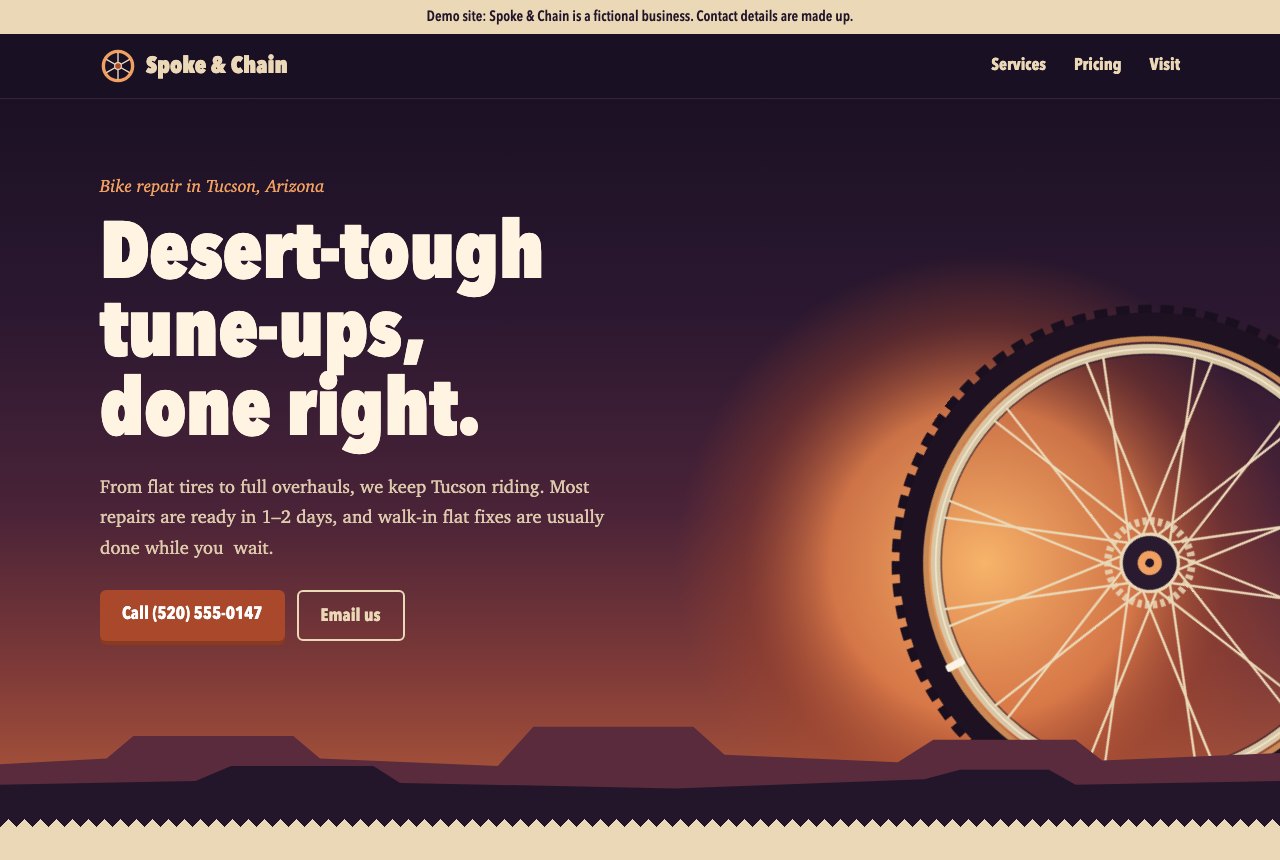
Make a version for your business.
Add Benchlight to Claude, then paste this prompt. Claude will ask for your real details and save a private draft for you to review.
Read the starter prompt
What you can ask for.
Use your real details
Read your existing public website and reuse eligible pictures and business details you have the right to use.
See your draft
Ask for pictures of the page, open the private preview and make changes before sharing it.
Publish for free
Put one supported website online at a Benchlight address after your two-step confirmation. No card needed.
Check a move
Ask what moving to your own web address would change, including email. This check does not alter your setup.
See visitor numbers
Ask for recorded daily visits to your hosted site. These count visits, not unique people.
Keep control
Save a new version, view your sites or open your dashboard. Paid hosting and web-address changes happen separately in your account.
The price stays clear.
One free site per account, up to 10 MB, with a small Benchlight credit on every page. For your own web address, hosting is $9 a month or $99 a year after 14 free days. A card is required for paid hosting; address registration is separate.
Bring the work you made.
If Claude has already made a page for you, ask “Use Benchlight to put this page online.” Preview the saved draft and confirm its free address before publishing.
Not every website can move as a simple page. Shops, logins and services that run elsewhere need a separate check.
Weighing Claude’s share link or your own host? Compare all three.
Help for bringing website files
Pick up where you left off.
Ask which Benchlight account is connected, what it can do, or which websites and drafts are saved. You can read a saved version and its files, get a fresh private preview link, and check whether your web address is ready.
Private drafts expire 30 days after the latest change, with up to ten versions kept. Each request can send up to 100 files and 3 MB. Publishing a different draft replaces your account’s free site; check the version and address before confirming.
Free sites stay out of search engines for their first week. Read how we handle your drafts and account details in our privacy policy.