AI Image Cleaner
AI Image Cleaner là công cụ xóa ảnh miễn phí, chạy trên trình duyệt, dành cho những ai cần xóa người, vật thể, chữ hoặc hình mờ không mong muốn - và lấp đầy khoảng trống bằng AI inpainting - mà không cần cài đặt phần mềm máy tính hay gặp rào cản thanh toán ngay từ đầu. Định vị: AI Image Cleaner vừa là thương hiệu vừa là tên miền sản phẩm (ai-image-cleaner.com). Trang chủ là không gian làm việc chính (tải lên -> tô vùng cần xóa -> làm sạch -> tải xuống). Các trang đích công cụ dưới /tools/ xử lý các nhu cầu cụ thể như xóa vật thể bằng AI, xóa người khỏi ảnh, xóa hình mờ bằng AI, xóa chữ khỏi ảnh bằng AI, và xóa vật thể khỏi ảnh, để không gian làm việc chính luôn gọn gàng. Bắt đầu: truy cập https://ai-image-cleaner.com, tải lên tệp JPEG hoặc PNG, tô chỉ vùng cần
Tài liệu
Masking example
Cover the entire object with the brush, slightly past the edges—don’t just outline it.
- Original

- Paint to cover

- Clean result

How do you remove something in three steps?
Upload a photo, paint the erase mask, run clean, then download the result.
- 01
Upload your photo
Drop a JPEG or PNG into the workbench first. Oversized edges are resized automatically so processing stays reliable. - 02
Paint the erase mask
Brush only what should disappear—people, clutter, logos, or text. Eraser, undo, and redo keep edges precise. - 03
Run clean and download
Start cleaning, review the before/after preview, then download. Fill uses AI inpainting in the spirit of large-mask research such as LaMa (https://arxiv.org/abs/2102.09437). Failed jobs refund credits.
Precise cleanup — not a one-tap gimmick filter
Honest limits, precise brush control, and inpainting that rebuilds the background.
- ✓Paint free — sign in to generate
- ✓Google sign-in bonus
- ✓Brush-precise erase
- ✓Download results
What can you clean with a brush mask?
People, wires, stamps, and small clutter—brush the region, then download a clean shot.
 After: Tourist photobomb on a landmark shot
Tourist photobomb on a landmark shot
Brush the passerby, keep the monument edges, and restore a clean skyline without cloning by hand.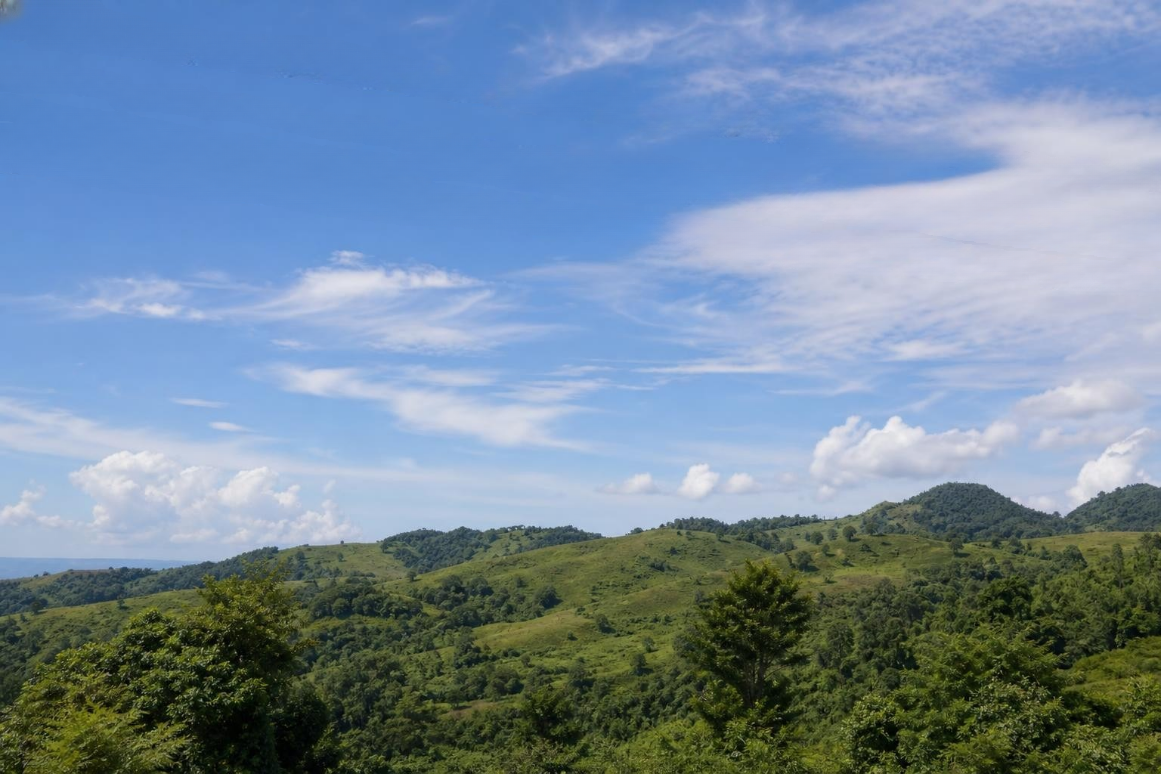 After: Power lines across a landscape
Power lines across a landscape
Mask thin wires against trees or sky; the model fills texture so the horizon reads natural again. After: Date stamp in a corner
Date stamp in a corner
Cover the stamp and surrounding pixels so the fill matches grain and color of the original print scan.
FAQ
What do people ask before cleaning?
It is a brush-mask tool that removes selected regions and fills them with AI inpainting, instead of only sharpening or denoising the whole photo.
How does brush-mask AI cleaning compare to other tools?
Choosing a photo cleanup workflow usually comes down to cost, control, and how natural the fill looks. This table compares AI Image Cleaner with desktop Content-Aware Fill and common mobile eraser apps.
| Feature | AI Image Cleaner | Photoshop Content-Aware Fill | Mobile Apps (Snapseed, TouchRetouch) |
|---|---|---|---|
| Free to use | ✓ Free online — try in your browser | ✗ Requires subscription | △ Limited free tier |
| No installation | ✓ Works in browser | ✗ Desktop software | ✗ App install required |
| Precision control | ✓ Manual brush mask | ✓ Lasso + fill | △ Auto-detect only |
| AI inpainting quality | ✓ Large-mask inpainting (LaMa-level) | ✓ Good | △ Varies by app |
| Removes people | ✓ Including shadows | ✓ Manual work | △ Limited |
| Removes watermarks | ✓ On images you own | ✓ Manual work | ✗ Often blocked |
| Removes text/date stamps | ✓ Brush + fill | ✓ Clone stamp | △ Hit or miss |
AI Image Cleaner combines the precision of manual brush masking with AI inpainting that reconstructs backgrounds naturally. Unlike auto-detect tools that often select the wrong objects, our brush-first approach gives you full control over what stays and what goes. The underlying model follows large-mask inpainting techniques that fill removed areas with plausible textures, grain, and lighting—so the result looks like the object was never there. For batch retouching or print prep, desktop tools still win; for quick social posts, listing photos, and one-off fixes, a browser workflow is often faster.
Guides & tutorials
Step-by-step guides that pair with our free tools.