Slack MCP Server
Slack DM'lere, kanallara ve mesajlara Claude üzerinden erişin. Tarayıcı token kimlik doğrulaması - OAuth gerekmez.
Dokümantasyon





Slack MCP Server
Catch up on Slack without reading it.
Unreads, threads, and search — in your agent’s context, from the session you already have.
npx -y @jtalk22/slack-mcp --setup
Claude Code Claude Desktop Cursor Copilot Windsurf Gemini CLI Codex CLI any stdio MCP client
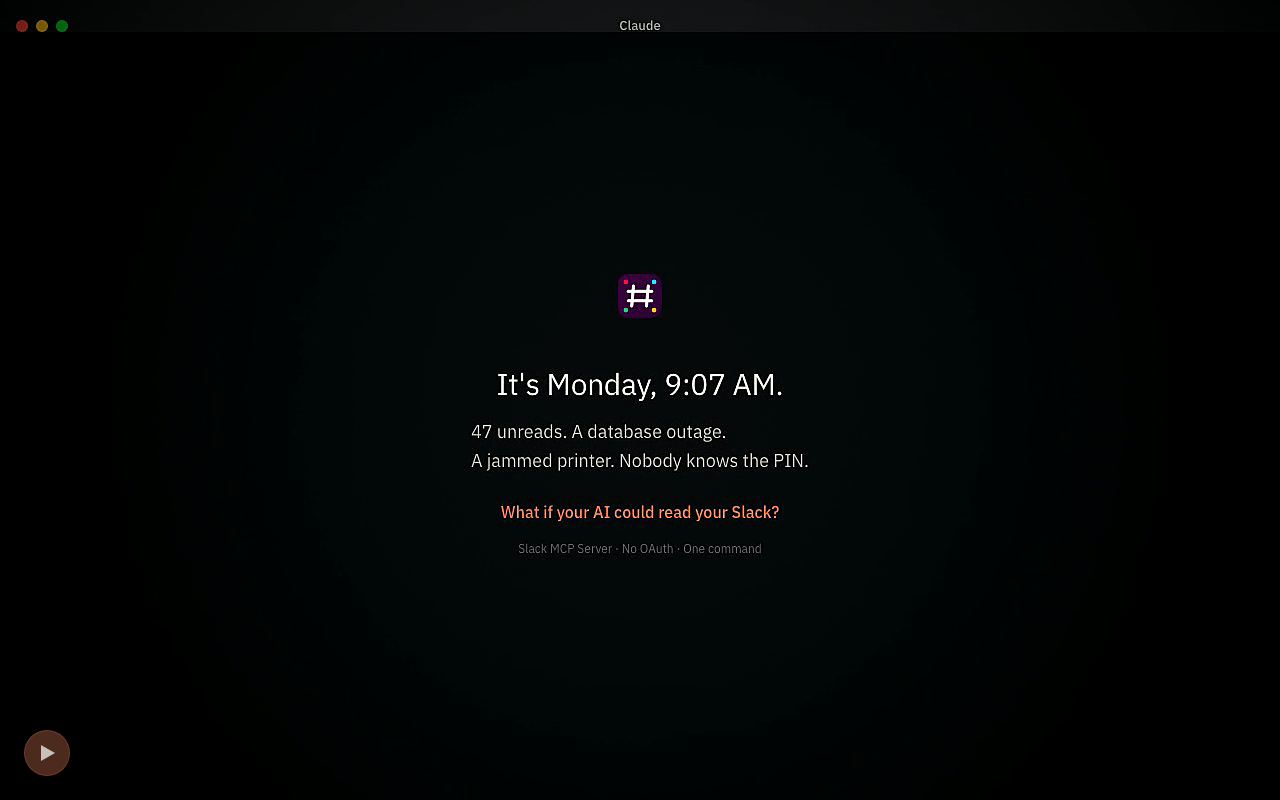
▶ It’s Monday, 9:07—watch what blew up overnight · interactive walkthrough · setup guide
How it works · Why session auth · Grid & credentials · Install · 19 tools · Workflows · Local vs hosted
It’s Monday, 9:07. Slack has already formed opinions.
You ask “what blew up overnight?” and the agent reads the workspace instead of you. It reconstructs the 2 AM P1 from #incidents—owner, resolution, and the runbook step that is still wrong. It finds the printer PIN that has been waiting in #facilities for five months. Then it closes the handled loops—replies, reactions, read-state changes—only where you approve.
This is not screenshot automation. The agent calls Slack through a real MCP tool surface and receives typed results it can search, summarize, export, or act on.
Built past the demo
The difficult part is not another chat tool. It is the operating layer underneath: browser-session extraction that names its failure stages, a credential lifecycle built for rotation, full-fidelity reads, guarded writes, and typed workflow output. The code is plain JavaScript in this repository—audit it before trusting it with a session.
The engineering underneath — extraction, credential lifecycle, reads, guarded writes, typed output
1. The browser-session engine
--setup turns the Slack identity Chrome already holds into a local MCP server:
- finds the newest
xoxc-token in Chrome's on-disk LevelDB; - snapshots the cookie SQLite database with its WAL sidecars;
- retrieves Chrome Safe Storage from the macOS Keychain;
- runs Chrome-compatible PBKDF2 + AES-128-CBC decryption locally;
- requires no DevTools, clipboard step, browser flag, or live Slack tab;
- names the failed extraction stage—
keychain_timeout,no_slack_cookie_row,cookie_decrypt_failed, and more—instead of returning one opaque error.
2. Credential lifecycle, not credential paste
Session credentials rotate. The server is built around that reality:
auto,keychain-only, andfilestorage backends;- owner-only token files and a Keychain-only path with no plaintext credentials on disk;
- atomic file writes, verified Keychain migration, cross-process locks, and refresh mutexes;
- proactive health checks and automatic macOS refresh;
- last-known-good in-memory credentials when persistence is temporarily unavailable;
- isolated profiles for work and personal Slack;
- fail-closed handling for invalid storage or profile configuration.
3. Full-fidelity Slack reads
Read DMs and channels, search the workspace, export complete histories with threads, inspect unread state, and resolve users. Opt into blocks, attachments, files, reactions, metadata, and bot/app markers when text alone is not the real message.
4. The agent can finish the job
Send a reply, add or remove a reaction, and mark a conversation read. Every workspace write path carries an MCP destructive annotation so compatible clients can put approval where it belongs.
5. Slack in, typed JSON out
Save workflow profiles for incident rooms, executive briefs, support inboxes, launch watches, and custom operations. The OSS primitives are local JSON; the optional hosted brain renders them into contract-shaped briefs.
Two ways into Slack
Slack already knows who you are. The official path is a Slack-managed remote integration governed by workspace policy—a strong fit for organization-sanctioned deployments, documented by Slack with integration settings under admin control. This project is the direct local path: session-based auth from the browser session already in Chrome, local stdio, any stdio MCP client, and no Slack app or admin request. Same Slack identity. Same underlying permissions. A radically shorter path from your workspace to your agent.
Side by side: the managed integration path vs. the local session path
| Slack official MCP | Slack MCP Server — local | |
|---|---|---|
| Starting point | A Slack-managed remote integration | The Slack session already in Chrome |
| Workspace control | Governed by workspace integration settings | No Slack app or admin request for the local path |
| Transport | Streamable HTTP | Local stdio |
| Client surface | Slack's supported partner integrations | Any stdio MCP client |
| Authentication | OAuth | Existing browser session |
| Credential lifetime | Managed OAuth | Rotating session with health checks and refresh |
| Product surface | Broad Slack-native capabilities | 19 focused tools across read, act, and automate |
| Protocol | Slack-managed | MCP 2026-07-28 and every 2025 revision, from the same binary |
| Runtime | Slack-managed | MIT code on your machine |
Is the local path against Slack's terms?
Treat browser-session automation as an acceptable-use decision for you and your workspace. The server acts as your signed-in Slack identity and cannot read a channel you cannot read or act as another user. It does not evade server-side retention, DLP, compliance exports, or audit controls.
"No admin request" means there is no Slack app installation to approve. It does not mean workspace activity disappears from Slack's systems. If your policy requires a sanctioned OAuth integration, use the official MCP or the optional hosted OAuth path.
Grid, credentials, and caching
Enterprise Grid. Grid runs aggressive session-anomaly detection. Browser-session automation can trip it, which flags the session and kills it, regardless of which tool drives the traffic. Outbound calls are paced by default to stay under burst thresholds (SLACK_MCP_MIN_REQUEST_INTERVAL_MS, default 350; SLACK_MCP_MAX_CONCURRENCY, default 3). Pacing lowers that risk; it does not remove it. On Grid, use the hosted OAuth tier or Slack's official MCP instead.
Credential extraction. --setup reads the newest xoxc- token from Chrome's on-disk LevelDB, snapshots the cookie SQLite database, retrieves Chrome Safe Storage from the macOS Keychain, and runs PBKDF2 + AES-128-CBC decryption locally. It writes the token file, Keychain entries, and non-secret metadata. It transmits nothing — the server talks to Slack and nowhere else.
This is the same access pattern credential stealers use. Chrome App-Bound Encryption exists to make this class of read harder, and infostealer families (Lumma, Vidar, Meduza) bypass it to lift live sessions. The mechanism here is comparable. What differs is that you run it, on your own machine, against your own session, and nothing leaves the host. The source is plain JavaScript in this repository; audit it before handing it a live session.
User cache. One cache exists: user-name lookups, populated on demand, 500 entries maximum, one-hour TTL. No message content, no channel history, and no persistent copy of the workspace is stored.
Install
Node 22 or 24 recommended. Node 20+ is supported and CI-tested.
npx -y @jtalk22/slack-mcp --setup
Prefer a persistent CLI: npm install -g @jtalk22/slack-mcp then slack-mcp --setup.
Then:
- Pick your client in the setup guide.
- Register the generated stdio command.
- Fully restart the client.
- Ask the agent to run
slack_health_check. - A workspace name in the response means the connection is live.
Use the same server command everywhere:
{
  "command": "npx",
  "args": ["-y", "@jtalk22/slack-mcp"]
}
On macOS, setup can extract from Chrome and persist the selected storage backend. On other platforms, provide SLACK_TOKEN and SLACK_COOKIE through the client's environment configuration. Docker, HTTP, and detailed client examples live in docs/SETUP.md and docs/DEPLOYMENT-MODES.md.
Client configuration matrix
| Client | Configuration surface | Status |
|---|---|---|
| Claude Code | claude mcp add or ~/.claude.json | Documented |
| Claude Desktop | Desktop MCP configuration | Verified |
| Cursor | .cursor/mcp.json | Documented |
| GitHub Copilot | .vscode/mcp.json | Documented |
| Windsurf | ~/.codeium/windsurf/mcp_config.json | Documented |
| Gemini CLI | ~/.gemini/settings.json | Documented |
| Codex CLI | codex mcp add or ~/.codex/config.toml | Documented |
| Other clients | Any stdio MCP configuration | Protocol-compatible |
19 tools: read, act, automate
The local surface ships 19 tools today: 12 read-only Slack operations, 4 write-path tools that each carry an MCP destructive annotation so clients can gate workspace writes, and 3 local workflow tools including the catch-up itself. Every tool does its work here — reads Slack or local state — and none is a placeholder for something you would have to pay for. Four read tools accept include_rich_message_fields: true to surface attachments, blocks, files, reactions, and metadata—complete inputs and response contracts live in docs/API.md.
Speaks MCP 2026-07-28 and every 2025 revision from the same binary — era-negotiated over stdio, stateless per request over HTTP (no Mcp-Session-Id; GET/DELETE answer 405). The claim is a test, not a sentence: test/mcp-era.test.js drives the real SDK client at both eras against the real entry points.
Advertising fewer tools. A client pays for the tool schema on every turn that carries it. SLACK_MCP_TOOLS=essentials advertises six tools — unread, history, search, thread, user lookup, send — costing roughly 985 estimated tokens of schema per turn against about 3,134 for all 19. SLACK_MCP_TOOLS=read advertises the 12 read-only Slack operations listed below, near 1,690. --tools=slack_x,slack_y takes an explicit set. The default stays all 19. Filtering changes what is advertised, not what is callable. Reproduce the numbers with node scripts/measure-tool-schema.js (a ~4-chars-per-token estimate).
The full tool inventory
12 read-only Slack operations
| Tool | Purpose |
|---|---|
slack_health_check | Verify credentials and workspace identity |
slack_token_status | Inspect credential age, health, cache, profile, and storage state |
slack_refresh_tokens | Refresh local credentials from the browser session on macOS—reads Slack, writes only local state |
slack_list_conversations | List channels and DMs |
slack_conversations_history | Read channel or DM history with optional rich fields |
slack_get_full_conversation | Export complete history and threads |
slack_search_messages | Search across the workspace |
slack_get_thread | Read all replies in a thread |
slack_users_info | Resolve a user |
slack_list_users | Page through large workspace directories |
slack_users_search | Search users by name, display name, or email |
slack_conversations_unreads | Prioritize conversations with unread messages |
Act in the workspace — 4 write-path tools
| Tool | Purpose | MCP safety |
|---|---|---|
slack_send_message | Send to a channel or DM | destructive |
slack_add_reaction | Add an emoji reaction | destructive |
slack_remove_reaction | Remove an emoji reaction | destructive |
slack_conversations_mark | Mark a conversation read | destructive |
Automate locally — 3 workflow tools
| Tool | Purpose |
|---|---|
slack_workflow_save | Save a typed workflow profile to ~/.slack-mcp-workflows.json |
slack_workflows | List saved workflow profiles |
slack_catch_me_up | Read a profile's channels since its cadence window and return structured catch-up evidence |
slack_refresh_tokens reads Slack and writes only local credential state.
Typed workflows: Slack in, JSON out
Bind a workflow kind to channels, priority people, retention, and cadence. slack_catch_me_up then reads that scope locally and hands your agent the evidence: which threads went unanswered and for how long, what your priority people said or were pinned on, which conversations actually moved. It does the gathering; your agent writes the summary against the contract below.
There is no server-side model in that path, because there does not need to be one — the client calling this server is already a language model. Hosted adds what genuinely needs infrastructure: running the same catch-up on a schedule while your laptop is shut, on an OAuth token that does not rotate.
npx -y @jtalk22/slack-mcp --apply-template oncall-handoff --channels C012345,C067890
Workflow contracts and shipped templates
| Workflow kind | Contract |
|---|---|
incident_room | {incident_summary, timeline, open_risks, owner_gaps, next_actions} |
exec_brief | {summary, decisions, risks, asks, action_items} |
support_inbox | {open_threads, ack_lag, owner_gaps, escalations, next_actions} |
product_launch_watch | {launch_signals, feedback_themes, blockers, metrics, next_actions} |
custom | {summary, highlights, open_questions, next_actions} |
Six editable templates ship in the package: oncall-handoff, support-triage, exec-monday, sprint-tracker, customer-feedback, and incident-room.
Where credentials live
Resolution is deterministic; first hit wins:
SLACK_TOKEN+SLACK_COOKIE- token file (
chmod 600) - macOS Keychain
- Chrome extraction on macOS
Session credentials commonly rotate after one or two weeks. When Slack returns invalid_auth, not_authed, token_expired, token_revoked, account_inactive, or HTTP 401, run npx -y @jtalk22/slack-mcp --setup to recover locally. On macOS, slack_refresh_tokens or --refresh-tokens refreshes without leaving the client; the optional LaunchAgent in docs/SETUP.md keeps long-idle installations healthy.
Storage modes and multi-workspace profiles
| Mode | Behavior |
|---|---|
auto | Token file plus Keychain backup |
keychain-only | Keychain only; verified writes and no plaintext credential file |
file | Owner-only token file; Keychain is never touched |
The selected backend is remembered in non-secret metadata and used by the server, CLI, and optional refresh job. An unrecognized mode fails at startup instead of silently downgrading storage.
{
  "mcpServers": {
    "slack-work": {
      "command": "npx",
      "args": ["-y", "@jtalk22/slack-mcp"],
      "env": { "SLACK_MCP_PROFILE": "work" }
    },
    "slack-personal": {
      "command": "npx",
      "args": ["-y", "@jtalk22/slack-mcp"],
      "env": { "SLACK_MCP_PROFILE": "personal" }
    }
  }
}
Each profile gets its own token file, Keychain entries, metadata, and lock. Add SLACK_MCP_CHROME_PROFILE when the workspaces live in different Chrome profiles.
Free local when you’re driving. Hosted when it must drive itself.
The local package puts Slack in your agent's context: read, search, follow threads, and act from your desktop. Hosted keeps the recurring brief arriving when your laptop is closed:
- managed Slack OAuth;
- scheduled catch-up in your timezone;
- contract-validated workflow briefs;
- shared workflow profiles;
- signed webhook delivery.
Local mode runs on your machine and talks only to Slack. The hosted OAuth connection supports unattended schedules and Enterprise Grid. The local package is MIT-licensed and works independently of hosted.
Security and provenance
- Credential files are owner-only; Keychain-only mode keeps plaintext credentials off disk.
- Configuration fails closed for unknown storage modes and invalid profiles.
- Writes are atomic and shared credential state is process-locked.
- The local web server binds to localhost; workspace write tools carry destructive annotations.
- Every release publishes from CI with npm provenance.
Provenance: don't take my word for it
npm audit signatures
A clean result verifies that the package signatures and attestations trace back through the published release chain. Inspect the package before handing it a live Slack session. Full policy: SECURITY.md.
Documentation
Setup · API · Architecture · Compatibility · Deployment modes · Recipes · Troubleshooting · Roadmap
Contributing
PRs are welcome. Read CONTRIBUTING.md and run node --check on touched JavaScript before submitting.
License
MIT — see LICENSE.
Disclaimer
Not affiliated with Slack Technologies, Inc. This server uses browser-session credentials. Review your workspace's acceptable-use policy before running it.
Your Slack. Your agent. One command.
npx -y @jtalk22/slack-mcp --setup
If this removes a Slack tab from your day, star the repository. Stars are how the next admin-blocked developer finds the local path.