PerfectVector
Convert PNG, JPEG and WebP images into clean, editable SVG files from your AI assistant. Built for logos, icons, stickers and line art. 1 credit per delivered SVG.
เซิร์ฟเวอร์ MCP แบบโฮสต์
npx add-mcp 'https://mcp.perfectvector.com/mcp'ติดตั้งลง Claude Code, Codex, Cursor และอื่นๆ
เอกสาร
On this page
PerfectVector MCP lets ChatGPT, Claude and AI agents turn your images into SVG files, using your PerfectVector credits. MCP (Model Context Protocol) is the open standard that lets an assistant use outside services such as PerfectVector.

The original PNG of the ribbon logo, zoomed in at one edge: jagged, blurred pixel edges.
- Ask
In ChatGPT, attach your image and ask for an SVG.
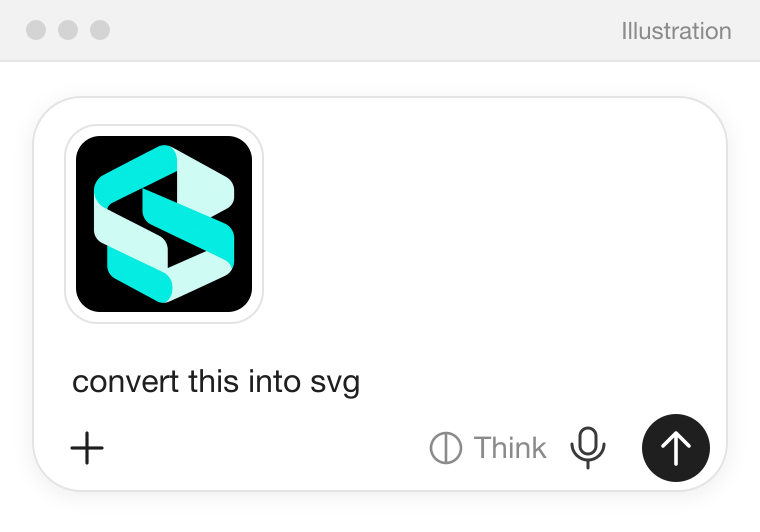 Illustration of a ChatGPT message with the ribbon logo attached and the request "convert this into svg".
 - Free price check
A free price check comes first. Nothing is charged before you say yes.
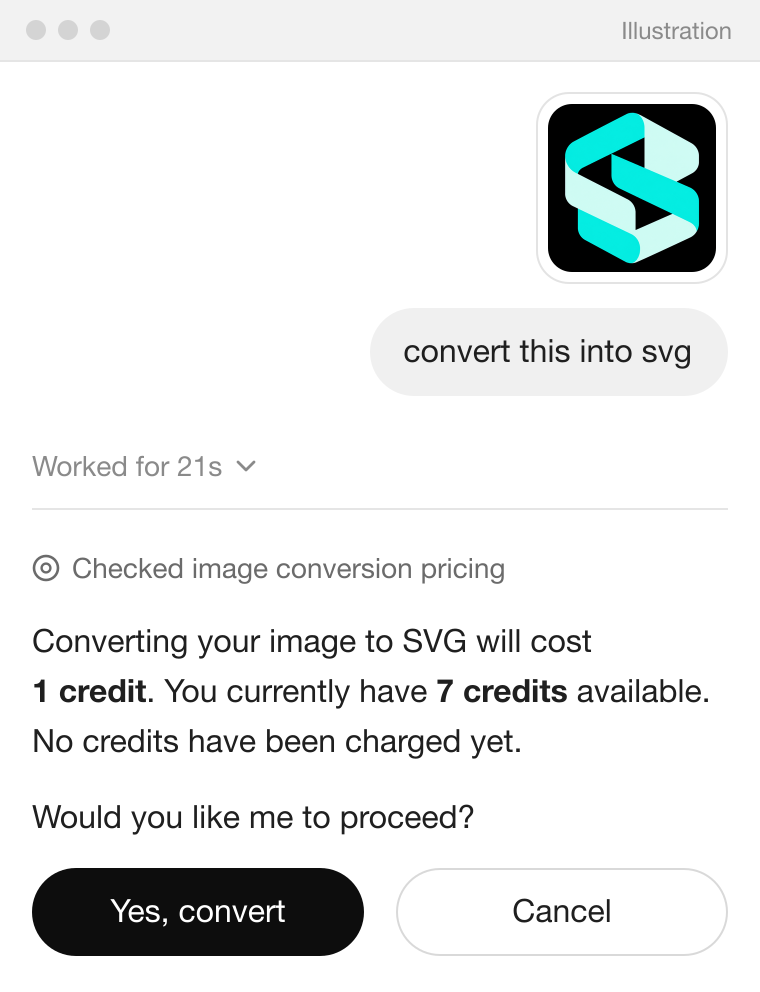 Illustration of ChatGPT's reply after the price check: converting costs 1 credit, 7 credits are available and nothing has been charged yet, with buttons to convert or cancel.
 - SVG ready
Say yes, and your SVG is ready to download.
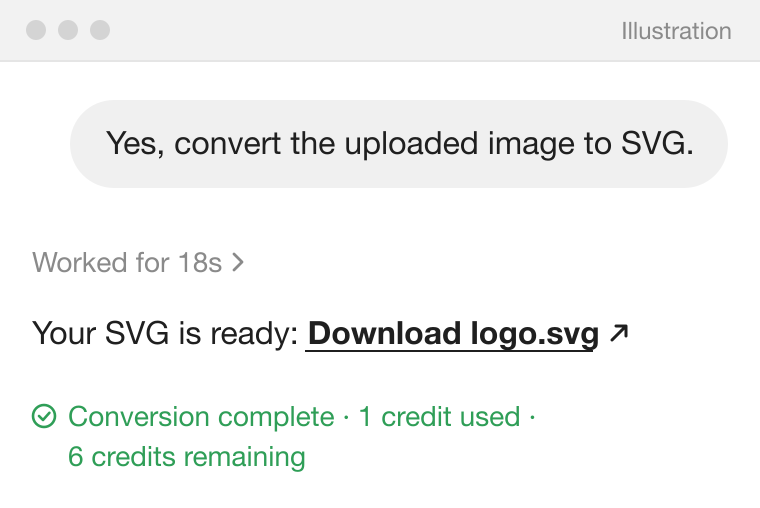 Illustration of ChatGPT's reply after you say yes: Your SVG is ready, Download logo.svg, Conversion complete, 1 credit used.
How it works
- Connect: add PerfectVector to your assistant and sign in with Google.
- Ask: "Use PerfectVector to convert this image to SVG." Give a link to an image on the web, or attach the image in ChatGPT. In Claude, choose a file from your computer in the PerfectVector card. AI agents that can run commands, such as Claude Code, can upload a local image file themselves.
- Say yes to the price: PerfectVector does a free price check first. ChatGPT and Codex show the price and your balance and ask before they convert; answer yes (or "Yes, always" to stop the question). In Claude, allowing the step "Convert to SVG · uses 1 credit" is your yes. In the card, choosing the file is your yes.
- Download: your assistant replies with a link to the finished SVG that works for 24 hours. If you chose the file in the card, select Download in the card instead.
Good to know
- Uses the same account and credits as the PerfectVector website.
- Each request uses one credit today, when its finished SVG is delivered. Failed conversions are free.
- PNG, JPEG or WebP, up to 5 MB.
- Converts images you already have, with standard settings. To change the result, edit the image first.
- See Claude, ChatGPT, Claude Code and Codex side by side on the Developers page.
Connect your assistant Add PerfectVector to Claude, ChatGPT, Claude Code or Codex and sign in with Google.Convert an image Ask your assistant, give it an image, say yes to the price, and download the SVG.Image requirements The formats, size and dimensions PerfectVector MCP accepts, and how to prepare an image for a clean SVG.Credits & downloads When PerfectVector MCP asks before using a credit, what's free, and how download links work.Troubleshooting Fix common problems with connecting, sending images, converting, credits, and downloads.Privacy & support What PerfectVector receives and keeps when you use it in your assistant, the policies that apply, and how to get help.