Vidmoat
Hosted AI video editor with an MCP server: agents import footage, run 65+ timeline commands, preview frames and render MP4s. Browser and Telegram too.
Hosted MCP Server
npx add-mcp 'https://api.vidmoat.com/api/mcp'Installs into Claude Code, Codex, Cursor and more
Documentation
From your first cut to your next big idea. Create with AI, shape every detail, and make videos worth watching.
No credit card. No install. Your creative control.
MADE WITH VIDMOAT SELECTED WORK / 01—04
3D motion0:12
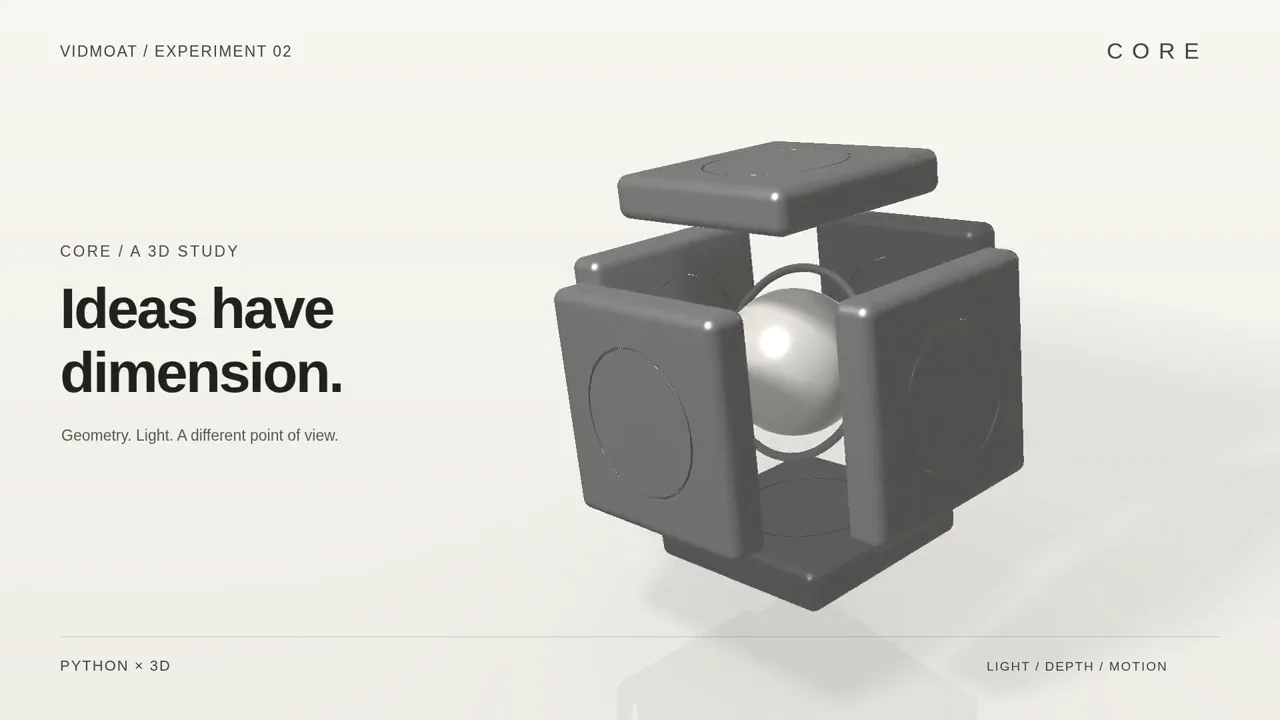
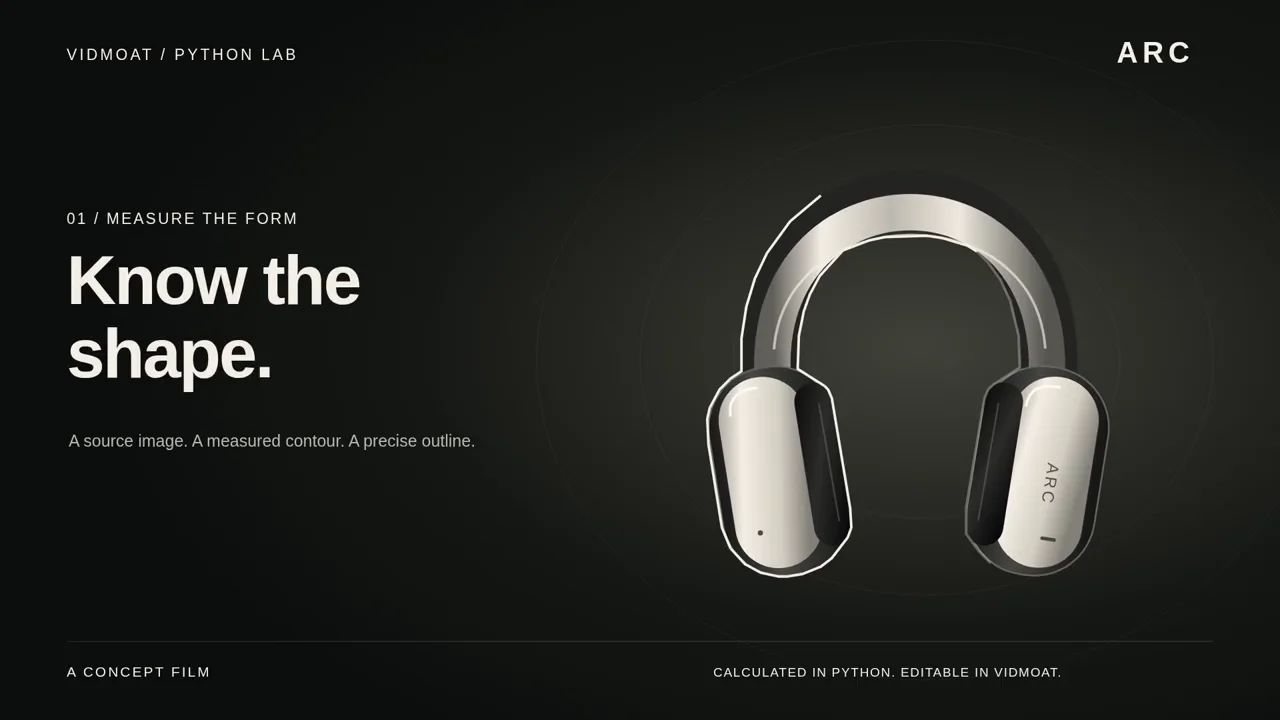
CORE / An assembly in motion
Take it apart. Make every piece a reveal.
01 / 04

 Inside this film +
An orbiting camera, an exploded assembly and reflective surfaces. A study in depth, lighting and precise motion.
Procedural 3D · Camera choreography · Lighting
Created with an external AI collaborator and custom shader code, then animated and rendered in Vidmoat.
AUTO-CUT ✦ AI CAPTIONS ✦ TEXT-TO-EDIT ✦ TELEGRAM CHAT ✦ ONE-CLICK SHORTS ✦
AUTO-CUT ✦ AI CAPTIONS ✦ TEXT-TO-EDIT ✦ TELEGRAM CHAT ✦ ONE-CLICK SHORTS ✦
65+
timeline commands
every edit, scriptable
2
ways in
browser editor or @vidmoat_bot
33+
effects & filters
green screen included
1
prompt to edit
the agent does the rest
TIKTOK ✦ REELS ✦ YOUTUBE ✦ SHORTS
MADE FOR WHERE YOU ACTUALLY POST
Edit once. Post everywhere.
One edit gets reframed, re-timed and re-hooked for every platform. Click a format — or just watch it cycle.
One edit in. Sixteen posts out. Your upload schedule never saw it coming.
[F1] — THE HEADLINER
Auto-Cut watches all 3 hours of your footage so you don't have to.
It finds the good takes, kills the dead air, and stitches the story — before your coffee even brews. Every cut stays editable, because we know you'll tweak it anyway.
RAW — 03:12:44 3h of chaos
✂ auto-cut ran (14 sec)
CUT — 00:11:07 11 min of banger
[NEW] — MOAT AI AGENT
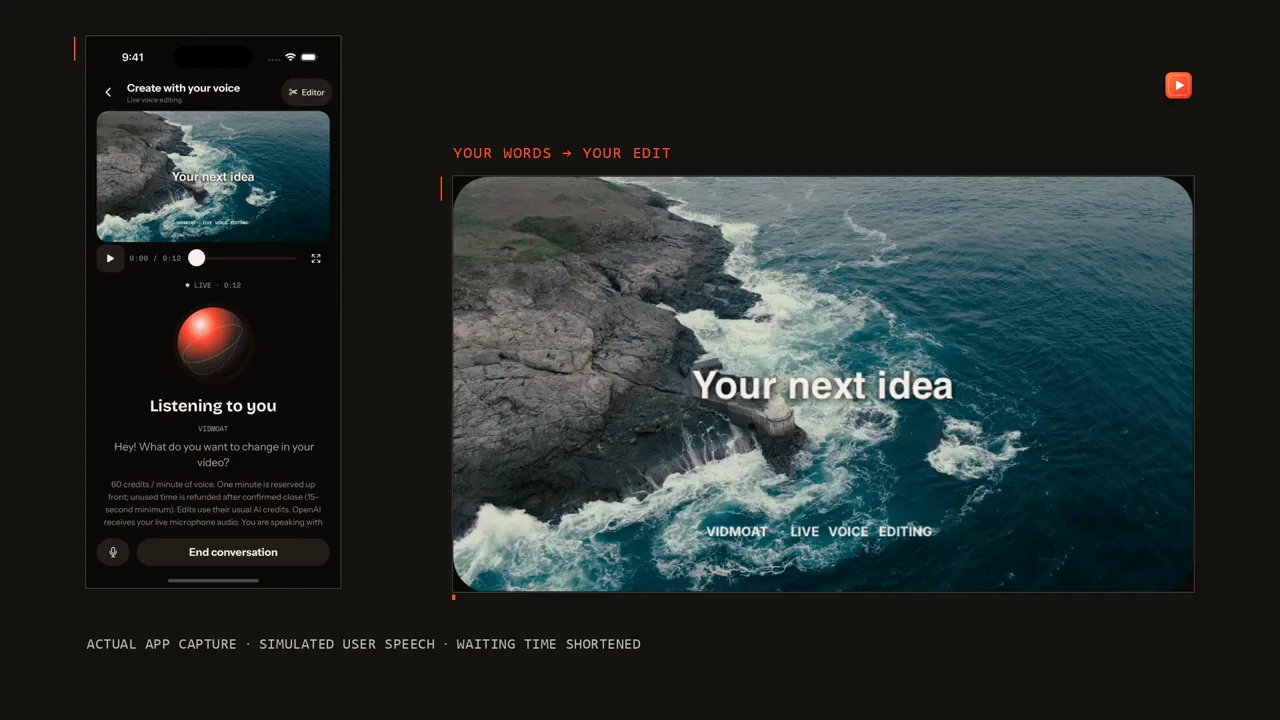
Type what you want.Watch it edit itself.
Never opened a video editor? Doesn't matter. Tell the agent "make this a punchy TikTok" and it reads your footage, writes the captions, cuts the dead air, and grades the color — step by step, out loud, until it's done.
✦Understands what’s said in your clips (word-level)
✦Plans multi-step edits & self-corrects
✦Never touches what you didn’t ask for
MOAT AI — AGENT CONSOLE live
make this a punchy tiktok
[NEW] — BRING YOUR OWN AGENT
Same timeline. Your agent can drive it too.
Start in the browser at vidmoat.com — or text a clip to @vidmoat_bot on Telegram. Same product, same projects, same credits.
If you automate with Claude Code, Cursor, or your own agents, connect over MCP and drive that same reviewable timeline: import footage, edit with 65+ timeline commands, preview frames as images, render MP4s. MCP is one client of the product, not the product itself.
✦65+ timeline commands — captions, keyframes, effects, all of it
✦Agents see their work: frame previews come back as images
✦Live MCP is Studio. Test keys work on any plan — Creator does not include live MCP
Start editing — then connect your agent →
claude — connected to vidmoat mcp
$ claude mcp add --transport http vidmoat api.vidmoat.com/api/mcp
> "cut my podcast into 3 shorts with karaoke captions, then render"
Prefer no setup? Open the free editor or text @vidmoat_bot — MCP stays optional.
[NEW] — EDIT FROM YOUR POCKET
No app to open.Just text it.
Send a clip to @vidmoat_bot on Telegram or WhatsApp with a caption like "cut the silence and add captions" — the same AI agent that runs the web editor does the work and sends a finished video right back into the chat.
✦Send straight from your camera roll — no upload page
✦Same commands, plan & credits as the web editor
✦Automations can push finished renders here too
Text @vidmoat_bot — or link WhatsApp →
@vidmoat_bot live
🎥 podcast_clip.mov — "cut the awkward silence and add captions"
Optional: any MCP client can connect. Live MCP is Studio; test keys work on any plan.
Claude Code✦Cursor✦Windsurf✦GitHub Copilot✦Cline✦Zed✦Continue✦Goose✦Warp✦Gemini CLI✦Claude Desktop✦OpenAI Agents SDK✦
Claude Code✦Cursor✦Windsurf✦GitHub Copilot✦Cline✦Zed✦Continue✦Goose✦Warp✦Gemini CLI✦Claude Desktop✦OpenAI Agents SDK✦
…and anything else with an MCP client.
THE FULL KIT
Everything inside.
A full professional editor underneath the agent — open a chapter.
01Cut & polish
✦Auto-cut silences
✦Beat-sync markers & cut-on-grid
✦Speed ramps, reverse & freeze frames
✦Transitions, masks & blend modes
✦Color grades, LUTs & adjustment layers
✦One-click video stabilization
02Captions, text & audio 03The agent & automation
✦Moat AI console — edit by prompt
✦MCP server: Claude, ChatGPT, Cursor
✦Edit from Telegram & WhatsApp chat
✦Scripting — build your own edit macros
✦REST API with your own keys
04Ship everywhere
✦Auto-reframe 9:16 · 1:1 · 16:9
✦Platform presets: TikTok, Reels, Shorts, YouTube
✦4K exports, mp4 / webm / gif
✦Distribute workspace — one edit, every format
✦Desktop app: 10 GB files, zero uploads
Fresh from the lab.Shipping weekly.
NO PLUG-INS / NO EXPORT QUEUE
Remove BG
One click. No green screen. The background just… leaves.
WATERMARK
Cleanup Brush
Paint over anything you regret filming. Logos, strangers, exes.
KEYED ✦
Green Screen
Chroma key with spill cleanup. Pick the color, gone.
CAPTIONSTHATACTUALLYSLAP
Karaoke Captions
Every word lights up as it's spoken. Auto-synced to your audio.
The whole suite.None of the suffering.
06 TOOLS / 00 TUTORIALS NEEDED
[F1]CUT
Auto-Cut
Finds the good takes, kills the flops. Your rough cut, already cut.
[F2]TEXT
Text-to-Edit
Delete a sentence in the transcript, it disappears from the video. Editing by backspace.
[F3]CC
AI Captions
Word-perfect, on-beat, styled to your brand. Not a court transcript.
[F4]SFX
Silence Slayer
Umms, ahhs, and dead air — detected and deleted. Ruthlessly.
[F5]CLIP
One-Click Shorts
One long video in, twelve vertical bangers out. Hooks included.
[F6]ROLL
B-Roll Brain
It scans your library and drops the right shot at the right beat. You take the nap.
MADE FOR THE WAY YOU ACTUALLY CREATE
Three creators. Three moats.
Same agent, three completely different workflows. Yours is in here somewhere.
🎙️THE PODCASTER
Records Tuesday night. By Wednesday morning: the full episode on YouTube, twelve clips for Shorts, karaoke captions on every one. She hasn’t opened a timeline in months.
3 hrs recording13 posts
🍳THE CHEF
Films the whole cook on one phone, dumps the footage, types “fast recipe edit, keep the flip.” The agent cuts the prep, keeps the fire, captions the seasoning rant.
40 min footage60-sec banger
🏋️THE COACH
Green-screens himself over client transformations, brushes out the gym’s logo, ships a polished breakdown to four platforms — before his next session walks in.
1 take4 platforms
WHATEVER YOU MAKE
Your kind of video.
Find a workflow, an editing brief and a guide for the footage you make.
-
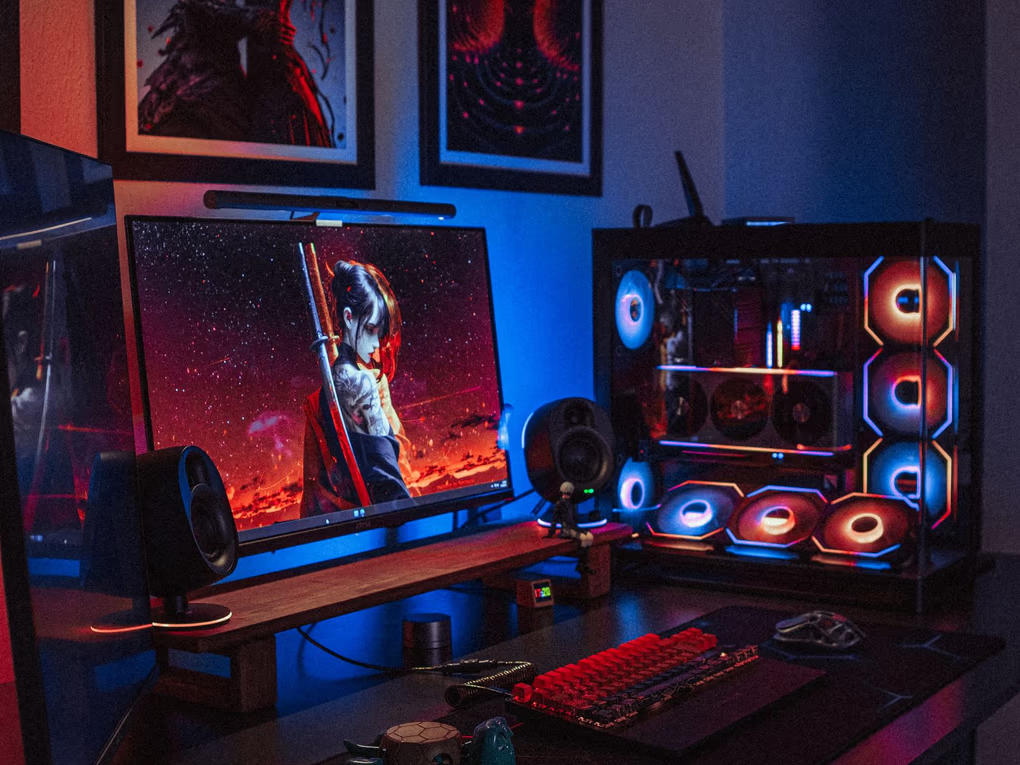 Gaming
Six hours of capture, one montage
Gaming
Six hours of capture, one montage
-
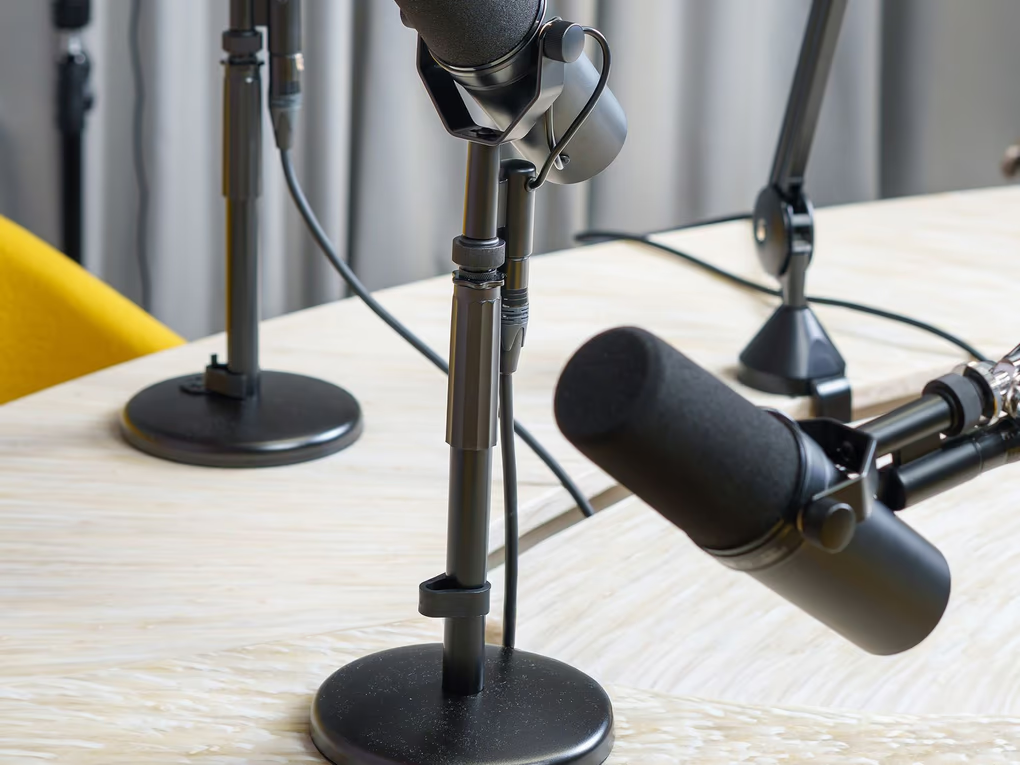 Podcasts
One long episode, twelve short clips
Podcasts
One long episode, twelve short clips
-
 Cooking
Recipes people can actually follow
Cooking
Recipes people can actually follow
-
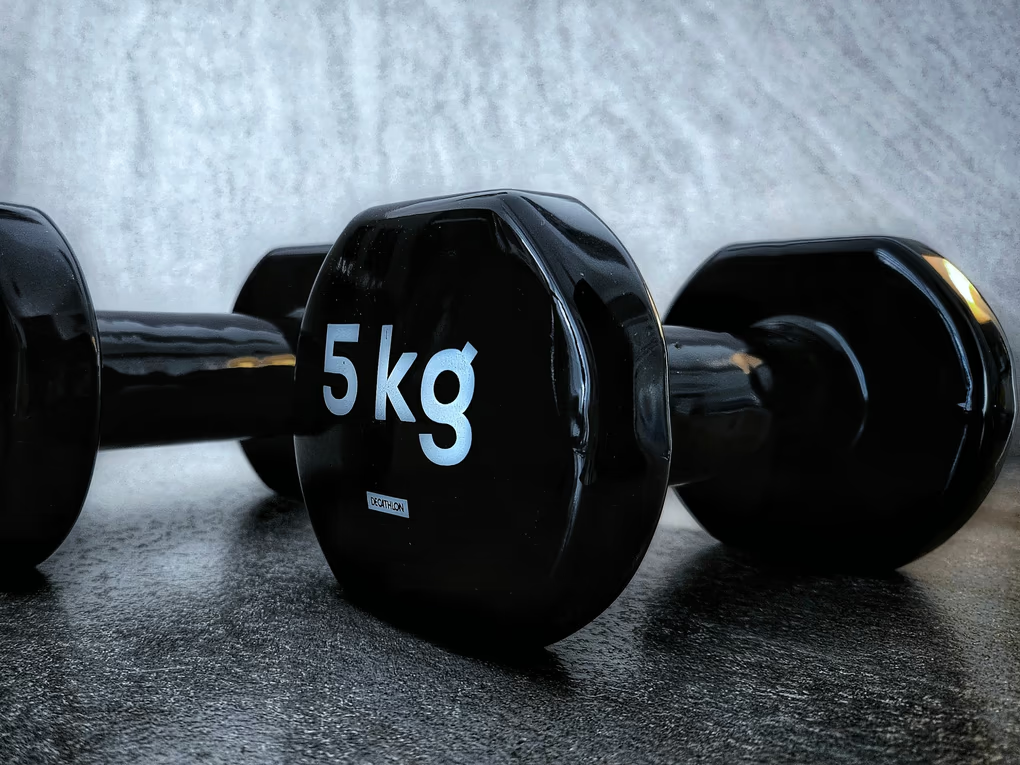 Fitness
Form breakdowns and follow-alongs
Fitness
Form breakdowns and follow-alongs
-
 Real estate
Listing tours that hold the first five seconds
Real estate
Listing tours that hold the first five seconds
-
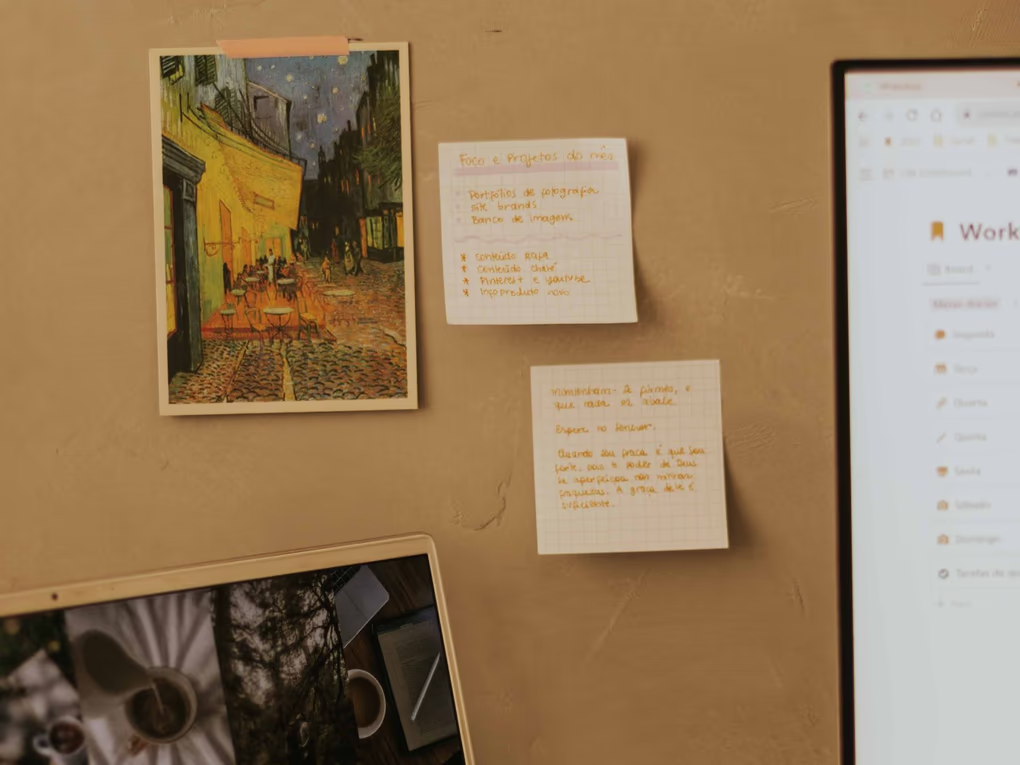 Courses
Lessons without the dead air
Courses
Lessons without the dead air
-
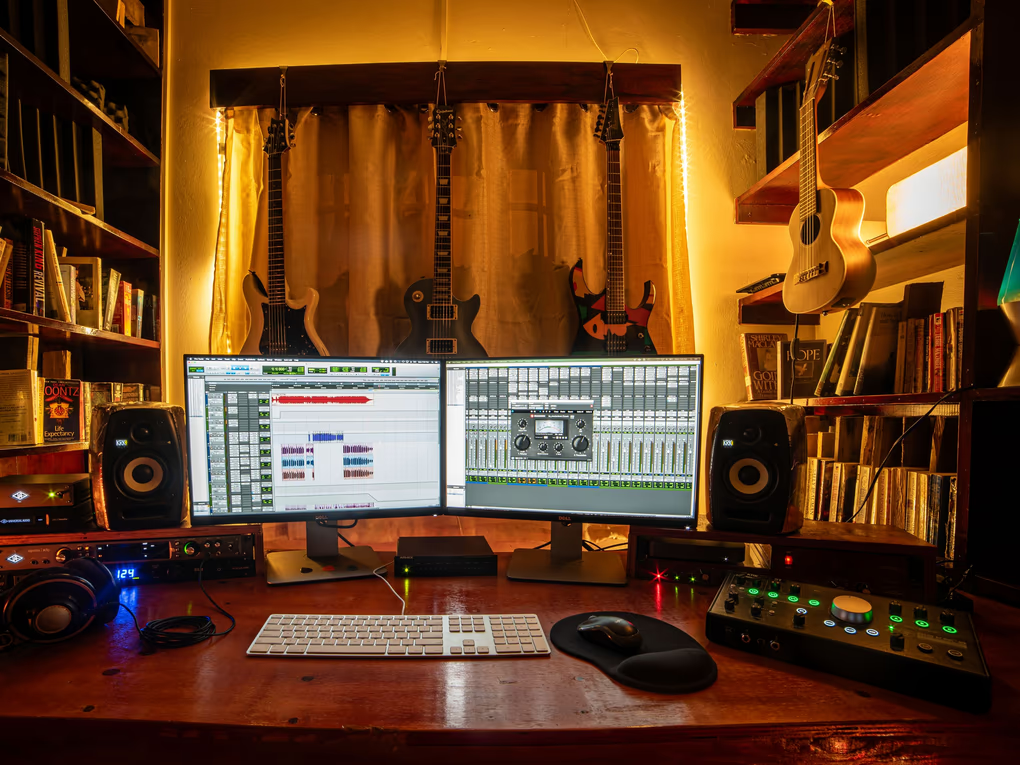 Music
Cuts that land on the beat
Music
Cuts that land on the beat
-
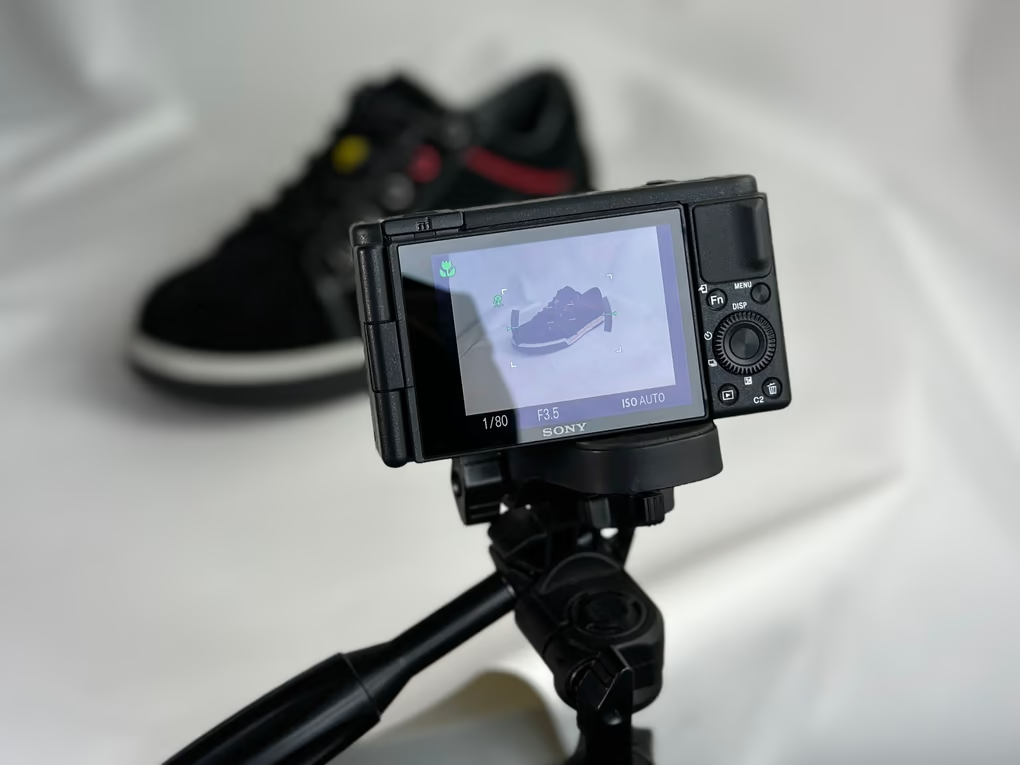 Products
The shot the photo could not take
Products
The shot the photo could not take
Making TikToks or Reels? Start here ↗ Explore all creator workflows →
Frame photography via Pexels: Atahan Demir, Jakub Zerdzicki, MART PRODUCTION, Elena Kravets, Max Vakhtbovych, Letícia Alvares, Dominik Gryzbon, J. S..
HOW IT WORKS — 3 STEPS, 0 BRAIN CELLS
01
Dump your footage
Drag in everything. The good takes, the bloopers, the 40 minutes you forgot to stop recording.
02
Tell it the vibe
"Fast-paced cooking video, punchy captions, keep the part where the pan catches fire." Done.
03
Ship the banger
Tweak what you want, export in every format, and get back to the part you actually love: filming.
Cheaper than an editor.Faster than three of them.
HOBBY
$0forever
For testing the waters. Or the moat.
✦3 projects
✦Auto-Cut + captions
✦720p exports
✦Tiny watermark (sorry)
MOST HYPE CREATOR
$19/month
For people who post like it’s their job. Because it is.
✦Unlimited projects
✦The full AI suite
✦4K exports, no watermark
✦One-Click Shorts
✦Caption style presets
STUDIO
$49/month
For teams shipping content at industrial scale.
✦Everything in Creator
✦8 GB uploads
✦Multicam sync
✦API + priority renders
FAQ — THE STUFF YOU'D DM US ANYWAY
Fair questions.
Do I need to know how to edit video?+
No — that's the whole point. Type what you want in plain words (“make this a punchy TikTok”, “add captions”, “cut the boring parts”) and the AI agent plans and applies the edits. Everything stays on a normal timeline, so you can tweak by hand whenever you want.
Is the free plan actually usable?+
Yes, and it is free forever rather than a trial that expires. You get the AI console, auto-captions, effects and 720p exports, with a small watermark. Paid plans add 4K, no watermark and the pro effects.
Can I edit from my phone?+
Yes, from chat. Send a clip to @vidmoat_bot on Telegram (WhatsApp and Discord work the same way), describe the edit, and the finished video comes back in the conversation. It is the same product as the browser editor: same projects, same timeline, same credits. Start at vidmoat.com/connect. There is no phone app to install.
Where does my footage go? Is it private?+
Your uploads live in your account and are only used to render your videos. The clip analysis (transcripts, silence detection) runs to power your edits — we don't train on your footage or share it.
What makes this different from CapCut or Premiere?+
Those are tools you operate. Vidmoat is agent-first: an editor that operates itself — an AI with hands on the actual timeline. It cuts, captions, grades and re-formats across platforms from one prompt, everything stays fully editable, and it's the only editor external AI agents can drive too.
Is Vidmoat the same as VidMate?+
Vidmoat is a hosted AI video editor — not VidMate, the Android video downloader.
Can I connect my own AI — Claude, Cursor, custom agents?+
Yes, over MCP (Model Context Protocol). Mint an API key in your dashboard, add it to Claude Code or Cursor in one command, and your agent can import media, edit the timeline with 65+ commands, preview frames as images and render MP4s without opening the app. Live MCP is on the Studio plan; Creator does not include it. Test keys are free on every plan, so you can try the whole thing before deciding.
Can I cancel anytime?+
Anytime, in one click from your account page — no email-us-to-cancel games. Your plan stays active until the end of the period you paid for.
What can the AI actually do today?+
Auto-captions with word-sync, silence cutting, multi-step edit plans from one prompt, background removal, green screen, a cleanup brush, 33+ effects, smart splits with varied transitions — and the list grows weekly.