Maximem Vity
Personal AI memory assistant for seamless context across AI platforms.
Documentation
Maximem Vity · Personal AI memory
Different AI Apps Know You Partially Vity makes it whole
Maximem Vity is a personal AI memory assistant that gives you persistent context across ChatGPT, Claude, Gemini, Perplexity, and every AI platform you use.
Download Extension - FreeSee how it works
-
ChatGPTSupported
-
ClaudeSupported
-
GeminiSupported
-
PerplexitySupported
-
GmailConnections
-
And more
-
Universal Memory
-
Real-time Sync
-
Cross-Platform
The problem
The AI memory problem
Every conversation with AI starts from zero. No context, no history, no learning.
~3/4th
Every conversation starts from zero, repeating the same content endlessly.
Most
No history or context is retained, making prior interactions inaccessible.
~3/4th
Ideas and insights are scattered across multiple AI tools, never connected.
~0
AI tools that talk to each other or share your context across platforms.
The problem
The AI memory problem
Every conversation with AI starts from zero. No context, no history, no learning.
~3/4th
Repetitive content
Every conversation starts from zero, repeating the same content endlessly.
Most
Lost Conversations
No history or context is retained, making prior interactions inaccessible.
~3/4th
Fragmented Intelligence
Ideas and insights are scattered across multiple AI tools, never connected.
Three AIs, one afternoon, the same introduction
Picture an ordinary Tuesday. You plan a product launch with ChatGPT in the morning, explaining the product, the audience and the deadline. After lunch you move to Claude to write the announcement, and you explain the product, the audience and the deadline again. At four you ask Gemini to check the launch plan against your calendar, and it has never heard of any of it.
None of these tools is doing anything wrong. Each one keeps its own memory, inside its own walls, and none of them can see what you told the others. So you become the memory: copying context between tabs, re-explaining your role and your preferences, and getting answers pitched at a stranger.
Maximem Vity gives your AI tools one memory of you. Tell one AI something once, and every AI you use knows it.
How do I make ChatGPT, Claude and Gemini remember me?
Each assistant now offers some memory of its own, and each one stops at its own edge: what ChatGPT has saved about you never reaches Claude, and neither reaches the agent in your terminal. Vity sits across all of them. The Chrome extension saves your conversations to memory as you have them and can import months of past chats on day one, including the memories ChatGPT already saved about you.
When you start a new chat anywhere, Vity looks up the memories that fit what you are typing and shows them beside the chat box, and you choose which ones go in. Nothing is added without you picking it. The same memory reaches your agents through the OpenClaw and Hermes plugins, and any MCP-ready tool, such as Claude Code or Cursor, through Vity MCP.
See it in action
Demo · 1-min walkthrough
See how it Works
Watch a quick walkthrough of how Maximem Vity brings memory to your AI tools.
-
Add your information
Share what's relevant, with your consent.
-
Import chat history
Bring context from your existing AI conversations.
-
Connect your tools
Link Gmail, Google Calendar and WhatsApp, or plug in your agents.
Watch the 1-min video
Maximem Vity: how it works
Chapter 01: OverviewClick to Play Video1:00 MIN
One memory, many apps
Your AI tools do not know you. Vity gives them one memory of you. It holds what you have worked on, what you know, how you write, and what you meant to read. Every app below is a different way of using that same memory.
Apps
[Sharing
Echo
People keep asking you the same questions. Echo answers them in your voice, from your own material, with sources, at a link you control.
Learn more →](https://www.maximem.ai/vity/apps/echo)[Writing
Sound Like Me
Type a rough draft, tap the star, and it comes back sounding like you wrote it properly, for that exact app. Your names, numbers and dates stay exactly as you wrote them.
Learn more →](https://www.maximem.ai/vity/apps/sound-like-me)[Reading
WaitPro
While your AI is thinking, WaitPro shows you something worth reading, and gets out of the way the second the answer lands.
Learn more →](https://www.maximem.ai/vity/apps/waitpro)[Reading
Summarize For Me
Turns any article, page, video or document into a summary written for you, with every claim checked against the source before you see it.
Learn more →](https://www.maximem.ai/vity/apps/summarize-for-me)[Meetings
Meeting Memory
Your meetings, stored as searchable memory. Ask about any meeting, or all of them at once, and get answers that point back to who said it and when.
Learn more →](https://www.maximem.ai/vity/apps/meeting-memory)[Writing
Social Enhancer
Drafts replies to posts on X, LinkedIn, Reddit and Hacker News, grounded in what you actually know and written the way you write.
Learn more →](https://www.maximem.ai/vity/apps/social-enhancer)[Writing
Skills
Save the prompt templates you use often and apply them from the chat box.
Learn more →](https://www.maximem.ai/vity/apps/skills)
Agents and tools
[Agents
Vity MCP
Paste one URL into any MCP-ready agent, and it can use your memory, your knowledge and your writing voice.
Learn more →](https://www.maximem.ai/vity/integrations/mcp)[Agents
OpenClaw
Your self-hosted agent remembers you across every session and every chat.
Learn more →](https://www.maximem.ai/openclaw)[Agents
Hermes
Without it, Hermes starts each session blank. With it, Hermes remembers who you are, what you have discussed and what you prefer.
Learn more →](https://www.maximem.ai/hermes)[Clients
Chrome Extension
The core Maximem Vity client. One memory across every AI you use in the browser, and the app most Vity apps run inside.
Learn more →](https://www.maximem.ai/download-extension)
In the Chrome extension
Memory in the chat box
As you type, Vity looks up memories that fit your prompt and shows them next to the input. You choose which ones go in. Nothing is added without you picking it.
Live capture
New conversations are saved to memory as you chat, so your memory keeps growing without any effort on your part. One switch in settings turns it off.
Import your history
Bring in your past chats from ChatGPT, Claude, Gemini, Perplexity and Grok, plus the memories ChatGPT already saved about you. On day one, Vity already knows months of context.
Skills
Save the prompt templates you use often and apply them from the chat box.
Bookmarks
Import your Chrome and X bookmarks. They feed WaitPro, so you get your own saved reads while you wait for the AI to respond.
In the web dashboard
Memories
See everything Vity remembers, then search it, filter it, add to it or delete from it. You decide what it holds.
Memory graph
A visual map of how your memories connect.
Knowledge graph
The topics you actually know about, grouped together. A picture of your expertise, built from your own conversations.
Connections
Link Gmail, Google Calendar and WhatsApp for the apps that need them.
API keys and usage
Create keys for agents and developer tools, and see your credit usage.
04/Universal AI memory
Universal AI Memory
Stop repeating yourself. One secure memory vault across all your AI models and workflows.
Universal Memory
One memory bank across ChatGPT, Claude, Gemini, etc. Never repeat context again.
Private & Secure
Your data stays encrypted and private. We never read your conversations or train on your data.
Real-time Sync
Instant synchronization across all platforms. Start a conversation on ChatGPT, continue on Claude.
Instant Context
AI models instantly understand your projects, preferences, and conversation history.
Cross-Platform
Works on the AI chat sites you use in Chrome, in your agents through OpenClaw and Hermes, and in any MCP-ready tool like Claude Code and Cursor.
Zero-Knowledge
End-to-end encryption ensures only you can access your AI memory. Not even we can see it.
Claude
ChatGPT
Gemini
Perplexity
Grok
Get started in six steps
01
Install the extension and create your account
Sign in at app.maximem.ai. It checks whether the Maximem Vity extension is installed and, if not, takes you to the Chrome Web Store.
02
Pick your path
Browser extension if you use ChatGPT, Claude, Gemini and the others in Chrome, which is what most people pick. Agent if you run OpenClaw or Hermes.
03
Bring in your history
Open Data & Connectors, choose the AI tools you use, and click Import. The extension pulls in your past chats in background tabs. Keep Chrome open while it runs. If anything fails, you get a list of failed chats to retry.
04
Check live capture is on
Settings → Apps → Live Capture. It is on by default, and from then on new chats save to your memory as you have them.
05
Try it
Open ChatGPT or Claude and start typing about something you have discussed before. The Vity widget shows the memories that fit. Pick the ones you want and click Refine. Or type a backtick (`) and a name to pull in a person, project or topic.
06
Look at what it knows
Open Memories in the dashboard. Search, edit or delete anything, and check the Knowledge Graph tab for a map of what you know.
05/Supported platforms
Supported Apps and Platforms
Chrome today, the major AI chat apps, and the tools Vity connects to.
Browsers
Supported

Coming Soon


AI Chat
Supported






Expanding

Desktop & Mobile
Coming Soon


Connections
Supported


+ Chrome & X bookmarks
Coming Soon
E-Commerce & Entertainment apps
Vity Apps
Supported
Sound Like Me, WaitPro, Summarize For Me, Echo, Meeting Memory and more, all on one memory
One memory, and everything it makes possible
A memory that only remembers is useful. A memory that every tool can build on changes what those tools can do for you, and that is the bet behind every Vity app. The same memory that carries your context into ChatGPT is what lets Sound Like Me write in your voice, Summarize For Me tell you why a piece matters to you, WaitPro pick reads from the topics you follow, and Echo answer questions as you.
That pattern holds as agents take on more of your work. Each new tool you adopt can start from what you have already told every other one, rather than from zero, and the memory stays yours: visible in your dashboard, searchable, editable, and deleted when you say so.
06/Why memory matters
What people are saying about AI memory
Builders and operators on why context is the bottleneck.
-
[
Aaron Levie@levie
Context is king. AI Agents will be able to process vastly more context about a patient than any human could.
-
[
Tanay Jaipuria@tanayj
Bring your context, preferences, and memories to every app.
-
[
Marmik Mankodi@mar_kodi
How can I do the same for context / memory on AI tools?
-
[
Tobi Lütke@tobi
I really like the term “context engineering” over prompt engineering.
-
[
Garry Tan@garrytan
Context is the bottleneck – it’s getting models to actually pay attention to it.
-
[
govind@govindrathi_
It was miserable in context recall. Claude was much better, the responses it gave were more precise.
08/Get started
Ready to Give Your AI a Memory?
Install the Vity Chrome extension and start syncing your AI memory across every platform, free to get started.
Download Extension - FreeOpen Vity DashboardLearn More
Vity lives at app.maximem.ai; sign in there for your vault and Vity API keys. Building on agent memory instead? That is Synap, at synap.maximem.ai.
See how Vity compares to Mem0 and Supermemory
07/FAQ
Frequently Asked Questions
Everything you need to know about Vity, privacy, synchronization, and setup.
What is Vity?
Vity is a personal AI memory assistant by Maximem. It gives your AI tools one memory of you that works across ChatGPT, Claude, Gemini, Perplexity, Grok and more, so you stop re-explaining your job, your projects and your preferences. Tell one AI something once, and every AI you use knows it.
What apps come with Vity?
Every Vity app uses the same memory. Sound Like Me rewrites your drafts in your own voice. WaitPro turns AI wait time into reading time. Summarize For Me writes summaries personalized to you and checked against the source. Echo is an AI version of you that answers questions from your own material. Meeting Memory turns meeting transcripts into searchable memory. Social Enhancer drafts replies grounded in what you know. Skills saves your prompt templates.
How does cross-app memory sync work?
Vity's Chrome extension saves your AI conversations to memory as you have them, and can import your past chats. When you start a new chat anywhere, it shows the memories that fit your prompt and you pick which ones go in. Switch from ChatGPT to Claude or Gemini and your memory travels with you: no copy-pasting, no re-explaining.
Is my data private and secure?
Absolutely. Your data is encrypted at rest and inaccessible to anyone but you. Maximem cannot read your memories. We do not use your data to train AI models, and we never sell it. You have full control to export or delete your data at any time.
Do I need the Chrome extension?
For memory on AI chat sites, yes, and it also hosts WaitPro, Summarize For Me, Sound Like Me, Social Enhancer and Skills. Echo and Meeting Memory run from the web dashboard at app.maximem.ai. Agents connect with an API key instead, through the OpenClaw or Hermes plugin or Vity MCP.
Can my AI agents use my Vity memory?
Yes. The OpenClaw and Hermes plugins recall your memories before each reply and save each conversation after it. Vity MCP gives Claude Code, Cursor and any other MCP-ready agent your memory, your knowledge and your writing voice through one URL.
Where do I get a Vity API key?
At app.maximem.ai/api-keys. Vity keys start with mx_. They are separate from Maximem Synap keys, which come from synap.maximem.ai and are not interchangeable.
How is Vity different from ChatGPT's built-in memory?
ChatGPT's memory only works within ChatGPT. Vity provides cross-app memory that follows you across every AI platform, your agents and your Vity apps. It also offers richer memory types: facts, preferences, emotions, episodes, knowledge, and profile, with a memory graph and a knowledge graph to explore what it holds.
Can I view, edit, or delete the memories Vity stores?
Yes. Open Memories in the dashboard at app.maximem.ai to see everything Vity remembers, then search it, filter it, add to it or delete from it. You decide what it holds.
Still have questions? Reach out to us at gaurav@maximem.ai
Research & deep-dives
From the blog
[
Research & Product Updates 01
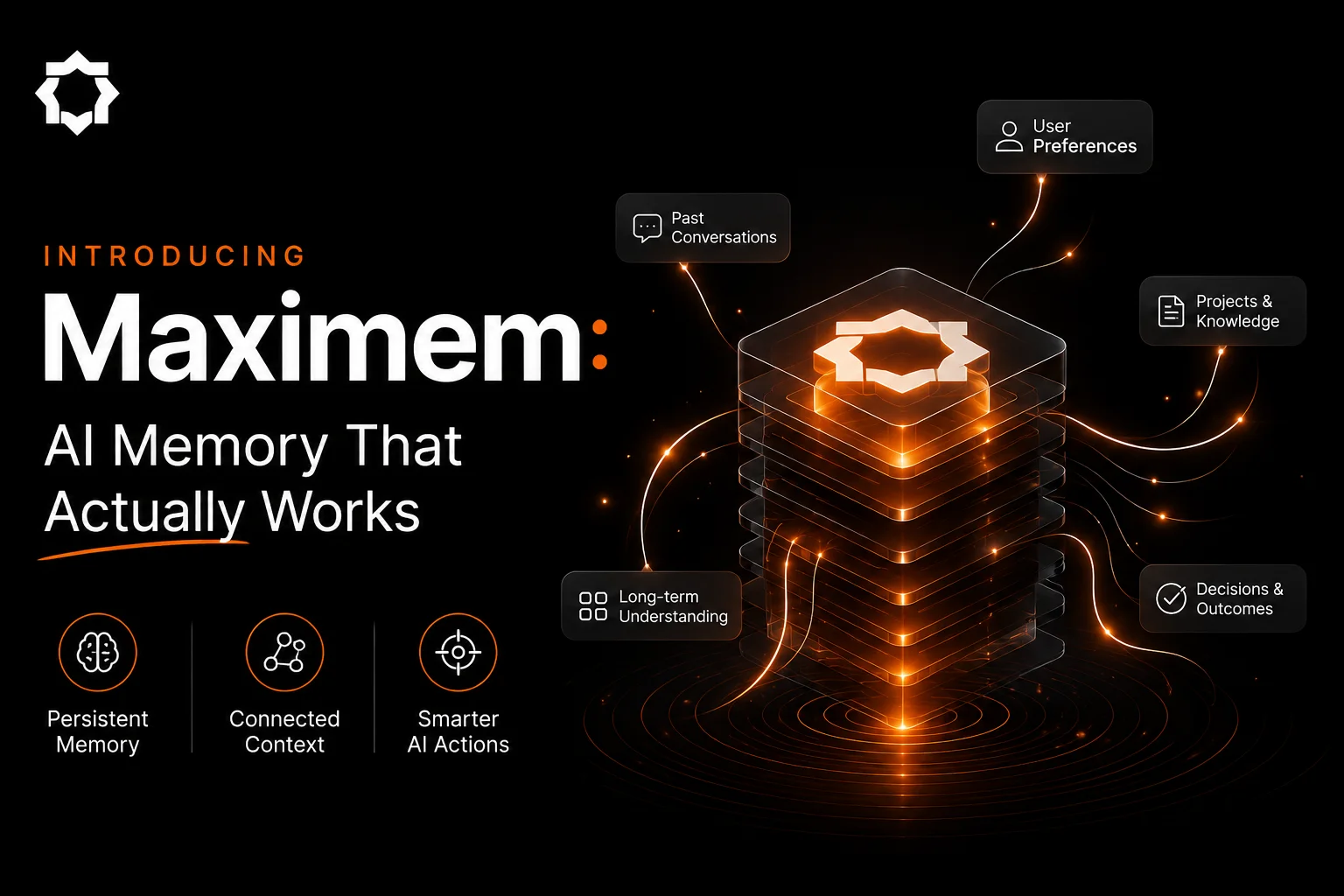
Introducing Maximem: AI Memory That Actually Works
Exploring the next generation of AI capabilities and how memory will shape the future of human-AI interaction.
July 25, 2025
](https://www.maximem.ai/blog/introducing-maximem)[
Research & Product Updates 02
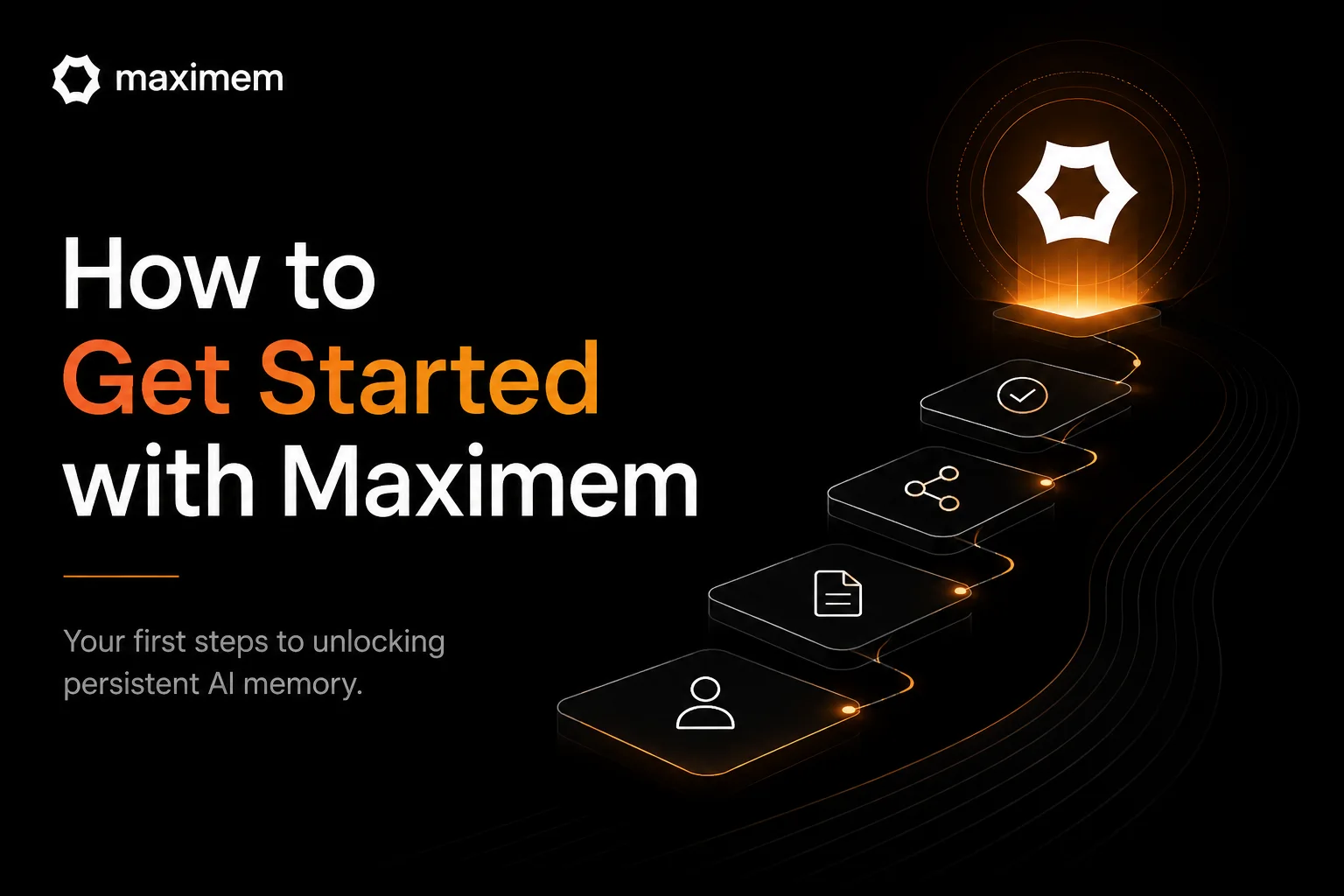
How to Get Started with Maximem
A step-by-step guide to setting up your AI memory system and maximizing productivity.
July 25, 2025
](https://www.maximem.ai/blog/getting-started-maximem)[
AI Agent Memory 03
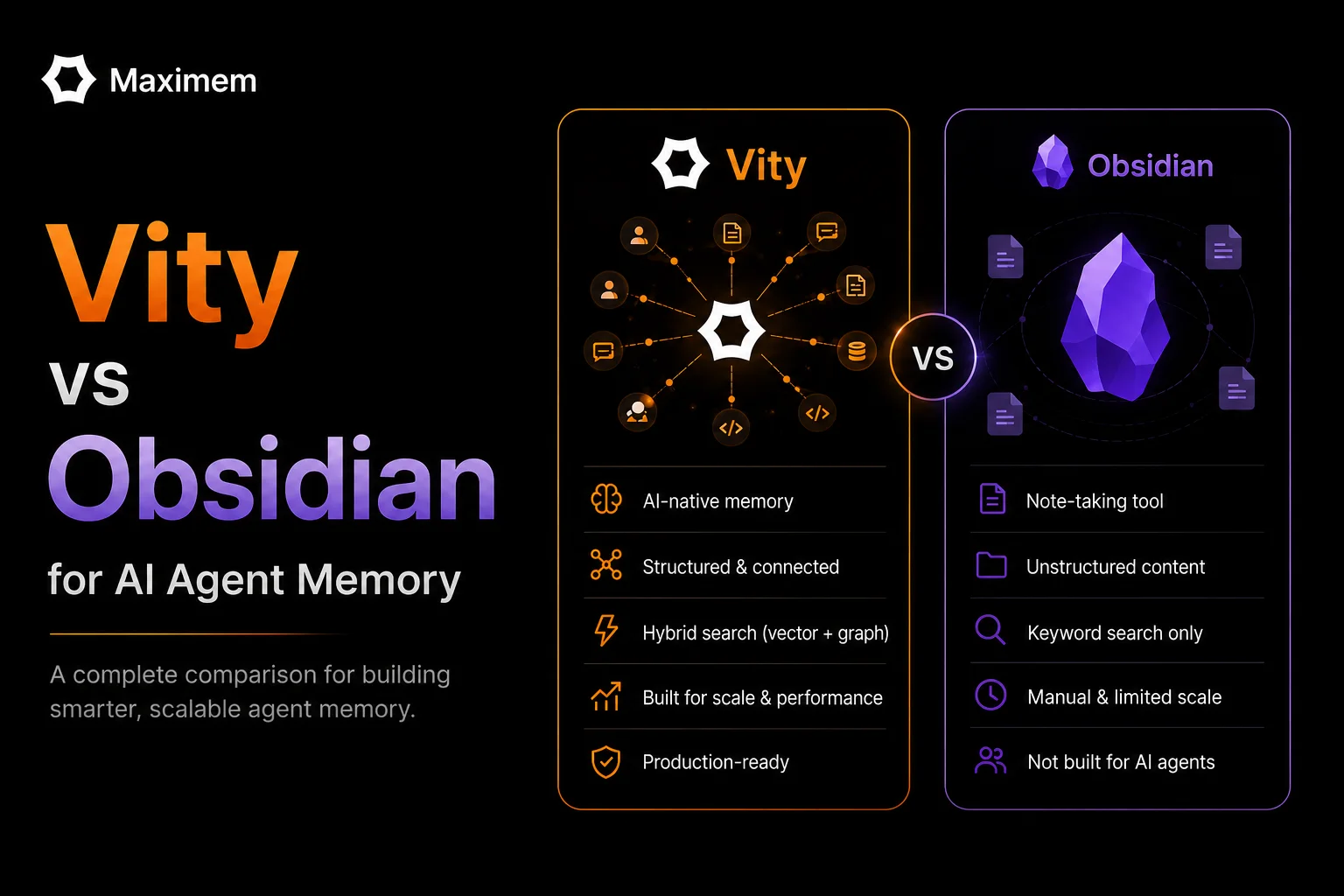
Vity vs Obsidian for AI Agent Memory
Technical comparison of Vity and Obsidian for AI agent memory. Covers context rot, entity resolution, cross-AI coverage, setup complexity, and security.
May 27, 2026
](https://www.maximem.ai/blog/vity-vs-obsidian-ai-agent-memory)
Insights for builders who think long-term.
Source: https://www.maximem.ai/vity