GenflowAI
Run reusable AI creative workflows for ecommerce product images and UGC-style video ads from an AI agent.
Hosted MCP Server
npx add-mcp 'https://www.genflowai.io/mcp'Installs into Claude Code, Codex, Cursor and more
Documentation
One conversation, three ways to create.
Three real MCP paths: find a published template, run your own saved workflow, or start a direct generation. The preview media comes from current live examples.
ChatGPT
GenflowAI MCP
Find a published UGC product-video template in GenflowAI. Show me the best match before running anything.
Genflow Agent
I’ll search the live Template Market and check the best published match first.
Search templates
Published template match
Completed
UGC Product Video (High)
advertising · cinematic-ad · lifestyle-scene · 22,515 uses
I found “UGC Product Video (High)”. Create authentic UGC-style product videos from a product image, product name, and description in minutes.…
This is a live published template. Open it to review its inputs, credit cost, and output examples before running it.
Live Template MarketPublished
advertisingcinematic-adlifestyle-scene
UGC Product Video (High)
Create authentic UGC-style product videos from a product image, product name, and description in minutes.…
22,515 uses170 creditsView template
in ChatGPT
Create with GenflowAI in ChatGPT.
Start with a concrete brief. GenflowAI handles the tools, models, media, and asynchronous runs behind it.

Video workflow6 min
Animated nursery-rhyme short
Create a playful 15-second vertical animation of a puppy singing a nursery rhyme, with bright colors, captions, and clear lip sync using GenflowAI.
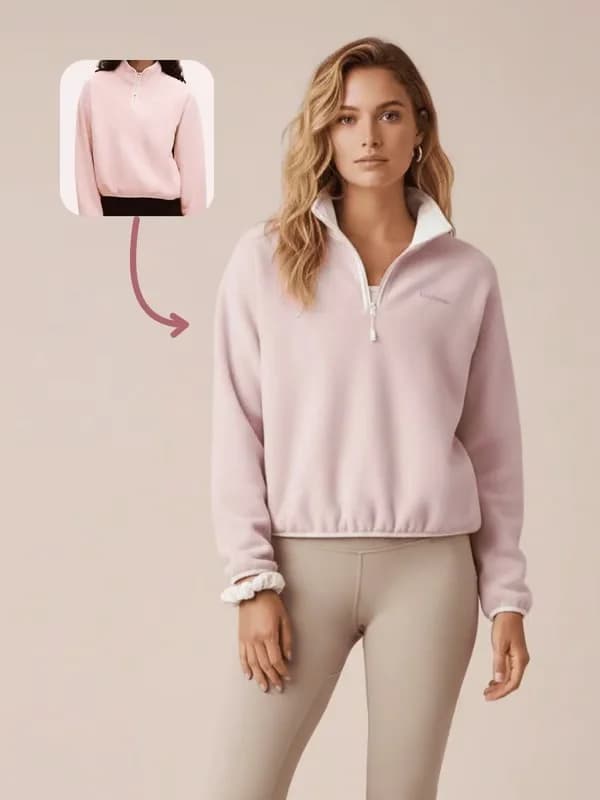
Image workflow3 min
Fashion product-on-model image
Use GenflowAI to place this pink sweatshirt on a model for a premium ecommerce hero image while preserving every product detail.
Commerce workflow2 min
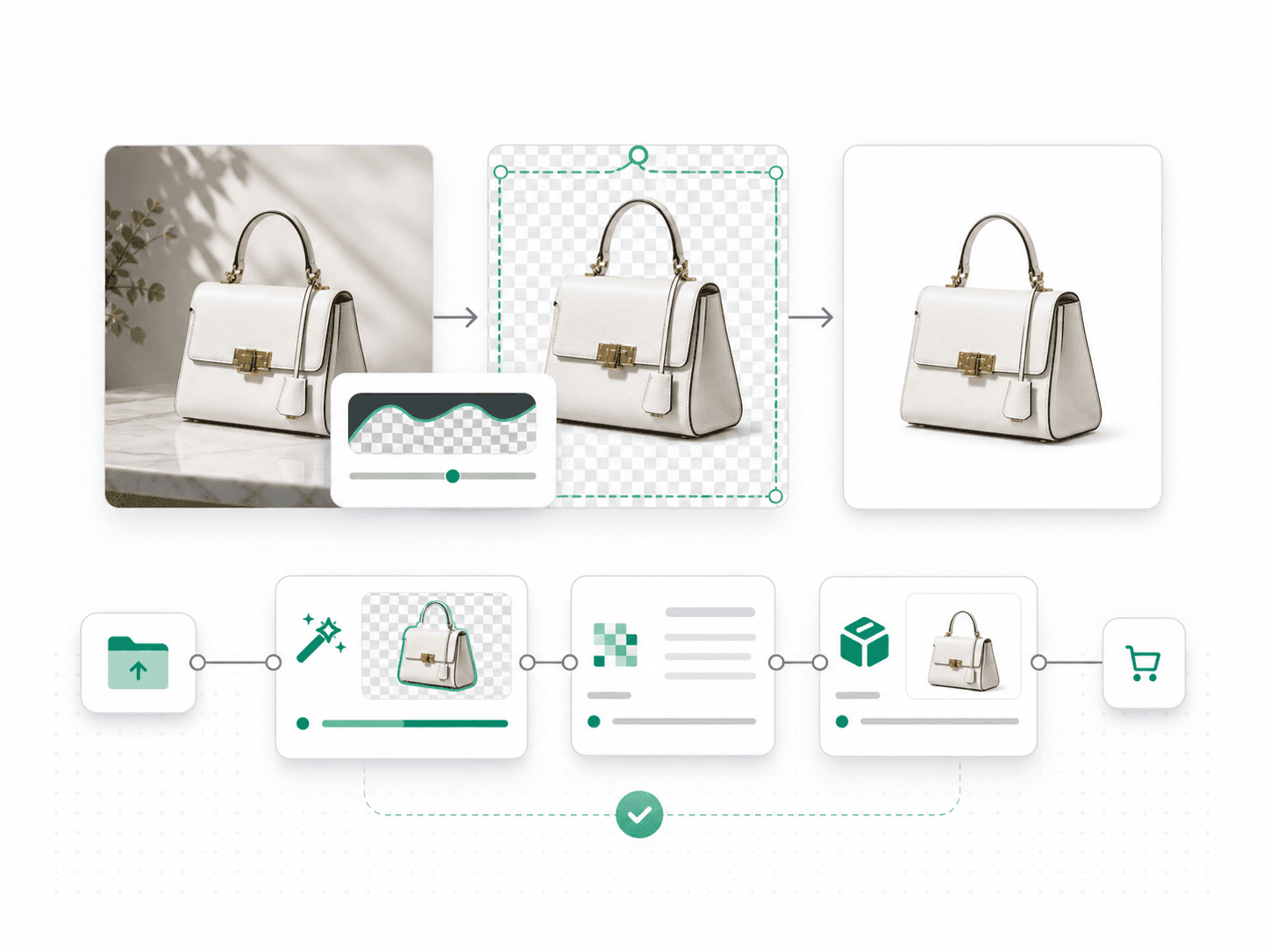
Clean product cutout set
Use GenflowAI to remove the background from this handbag, clean the edges, and create white-background listing images from three angles.
Campaign workflow5 min
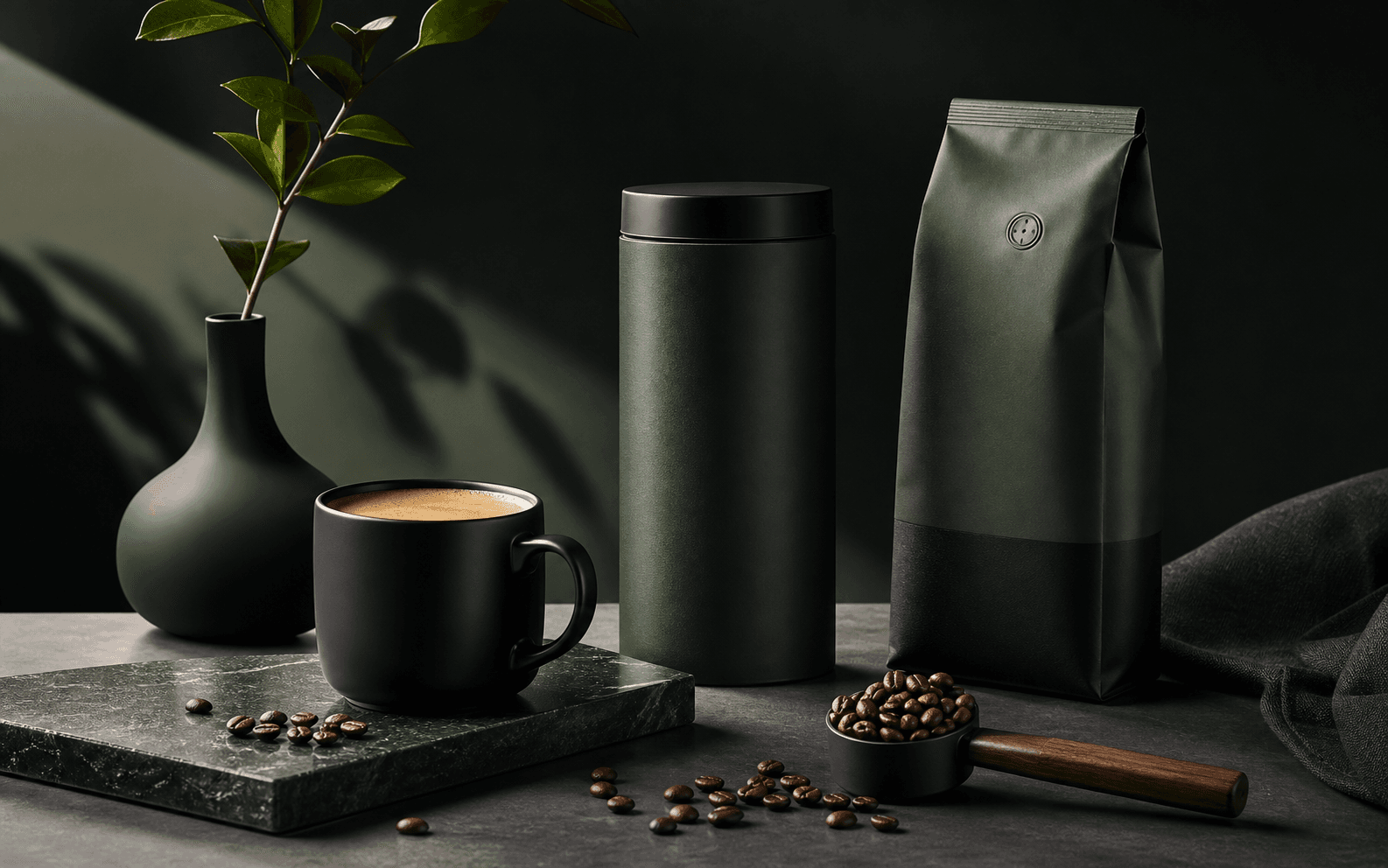
Campaign poster system
Create a bold campaign poster system for this product with one master visual and platform-ready social variations using GenflowAI.
Agent workflow8 min
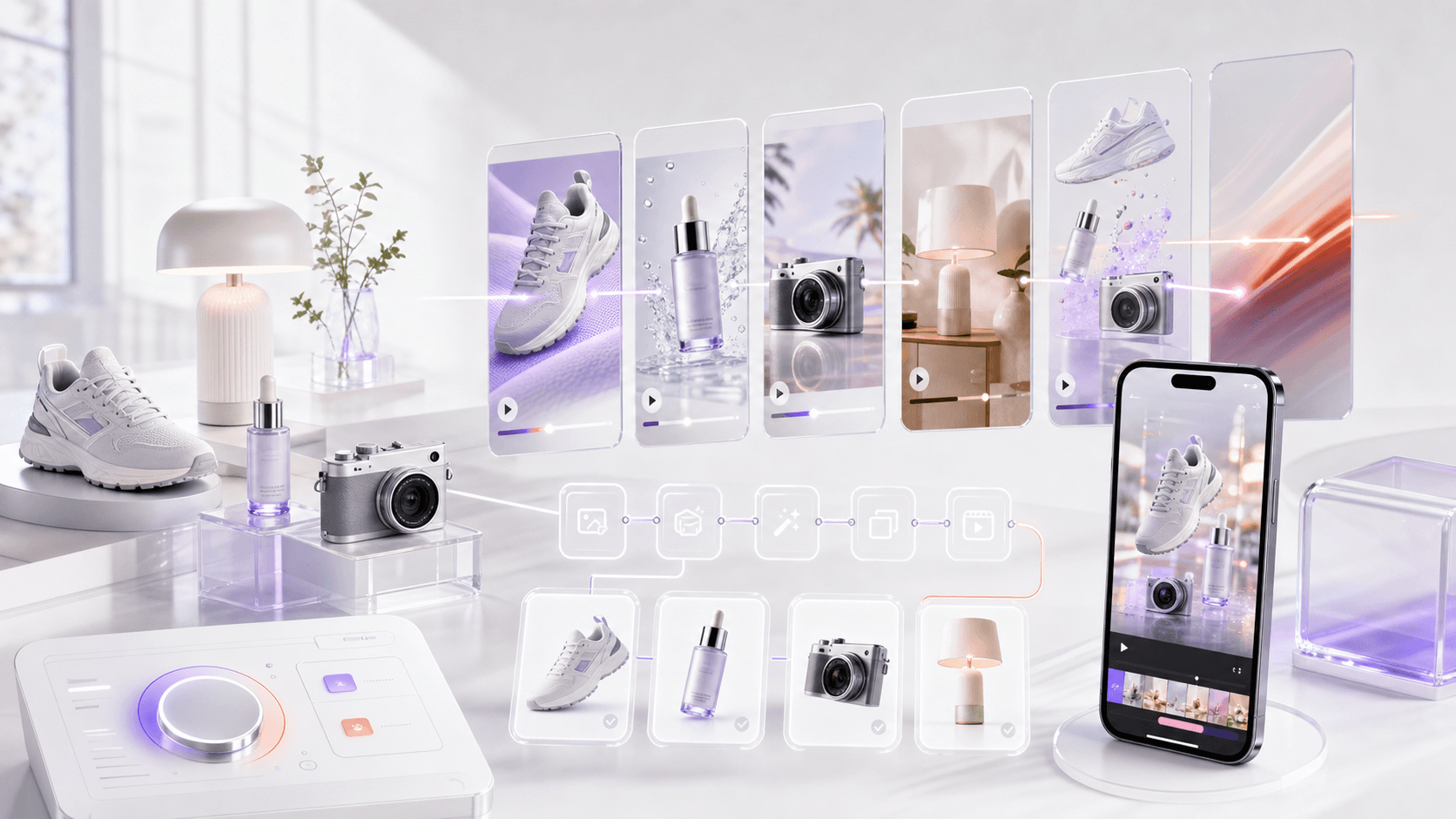
Multi-format product launch
Build a complete product launch kit from these references: key visual, product story, three social posts, and a short video with GenflowAI.
Your creative models, inside the agent.
Ask for an outcome or name the model yourself. GenflowAI keeps the generation attached to the same account and project history.
01
GPT Image 2
02
Banana 2
03
SeeDream 5
04
SeeDance 2.0
05
SeeDance 2.5
06
Kling 3.0 Omni
07
GPT 5.3
08
Genflow Speech v2
Model availability follows your GenflowAI account and current platform catalog.
One account, one source of truth
Your account remains the source of truth.
The MCP server calls the same GenflowAI services as Studio. It does not create a second balance, a separate workflow library, or a hidden copy of your production history.
OAuth access
Template discovery, private workflows, uploads, runs, and outputs
Permissions
Read and write scopes are shown before you approve the connection
Billing
The same credits, pricing, concurrency, and ledger as Studio
The details agents care about.
OAuth connects every tool to the right GenflowAI account while the same Studio permissions, credits, and history stay in force.
It provides 18 tools. Direct tools generate text, images, speech, text-to-video, frame-based video, and reference-based video. The remaining tools discover templates, inspect inputs, transfer supported media into GenflowAI storage, run reusable workflows, and poll asynchronous results.
The hosted MCP server uses OAuth 2.1 with PKCE. Your MCP client opens GenflowAI in the browser, you sign in and approve read and write permissions, and the client receives a scoped access token. You do not need to copy an API key for the normal setup.
Yes. Authenticated direct generation, template runs, and workflow runs use the same GenflowAI account balance, pricing, concurrency checks, and backend billing logic as Studio.
Yes. After you approve the OAuth connection, the agent can inspect and run workflows owned by that GenflowAI account and follow their outputs.
Hosted MCP guides cover Claude, ChatGPT, Cursor, OpenClaw, and Hermes with the same Streamable HTTP endpoint. Codex has a separate plugin installation through Codex CLI.
Yes. The Codex plugin uses GENFLOWAI_API_KEY for authenticated runs, while compatible clients and automation can use a secure Authorization Bearer token or x-api-key header. Never paste a key into a chat prompt. Hosted MCP users should use OAuth browser sign-in.