AdsCrawl
Hosted cloud browser, browser automation and web data extraction for developers and AI agents.
Hosted MCP Server
npx add-mcp 'https://api.adscrawl.net/mcp'Installs into Claude Code, Codex, Cursor and more
Documentation
Your app
Code · AI agents
Browser APIs
- Proxy routing
- JavaScript rendering
- Structured extraction
Cloud Browser Powered by AdsPower
- Native fingerprints
- Isolated environments
- Remote control
Bypass Anti Bot Solutions
Target website
Browse · interact · extract
Web data, ready to use
Wherever You Thrive, We've Got You Covered.








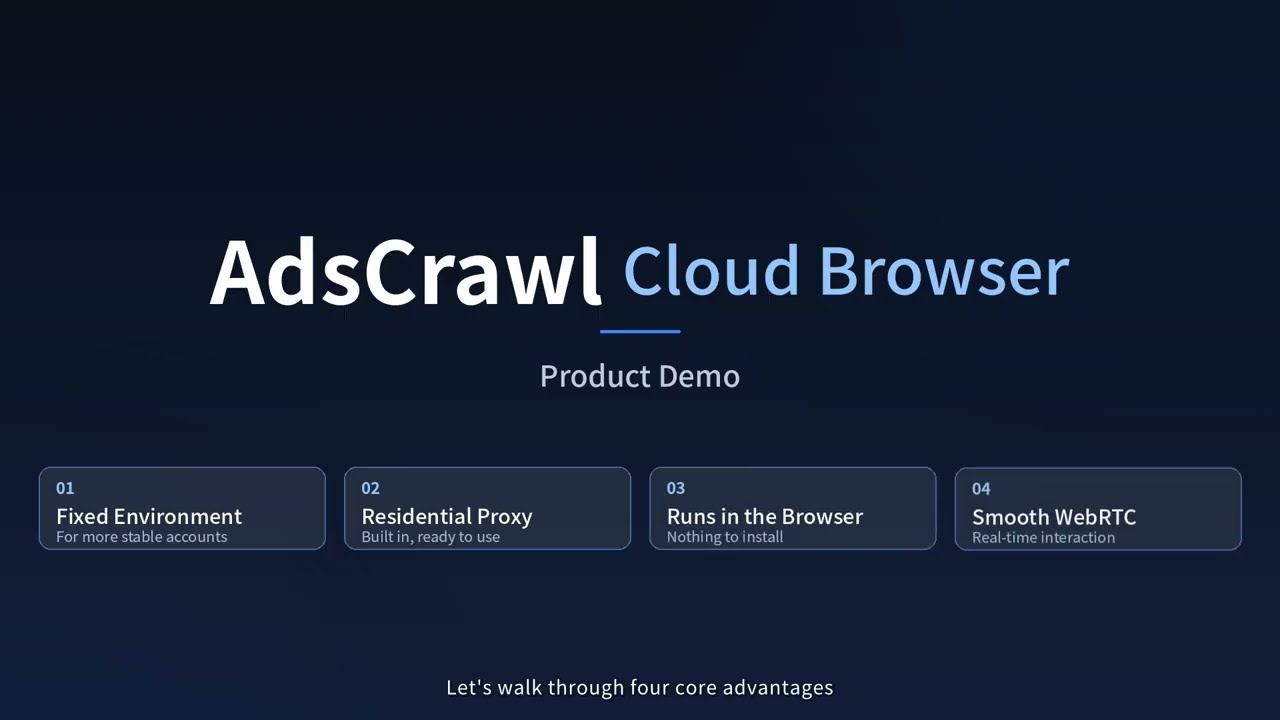
From a saved environment to a browser you can control. Watch on YouTube
-
Smooth interaction with WebRTC
A real-time video stream keeps clicking, typing, scrolling and switching tabs feeling natural, much like using a local browser. -
A full browser. Your extensions.
Browse websites, run web apps and install browser extensions. Test, research and get everyday work done in a familiar workspace. -
Native fingerprints. Isolated profiles.
Powered by AdsPower's native fingerprint browser, with updates that follow AdsPower. Separate browser state gives each workflow its own space.
Add browser automation to your app with one {API}
Five APIs cover rendered pages, structured data, screenshots, and live browser control. Pick a workflow and send your first request in minutes.
curl --fail-with-body -sS \
  -X POST "https://api.adscrawl.net/html" \
  -H "x-api-key: $ADSCRAWL_API_KEY" \
  -H "content-type: application/json" \
  -d '{
    "url": "https://www.adscrawl.net",
    "contentMode": "html",
    "waitUntil": "domcontentloaded"
  }' \
  --output page.html

# Use "contentMode": "markdown" for readable text.
Browse from the region your target site expects.
Route each browser through the region you need, with fewer failures from geo restrictions, IP conflicts, or unavailable proxy nodes.
One browser. One dedicated network identity.
Skip the proxy pool and the rotation logic.
🇺🇸 US 🇧🇷 BR 🇩🇪 DE 🇸🇬 SG 🇯🇵 JP 🇨🇦 CA 🇦🇺 AU
Set it up yourself
- Sign up for an AdsCrawl account.
- Copy your API key from the dashboard.
- Choose an API example and send your first request. Get your API key
Let your coding agent handle it
Paste one prompt into your coding agent. It will walk you through sign-up, request access to an API key, and integrate AdsCrawl into your project. You approve access in your browser.
agent setup
Set up AdsCrawl in this codebase. Use https://api.adscrawl.net/auth.md to help me create an account and authorize an API key, then follow https://api.adscrawl.net/docs/agent-quickstart.md to complete the integration.
HTML · Scrape · Screenshots
Turn any page into usable data
Fetch rendered HTML, pull structured fields from dynamic pages, and capture screenshots for research, monitoring, or AI workflows.
CAPTCHA Solver · 2Captcha
Solve CAPTCHA challenges automatically
Detect and handle supported challenges such as reCAPTCHA, Turnstile, and AWS WAF in the same browser session—without a manual handoff.
CDP · Playwright
Automate the entire browser flow
Connect Playwright to a remote browser to navigate, click, fill out forms, and collect results—all in one session.
Cloud Browser
Pick up where your browser left off
Launch a Cloud Browser with your proxy and cookies, use it in the live viewer, then stop the session and reuse the saved profile later.
[
AdsCrawl vs. Scrapfly vs. Playwright: Which One Fits Your Stack?
Aug 23, 2026
](https://blog.adscrawl.net/adscrawl-vs-scrapfly-vs-playwright)[
AdsCrawl Setup: From API Key to Your First Browser Request
Aug 18, 2026
](https://blog.adscrawl.net/adscrawl-setup)[
AdsCrawl vs. Browserless vs. ScrapingBee: Which API Is Right for You?
Aug 23, 2026
](https://blog.adscrawl.net/adscrawl-vs-browserless-vs-scrapingbee)
How do I get started?
Create an account, copy your API key from the dashboard, and run one of the examples above. Send the key in the x-api-key header, and keep it on your server.
Which API should I choose?
Use HTML for rendered content, Scrape for structured fields, and Screenshots for page images. Use CDP when you need scripted interaction, or Cloud Browser when you want a reusable profile and a live viewer.
Can AdsCrawl handle JavaScript-rendered pages?
Yes. AdsCrawl renders the page in a browser before returning the result. Where supported, set waitUntil or wait for a selector so the content you need has time to load.
Can I get Markdown instead of HTML?
Yes. Set contentMode to markdown on POST /html for clean, readable content. Use html for rendered markup or json for a structured version of the article.
How do I extract specific fields?
Call POST /spa-extract with mode set to extract, then define the fields you need. DOM fields use CSS selectors, while network fields can read matching JSON responses. Check missingFields in the response to see what was not found.
Can I capture a full page or just one element?
Yes. POST /screenshot returns a PNG. Set fullPage for the entire page, or pass a selector to capture the first matching element. Save the response as a binary file.
Can I use Node.js, Python, or Playwright?
Yes. The HTTP APIs work with Node.js fetch, Python requests, cURL, and other HTTP clients. For browser automation, create a CDP session and connect Playwright with the returned webSocketDebuggerUrl.
What's the difference between CDP and Cloud Browser?
CDP gives your automation a temporary remote browser session. Cloud Browser saves the browser profile and includes a live viewer while it is running. Stop it when you're done; the profile will be ready for your next run.
Can I use my own proxy?
Yes. APIs that support proxies accept a custom configuration. Every Cloud Browser launch request must include a valid proxy. Put the credentials in the designated fields, not in the proxy server URL.
Can I use cookies to access signed-in pages?
Yes. Supported tasks and Cloud Browser workflows accept cookies. Use cookies only for accounts you are authorized to access, and check the domain, path, and expiration. For multi-step sign-in flows, use a CDP session.
Will closing the viewer stop a Cloud Browser?
No. Closing the viewer leaves the Cloud Browser running, so usage charges continue. Call the stop endpoint and confirm that runtime.status is stopped. To release a temporary CDP session, call DELETE /cdp/sessions/:sessionId.
Why is my request timing out?
The page may be slow, the proxy may be unreachable, or the selector you are waiting for may never appear. Check the error response, verify the URL and proxy, then adjust the wait condition or timeout within the endpoint's documented limits.
What if I run out of credits or hit a rate limit?
If you get HTTP 402, check your credit balance and plan in the dashboard. For HTTP 429, lower your concurrency and retry with backoff. You can find current plan limits on the pricing page and in your account.
Can my coding agent set up AdsCrawl for me?
Yes. Copy the setup prompt above into your coding agent. It will guide you through sign-up and integration. Approve the API key request in your browser, then let the agent finish the setup.
Still have questions? View API docs Pricing