AI Viral Dance Generator
AI Viral Dance Generator
Documentation
Create Your AI Dance Video
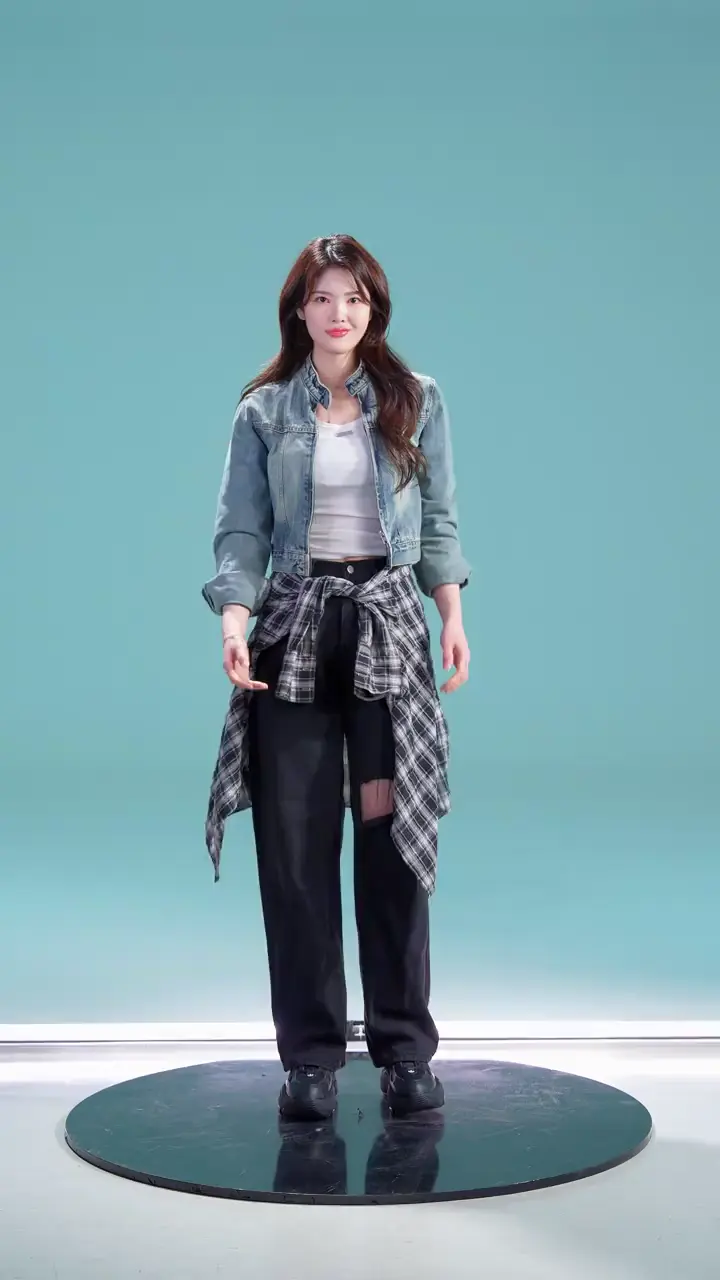
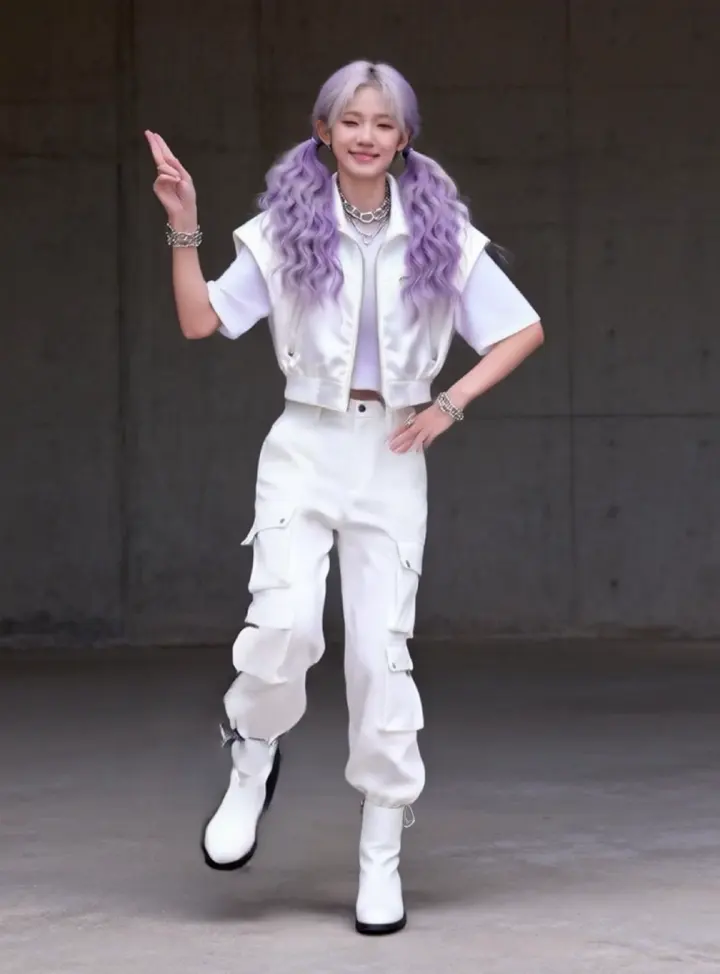
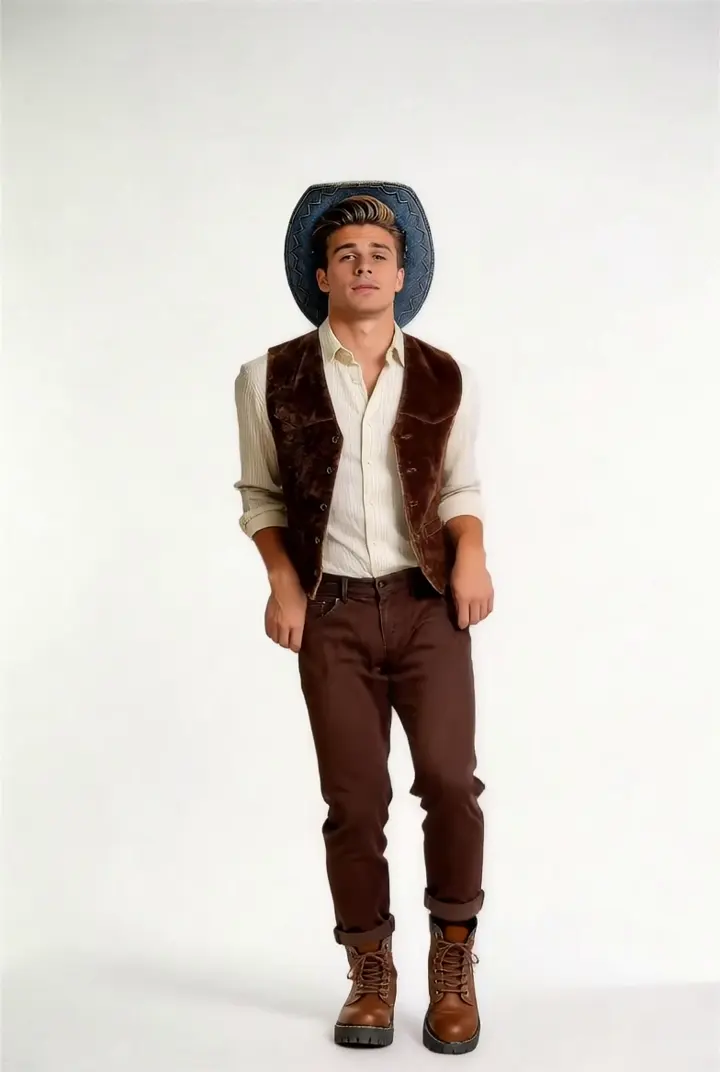
Upload a full-body photo, choose a dance template, and generate a short AI dance video.
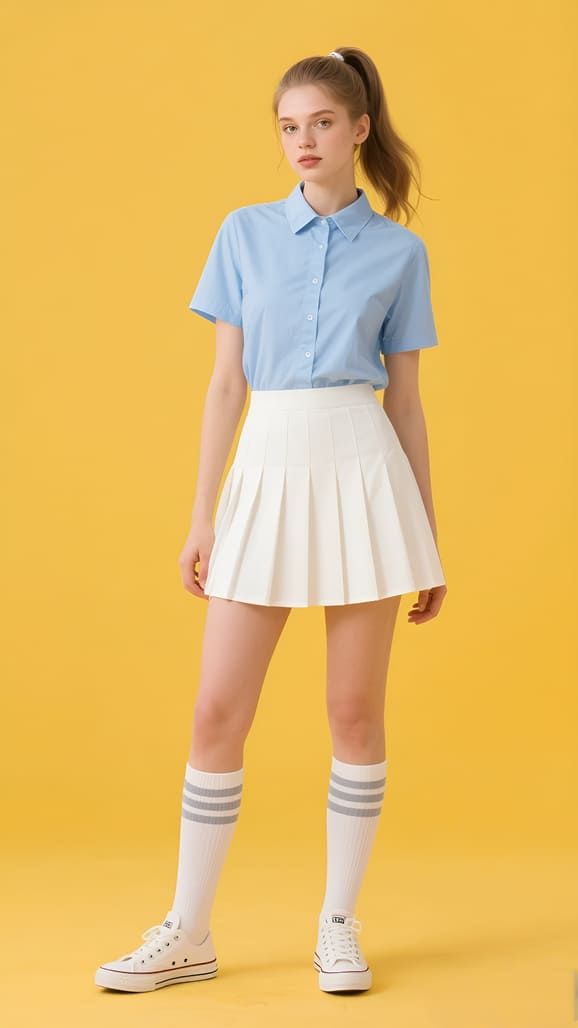
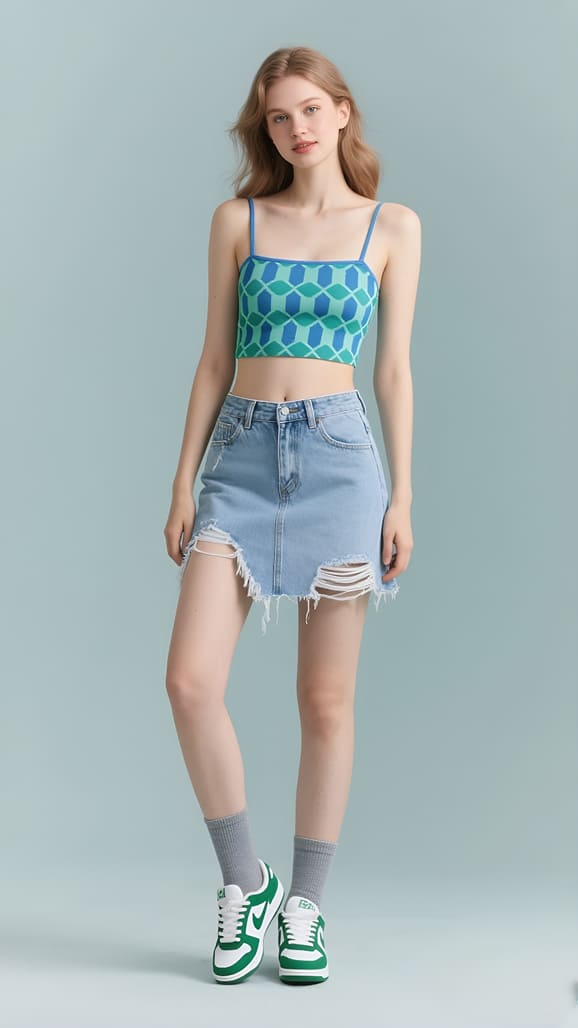
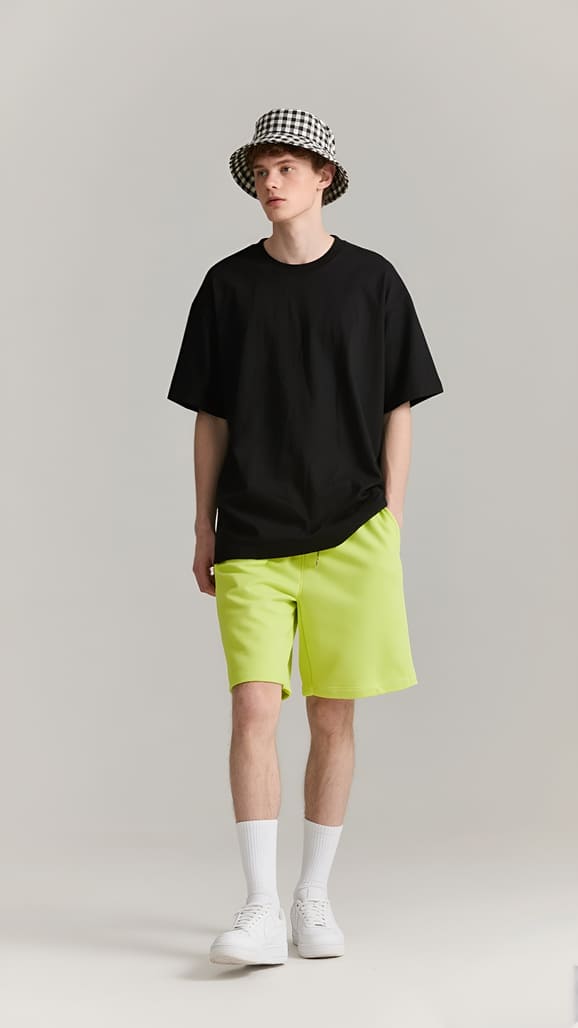
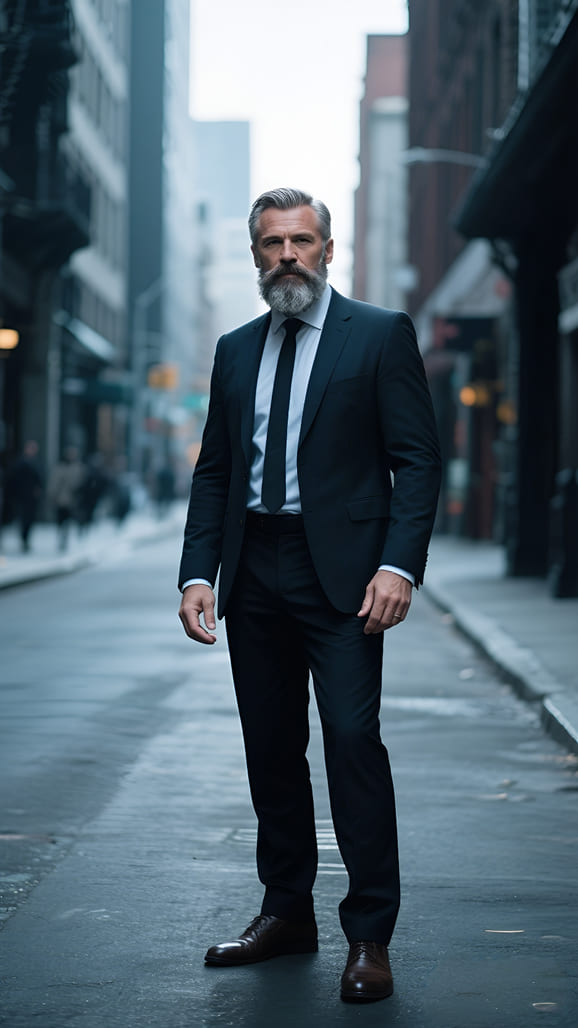
3 to 20 seconds
5s video · minimum 5s billing
Live preview
Standard
Prompt for street sway dance
TikTokRisingEasyFull Body
A stylish dancer wearing oversized streetwear performs an energetic sway dance in the middle of a neon-lit city street. Powerful side-to-side movements, fast footwork, shoulder pops, smooth arm waves, and confident spins match an upbeat electronic dance track. Dynamic camera tracking, vibrant lighting, cinematic slow-motion moments, and viral TikTok energy.
Prompt for a fashionable sway dance
ReelsTrendingEasyFull Body
A fashionable dancer performs a joyful sway dance along a tropical beach during golden sunset. Smooth body sways, graceful spins, rhythmic footwork, flowing hair movement, and expressive hand gestures perfectly sync with an upbeat tropical pop soundtrack. Cinematic wide shots, ocean waves, and warm golden lighting.
Prompt for puppy sway dance
ShortsMemeEasyCharacter
A fluffy golden puppy stands on its hind legs and performs an adorable sway dance in a cozy living room. Happy tail wagging, playful side-to-side body sways, tiny paw waves, cheerful hops, and funny expressions move perfectly with upbeat happy music. Handheld camera style, warm lighting, and viral meme charm.
K-pop Chorus
TikTok · Rising
Medium · Full Body
Upper-Body Groove
Reels · Popular
Easy · Upper Body
Meme Bounce
Shorts · Meme
Easy · Character
Classic Shuffle
TikTok · Trending
Medium · Full Body
Idol Pose Loop
Reels · TikTok-ready
Easy · Half Body
Explore Viral Dance Video Templates
128K8.6K
Instagram1.4M
94K6.1K
TikTok1.1M
76K4.8K
Instagram892K
63K3.9K
TikTok748K
59K3.4K
Instagram681K
51K2.9K
TikTok604K
47K2.5K
Instagram536K
41K2.1K
TikTok472K
Explore Viral Dance Video Templates
Photo Quality Check
Check If Your Photo Is Ready to Dance
A clear image gives the photo to dance video workflow better information about the face, body, clothing, and background. Start with one well-lit subject. Use a full-body photo when the template includes steps, kicks, turns, or wide arm movement; a half-body portrait can work for shoulder, hand, and upper-body choreography.
Before you turn a photo into a dance video, check for blur, cropped limbs, covered faces, multiple people, dark lighting, and busy backgrounds. These issues make it harder to keep the subject recognizable. A simple readiness review helps you choose a stronger source image before generation instead of repeating the same AI photo dance video with an unsuitable picture.
AI readiness guide
Example score: aim for 80 or higher.
92 / 100
One clear subject
Face and body are easy to identify
Useful framing
Full body or half body matches the dance
Clean visibility
No heavy blur, occlusion, or low light
Simple background
The subject is separated from the scene
This score is a visual preparation guide, not a guarantee of a particular generated result. Always preview the finished clip.
Key Features
Key Features of Viral Dance Video Maker
Keep subjects recognizable, translate complex reference movement, and maintain visual continuity as dance clips shift pose, angle, and distance.
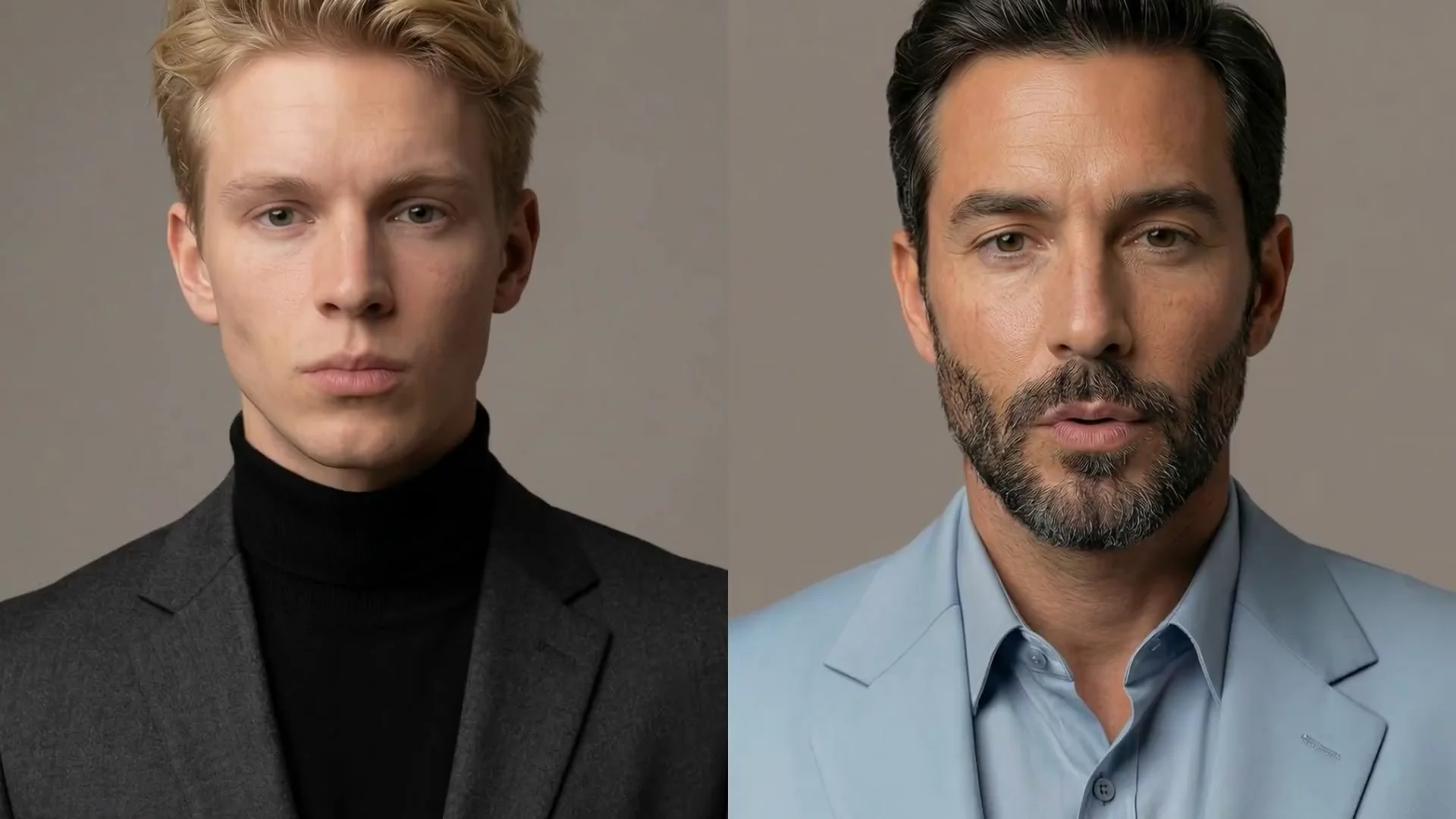
More Consistent Faces Across Dance Angles
Keep the face, outfit, and overall character easier to recognize as the subject turns or changes pose. Start with a sharp, well-lit photo and visible facial features so the Viral Dance Video Maker has a clear identity reference throughout the clip.
Clearer Motion for Complex Choreography
Use a clean reference video to guide timing, arm paths, footwork, spins, and body direction. Matching the source photo to the reference framing gives the AI dance video generator better information for layered or fast-moving routines.
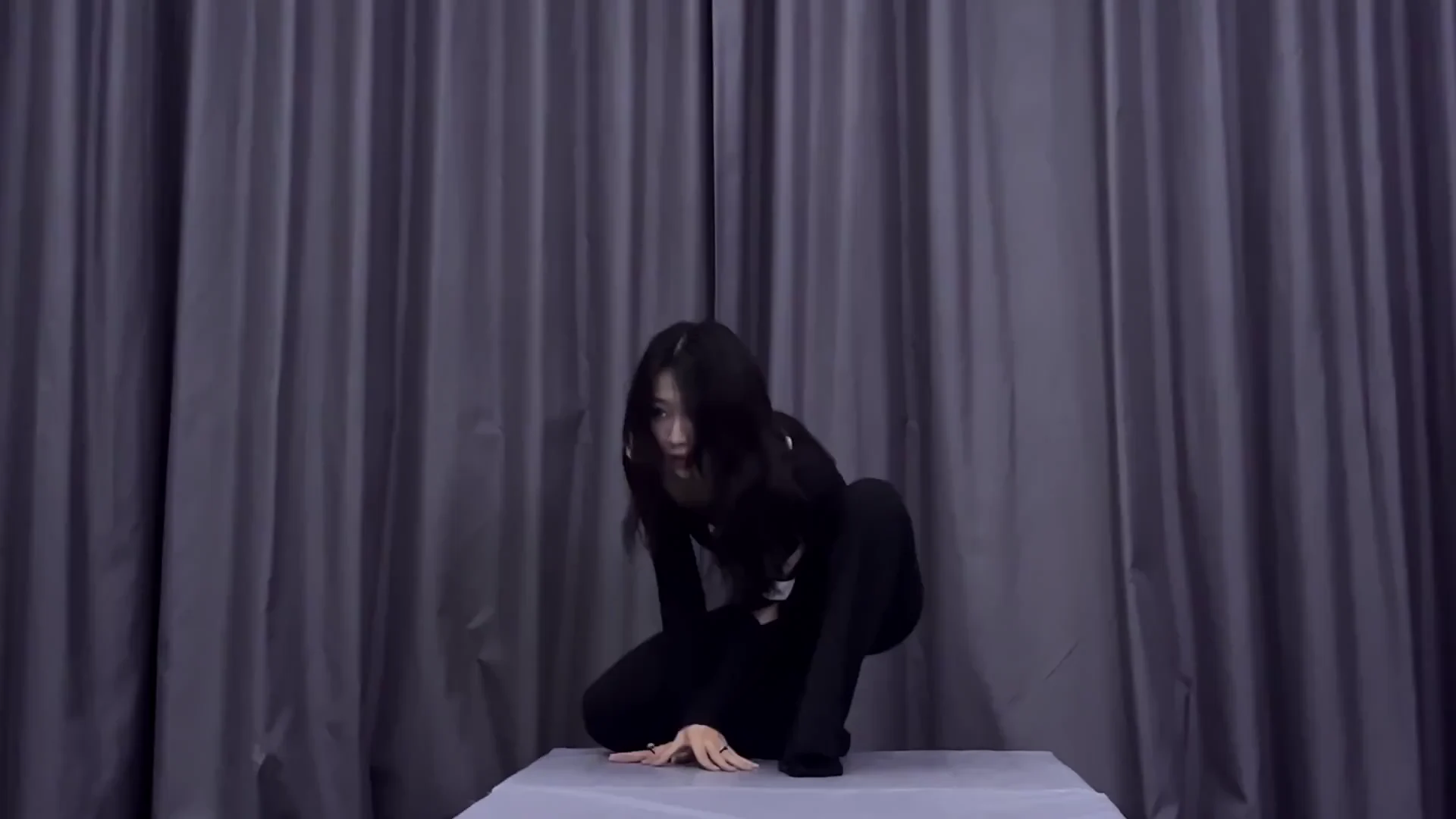
Stable Results Through Turns and Occlusion
Maintain visual continuity when hands cross the body, the dancer moves closer to the camera, or the routine changes direction. Full-body images with visible limbs and a simple background help reduce unstable details during more demanding motion.
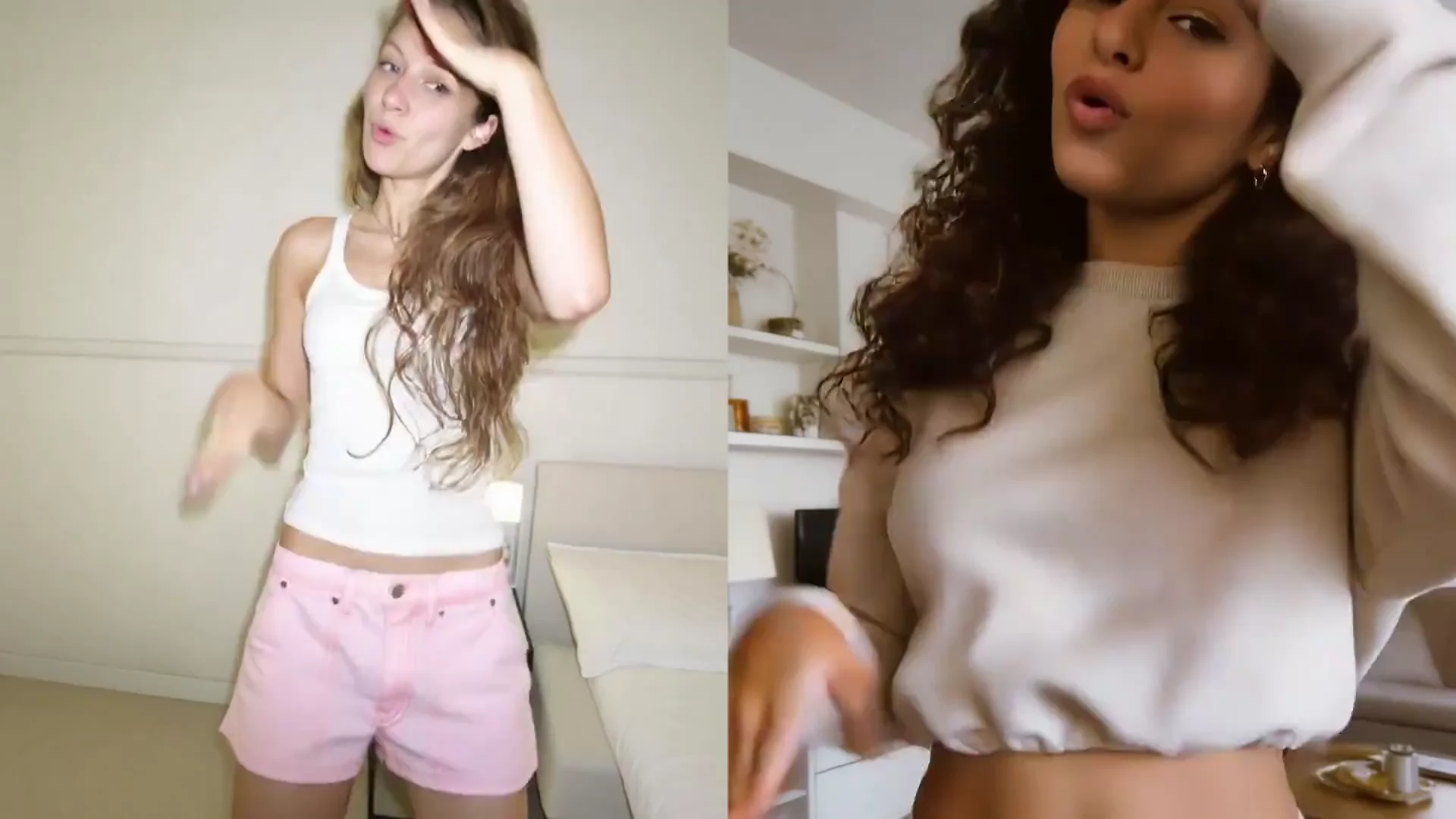
AI Generator
AI Dance Video Generator for Photos and Characters
This AI dance video generator is not a generic picture animation effect. It uses a chosen dance movement template to create a short video from a selfie, creator photo, mascot, or anime character.
Motion from a dance template, not random image movement
The AI dance video maker uses a focused dance motion transfer AI workflow to read the selected choreography and apply it to the visible subject. A creator can use a selfie or portrait for an upper-body routine, while a readable character or mascot can use a full-body template. Anime artwork works best when the face, torso, arms, and legs are clearly separated.
The dance video generator AI produces a short social clip rather than a long editing project. Review the character dance video, check the motion, and prepare a vertical MP4 in 9:16 format.
Creator photoSelfieMascotAnime characterCharacter dance video9:16 MP4
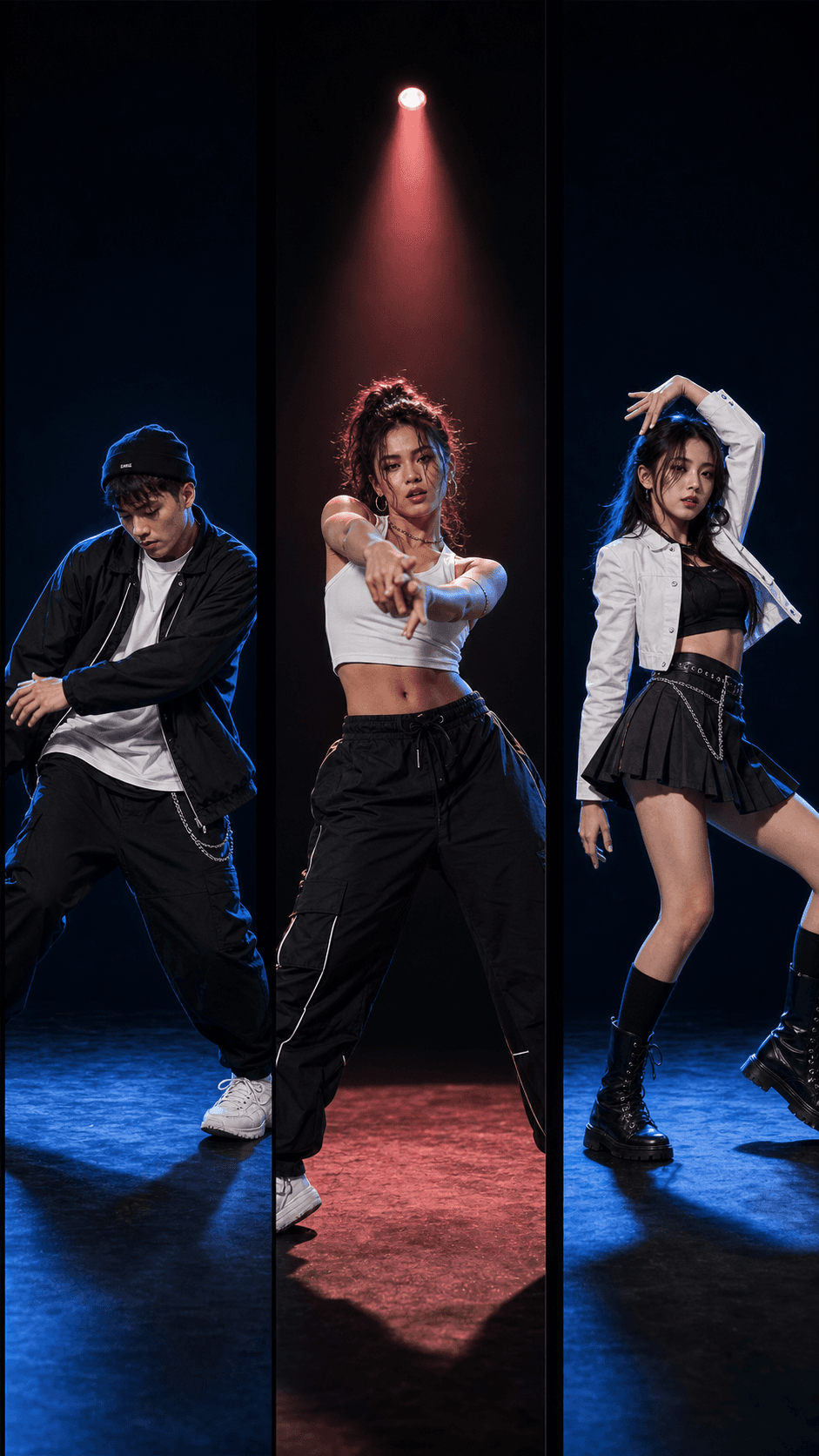
Platform Export
Export Dance Videos for TikTok, Reels, and Shorts
Prepare a TikTok-ready vertical output, Instagram Reels format, or YouTube Shorts format from the same generated dance. Review every output before publishing.
TikTok Dance Video Maker
Use the TikTok dance video maker output in a 9:16 vertical frame, then add platform-approved audio when needed.
Instagram Reels
Use the Instagram Reels dance video maker output with a mobile crop and a cover frame that reads clearly in the profile grid.
YouTube Shorts
Export the YouTube Shorts dance video maker result as a short vertical MP4 and review the first frame before upload.
One vertical dance video, ready for review.
Choose the resolution, duration, cover frame, and optional watermark setting. Export muted when you plan to add official music inside TikTok or Reels.
Use Cases
Ways to Make AI Dance Videos
From viral creator posts and funny character clips to mascot campaigns, content variants, and authorized fan art, choose the workflow that matches your short-form idea.
Creators
Follow viral dance trends faster by matching a creator photo with a current template. Generate a short draft without recording every choreography variation.
Meme makers
Turn an original character into a funny dance video. A clear silhouette and recognizable movement help the joke read quickly in a short feed.
Brands
Make a mascot dance video for a social concept, product moment, or seasonal post. Use artwork the brand owns and review the result before commercial use.
Agencies
Use an AI short video generator to create several authorized character and motion combinations for a brief, then choose which direction to develop further.
Fans
Use the anime dance video generator workflow for artwork you own or have permission to use. Avoid impersonation and respect the rights attached to idol references.
Each use case begins with authorized image and reference material. The generator creates the motion, while you remain responsible for the subject, audio, and final publishing decision.
Trust and Safety
Built for Authorized, Shareable Dance Videos
Create a shareable dance video from an authorized photo. Review the subject, reference motion, audio rights, and platform context before you publish or consider AI dance video commercial use.
Upload Images You Can Use
Use photos or artwork you own, created, licensed, or have clear permission to upload. Authorization is required even when the final clip is playful.
Protect Real People
Do not use the tool to impersonate private people, celebrities, or minors. Avoid content that misleads viewers about who performed or approved the dance.
Check Every Reference
Make sure the dance reference and any source video are permitted for your use. A visible online clip is not automatically free to copy or commercialize.
Handle Music Carefully
Export muted when appropriate, then add official or properly licensed music inside TikTok or Instagram Reels. Platform rules can vary by account and region.
A TikTok-ready dance video is still your responsibility after generation. Preview the motion, confirm the subject and rights, and add context when viewers could mistake an AI-generated performance for a real recording.
One-time credit packs
Viral Dance Video Maker Pricing
Choose the AI video credits that fit your workflow. Every pack is a one-time purchase with no monthly subscription, so you can create when you are ready.
Starter
$13.9
- 140 credits included
- Create photo-to-dance videos with a character image and reference dance video
- 720p export, No watermark download
- Keep original reference audio
- Commercial use for authorized media
- Standard queue speed
- Email support
Most Popular
Plus
$49.9
- 600 credits included
- Generate more photo-to-dance variations with the same two-input workflow
- Character image and reference dance video motion transfer
- 1080p export, No watermark download
- Keep original reference audio
- Commercial use for authorized media
- Faster priority queue + up to 5 concurrent jobs
- Priority support
Professional
$99.9
- 1250 credits included
- High-volume AI dance video generation for creators and teams
- Character image and reference dance video motion transfer
- 1080p export, No watermark download
- Keep original reference audio
- Commercial use for authorized media
- Fastest queue + up to 10 concurrent jobs
- Full effects pack + early access to new features
- 24/7 priority support
- Bulk processing
- API access (coming soon)
FAQ
Viral Dance Video Maker FAQ
Find direct answers about photos, templates, TikTok output, Reels and Shorts exports, music, editing, mascots, and anime characters.
A viral dance video maker is an AI tool that applies a selected dance motion to a still photo or character image. It creates a short dance clip for social sharing without asking you to record the choreography or animate the subject frame by frame.
To make a picture dance, choose a viral dance template, upload an authorized photo, and review its framing and readiness. Generate the motion, preview the subject from beginning to end, then export the finished photo to dance video in the format you need. This is the quickest workflow when you want to turn photo into dance video content without filming the routine.
Yes. A TikTok AI dance generator matches an authorized photo with a selected dance motion and produces a short 9:16 clip. Review the result before publishing, check the crop and cover frame, then add official platform music inside TikTok when that is the appropriate licensed workflow.
Use a sharp, well-lit image with one clearly visible subject. Full-body photos work best for templates with footwork, while half-body or upper-body portraits are better for hand, shoulder, and face-led dance movements.
Yes. The same workflow functions as an Instagram Reels dance video maker and a YouTube Shorts dance video maker when you select a vertical MP4 output. Check the crop, duration, resolution, watermark setting, and cover frame before uploading because each feed may display the opening frame differently.
Music rights depend on the track, account type, region, reference source, and destination platform. A practical option is to export the AI dance video muted, then add official or properly licensed audio inside TikTok or Instagram Reels.
It is an AI dance video generator with focused preview and export controls. This dance motion transfer AI workflow creates movement from a photo and reference template, but it is not intended to replace a complete timeline-based editor for cutting scenes, mixing tracks, or detailed color work.
Yes, when you own or have permission to use the artwork. Mascots and anime characters work best when the face, torso, arms, and legs are easy to identify against a clean background.
Try Viral Dance Video Maker
Choose a trending dance, upload an authorized photo, check the image, and generate a vertical AI dance video for the platform you want to use.