Uwear
AI Fashion photoshoot studio: garments, avatars, locations, and art direction
Documentation
NewUwear is now a plugin in ChatGPT and Codex
Turn every fashion brief into a reusable production workflow.
Bring the AI assistant and subscription you already use, whether that is Claude, ChatGPT, Codex, or another compatible client. Drive Uwear production tools through MCP and carry one brief through art direction, generation or edits, automatic QA, and repeatable runs. For runs that should start themselves, Production Automation picks up the same chain.
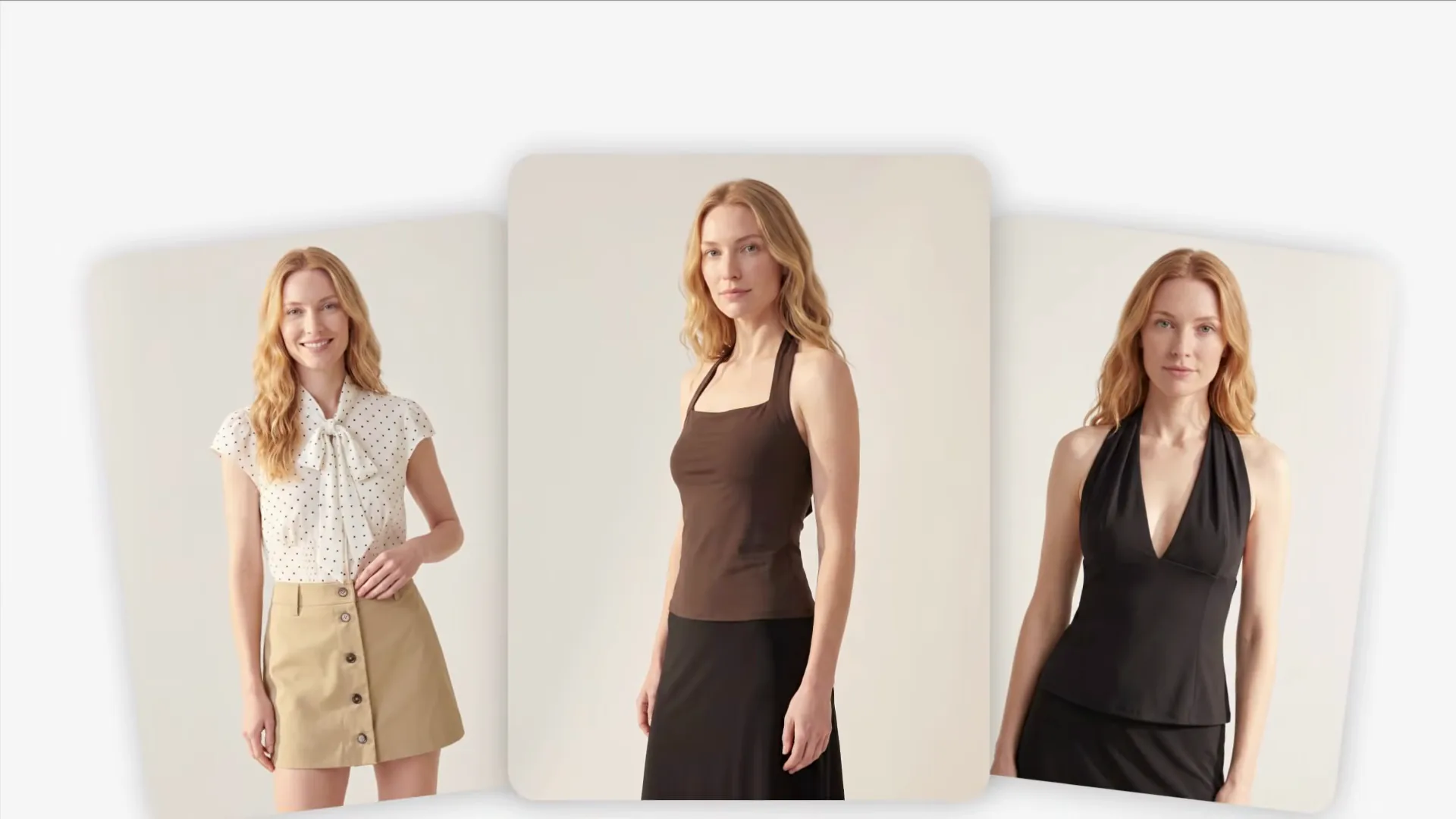 0:37
0:37
One chat, start to finish: upload the collection folder, set the art direction, run the photoshoot. Watch on YouTube
Agent Mode is retired; conversational production now happens through Uwear MCP, inside the AI assistant you already use, with your Uwear assets and production history connected. For runs that should start themselves, the same chain lives on the Production Automation canvas: build it once, publish a version, and let triggers rerun it.
Install
Connect your assistant. Build the workflow once.
Bring the AI assistant and subscription you already use, whether that is Claude, ChatGPT, Codex, or another client that supports remote MCP servers. With the Uwear tools available through MCP, your assistant can prepare the brief, shape art direction, start generation or edits, and run automatic QA when enabled. You keep approval points where you need them. Production Automation carries the same production chain into a published workflow that reruns on its own.
MCP server URL
MCP registry name
ai.uwear/uwear
Find Uwear in the official MCP Registry under ai.uwear/uwear. Use it as an additional discovery path; the remote server URL and client setup steps stay the same.
The quickest start is ChatGPT: install Uwear from its plugin directory in two clicks. Codex shares that directory, so the same plugin installs there. Claude Code and Codex read garments straight from your folders and write finished images back into the folders your pipeline reads. Claude takes a short trip through its connector settings.
In the ChatGPT plugin directory. Install it in two clicks, no developer mode.
- 1
Open Plugins in the ChatGPT sidebar and search for Uwear, or open the listing directly:
Copy linkhttps://chatgpt.com/plugins/plugin_asdk_app_6a6e0c6b48b48191845e65bcfb7ffa78 - 2 Click Install plugin and log in with your Uwear account.
- 3 In any chat, ask Uwear for a photoshoot plan. The brief comes back for approval before any run.
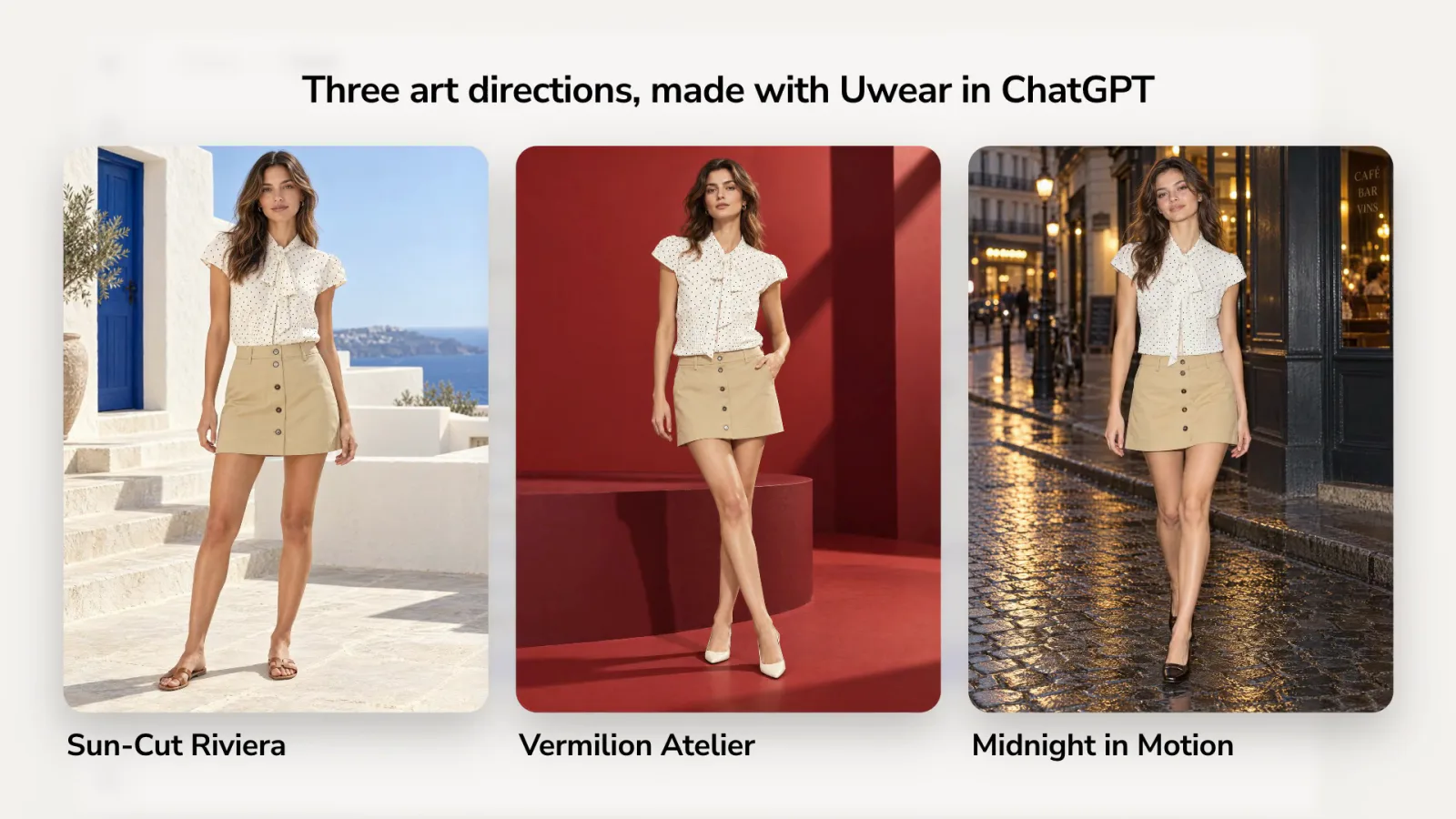 0:15
0:15
The full agent surface
The MCP endpoint is the action layer. Skills, UWEAR.md, llms.txt, the JSON blog API, and the REST API help agents discover Uwear, learn the production contract, and choose the right way to work.
JSON content API
A public, structured feed lets agents discover Uwear product guides and updates without scraping pages.
REST API
No MCP client? The same production over REST, with webhooks, QA, and metadata traceability.
See the workflow from prompt to costed brief in How to run an AI fashion photoshoot without leaving ChatGPT or Claude.
Enterprise
Built for catalog work that starts outside Uwear.
Use the MCP when production begins in a conversation, a shared folder, a product feed, or an agentic workflow.
Creative teams
Turn one seasonal direction into consistent PDP, editorial, and video outputs.
Ecommerce teams
Prepare SKU-level production runs from product data without rebuilding briefs by hand.
Technical teams
Let Codex organize folders, CSVs, and briefs, then route approved work through Uwear MCP.
Works with your store
Add the generated photos to your store
Each guide shows how to add generated photos to the right product, with the image rules of that store.
One platform, three ways in
The same production infrastructure, reached your way.
Studio, API, and the MCP share one model library, one clothing workspace, and one generation history. Pick the access path that fits the work, and move between them as the job changes.
- In your own tools
MCP
Connect Uwear to Claude, ChatGPT, or any MCP client and run photoshoots from the tools your team already uses. You are here
MCP FAQ
What enterprise teams usually ask about the MCP app.
A remote MCP server that turns your AI assistant into a fashion photoshoot tool. Inside ChatGPT, Claude, or Codex, the assistant browses your clothing and models, assembles looks, and prepares a costed photoshoot brief that you review and approve before anything runs.
Yes. Connect the Uwear MCP server and ask for a shoot in plain language. The assistant does the work on your behalf: it reads your garments, picks models, plans the looks, and shows you the itemized cost. Generation runs on Uwear once you confirm, and the finished product photos land in your workspace.
Because you never leave the chat. The assistant already has your context, from folders and CSVs to line sheets and earlier messages, so there is nothing to re-upload or re-explain. It handles the production steps for you, and the brief-approval gate keeps every credit spend under your control.
ChatGPT installs Uwear from its plugin directory: open Plugins, search for Uwear and log in. Codex shares that directory and installs the same plugin, or connects to the MCP server with two lines of configuration. Claude connects through its connector settings. Claude Code connects with one command plus an OAuth login. Any client that supports remote MCP servers works with the same URL, and agents can also read uwear.ai/llms.txt or UWEAR.md directly.
Ask it to. A bounded brief is the whole job: the SKU list or line sheet, the views per SKU, the saved art direction, QA on, and a spend cap. The assistant prices it first (SKUs × views × credits per image, at $0.10 a credit) and nothing runs until you confirm. Run a pilot of 10 to 20 SKUs, read the QA rejections, then release the rest in batches; the schedule follows the measured pilot, not a promise. Approved files land in your workspace, named by SKU.
No. Every run goes through brief review first: the itemized looks, the request count, and the exact credit cost. Generation only starts after you confirm.
In your Uwear workspace, in the same library Studio uses. You can review and QA them in Studio, keep iterating in chat, or pull them through the API.
No. MCP authenticates with your existing Uwear account. Studio, the API, and MCP all use the same credits and asset workspace.
Run the first collection brief.
Install the MCP in your workspace, or bring one catalog workflow and we will run it with you.
Existing customer? Log in to Studio
Pairs with Studio · API · Batch workflows

Dark gray tailored coat, seated on a chrome stool in the Noir Chrome studio

White cropped jacket and washed-blue trousers against the Noir Chrome wall

Black velvet-floral midi dress in profile under the Noir Chrome rim light

Brown strapless mini dress beside a chrome chair on the glossy black floor

Brown belted faux fur coat clutched at the collar in the Noir Chrome studio

Plaid single-breasted blazer look from the Noir Chrome direction