Tiktok Transcript Generator
Tiktok Transcript Generator is an AI-powered tool. Visit the official site for details and usage.
Documentation

TikTok Transcript Generator
Turn video into text with our TikTok transcript generator. Review spoken words for scripts, notes, and content research.
Get TikTok Transcript View Pricing
1 credit per 100 seconds. Credit packs start at $9.90.
Use the transcript when the exact phrasing matters: a speaker's opening question, a sequence of instructions, or the explanation behind a product demonstration. Keep the video nearby when tone, gestures, or what appears on screen changes the meaning.
A TikTok video transcript does not automatically include every visual detail. A price shown on a card, a silent demonstration, or a joke delivered through editing may need a separate note. Treat the text as a companion to the original clip.
When you review a TikTok transcript, check names, numbers, and unfamiliar terms before quoting them. Keep the speaker's words separate from your interpretation so your notes show what was said and what you concluded.
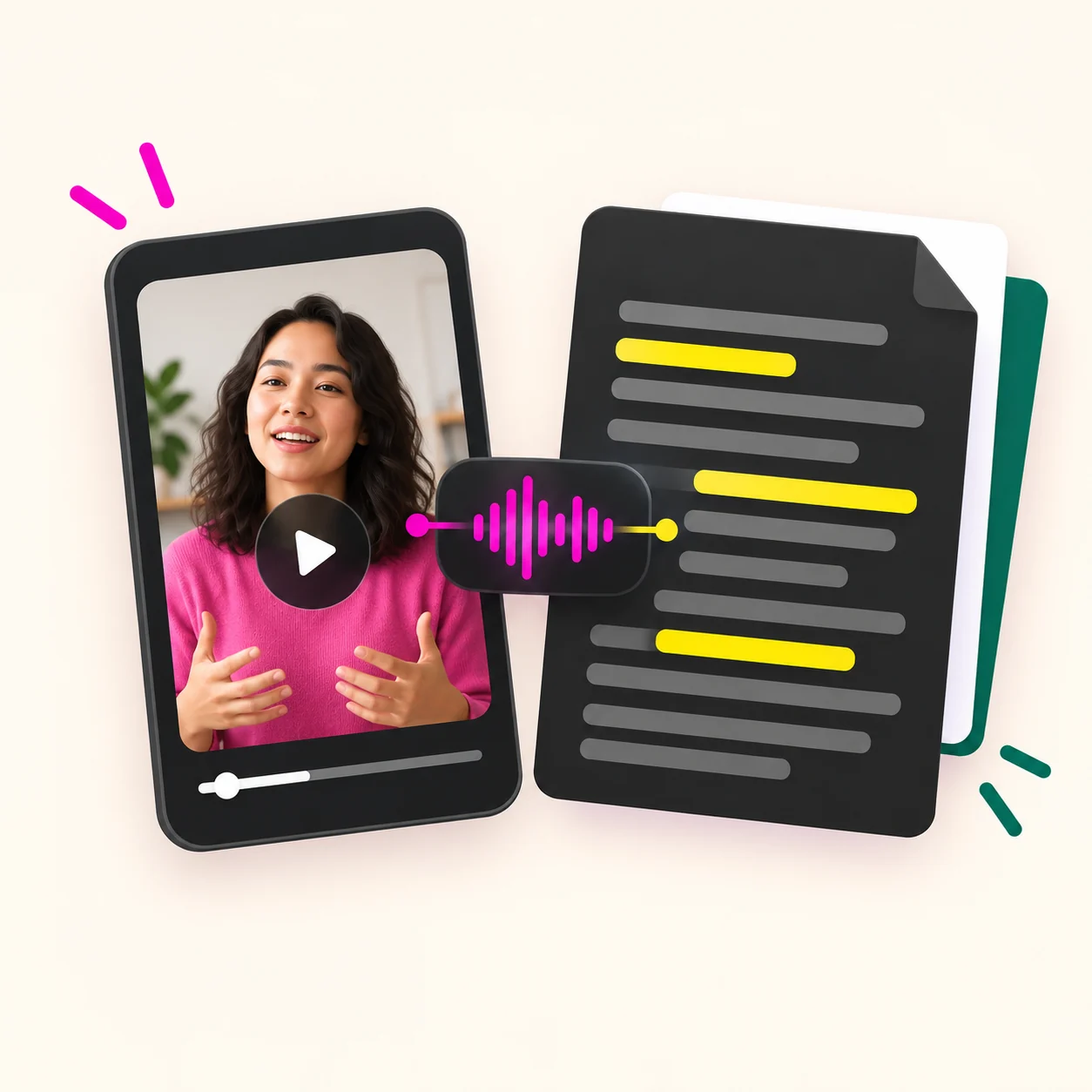
A person reviewing a video transcript next to the original clip
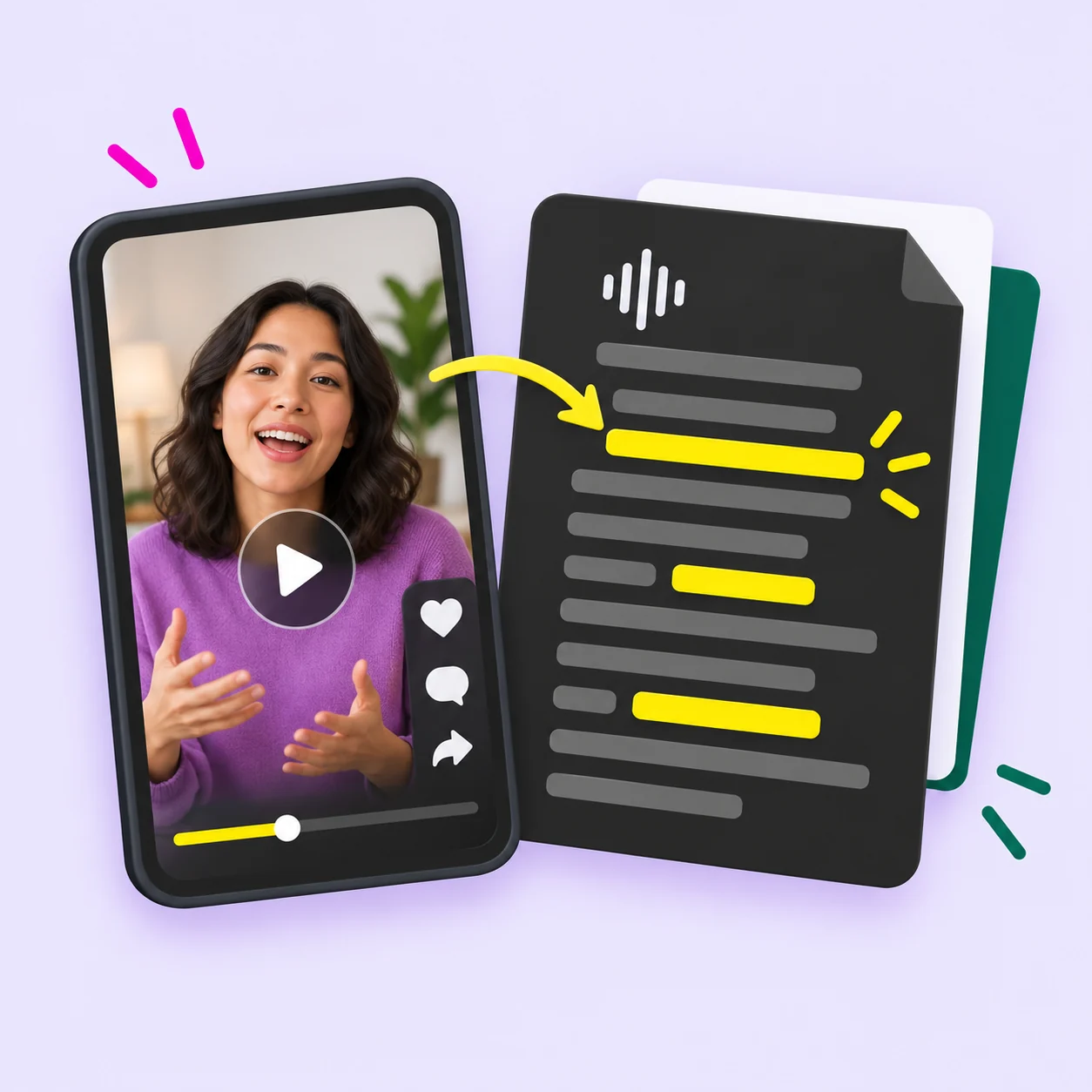
Read the spoken script
Use the TikTok script extractor to work from words already spoken in the clip. Look at how the opening sets up the subject and how the speaker moves toward the main point. This gives you source material to examine before writing a separate script of your own.
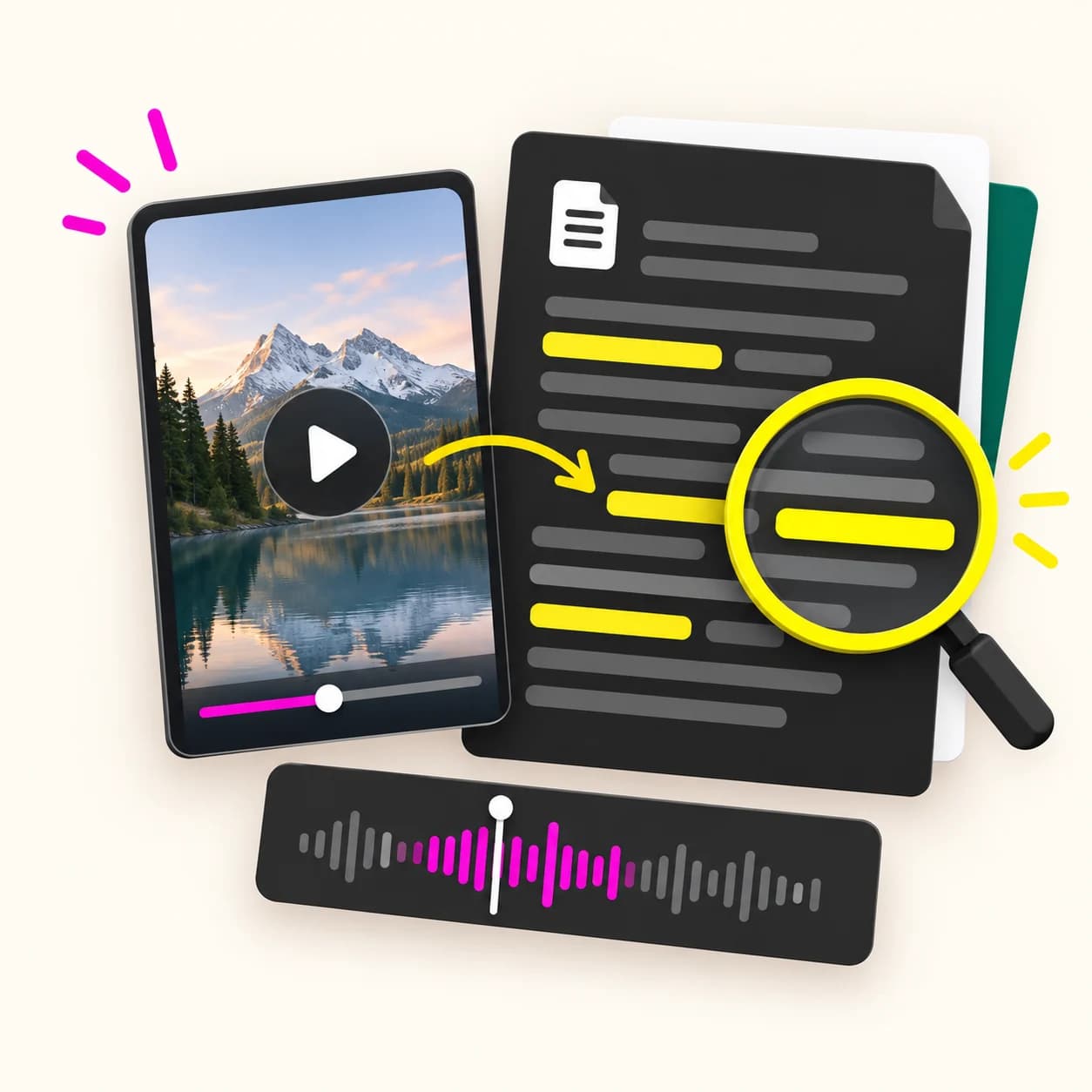
Review details in context
A TikTok video transcript extractor is useful when a short explanation contains several things you want to check. Read through the passage, then revisit the matching part of the video. Keep any uncertainty visible in your notes instead of treating a possible transcription error as a confirmed statement.

Build a written reference
Use your TikTok transcript as the source for a project note, a lesson outline, or a content brief. Add the original link and explain why the clip matters. Your own comments can sit beside the source wording, so you can return later without having to reconstruct your first impression.
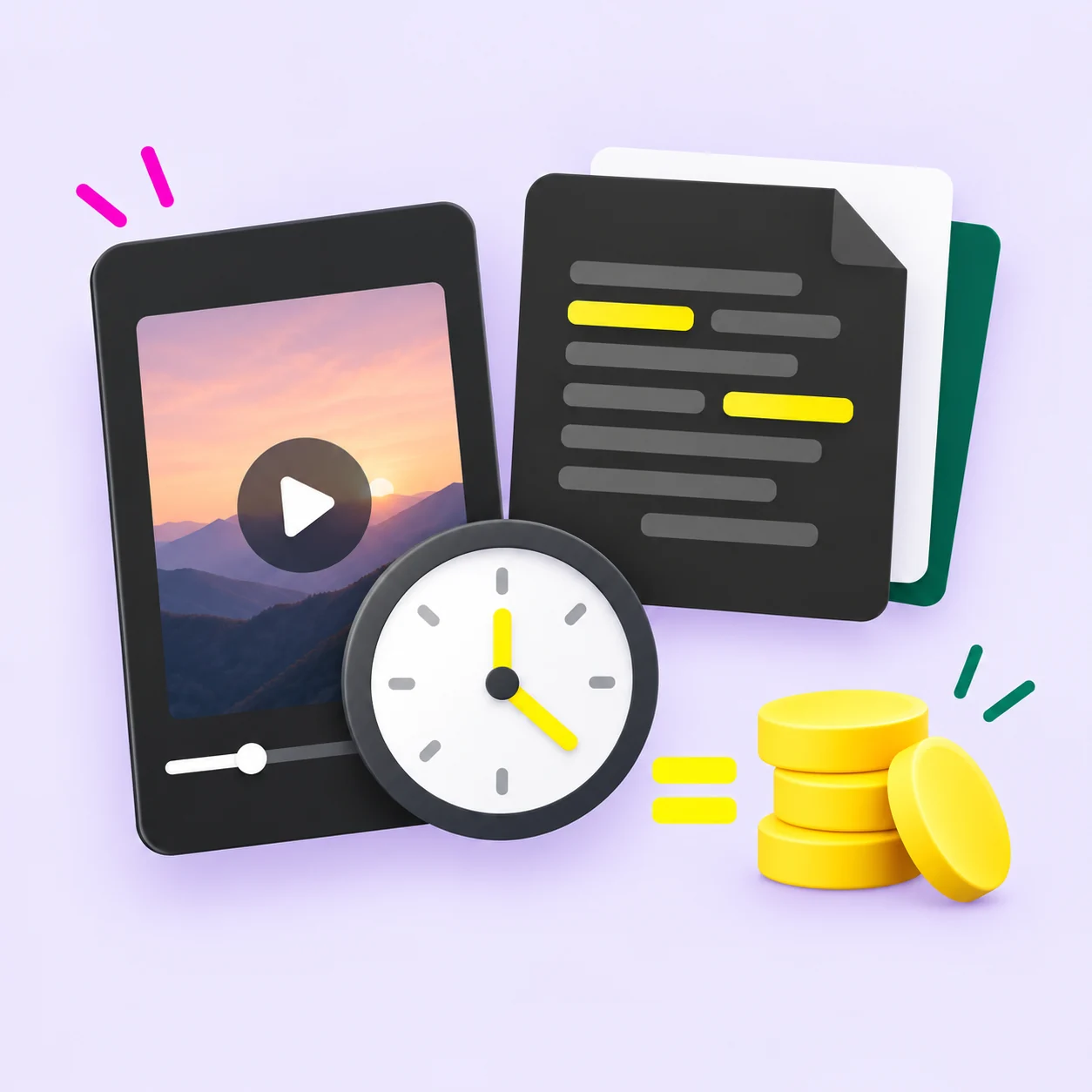
Choose a budget by duration
The TikTok transcriber uses 1 credit per 100 seconds. Basic includes 990 credits, PRO includes 3,700, and Business includes 12,400. Choose the amount of credit that fits your expected use. A bigger pack changes the amount you buy; it is not a promise of better transcription accuracy.
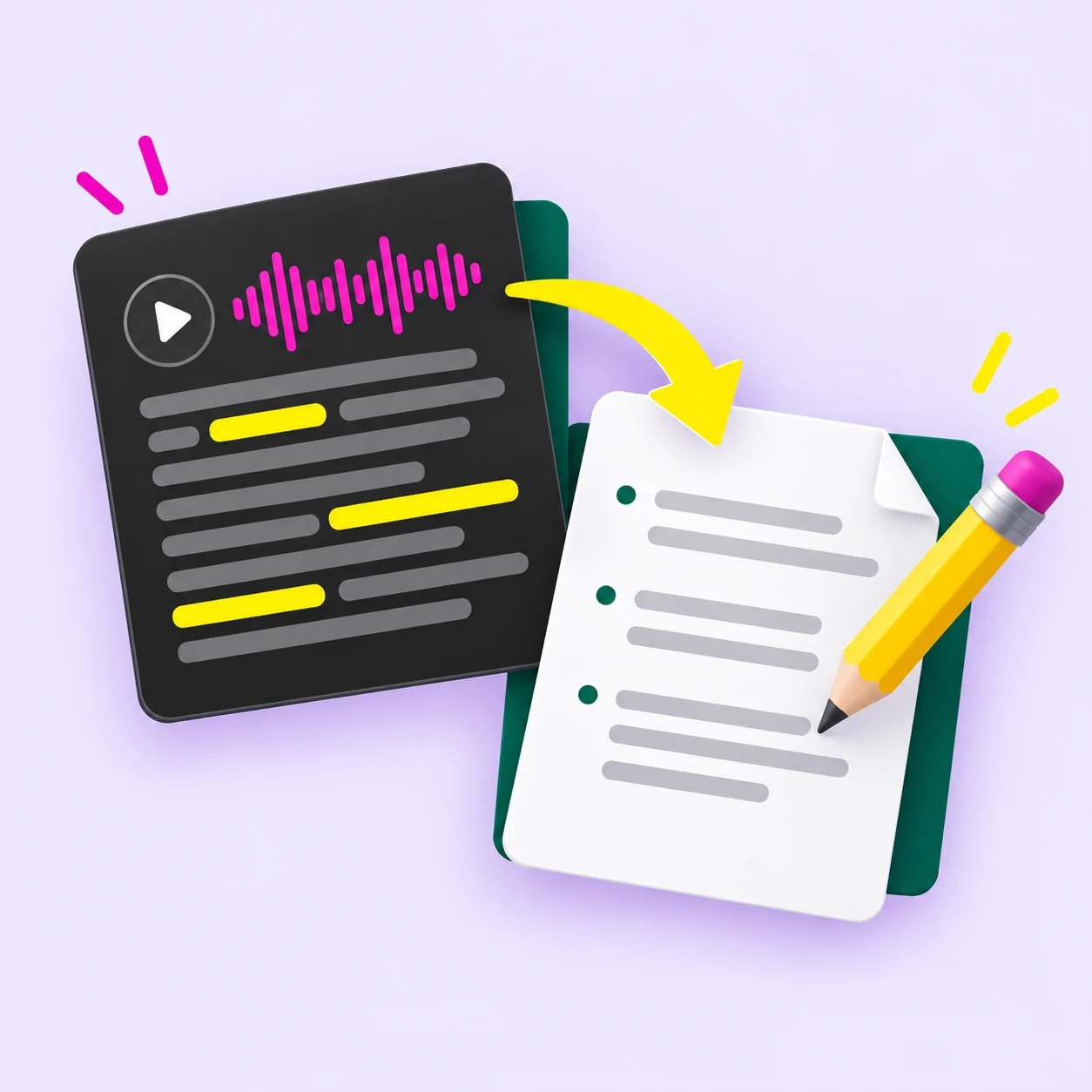
Move from reference to your own writing
After reviewing a TikTok transcript, identify the idea you want to explain and the examples you can contribute. Write your next draft around your own message. A TikTok video transcript generator provides a starting reference; you still decide what belongs in the finished piece.
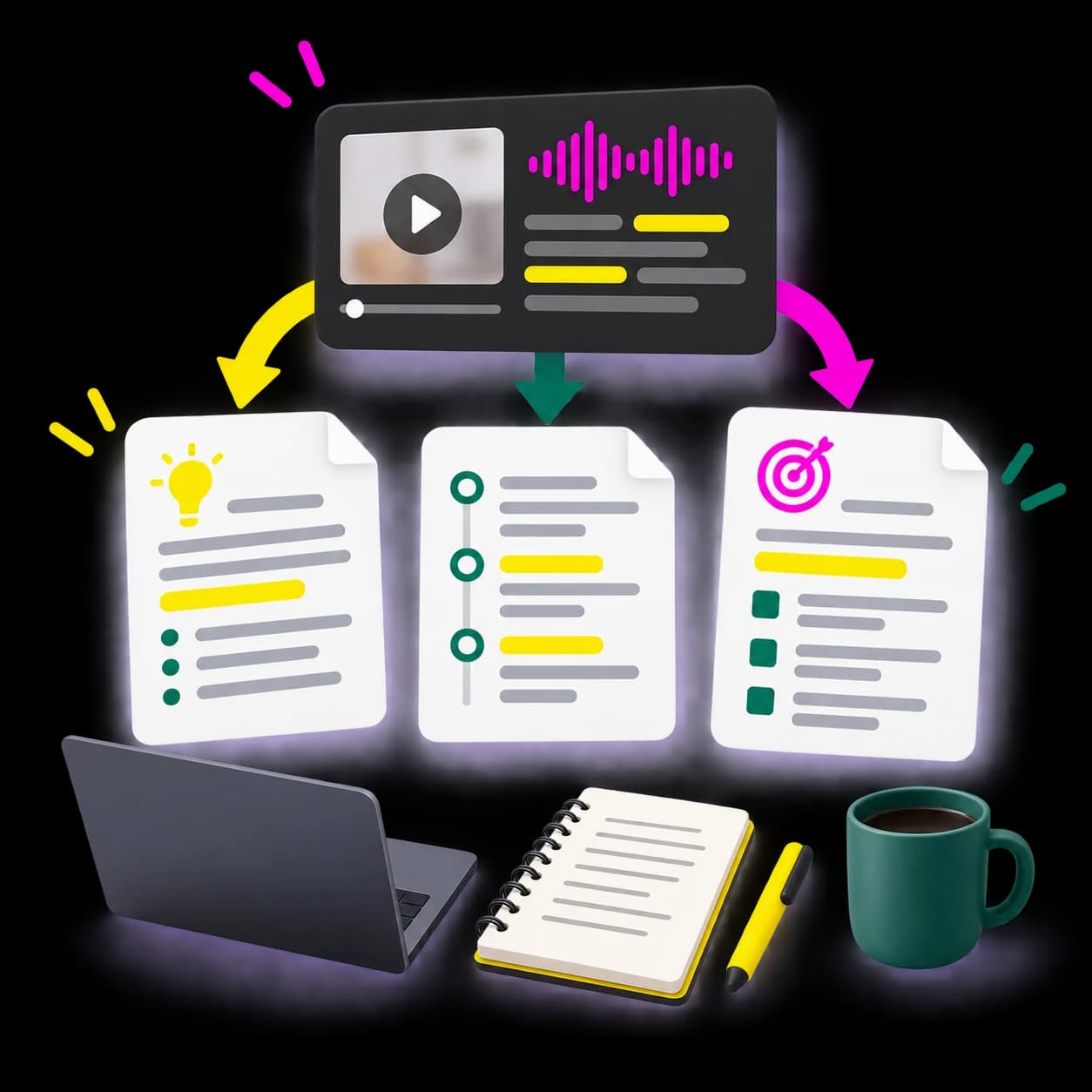
A short video transcript beside a reference note, script outline, and content brief
A reference note
Record the video's topic, the original link, and the passage you want to revisit. Add a short explanation of why you saved it. Keep exact quotations visibly separate from your own notes so a future reader can understand the source of each statement.
A script outline
Review the beginning, main explanation, and closing of a TikTok transcript. Describe the purpose of each part in your own words. Use that outline to plan a new video on your own subject, with your own examples and the points your audience needs.
A content brief
Turn your observations into a brief for your next piece of content. Explain the audience question, the message you want to communicate, and the evidence you need. The transcript gives the team something specific to discuss; the brief records the creative decisions you make afterward.
Study notes
Read a TikTok video transcript alongside an educational clip. Write down unfamiliar terms, list the steps being explained, and note questions that need another source. If the video shows a diagram or demonstration, describe it separately rather than assuming the spoken text captures everything.
A draft from your own video
Use a TikTok transcript of your own explanation to plan a written post. Remove spoken repetition, explain references that depended on the visuals, and add the background a reader needs. Review the draft as a written piece before sharing it.
Creators reviewing their own videos
Read your spoken explanation and notice where the main point arrives. Mark repeated phrases, unclear transitions, and details that could use a better example. Use those observations to prepare another draft. A TikTok transcript helps you examine the wording; it does not establish why a video succeeded or predict the performance of the next one.

Marketers preparing a content brief
Use a TikTok transcript to discuss the message in a demonstration or creator clip. Identify the question being answered, the claims being made, and the next action requested of the viewer. Add your own notes about visuals and delivery. Keep the transcript as a reference rather than treating the wording alone as an explanation of campaign results.
Students revisiting an explanation
Read through an educational video at your own pace. Use the text to collect terms you want to look up and steps you want to try. Return to the clip for pronunciation, demonstrations, and anything that is unclear. Your study notes should distinguish the speaker's explanation from facts you have checked elsewhere.

Researchers organizing source material
Keep a TikTok transcript with the original URL and a note about the topic you are studying. When you quote a passage, verify the wording against the source. Record gaps and uncertainties rather than silently filling them in. This makes your reference material easier to review when you return to the project.
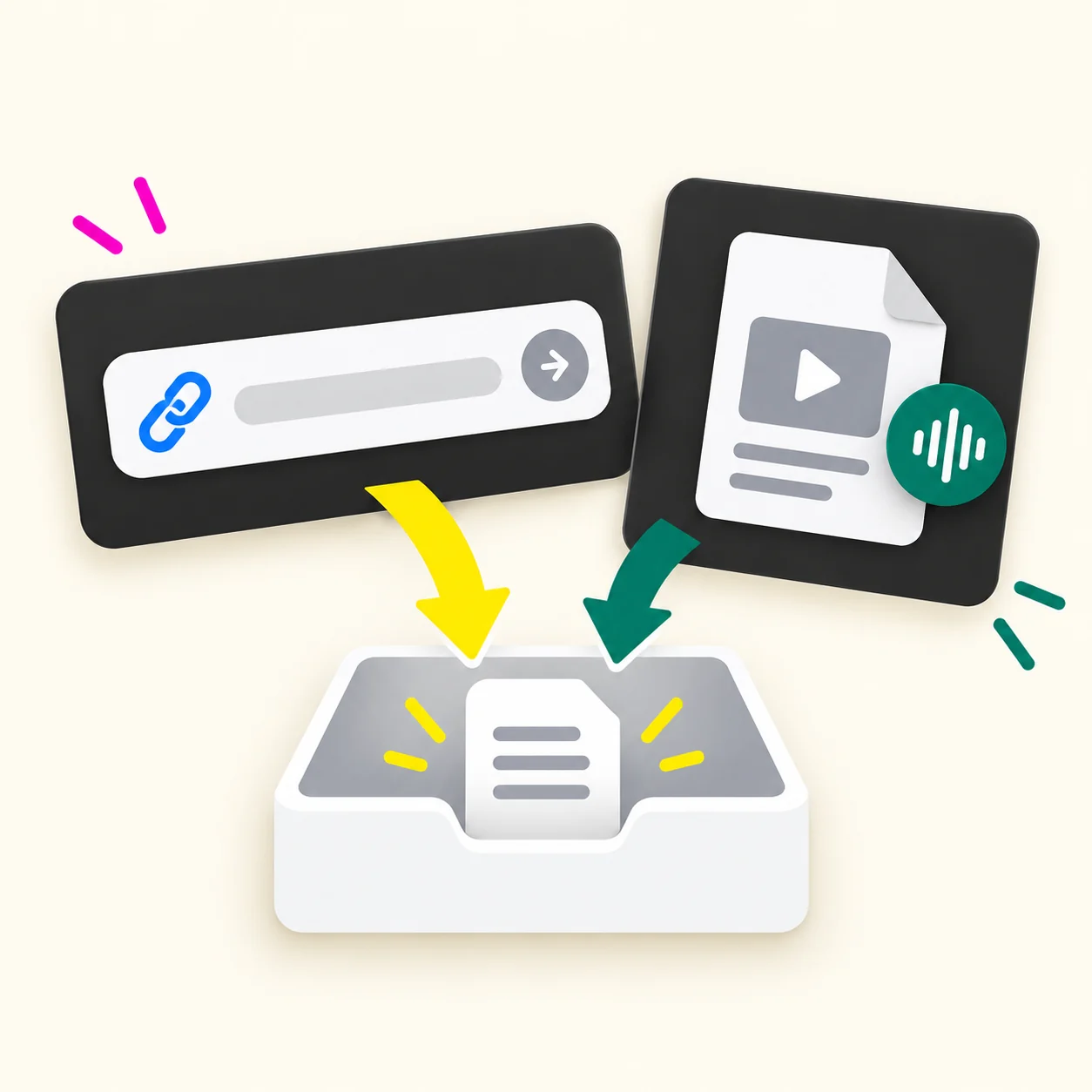
Copy the video link.
Open the TikTok clip and use its sharing options to copy the link. Make sure it points to the individual video you want to transcribe. Open it again if you need to confirm that you selected the right clip.
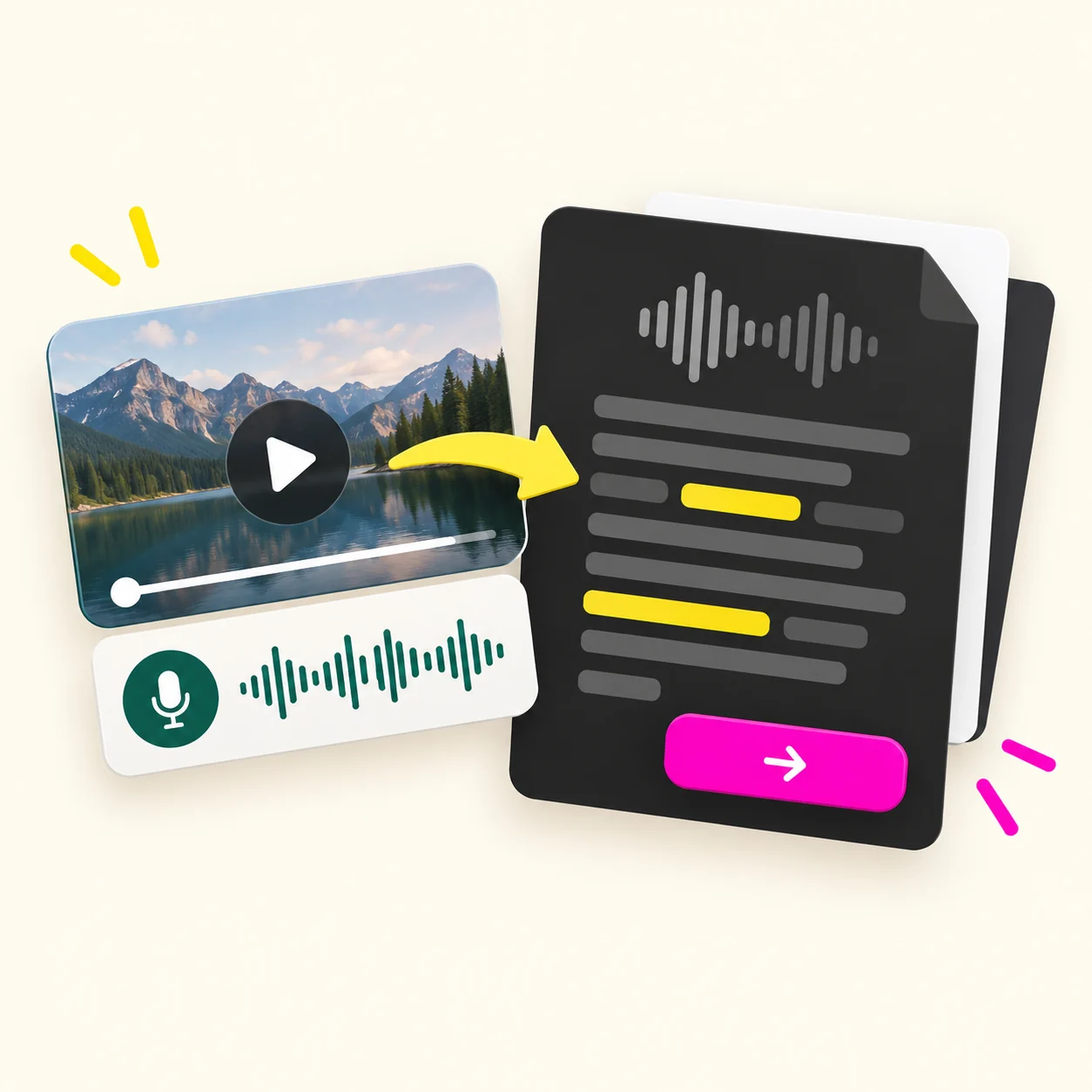
Submit the link for transcription.
Add the video link to the TikTok transcript generator. The billing rate is 1 credit per 100 seconds. Review the applicable charge before committing credits, especially when you are processing videos of different lengths.

Read the transcript with the video.
Check the resulting TikTok transcript for names, numbers, and unclear phrases. Revisit passages that seem incomplete or do not match the topic. Note anything that depends on an image or action shown on screen.
Prepare your next piece of work. Use the reviewed text to write your notes, outline, or content brief. Include the source link where you need a reference. Keep exact quotations distinct from anything you summarize or rewrite.
Your starting result is a TikTok video transcript. The next piece of writing is yours to shape around the task you came to do.
Basic
$9.9
990 credits
- 990 credits
- $0.01000 per credit
- 1 credit per 100 seconds
- One-time purchase
- Smallest upfront purchase
Recommended
PRO
$29.9
3,700 credits
- 3,700 credits
- About $0.00808 per credit
- 1 credit per 100 seconds
- One-time purchase
- Lower price per credit than Basic
Business
$49.9
12,400 credits
- 12,400 credits
- About $0.00402 per credit
- 1 credit per 100 seconds
- One-time purchase
- Lowest price per credit
Understand the billing unit
TikTok Transcript uses a duration-based rate: 1 credit per 100 seconds. At that stated rate, 100 seconds corresponds to 1 credit and 300 seconds corresponds to 3 credits. These examples use whole billing units. Check the applicable charge for other durations before you submit a video.
Compare plans using both the purchase price and the credits included. The largest pack has a lower unit cost, but the smallest pack requires less money upfront. Choose based on the amount of use you actually expect.

TikTok Transcript FAQ
Understand what a transcript contains, how credits work, and what to check before using the text. Start with the result you need and the video you want to process. These answers explain the difference between the transcript itself and the work you do with it afterward.
What does a TikTok transcript contain?
A TikTok transcript contains a written version of the speech in a video. It is different from a summary, which selects the main points rather than following the spoken wording. Read the transcript when you need to examine an explanation, revisit instructions, or check a particular phrase. Keep the original clip available for tone and visual context. Text shown only on screen may require a separate note. Before quoting the result, review names, numbers, and any phrase that seems unclear against the original video.
Is the TikTok transcript generator free?
Yes. New users receive 5 free credits after signing up. TikTok Transcript uses 1 credit per 100 seconds of video. When the free credits are used, one-time credit packs start at $9.90 for 990 credits. PRO includes 3,700 credits for $29.90, while Business includes 12,400 credits for $49.90.
Can I use a TikTok transcript as a script?
A TikTok transcript can be source material for a script, but it records an existing video's wording. Start by identifying the point you want your own video to make. Note how the source introduces its subject and moves through the explanation. Then write your own examples, transitions, and conclusion around your audience's needs. When the source is your own video, review spoken repetition before turning it into a written draft. A transcript does not by itself produce an original script or establish why a video performed well.
Is a TikTok transcript the same as subtitles?
A TikTok transcript presents spoken words as text, while subtitles associate text with moments in a video. That distinction matters when choosing the result for your next task. Plain text can be enough for reading, notes, and script research. If you need timed captions for an editor, confirm that the tool provides the specific subtitle format and timing information you require. Do not assume that a text result also includes an SRT or VTT file. Check both the wording and its timing before using any subtitle file in a finished video.
Should I check a TikTok transcript for errors?
Review a TikTok transcript against the original video before relying on exact wording. Give particular attention to names, numbers, and words you do not recognize. If a sentence seems out of place, listen again instead of guessing what it should say. Keep a note where the speech remains unclear. Consider whether an on-screen example or gesture changes how the passage should be understood. The amount of checking depends on what you plan to do with the text, but a quotation deserves a careful comparison with its source.
How should I use a TikTok video transcript online?
Use a TikTok video transcript online as a written reference for your own notes or drafts. Keep the original video link with the passage so you can return to its context. Mark direct quotations separately from your own summary and interpretation. If you move the text into another writing tool, decide what you want that tool to help you do before adding the material. Read any resulting summary or draft against the source. A well-organized reference makes clear which words came from the video and which ideas you added afterward.
How are TikTok Transcript credits calculated?
The stated TikTok Transcript billing rate is 1 credit per 100 seconds of video. For a duration of exactly 300 seconds, the rate corresponds to 3 credits. That example does not establish how partial billing units are rounded. Check the charge that applies to your video before processing it. Choose your pack by comparing the credits included with the amount of transcription you expect to need. The package price alone does not tell you a fixed number of videos, because clips can have different durations.
Get TikTok Transcript View Credit Packs
1 credit per 100 seconds. Basic starts at $9.90 for 990 credits.