GripForge
officialThe tools your AI needs to make your games. Turn prompts into production-ready game assets — animated characters with their weapons attached, seamless textures, terrain, VFX, HUDs — and playable game kits Unity, Godot, Unreal or Three.js can load.
What can you do with GripForge MCP?
- Browse game kits — Ask your assistant to show available game kits across genres like action roguelike, arcade racing, 3D platformer, arcade fighter, and open world.
- Get play links — Have your assistant surface the play link for a specific game kit so you can jump straight into it.
- Create game assets in your agent — Use GripForge from Claude Code, Codex, or another MCP agent to create assets, animations, and worlds within your own workflow.
Hosted MCP Server
npx add-mcp 'https://gripforge.ai/mcp'Installs into Claude Code, Codex, Cursor and more
Documentation
Discover your next game
Underworld
Fast combat. A new build with every run.
Action roguelike
Coral Coast Kart
Coastal curves, drift boosts and friendly rivalry.
Arcade racing
Sky Courier
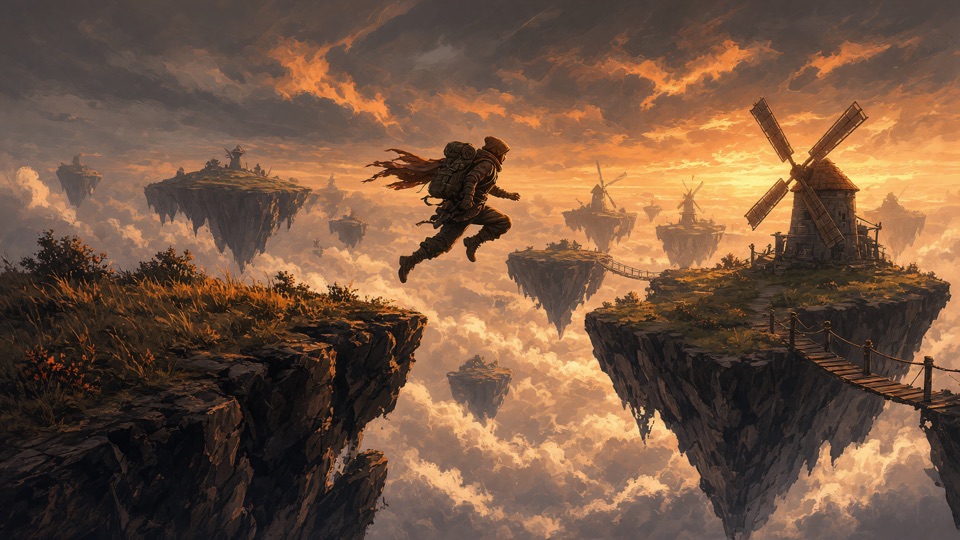
One little robot. A sky full of adventures.
3D platformer
Neon Clash
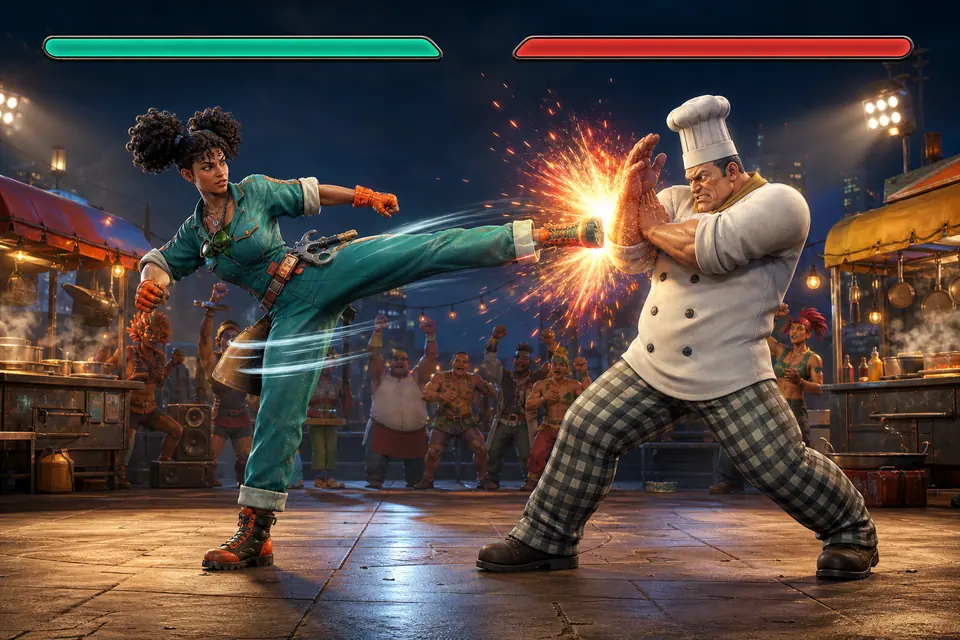
Original fighters, combos and head-to-head rounds.
Arcade fighter
Crime City · District

Explore the streets. Get behind the wheel.
Open world
Your game tools.In your AI agent.
Connect Claude Code, Codex or your MCP agent. Create assets, animations and worlds in your own workflow.
curl -fsSL https://gripforge.ai/cli/install.sh -o /tmp/gripforge-install.sh
bash /tmp/gripforge-install.sh
Before / after GripForge
Real gameplay captures