Tastepix
Generate images from Claude, ChatGPT, Cursor and Codex with 12 top AI image models. Up to 4 images per call, SVG vectorization, background removal, upscaling and image-to-video. Remote MCP with OAuth, no API keys.
Hosted MCP Server
npx add-mcp 'https://mcp.tastepix.com/mcp'Installs into Claude Code, Codex, Cursor and more
Documentation

Tastepix MCP
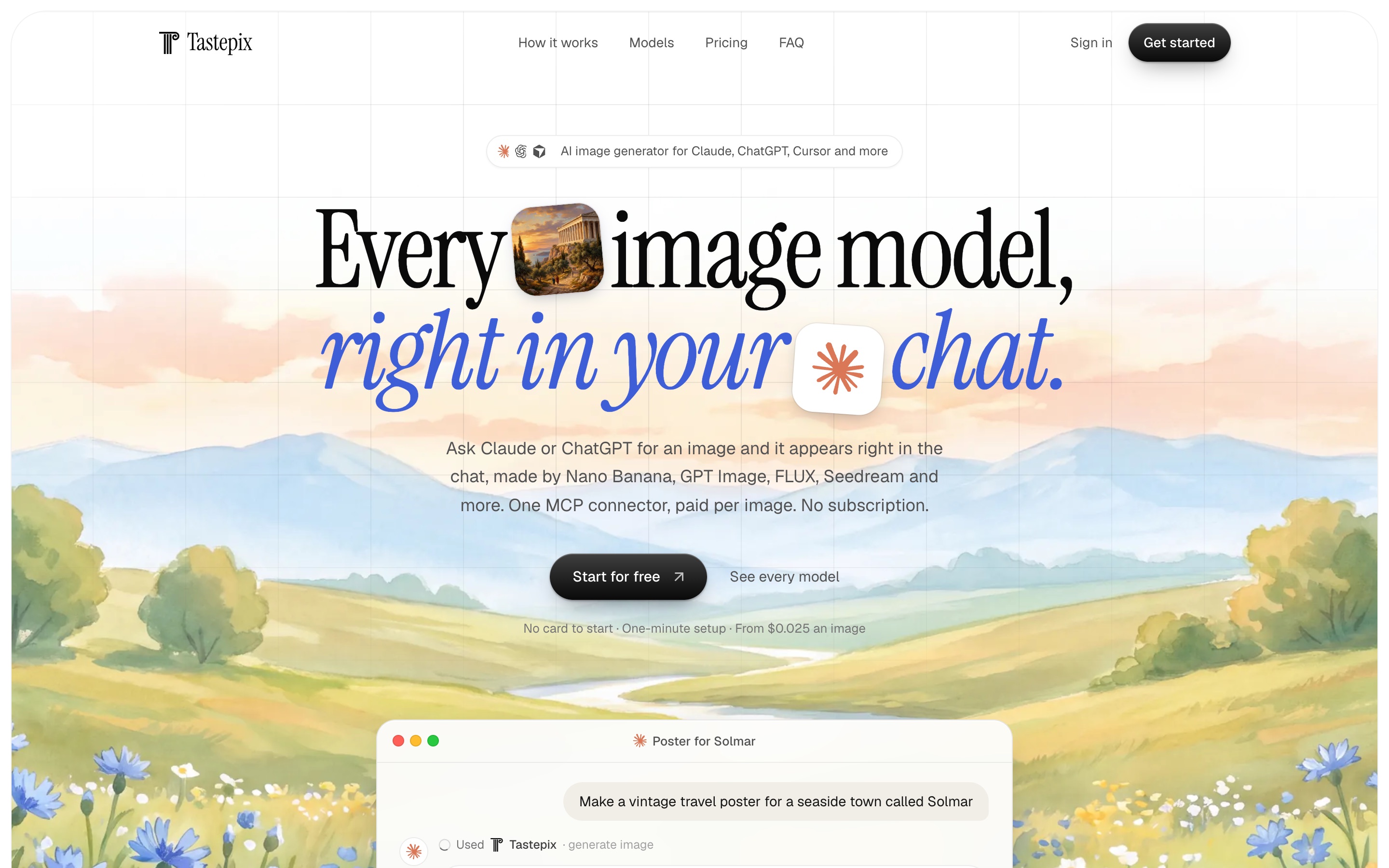
Every image model, right in your chat.
A hosted MCP server that adds image generation and editing to Claude, ChatGPT, Claude Code, Cursor and Codex.
12 top models, background removal, upscaling and image-to-video. Pay per image, no subscription.
Website · Pricing · Connect · Tools · Models · FAQ
What it is
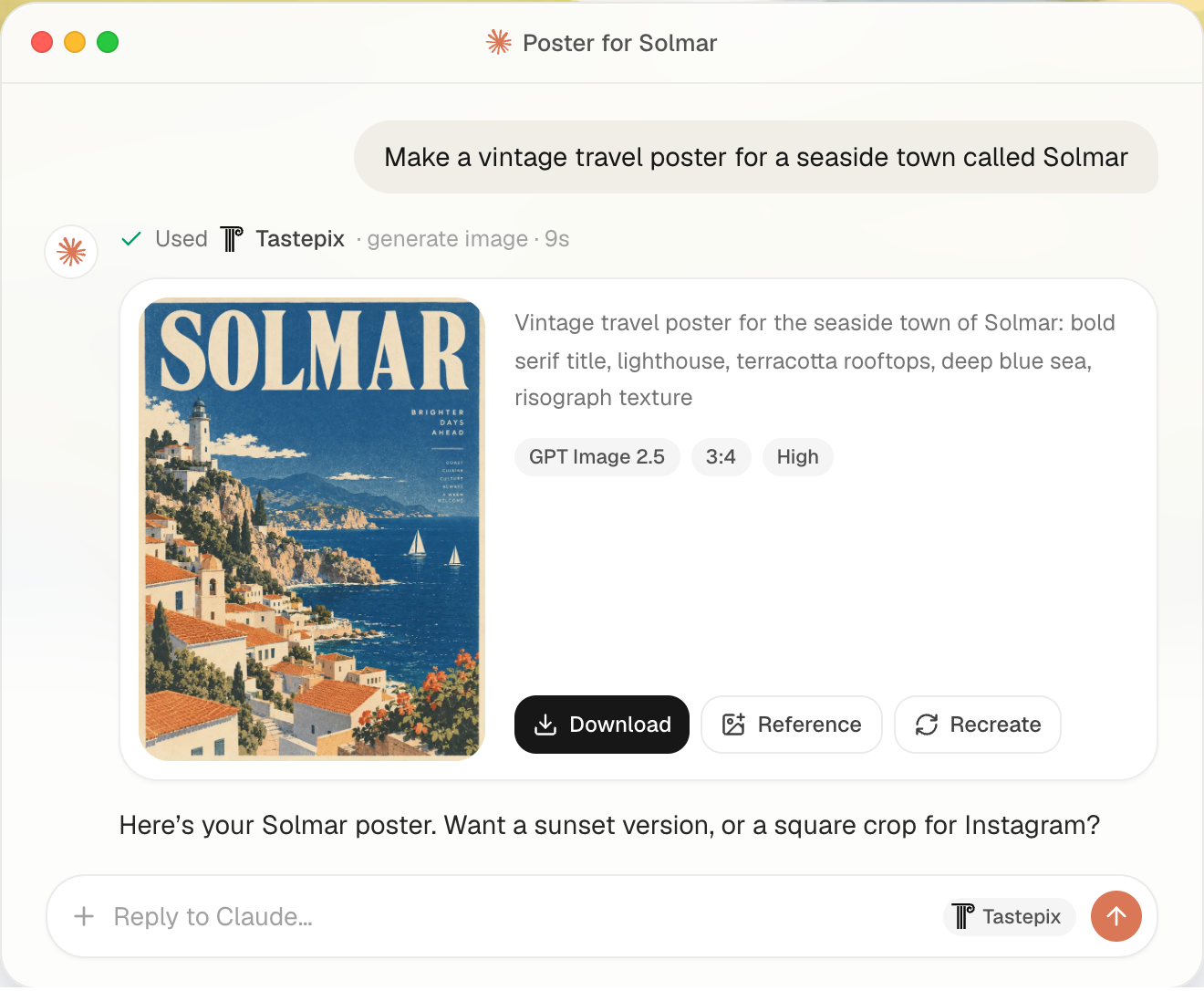
Tastepix is a remote MCP server (Model Context Protocol). Connect it once to your AI app, then ask for images in plain language: "make a vintage travel poster for a seaside town", "remove the background", "upscale it 4×", "animate this". The assistant picks the model, the image appears inline in the chat with download, reference and edit actions, and everything you make lands in one gallery at tastepix.com.
- No API keys. Sign in with Google or email; Tastepix handles the providers.
- Many models, one account. Ask for a model by name or let the assistant choose.
- Works where you already work. Claude (web, desktop, mobile), ChatGPT, Claude Code, Cursor, Codex.
- Pay per image. Prepaid balance, no subscription, balance never expires, failed generations are refunded automatically. New accounts get a small free credit.
Server URL
https://mcp.tastepix.com/mcp
Transport: Streamable HTTP. Auth: OAuth 2.1 (the app opens a Tastepix sign-in page the first time).
Connect
| Claude web · desktop · mobile |
Add to Claude — Claude opens with Tastepix filled in: click Continue, then Connect, then Allow on the Tastepix page. |
| Claude Code |
As a plugin, with the server and the Tastepix skill together: Or the server alone: Then in Claude Code type |
| Cursor |
|
| Codex |
In the Codex app: Settings → MCP servers → Add server → Streamable HTTP, with the server URL. |
| Gemini CLI |
Installs the server with the Tastepix context and skill. The first Tastepix call opens the sign-in. |
| VS Code |
Add to VS Code — VS Code opens with Tastepix filled in: click Install, then sign in. |
| ChatGPT |
On chatgpt.com (in a browser): open chatgpt.com/plugins → Add → Create MCP App → name it Tastepix, paste the server URL, choose OAuth → Create, then Allow on the Tastepix page. In a new chat, type |
| Other MCP clients |
Any client that supports remote MCP servers over Streamable HTTP with OAuth: add |
| Skill any agent |
A short guide that helps agents use the Tastepix tools well (already included in the plugins and the Gemini extension): |

Client menus change often. The always-current steps for each app are in your dashboard under Connect an app. Setting it up with a coding agent? Point it at llms-install.md.
Tools
| Tool | What it does |
|---|---|
generate_image | Text-to-image and image editing with any model in the catalog; up to several reference images (by asset id, public URL or upload), and up to 4 options in one call (count). Results render inline in a viewer. |
remove_background | Cuts out the subject into a transparent PNG. |
upscale_image | Faithful 2× or 4× upscale. |
vectorize_image | Turns an existing image (logo, icon, flat artwork) into an SVG vector file. |
animate_image | Turns an image into a short video with sound (returns at once; the viewer shows it when ready). |
get_video | Checks on a video started with animate_image. |
list_models | The catalog with what each model is best for and its price. |
show_images | Shows existing images from your account inline. |
upload_images | Inline drop zone so you can use local images as references in chat apps. |
request_upload | Upload URL for clients that can run code (e.g. Claude Code, Codex). |
Models
| Model | Maker | Best for |
|---|---|---|
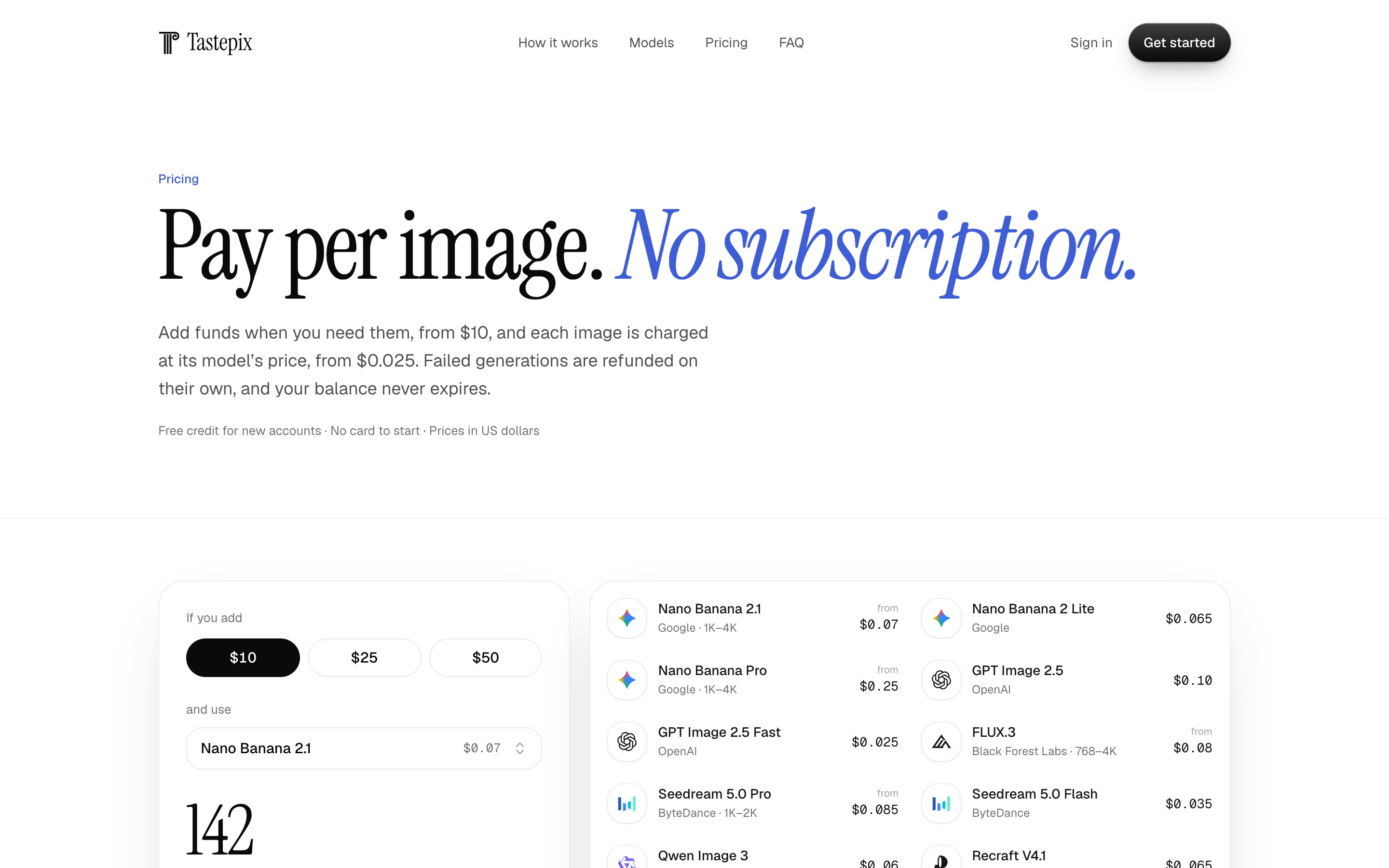
| Nano Banana 2.1 (default) | Fast all-rounder; strong at editing and multi-image composition | |
| Nano Banana 2 Lite | Quick drafts with the Google look | |
| Nano Banana Pro | Highest fidelity: infographics, dense text, 4K | |
| GPT Image 2.5 | OpenAI | Precise prompt following, detailed scenes and text |
| GPT Image 2.5 Fast | OpenAI | Cheap everyday GPT Image |
| FLUX.3 | Black Forest Labs | Photorealism and aesthetic control |
| Seedream 5.0 Pro | ByteDance | Commercial and product shots, precise edits |
| Seedream 5.0 Flash | ByteDance | Cheapest fast photoreal drafts |
| Qwen Image 3 | Alibaba | Small and multilingual text, posters |
| Recraft V4.1 | Recraft | Design and illustration |
| Recraft V4.1 Vector | Recraft | Logos, icons and vector art (SVG download) |
| Grok Imagine 2.0 | xAI | Bold, stylized images |
Plus background removal, 2×/4× upscale and image-to-video (Grok Imagine Video, 720p).
Pricing
Pay per image from a few cents, charged from a prepaid balance (EUR with VAT included in the EU, USD elsewhere). No subscription, no expiry, failed generations refunded automatically. Current prices for every model and size: tastepix.com/pricing.
Examples
Just ask in your chat:
- "Make a hero image for my landing page: a calm meadow at dawn, wide 16:9."
- "Use Nano Banana Pro to make an infographic of these numbers."
- "Remove the background from the product photo I just uploaded."
- "Make a logo for 'Solmar' as an SVG with Recraft Vector."
- "Upscale that last image 4× and then animate it, slow camera push-in."
- In Claude Code or Cursor: "Generate an OG image for this site and save it to
public/og.png."
FAQ
Do I need API keys from OpenAI, Google, etc.? No. One Tastepix account covers every model.
Can Claude generate images on its own? Claude doesn't generate images natively; Tastepix adds that through MCP, inline in the chat.
Is there a subscription? No. You add funds when you want and pay per image. New accounts get a small free credit to try it.
What happens if a generation fails? It's refunded to your balance automatically.
Where do my images go? They're shown in the chat and saved to your private gallery at tastepix.com, from every app you use. You can delete them, or your whole account, from the dashboard.
Privacy? See the privacy policy and terms.
About this repository
This repository holds the public documentation and registry metadata for the hosted Tastepix MCP
server (server.json for the Official MCP Registry), plus
the plugin and extension manifests for Claude Code, Cursor, Codex and Gemini CLI and the tastepix
skill. They contain only configuration and Markdown: no scripts, hooks or code run on install.
The server itself is a hosted service; its source is not published here.
Support: hola@tastepix.com · Issues and feedback: open an issue in this repository.