AI Bikini Generator
AI Bikini Generator is an AI-powered tool. Visit the official site for details and usage.
Documentation
Preserve Recognizable FeaturesMaintain Natural ProportionsMatch Fabric, Shadows, and LightingKeep the Original Pose and Scene
The Challenges of Creating Bikini Photos
From planning a photo shoot to refining clothing details, creating bikini images can involve more time, cost, and editing than expected.
01 / Production
Photo Shoots Take Time and Money
Preparing swimsuits, arranging a location, and taking new photos requires planning. Creating several looks may add production costs before you know which images you want to use.
02 / Comparison
Comparing Bikini Styles Takes Extra Work
Different outfits, poses, and lighting can make bikini styles difficult to compare. Getting a consistent view often means taking additional photos or repeating edits.
03 / Retouching
Realistic Clothing Edits Require Skill
Replacing an outfit means carefully matching straps, garment edges, lighting, and shadows. Small inconsistencies can make the result look pasted on and require further retouching.
Why Use Our AI Bikini Generator?
Explore bikini styles on your own photo, customize the details, and create swimwear images without a full photoshoot or hours of manual editing.
01 / Fabric detail
Realistic AI Bikini Previews
Generate bikini previews with realistic fabric textures, straps, and garment details. Explore different cuts, colors, and patterns on your own photo to compare styles and find inspiration for your next swimwear look.
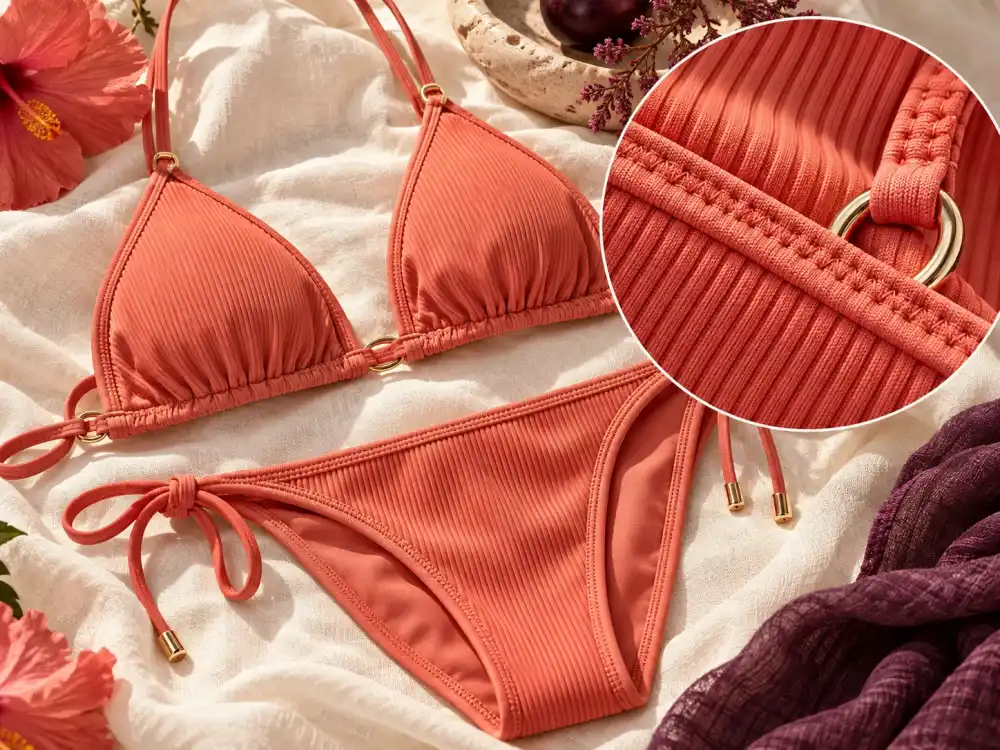 REALISTIC DETAIL02 / Your look
AI Bikini Photos That Still Look Like You
Use your original photo to guide facial features and overall appearance. Try new bikini styles while keeping yourself recognizable, creating personalized previews that help you picture the look on you.
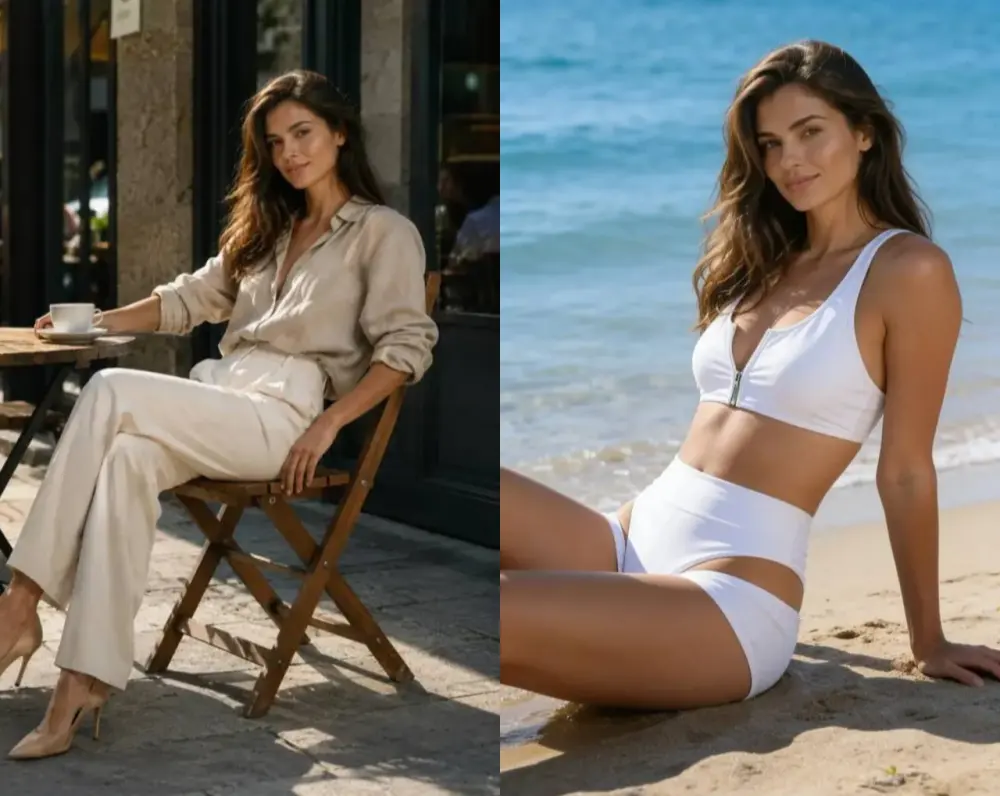 YOUR PHOTO, YOUR STYLE03 / Start exploring
Try Our AI Bikini Generator for Free
Start with free credits to generate your first bikini previews. Explore styles, experiment with references, and review the image quality before purchasing more credits, so you can decide whether the tool suits your needs.
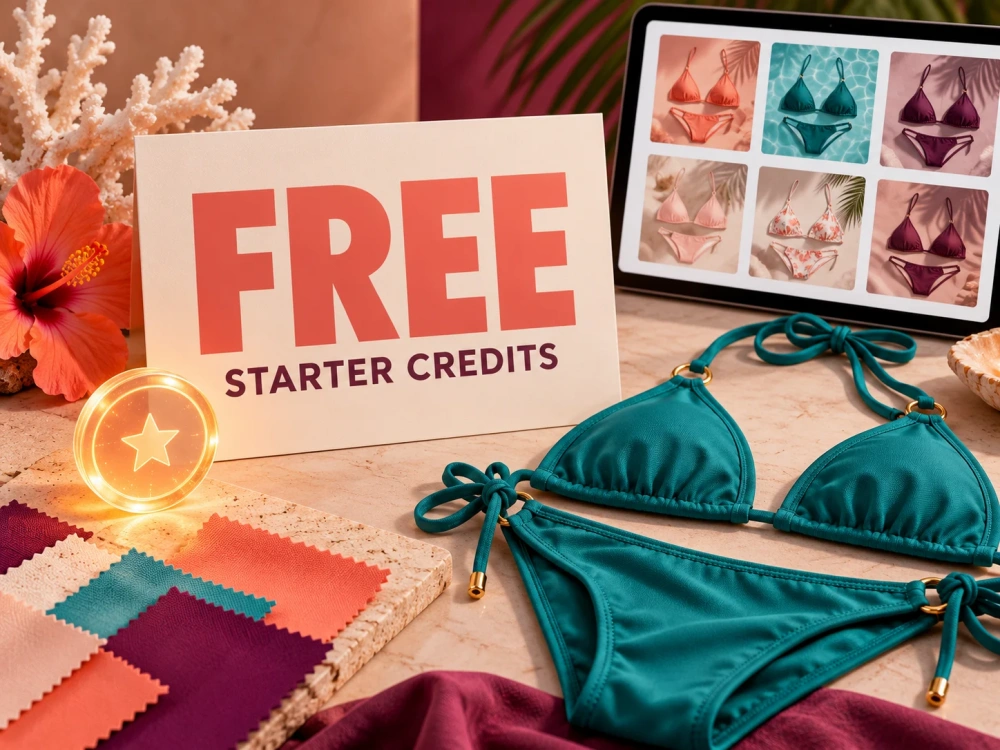 FREE STARTER CREDITS04 / Natural light
AI Bikini Images with Natural Lighting
Use your photo’s lighting and shadows to guide how the swimwear blends into the image. Create a more cohesive result with consistent highlights and shading, reducing the need to manually adjust the clothing’s appearance.
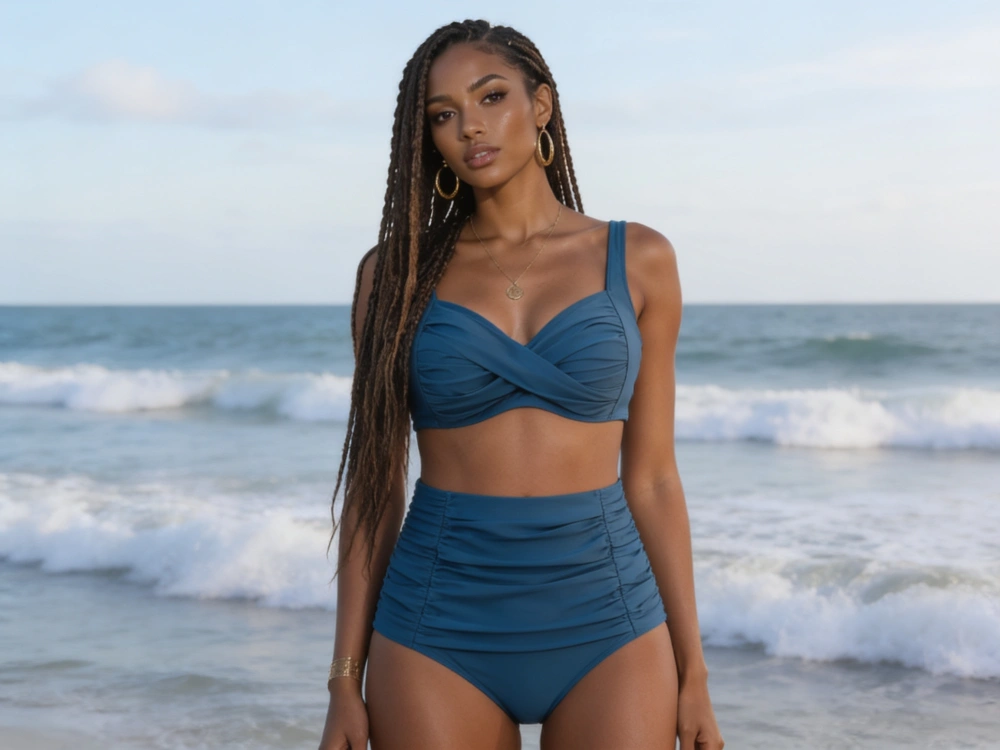 NATURAL LIGHT05 / High resolution
4K AI Bikini Images
Generate and download bikini images at 4K resolution. Inspect garment details, crop your preferred composition, and prepare sharp visuals for social posts, mood boards, and creative projects with more flexibility than smaller images.
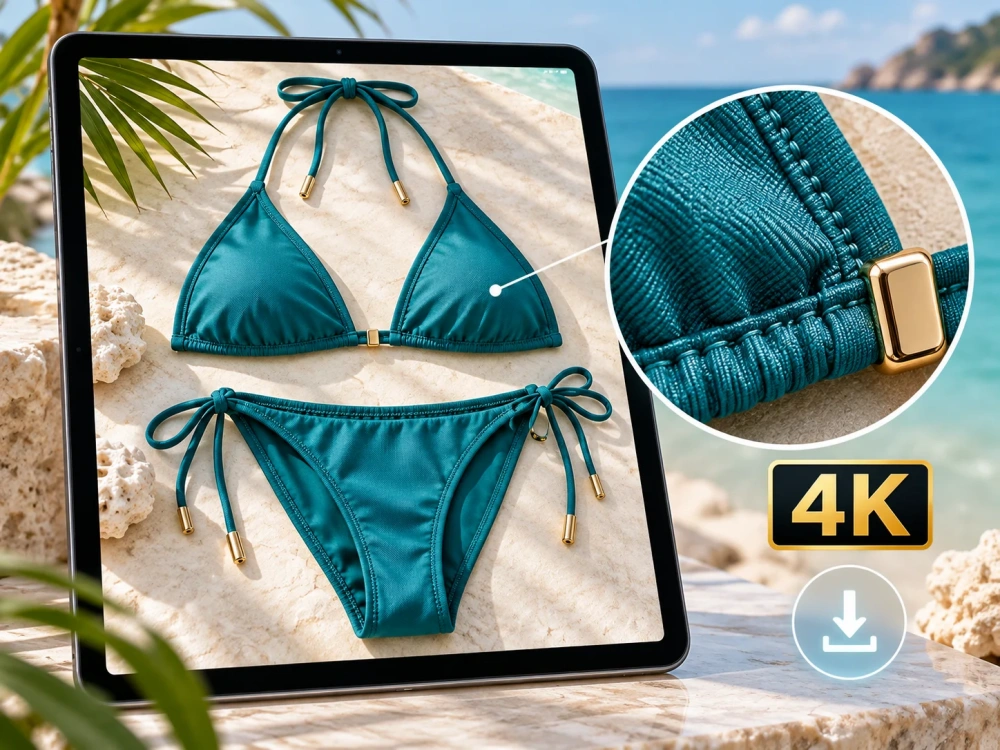 4K DOWNLOAD
How to Get Better AI Bikini Results
Clear source photos give the generator more reliable information about the person, pose, clothing area, and lighting.
For better results, choose a photo with:
- One clearly visible adult person
- A front-facing or slightly angled pose
- A visible upper body or full body
- Clear facial and body details
- Balanced, natural lighting
- Minimal obstruction around the clothing area
- A simple or clearly defined background
Avoid:
- Blurry or very small images
- Extreme camera angles
- Heavily cropped bodies
- Group photographs
- Arms or objects covering most of the outfit
- Explicit or intimate photographs
- Photos of anyone who has not given permission
- Any image involving a minor
How to Use AI Bikini Generator
Create a virtual bikini try-on in three simple steps. Upload your photo, customize your preferred swimwear style, and generate realistic AI-powered previews.
- 01
Upload Your Photo
Upload a clear photo of a consenting adult that you own or have permission to edit, or choose one of the available adult models. - 02
Choose Your Bikini Style
Select a bikini preset or upload a swimsuit reference image you have permission to use. Optionally, describe the color, material, pattern, background, or lighting you want. - 03
Generate, Review and Download
Click Generate Bikini Preview and compare the result with your original photo. If needed, adjust the reference image or prompt and generate another variation. Download the finished image using the available output quality.
Refund policy Secure Stripe checkoutEmail support
- One-time purchase
- Credits never expire
- Commercial use
AI Bikini Generator FAQ
What is an AI Bikini Generator?
An AI Bikini Generator is an AI-powered image editing tool that creates virtual swimwear previews from photos. Upload an image, choose a bikini style, and generate a realistic preview without traditional photo editing.
Can AI generate different swimsuit styles?
Yes. AI can generate different swimsuit styles by using presets, reference images, and custom descriptions. You can explore different bikini designs, colors, patterns, and visual styles.
How does virtual bikini try-on work?
Virtual bikini try-on uses AI to apply a selected swimsuit style to an uploaded photo. The AI analyzes the image and generates a new preview while maintaining the original pose, composition, and overall appearance.
How does the AI bikini generator work?
Start by uploading a clear photo of a consenting adult. Then upload a swimsuit reference image or choose a preset style. You can customize the color, material, lighting, and background to create a personalized swimsuit preview.
Can I use the AI bikini generator online for free?
Yes. Every new account receives 5 free credits. A 2K image costs 2 credits, so you can generate two 2K images and still have 1 credit left. Additional credit packs start at $9.90, with no subscription required.
Can I use my own photo?
Yes. You can upload a photo of yourself or another adult who has explicitly agreed to the edit. Photos of minors and non-consensual edits are not allowed.
What image formats and file sizes are supported?
You can upload JPG, PNG, or WebP images up to 10 MB each. For the best results, use a clear, well-lit photo with an unobstructed view of the subject.
Can I upload a swimsuit or bikini reference image?
Yes. Upload a swimsuit reference image you have permission to use, or choose one of the available presets. The AI will use the image as a style reference, but details such as straps, patterns, and seams may vary.
Will the AI bikini generator preserve my face and body features?
The AI uses your original photo as a reference for the face, pose, body proportions, and composition. Results may vary, so check the face, hands, clothing edges, lighting, and background before downloading or publishing the image.
Are my uploaded photos private?
Yes. Uploads are private by default and will not be displayed publicly without your permission. Your photos may be processed by cloud storage, security, and AI service providers. For more information, read our Privacy Policy.
Does the AI bikini generator create nude content?
No. The generator is intended only for non-explicit adult swimwear images. Nude, sexually explicit, and clothing-removal content is not allowed.
Can I use AI-generated bikini images commercially?
Yes. Images generated through our platform can be used for commercial purposes, subject to our Terms of Service. You must have permission to use uploaded photos and swimsuit reference images. AI-generated garment details may differ from real products, so review the result before presenting it as an accurate product image.
What should I do if an image looks unnatural?
Try using a clearer portrait or swimsuit reference image, removing visual obstructions, and simplifying your prompt. Change one detail at a time, then generate a new version.