AI Image Combiner
Seamlessly combine photos into one natural scene with our smart photo combiner and image merger. Effortlessly merge photos of people into group shots, combine images for e-commerce backdrops, or blend pictures together online.
Documentation
Models
Images (Optional)
Prompt
0/4096
Not sure what to write? Try an example:
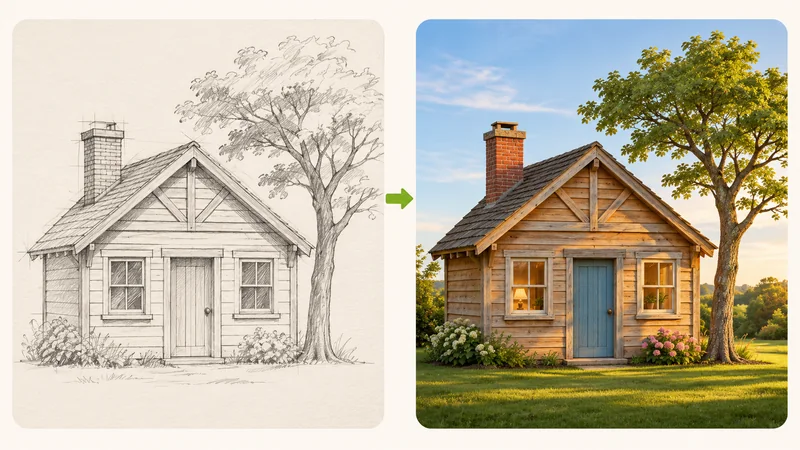
A pencil sketch of a small cottage with a tree beside the same cottage rendered as a colorful realistic scene.
Turn sketches into finished art
Upload a pencil draft, a quick concept doodle or a drawing your kid made, and say what it should become: "realistic photo", "clean digital illustration" or "3D render". The lines and layout you drew stay in place, so the finished picture is still your idea.
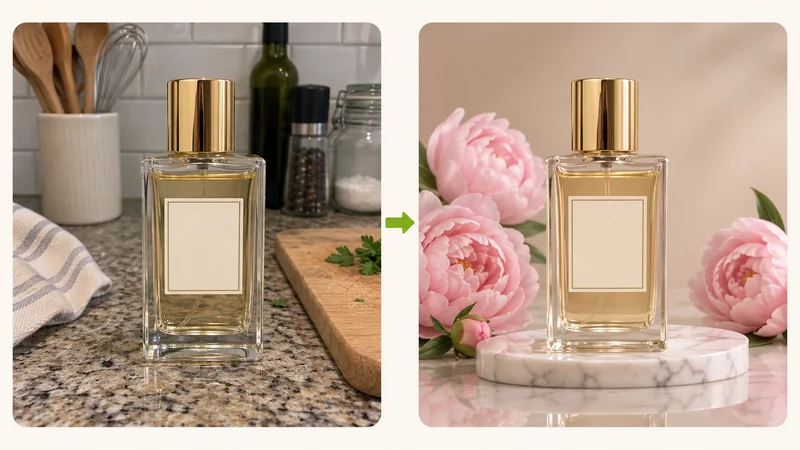
A phone snapshot of a perfume bottle on a kitchen counter beside the same bottle on a marble podium with flowers and soft studio light.
Create product photos from phone shots
Take the photo wherever you are, then place the product on marble, beside a bathroom sink or outside in soft daylight. It is a fast way to fill a store listing, test ad ideas or post something new every day. Add "keep the label unchanged" to keep the packaging accurate.
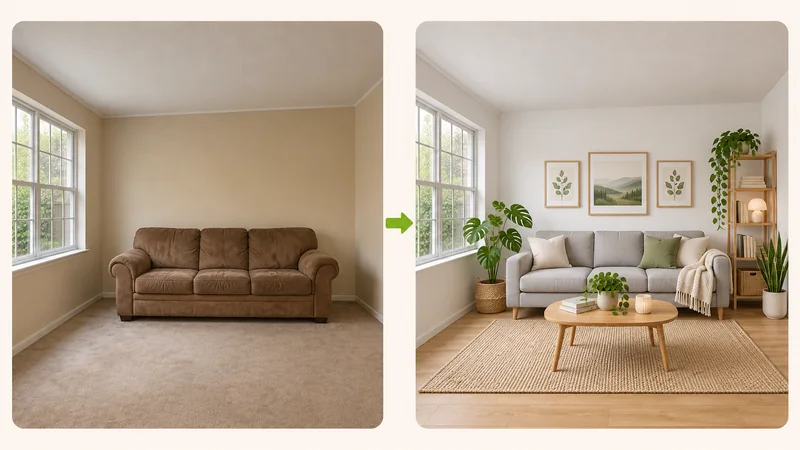
A plain living room with beige walls beside the same room restyled in Scandinavian style with light wood furniture and plants.
Redesign a room from a photo
Snap your living room and ask for "Scandinavian style with light wood and plants" or "paint the walls sage green". You see the idea in your own room, with the windows and layout where they really are, before you buy a single thing.
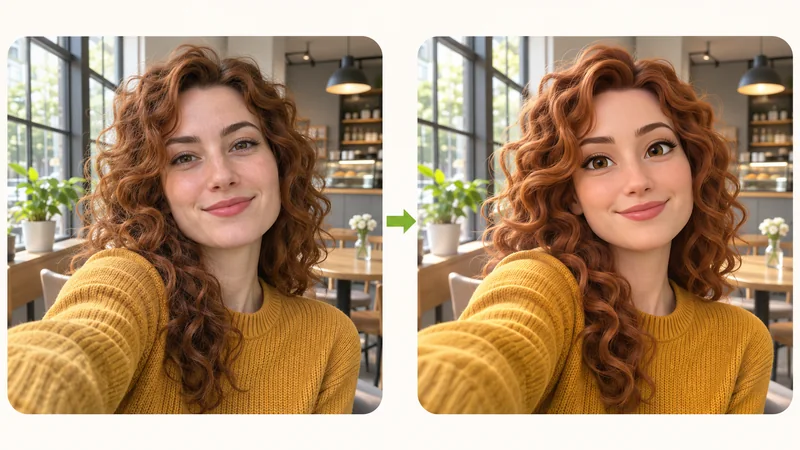
A selfie of a young woman with curly hair beside the same woman drawn as a 3D cartoon character.
Turn photos into anime, cartoons or paintings
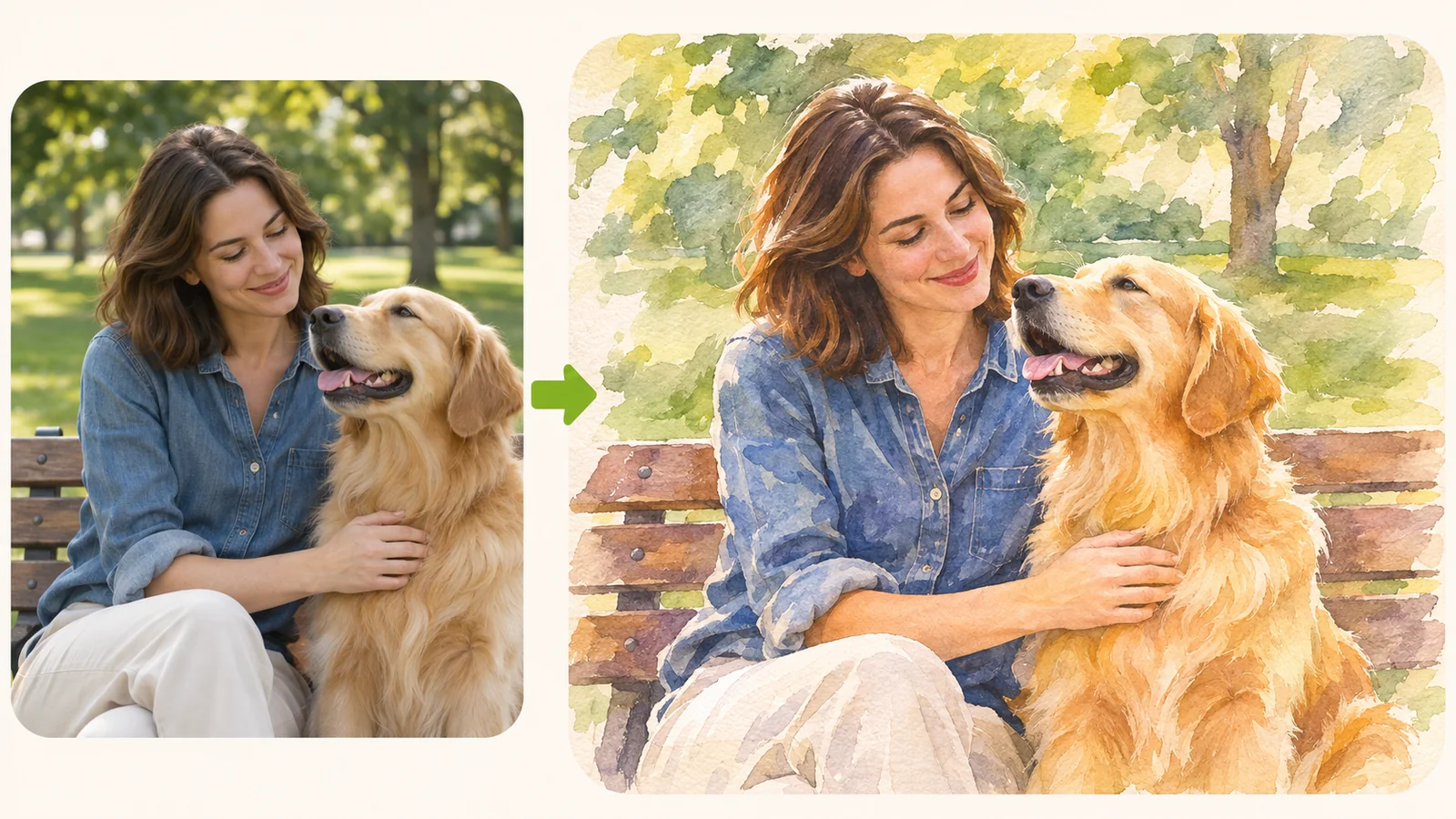
Make a new profile picture, a gift for your partner or a portrait of your dog for the wall. Upload a clear photo and try "make this a 3D cartoon, keep the face" or "soft watercolor painting". Love the look of a particular artwork? Add it as a second image and ask for that style.
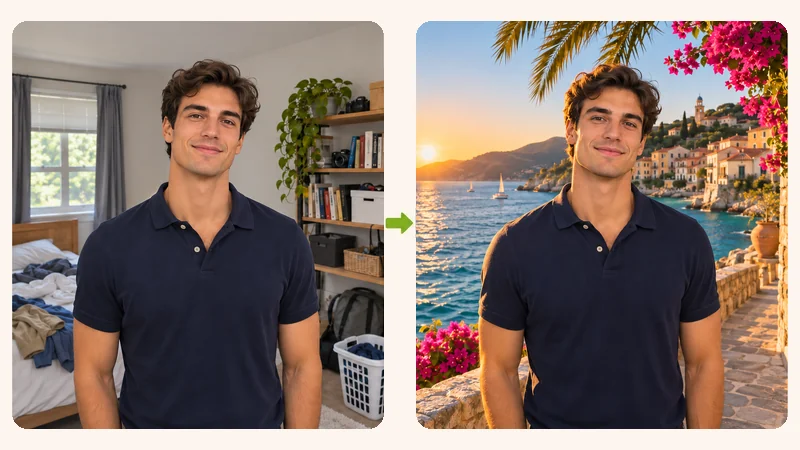
A man photographed in a cluttered bedroom beside the same man in the same pose on a sunny seaside promenade.
Change the background
The shot is good, the background is a messy bedroom or a gray office wall. Write where you would rather be, such as "on a beach at golden hour" or "in front of a plain white wall", and the scene is rebuilt around you. Your pose and clothes stay as they were.
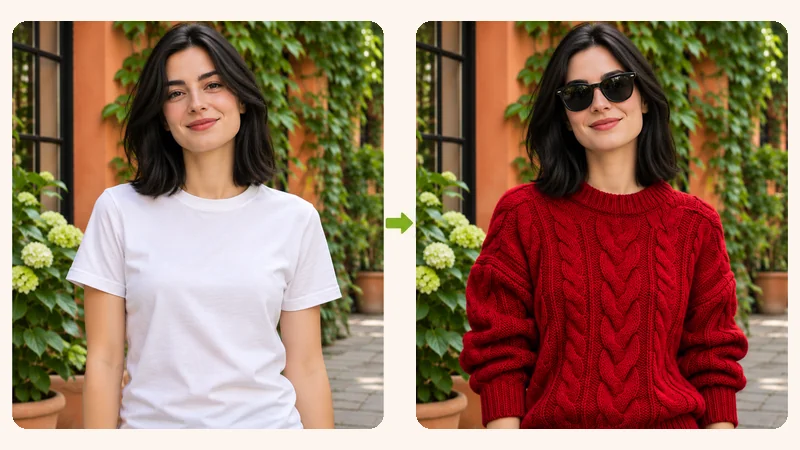
A woman in a plain white T-shirt beside the same woman wearing a red knit sweater and sunglasses.
Change outfits, hair color and seasons
See how a red coat or shorter hair would look on you before you buy or book. You can also add sunglasses, switch day to night or cover the street in snow. Ask for one change at a time and the rest of the photo is left alone.
How to use image to image AI
 Step 01
Upload a picture
Pick a sharp photo where the subject is easy to see, as a JPG, PNG or WebP up to 16 MB. You can add up to 5 more images with an outfit, a background or a style you want to borrow.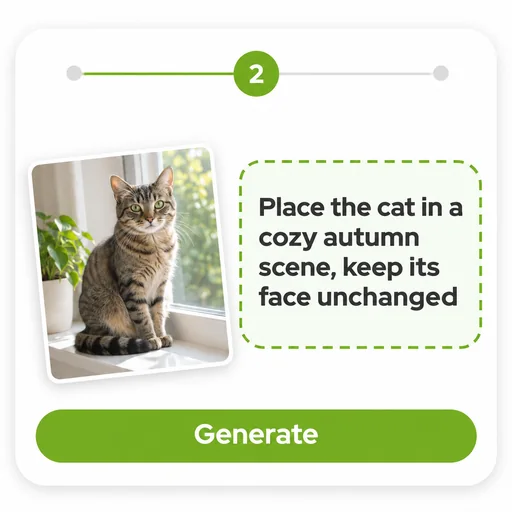 Step 02
Say what changes and what stays
A good prompt has two parts. The change: "put the cat in a pile of autumn leaves". What to keep: "same cat, same face". Type @ to point at a specific image. Not sure what to write? Open the inspiration library and start from an example.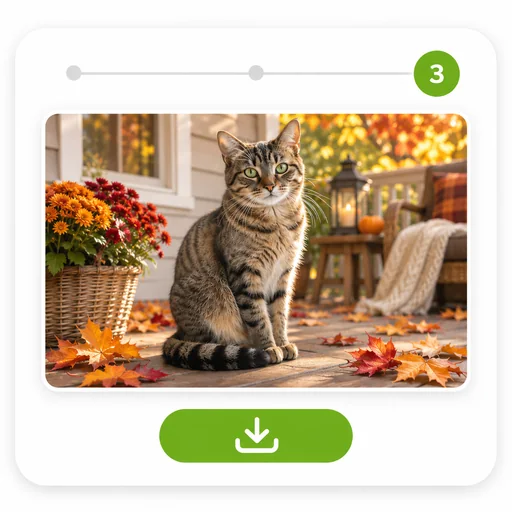 Step 03
Pick a ratio and generate
Keep the original shape or choose an aspect ratio, then click Generate. Your image is ready in seconds. Not quite right? Change a few words and run it again.
What is image to image AI?
Image to image AI makes a new picture using one you already have as the starting point. It holds on to the parts you care about, like the person, the pose, the layout of a room or the shape of a product, and redraws the rest the way you describe. That makes it the right tool when the original matters: your own face in a new style, your real living room with new furniture, the bottle you actually sell on a better backdrop. Early versions of this meant installing software, finding a powerful graphics card and nudging sliders until the result stopped drifting away from the source. Here it runs in your browser, and the only setting you need is a sentence about what you want.
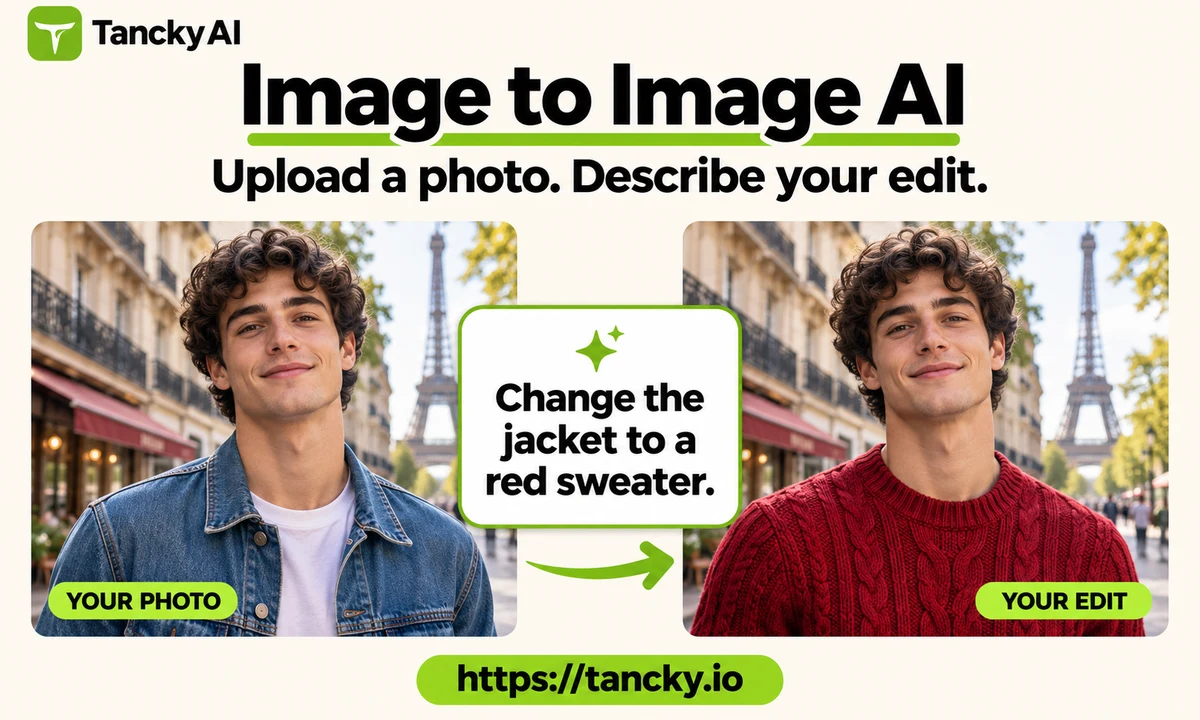
The same portrait before and after a text instruction changes the jacket to a red sweater, preserving the face, pose and street background.
Image to image AI that keeps your photo recognizable
Only the parts named in your prompt change. The rest of the photo stays as it was.
Consistent faces and products
Facial features, hairstyles, logos and product shapes are preserved when the style or scene changes. For large changes in age or angle, a second generation usually gives a closer match.
Edit with text prompts
No sliders, masks or layers. Describe the edit in plain words and adjust the prompt to refine the result.
Built-in AI image editor
Upscale, remove or replace the background, extend the frame or erase objects directly on the result, without uploading it again.
Free credits and automatic refunds
New accounts get free credits to start. Failed generations are refunded automatically, and images made with a subscription or paid credits have no watermark.