Tallhorn
A native MongoDB® client for Mac with a built-in MCP server: Claude Code, Cursor and VS Code can query your databases under rules you set per connection, and by default every agent write waits for your approval. AI agents are part of Tallhorn Pro ($29.99 once, 7-day free trial).
Documentation
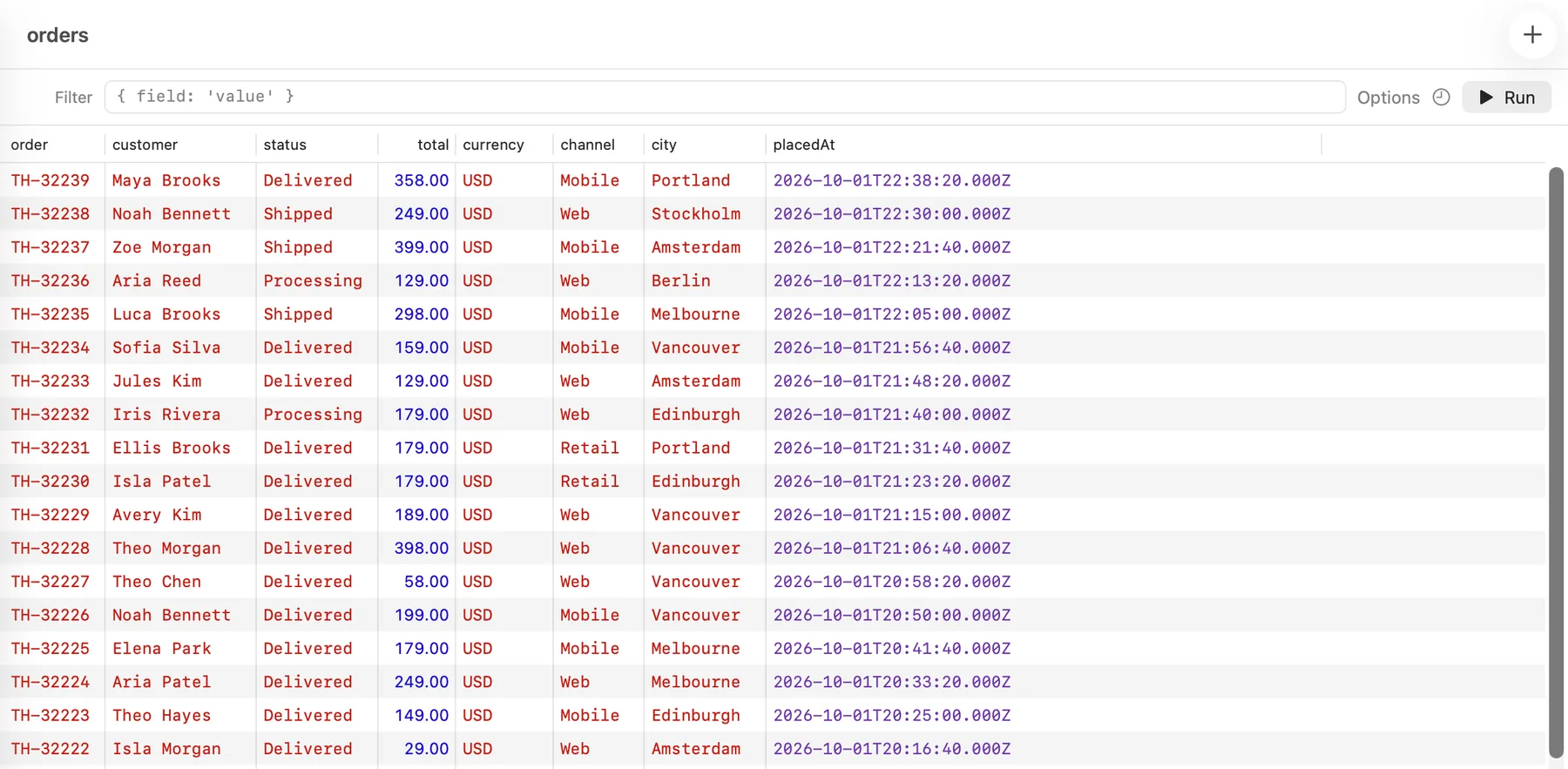
Table, tree or JSON.
Page through big collections and arrange the columns your way. Copy values or whole documents as Extended JSON, shell syntax, JSON or tab-separated text.
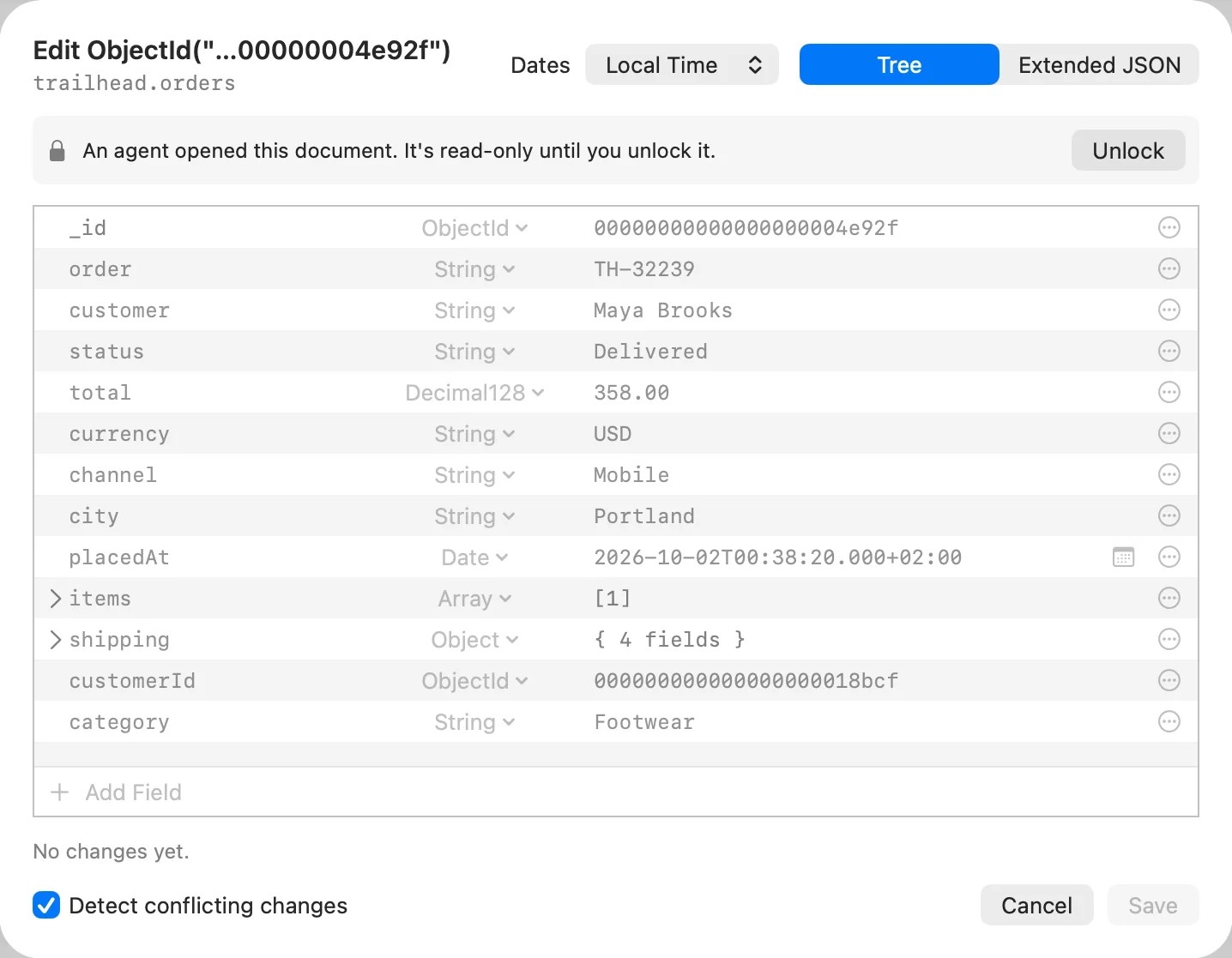
Edit with confidence.
Int64, Decimal128 and dates stay exact. Only the fields you change are written, and Tallhorn warns you if someone else changed the document first.
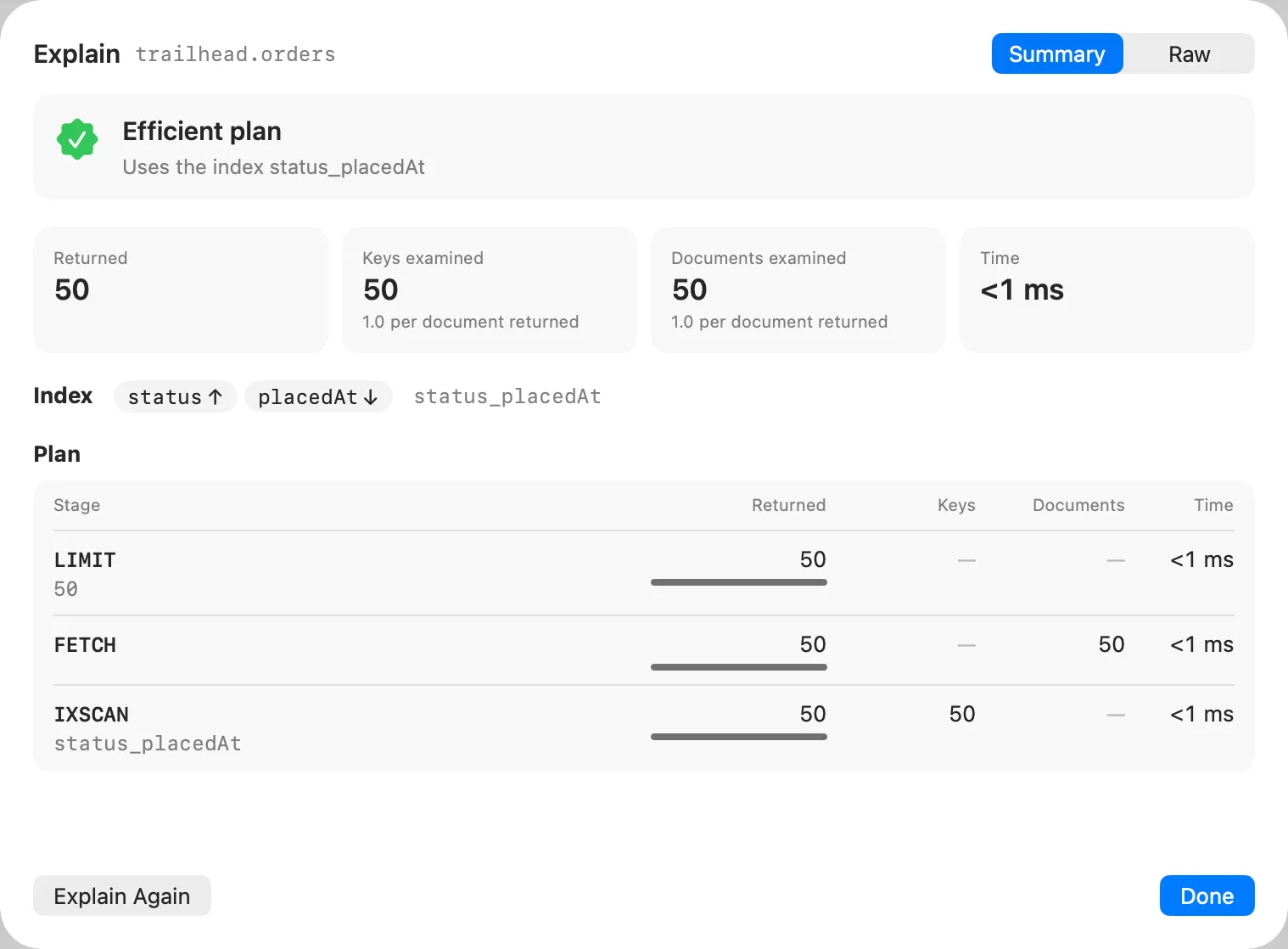
See why a query is slow.
Explain shows the winning plan, the index it used and what MongoDB examined, in plain words. Create, hide and drop indexes beside it.
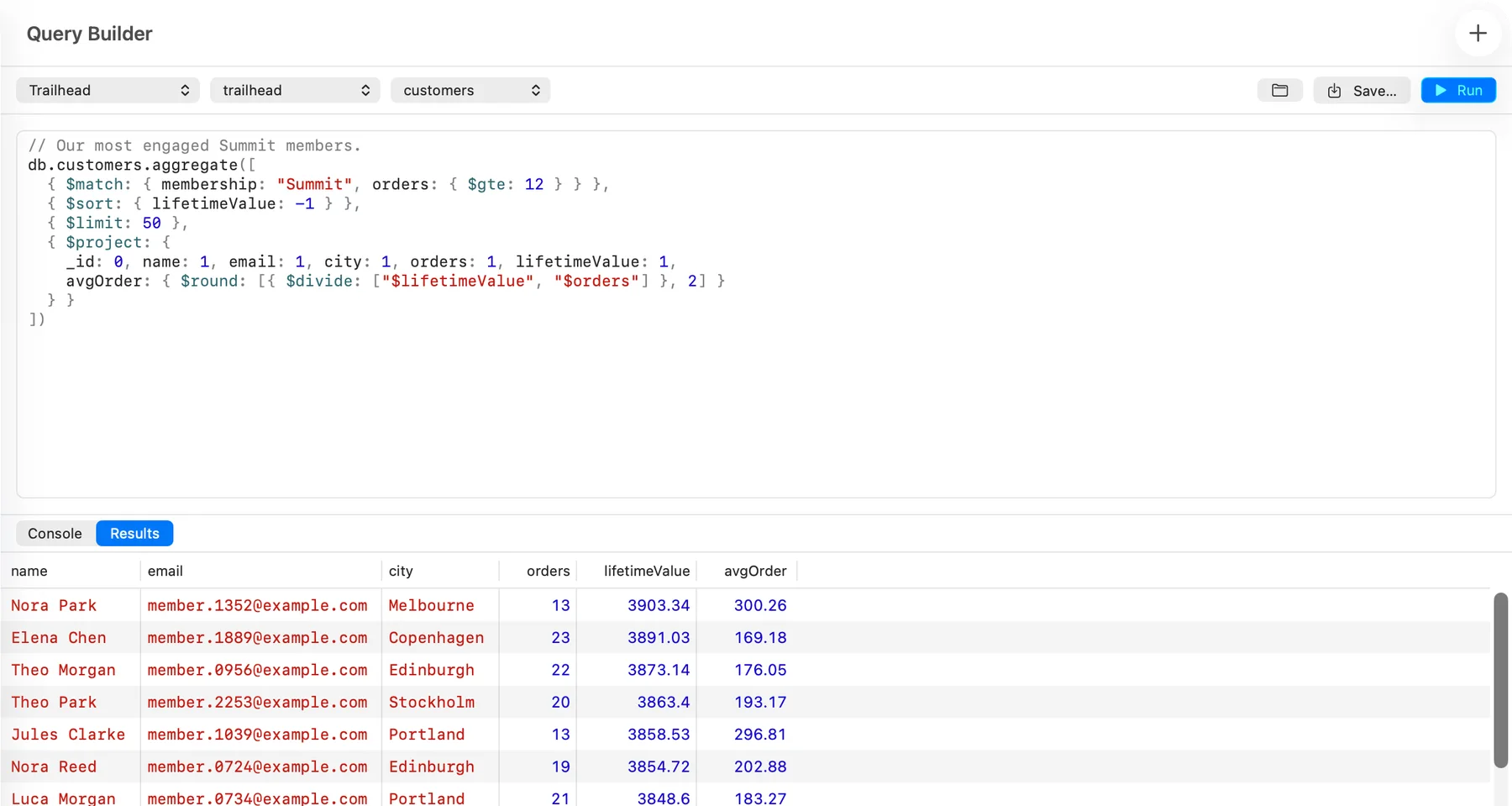
Write the query you mean.
Shell-style filters with completion for fields and operators, or a full JavaScript script with a mongosh-style db. Save the queries you reuse, for one collection or all of them.
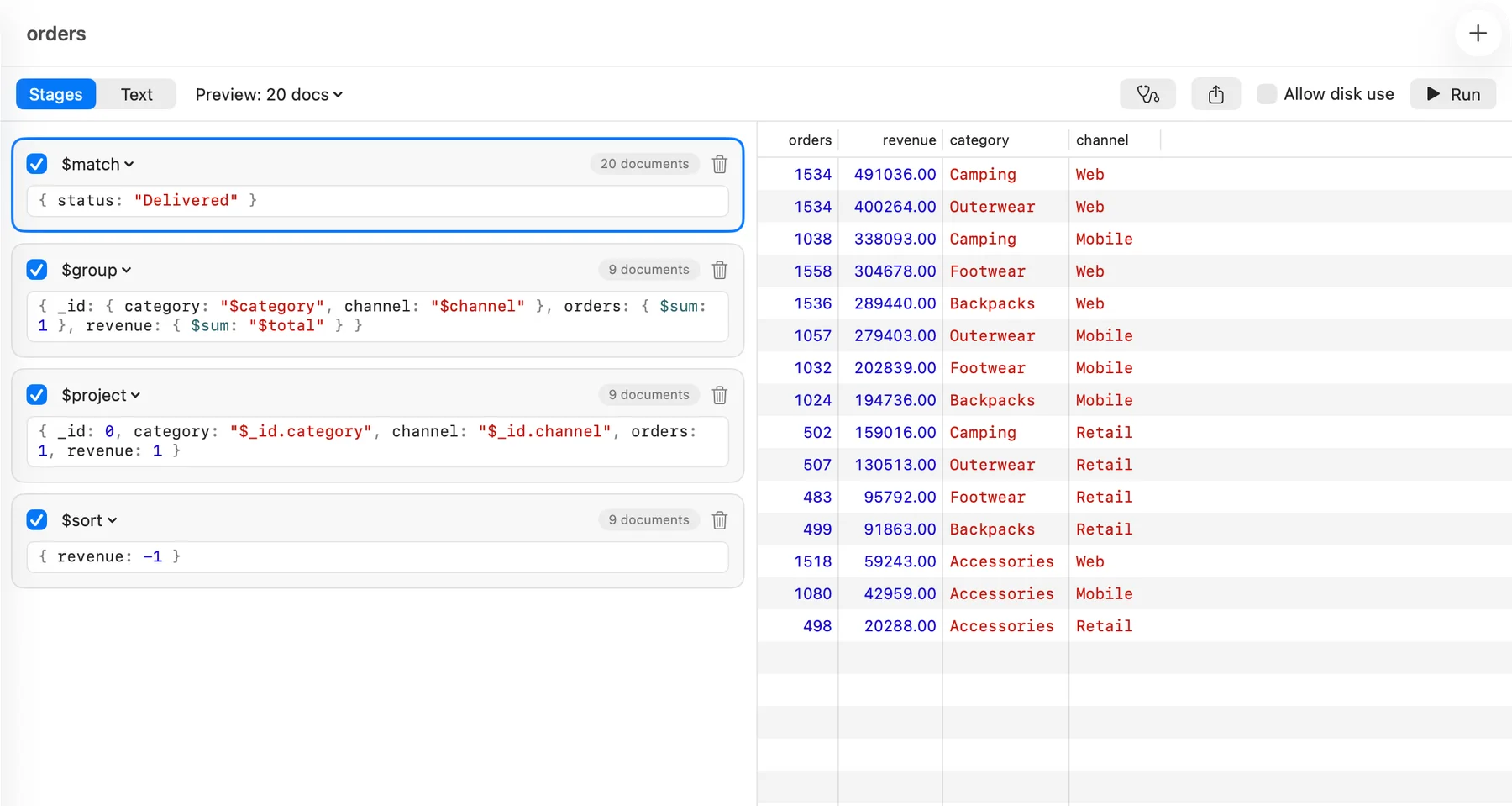
Pipelines, stage by stage.
Build a pipeline one stage at a time and preview what each stage returns. Switch stages on and off, and confirm before $out or $merge writes anything.
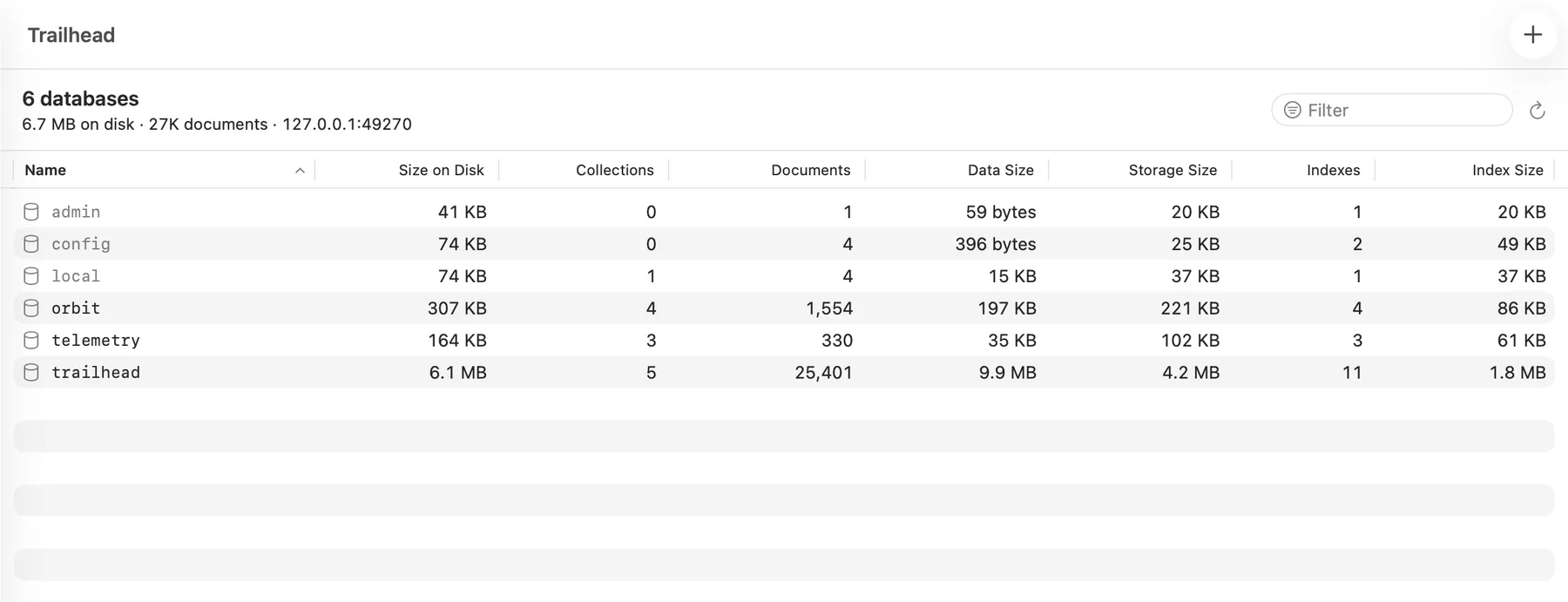
Connect to what you run.
Local servers, replica sets and MongoDB Atlas, with TLS, client certificates and built-in SSH tunnels. Mark a connection Production and every write asks first.
Take the data with you.
Export a query or a whole collection to Extended JSON, NDJSON or CSV. Follow the progress, and cancel if you change your mind.
Made for the Mac.
SwiftUI and AppKit, light and dark, keyboard shortcuts and VoiceOver. Runs natively on Apple silicon and Intel, in 36 languages.
AI agents & MCP Tallhorn Pro
Plug in AI. Stay in control.
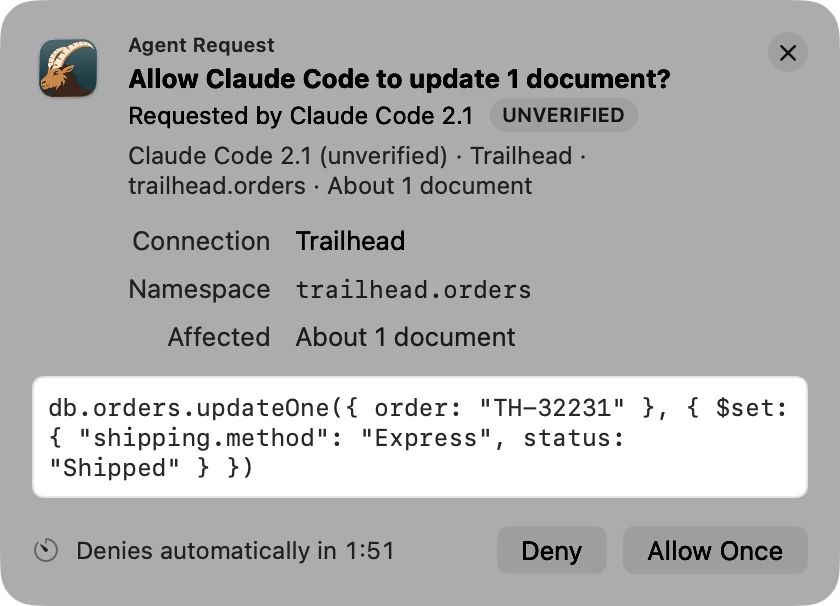
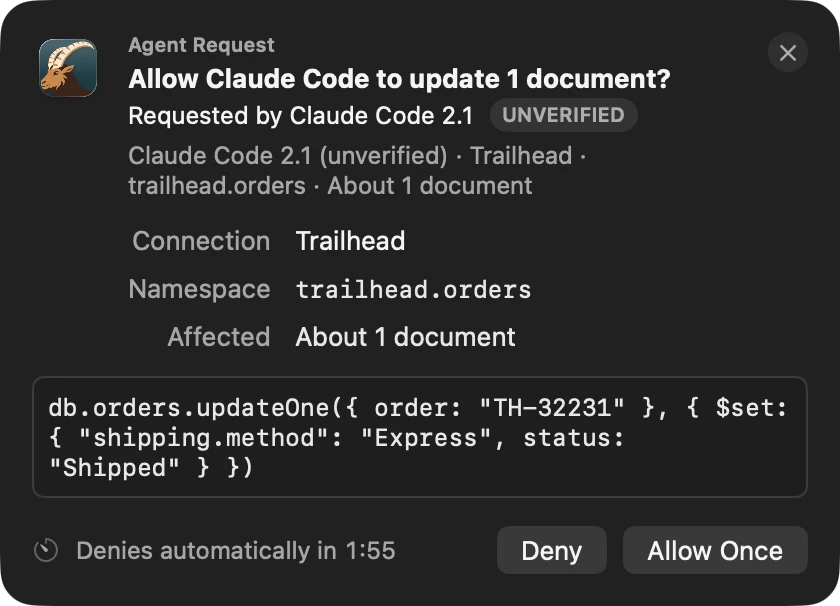
A built-in MCP server lets your coding agent query your databases and show its results in Tallhorn. Agent access is off until you turn it on, and by default every write waits for your approval.
Works with
- Claude Code
- Claude Desktop
- Cursor
- GitHub Copilot
- Codex
- and more
You choose the access for each connection.
- Blocked No agent access. Every new connection starts here.
- Show in app Agents see the schema and open results in Tallhorn, never the documents.
- Read Agents read documents, with the fields you choose redacted.
- Read & write Agents can change data. By default, each write waits for you.
-
BSON stays exact.
Int64, Decimal128, dates and field order keep their meaning, from the first read to the last export. -
Only your change is written.
Edits write the fields you changed, with a check for anyone who changed the document before you. -
Production asks first.
Writes to a connection marked Production are always confirmed. Read-only connections refuse them. -
Passwords stay in Keychain.
No account and no analytics. Your database data goes nowhere but your Mac and your servers.
Tallhorn
Free
- Document browser and BSON editor
- Queries, JavaScript and saved queries
- Aggregation pipelines with previews
- Explain plans and indexes
- Export to JSON, NDJSON and CSV
- Atlas, TLS and SSH tunnels
Download for Mac Free on the Mac App Store
macOS 15 or later · Apple silicon & Intel
Tallhorn Pro
$29.99 once, USD
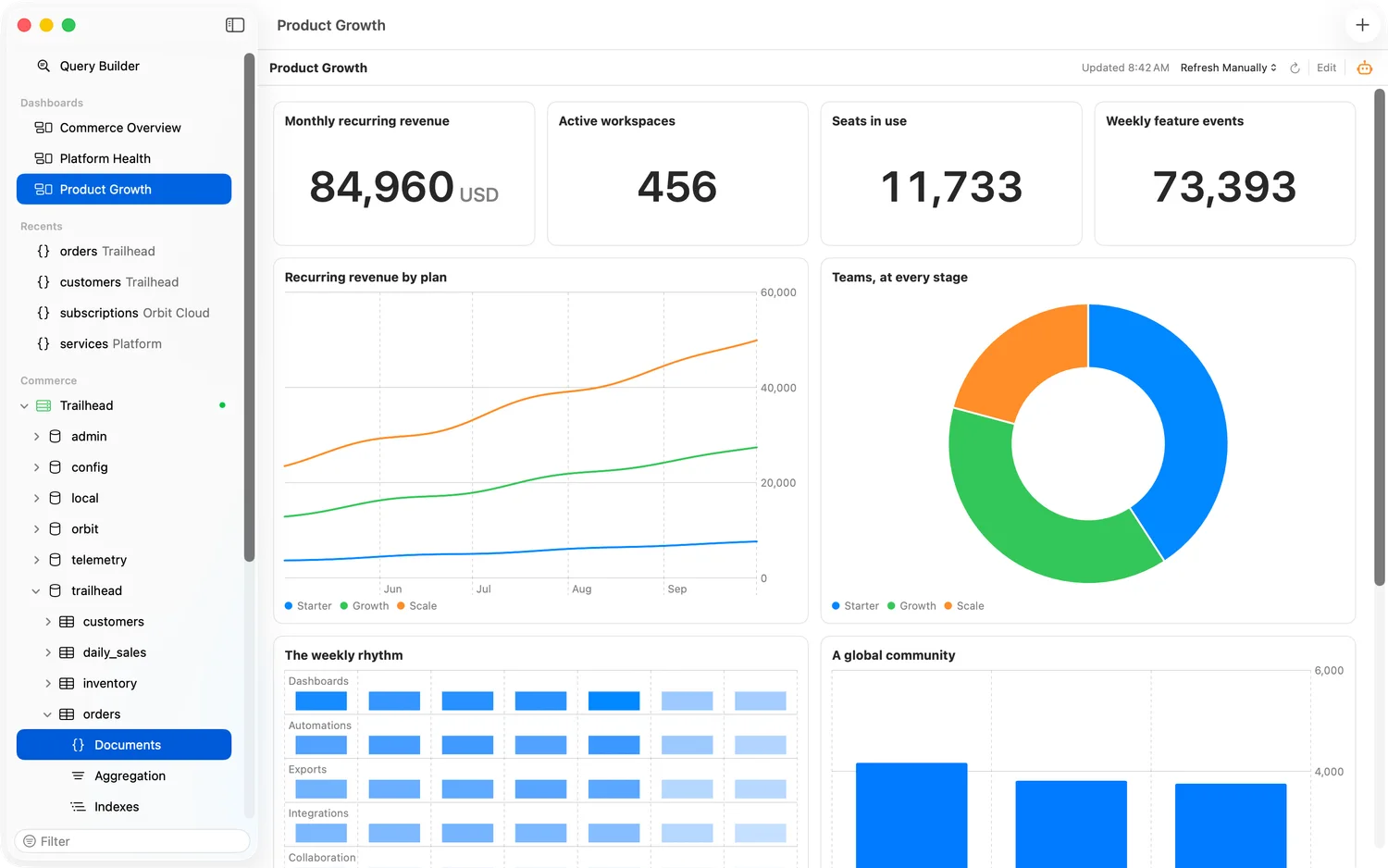
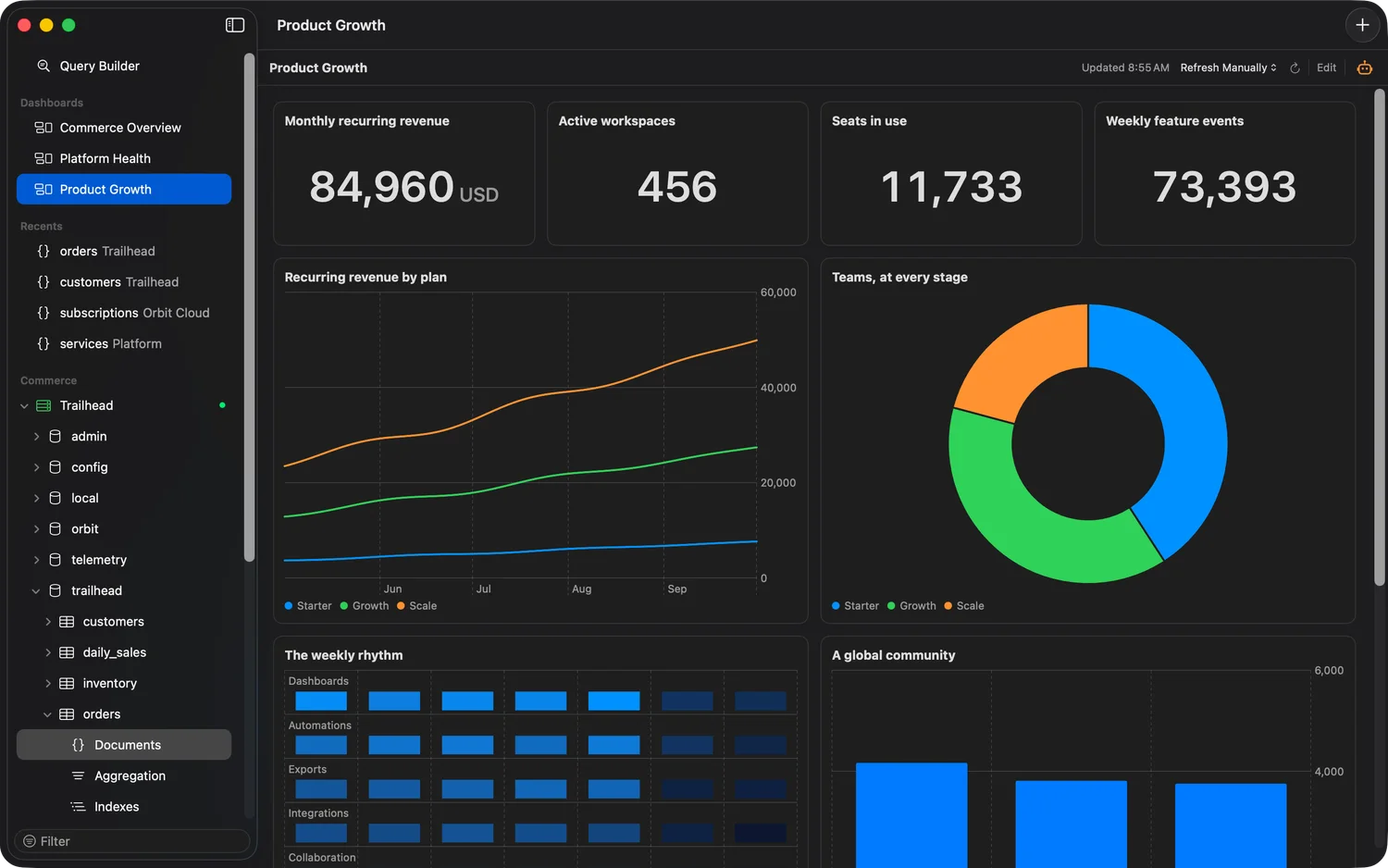
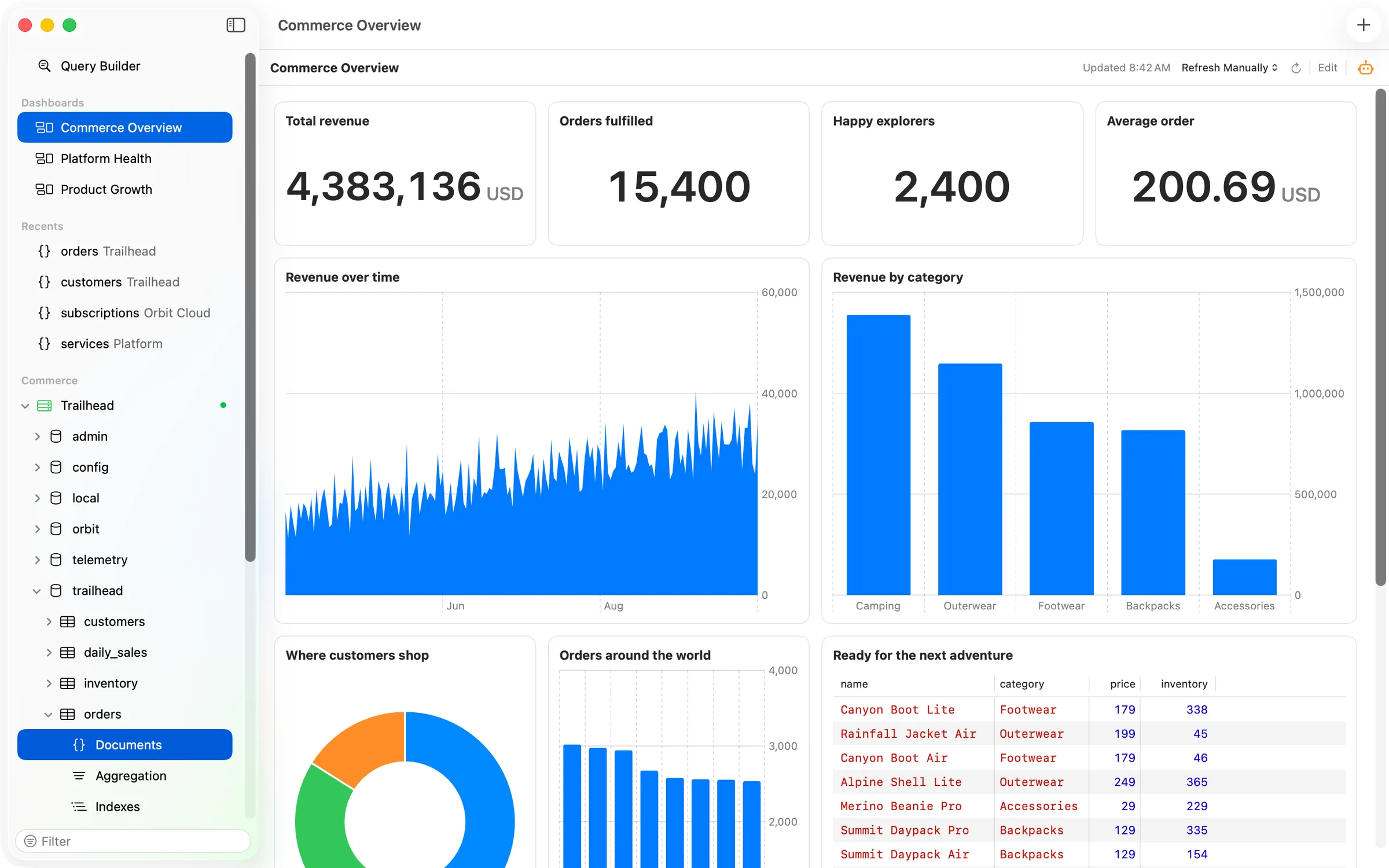
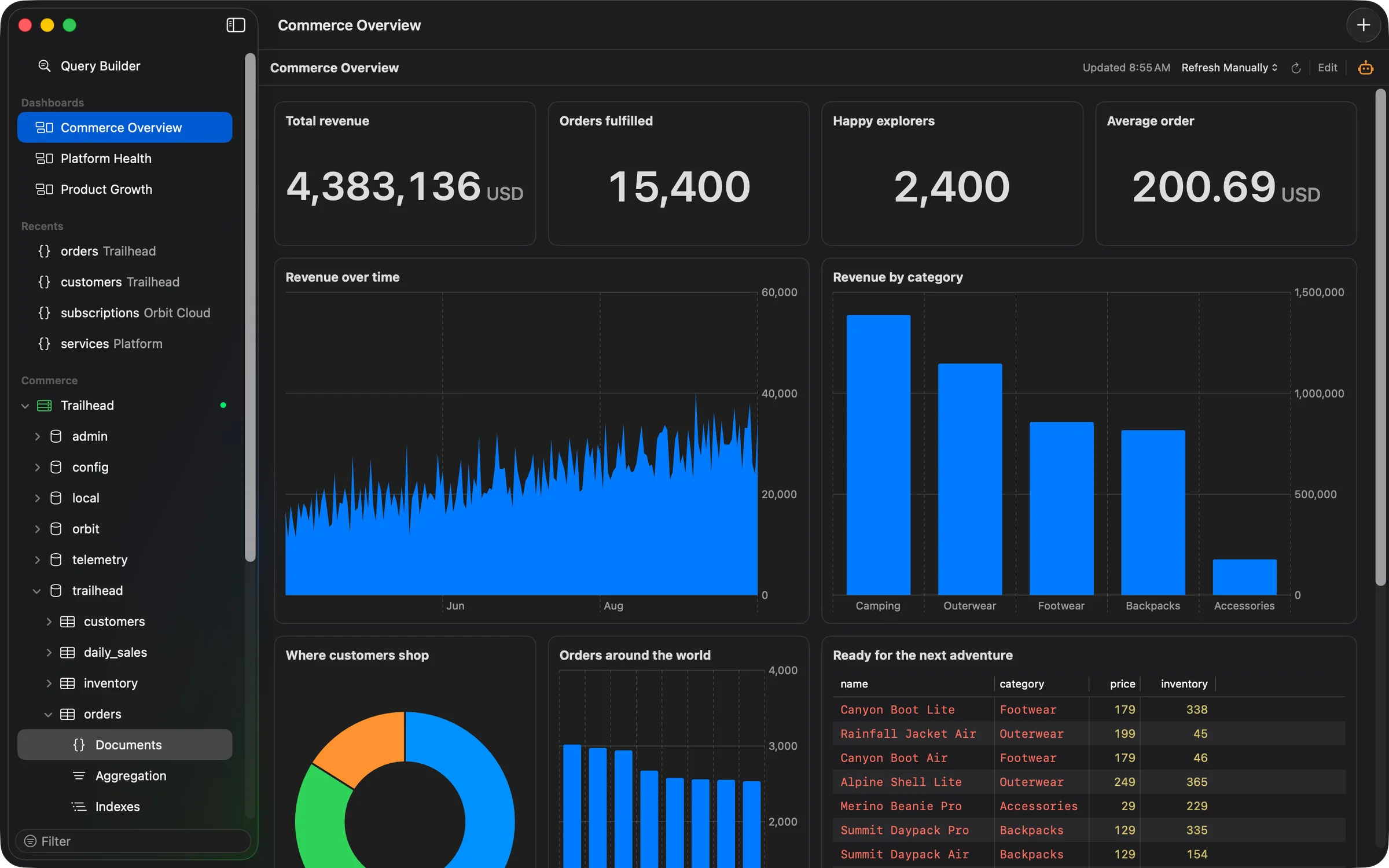
- Dashboards from your queries
- AI agents through the built-in MCP server
- Per-connection access, redaction and an audit log
Try it free for 7 days. Nothing is charged when the trial ends.
Good questions, straight answers.
What is Tallhorn?
Tallhorn is a native MongoDB client for macOS. It brings document browsing and editing, queries, aggregation pipelines, dashboards, and permissioned AI agent access into one Mac app.
Which Macs does Tallhorn support?
Tallhorn requires macOS 15 or later and supports both Apple silicon and Intel Macs. It is built with SwiftUI and AppKit, with support for light and dark appearances, keyboard navigation, and VoiceOver.
Can I connect to MongoDB Atlas or use SSH?
Yes. Connect with a mongodb:// or mongodb+srv:// URI, or use the connection form. Tallhorn supports MongoDB Atlas, SCRAM authentication, custom TLS settings, and built-in SSH tunnels with password or key authentication.
Do I need to use AI to use Tallhorn?
No. All database browsing, editing, queries, pipelines, and dashboards work independently of AI. Agent access is optional, off until you turn it on, and controlled separately for each connection.
How does access for AI agents work?
Tallhorn includes an MCP server for clients such as Claude Code, Claude Desktop, Cursor and VS Code. You set the access level for each connection, limit which databases are available, redact fields, and review write requests. Agent requests are recorded in an audit log. Data you allow an agent to read is subject to that agent provider’s data policies.
Where can I get Tallhorn, and what does it cost?
Tallhorn is free on the Mac App Store. Dashboards and AI agent access are part of Tallhorn Pro, a one-time in-app purchase of $29.99 USD with no subscription, and you can try it free for 7 days. The App Store shows the price in your own currency. Tallhorn is available in every App Store region except France.

Give your MongoDB a better home.
Free on the Mac App Store. Tallhorn Pro adds dashboards and AI agents, with a 7-day free trial.