Systeme.io Agent Skills
Agent Skills package, not an MCP server: task-specific Systeme.io guidance for landing-page design, copy, email and automation with official-source lookup; submitted for Agent Skills library consideration.
Documentation
Systeme.io Agent Skills: Use AI to Build a Free Website, Create a Link-in-Bio Page and Manage Email Marketing
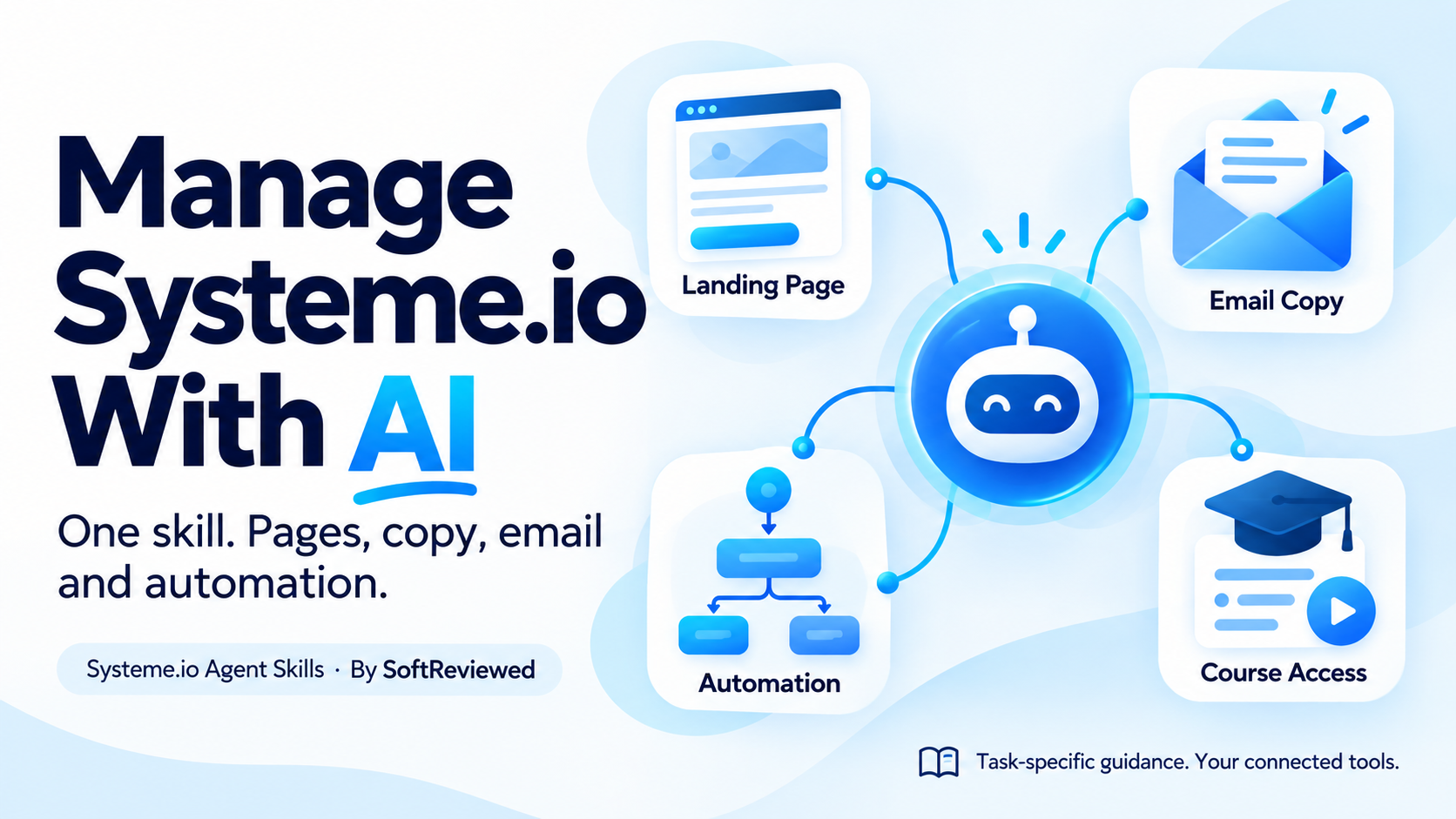
Give your assistant a practical Systeme.io playbook, from a first page to customer follow-up.
You have a business idea, a few useful links and something to offer. This skill helps an agent turn that into a clear workflow: choose the right builder, create the page, capture subscribers and configure follow-up using the tools you connect.
🚀 Don't have an account yet? Create your free Systeme.io account to put your pages and email workflows into practice. Already have one? Use your existing account.
Affiliate link: SoftReviewed may earn a commission from eligible purchases.
Your goal -> relevant workflow -> current official guidance -> supported action -> checked result.
Built by SoftReviewed. Independent community project; not affiliated with or endorsed by Systeme.io.
What can it help you do?
| Your goal | How the skill helps |
|---|---|
| Build a website without a separate website subscription | Check the account allowance, choose the website/blog/funnel route and inspect the result |
| Put useful links in your social bio | Plan a mobile-friendly link page with one clear main action and real destinations |
| Grow an email list | Connect a form, consent settings, a confirmation step and the appropriate follow-up |
| Manage email marketing | Distinguish newsletters from campaigns, check the sender and test before sending |
| Automate customer follow-up | Map a real trigger to tags, campaign subscriptions or access without duplicate rules |
| Deliver courses and manage community access | Separate course creation from enrolment and membership management |
| Manage offers and recurring purchases | Identify the right payment resource and cancellation timing; avoid confusing refunds with cancellations |
| Fix a problem | Investigate saved state, publish status, DNS, delivery evidence and connected capabilities |
The skill is free. A website is free only when it fits your actual account allowance. AI assistants, custom domains and third-party services can have separate costs. This package does not unlock paid features.
Why use it instead of pasting help pages?
- Focused guidance: one small entrypoint loads the relevant topic rather than an entire manual.
- Current-source lookup: 368 official help links across 14 categories, indexed on 6 October 2026.
- Practical checking: distinguish a saved draft from a published page and a test email from inbox delivery.
- Portable files: plain
SKILL.md, original reference guides and optional Python helpers. - No hidden promotion: the skill never adds our affiliate links to your assets automatically.
The index contains titles and URLs, not copied article bodies. Link discovery is not a claim that every article was read or every account workflow tested. Guides instruct the agent to reopen current official sources before acting.
Install
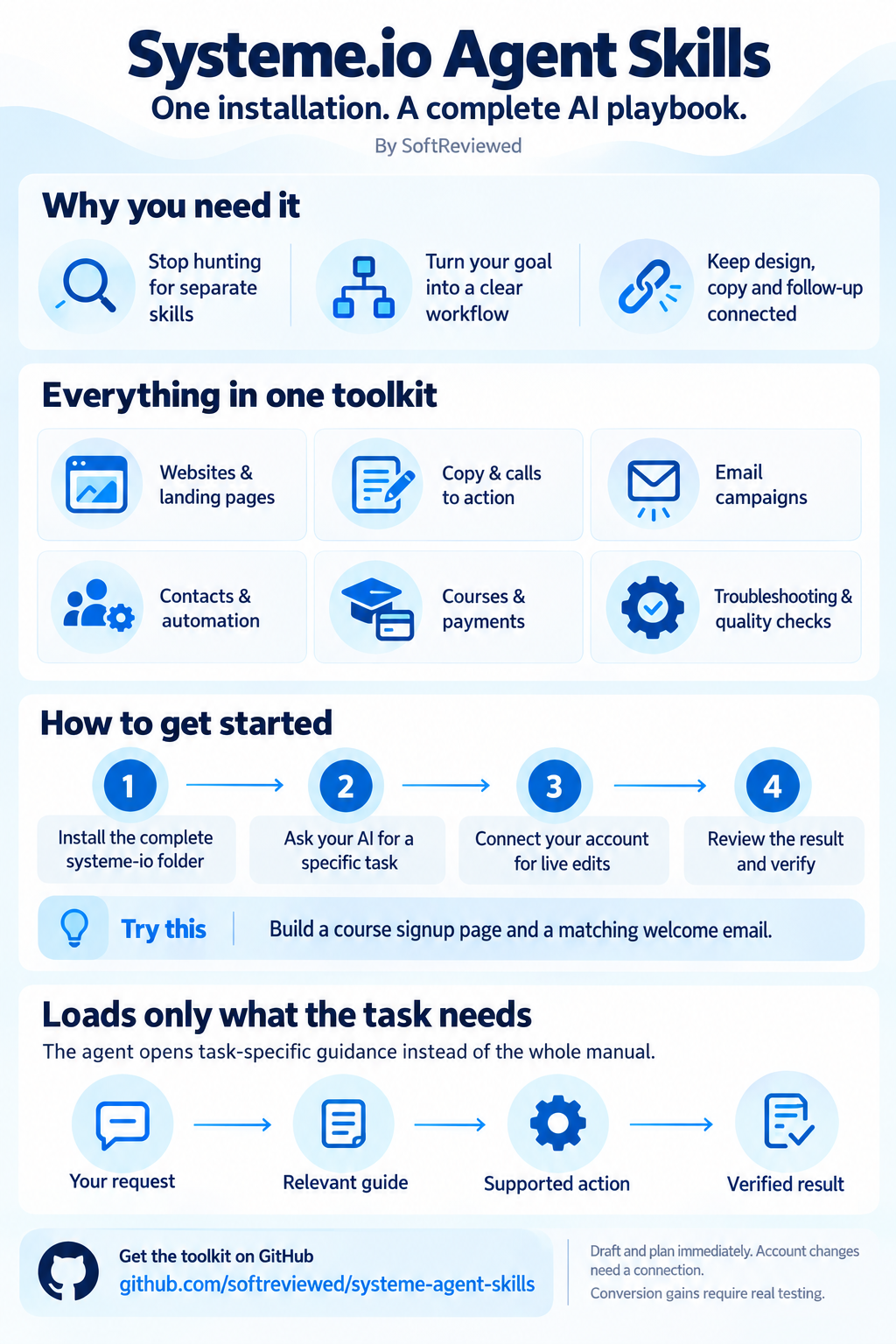
One installation, the complete toolkit
Version 2 packages everything inside one systeme-io skill. Users do not need to find separate design, copywriting or email skills.
| Included | What it helps you do |
|---|---|
| Platform workflow guides | Websites, funnels, automation, contacts, courses, payments and troubleshooting |
| Page design | Clear layout, useful visuals, readable buttons and mobile review |
| Audience and copy | Relevant offers, natural headings, credible claims and clear next steps |
| Email writing | Welcome, nurture and onboarding drafts matched to the page |
| Quality and measurement | Check forms, destinations, rendering and proposed experiments |
| First-use readiness guide | Separate installed files from verified account access |
Download the complete toolkit. It contains one folder with all guides and helpers. The bundle ZIP is an equivalent download, not a second skill installation.
Small context by design: the agent discovers a short name/description, loads the entrypoint when needed and opens relevant guides at the current task stage. The optional router returns up to four guide paths without loading their bodies. The official-source helper returns selected links rather than the whole help index. Actual loading and caching depend on the host agent; no fixed token savings are claimed.
Ready immediately for planning and drafting. Account edits need a connected Systeme.io account and supported tools. Installing this skill does not grant access, paid features, guaranteed rankings or conversion gains.
The current package contains SoftReviewed's original guides and code. The externally bundled Frontend Design skill from version 1.1 is removed in version 2; no rewritten copy of that skill replaces it. Previous releases retain their original licenses. General design principles support our own task-specific guidance.
Example:
Use systeme-io to build a course signup page and matching welcome sequence. Start with my audience and offer, use my real branding and proof, then check mobile layout and the signup-to-email flow. Work within my authorized scope and report any account access still needed.
Easiest: ask your agent
Give a filesystem-capable agent this repository link and ask:
Install the systeme-io skill from https://github.com/softreviewed/systeme-agent-skills. Inspect its files first. Use one supported skill directory for my agent, preserve existing skills and do not connect accounts or change credentials. Reload if needed, then follow its getting-started guide: check local completeness and report connected account access without changing it. Start my requested task using only the relevant guides.
A repository URL alone does not install skills in every app. Your agent needs file access or a supported import feature. Download the skill-only ZIP for manual installation/import; support varies by app.
Manual installation
Clone/download this repository and copy the entire skills/systeme-io folder, including its references and scripts, into one supported skills directory. Copying only SKILL.md loses the guides.
| Agent | Suggested location | Current guidance |
|---|---|---|
| Codex | ~/.agents/skills/systeme-io/ | Codex skills |
| Claude Code | ~/.claude/skills/systeme-io/ | Claude Code skills |
| Cursor | Project .agents/skills/systeme-io/ or user ~/.agents/skills/systeme-io/ | Cursor skills |
| Antigravity IDE / 2.0 | Project .agents/skills/systeme-io/ or user ~/.gemini/config/skills/systeme-io/ | Antigravity skills |
| Antigravity CLI | Project .agents/skills/systeme-io/ or user ~/.gemini/antigravity-cli/skills/systeme-io/ | Same official guide |
| Other agents | Their documented Agent Skills folder/import feature | Open skill format |
~ means your home folder; on Windows that is usually C:\Users\YOUR_NAME. Choose one installation location; do not duplicate the same skill across global and project scopes. Shared directory support is app-specific, not guaranteed automatic discovery everywhere. Local skills may not sync to cloud sessions.
Optional installer, Python 3.10+ (no third-party packages):
git clone https://github.com/softreviewed/systeme-agent-skills.git
cd systeme-agent-skills
python scripts/install.py --destination "~/.agents/skills/systeme-io" --dry-run
python scripts/install.py --destination "~/.agents/skills/systeme-io"
For Claude Code or Antigravity, replace the destination using the table. The installer refuses to overwrite an existing skill. It does not edit agent settings, install an MCP or store keys. After installation, reload the agent and check its skill list. In clients with explicit skill commands, invoke systeme-io using the client's own syntax.
To update, compare the new version with your installed copy and preserve personal changes before replacing it. There is no background updater. To uninstall, remove only the installed systeme-io folder through your normal file-management flow.
Try it
Use the systeme-io skill to plan a link-in-bio page for my consulting business. Inspect my account's available builder and allowance first. Draft the page and show which parts need an account connection before making changes.
Help me connect a signup form to a welcome campaign. Inspect existing automation so we do not send duplicate emails. Draft the sequence; do not broadcast to my list.
My course customer cannot get access. Check the selected contact, course and enrolment before proposing a change.
Skills and MCP: use them together
| Component | What it provides |
|---|---|
| This skill | Instructions, task routing, source discovery and checks |
| Official Systeme.io MCP | Account actions supported by the connected official integration |
| Systeme.io Extra MCP | Additional enrolment, membership, custom-field, subscription, webhook and SMS-configuration tools |
| An authenticated browser | Dashboard operations and visual inspections where supported tools are absent |
No account connection is required to plan or learn. Actual changes need your connected account, appropriate tools, permissions and authorization. The skill does not make an agent know everything or guarantee it chooses the right customer. Tool discovery and verification remain necessary.
Learn the platform first
If you are new, our Systeme.io course guide compares the two certification paths. For practical funnel learning, see the Systeme.io Funnel Builder certification guide.
Need an account? Create a free Systeme.io account. Compare plan allowances only when your project needs more capacity. Installing this skill does not require a paid plan.
Affiliate disclosure: SoftReviewed may earn a commission from eligible purchases through its referral links. These optional resources do not affect installation or agent behavior.
Coverage and maintenance
See coverage and acceptance checks, verified results and limits, and the skill's official-source index.
From the repository root:
python scripts/validate.py
python -m unittest discover -s tests -v
python skills/systeme-io/scripts/find_sources.py "email campaign"
python scripts/refresh_sources.py
python scripts/package.py
python scripts/package.py --skill bundle
Refreshing indexes public category metadata only. It honors robots.txt, bounds traversal and preserves the previous index on failure. It neither copies full help articles nor touches an account. There is no scheduled refresh unless you configure one yourself. The skill package requires no Python for reading; its optional helpers require Python 3.10+.
Contribute
Report the task, current official source and observed behavior. Redact credentials and customer data. Suggest focused workflow improvements rather than copying manuals or adding unsupported promises. Source articles and trademarks belong to their owners; the MIT license covers this project's original instructions and code. Version 2 has no bundled third-party skill.