SkillU
SkillU is a curated marketplace of Agent Skills. Install one, run it end to end, keep what it makes — skills cover automation, image & video, and more, for Claude Code, Codex, Cursor, and Muse.
Hosted MCP Server
npx add-mcp 'https://skillu.dev/mcp'Installs into Claude Code, Codex, Cursor and more
Documentation
Top-rated Agent Skills
New catalog: ratings open as verified installs come in. No numbers are shown until they are real.
 Premium
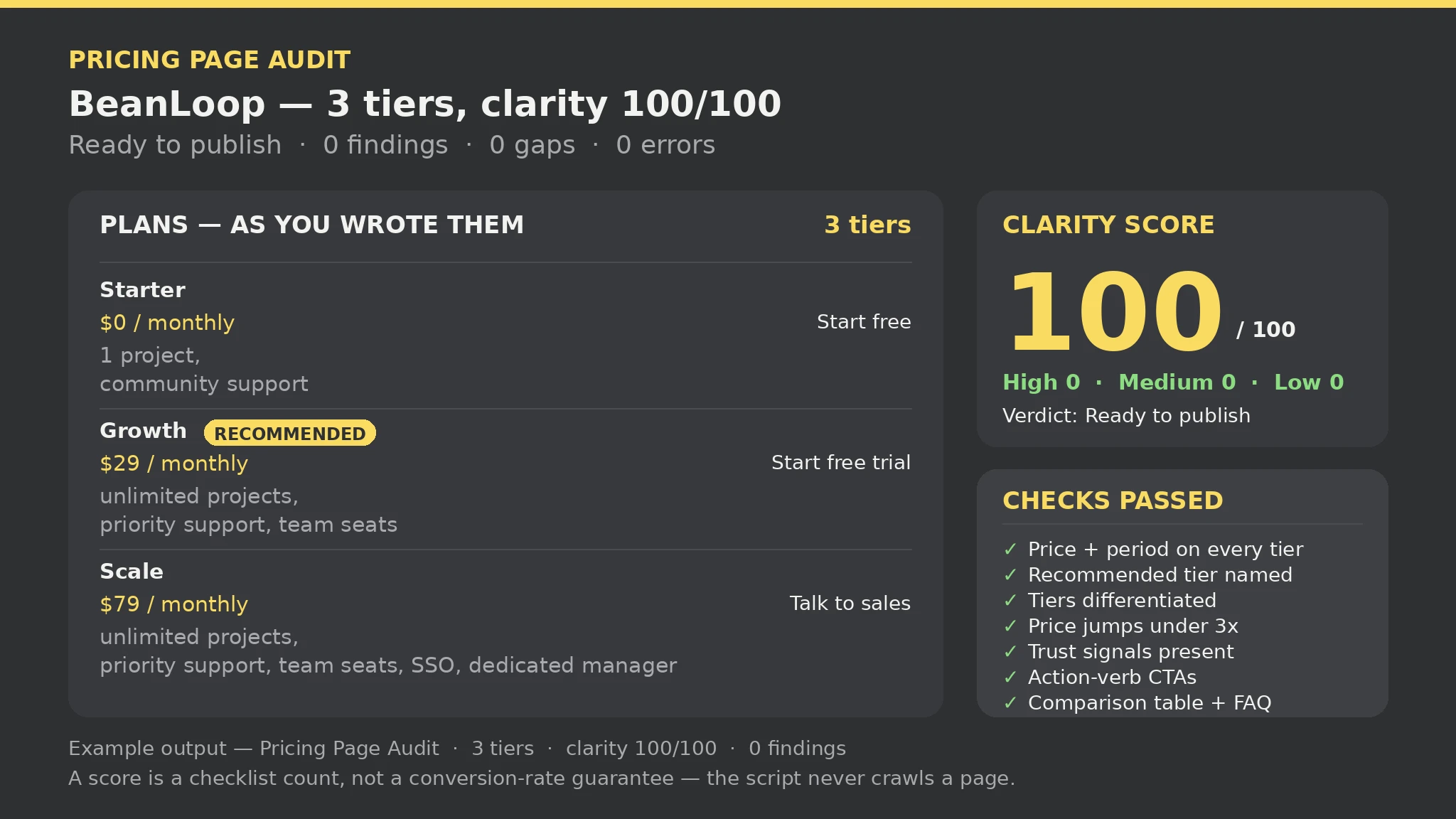
Pricing Page Audit
- Write the Product line and one Plan line per tier in…
- Add the Recommended line, Note lines for trust signals,…
- Run the auditor script, read the verdict and the…
- Fix the quick wins first — price the unpriced tier,…
 Premium
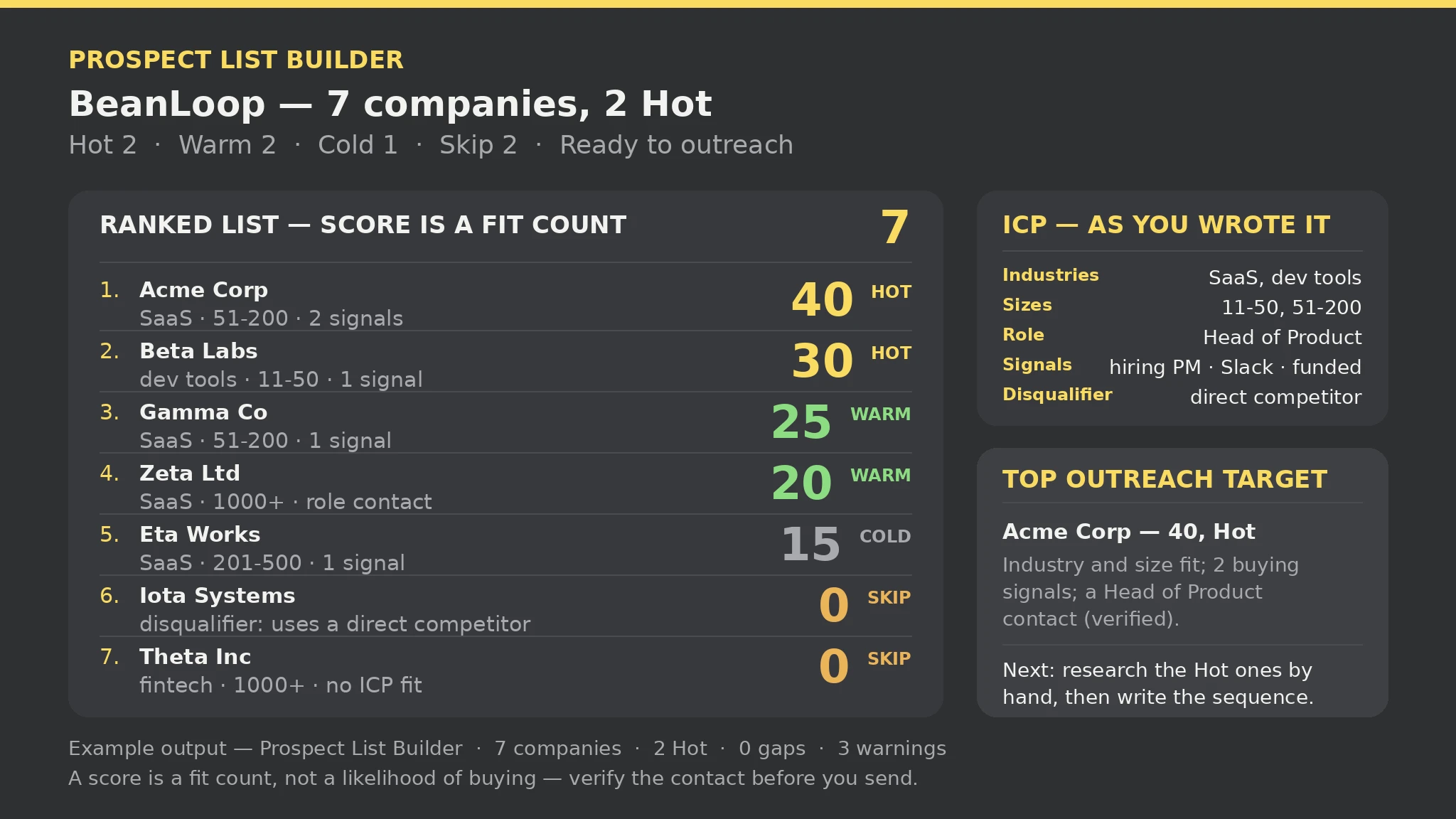
Prospect List Builder
- Write the Product, Audience, Industry, Size, and Role…
- Add one Signal line per buying signal, one Disqualifier…
- Run the builder script, read the verdict and the ranked…
- Research the Hot companies first — confirm the signal…
 Premium
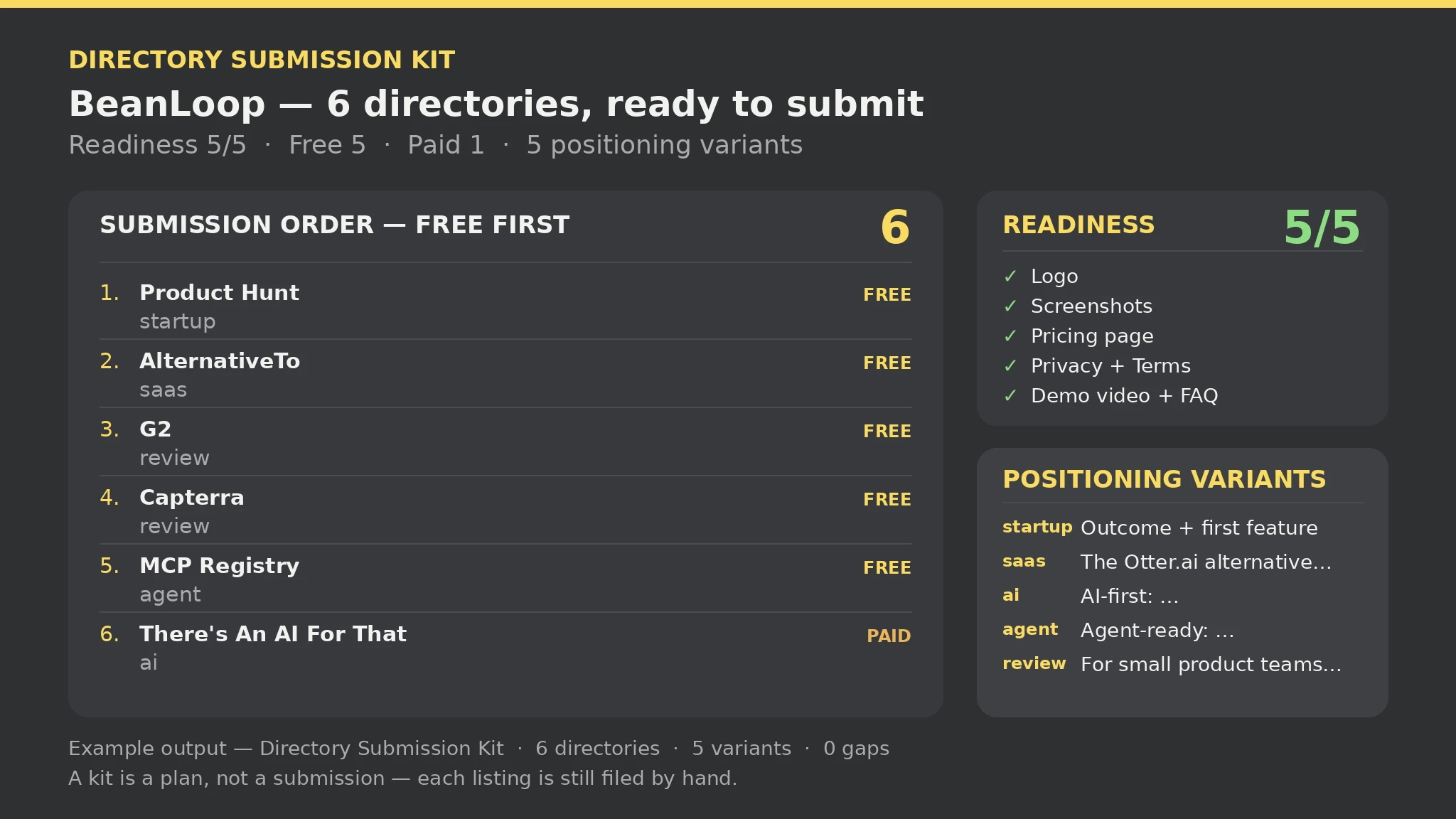
Directory Submission Kit
- Write the Product, Tagline, Category, URL, and Pricing…
- Add Feature lines, Asset lines for the readiness…
- Run the kit script, read the Readiness verdict and the…
- Fix the missing assets first, then submit in order and…
 Premium
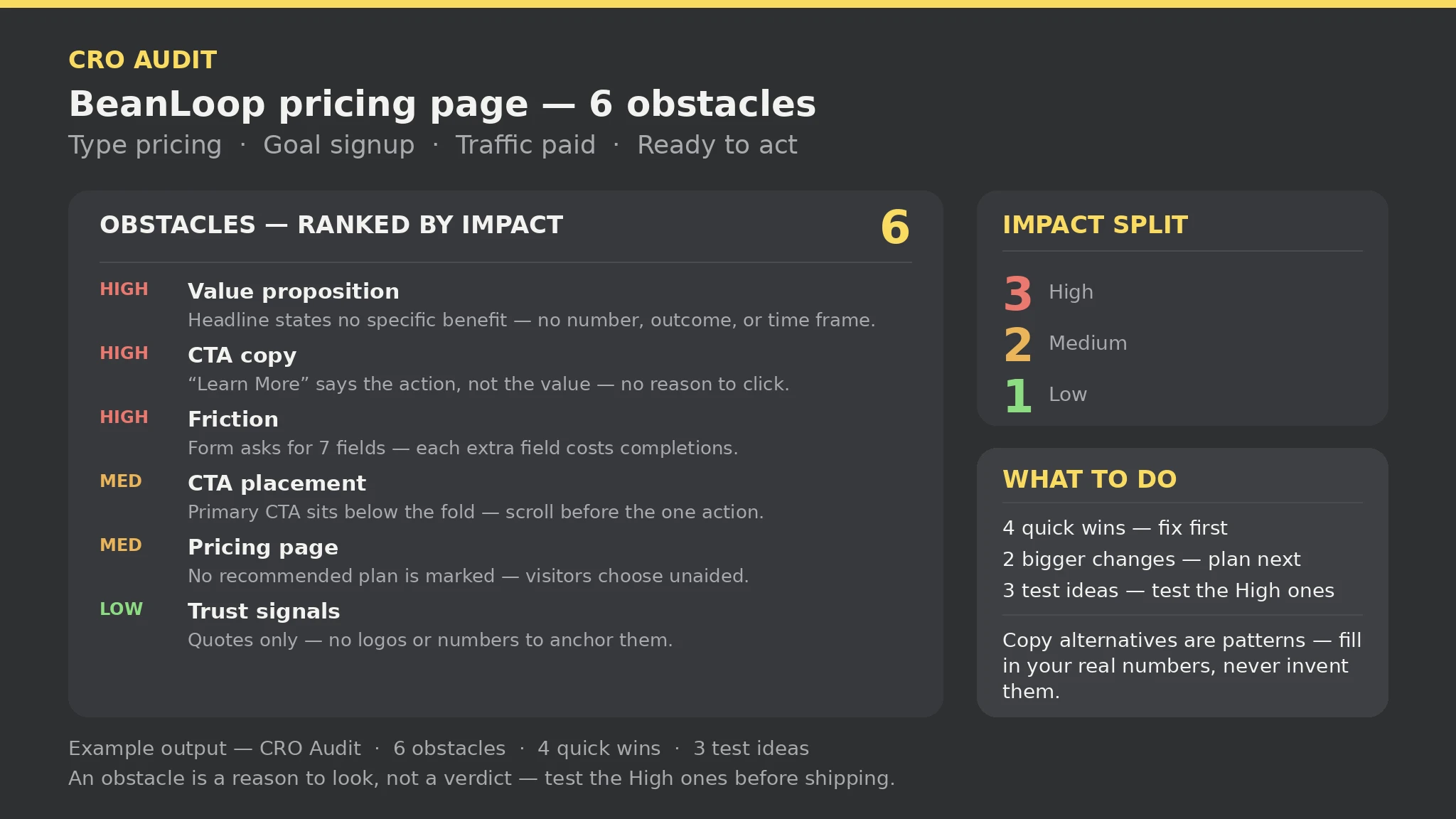
CRO Audit
- Write the Page, Type, Goal, Headline, and CTA lines in…
- Add one Section line per page element, in page order,…
- Add Trust and Objection lines, and a Fields line when…
- Run the audit script, read the Readiness verdict and…
 Premium
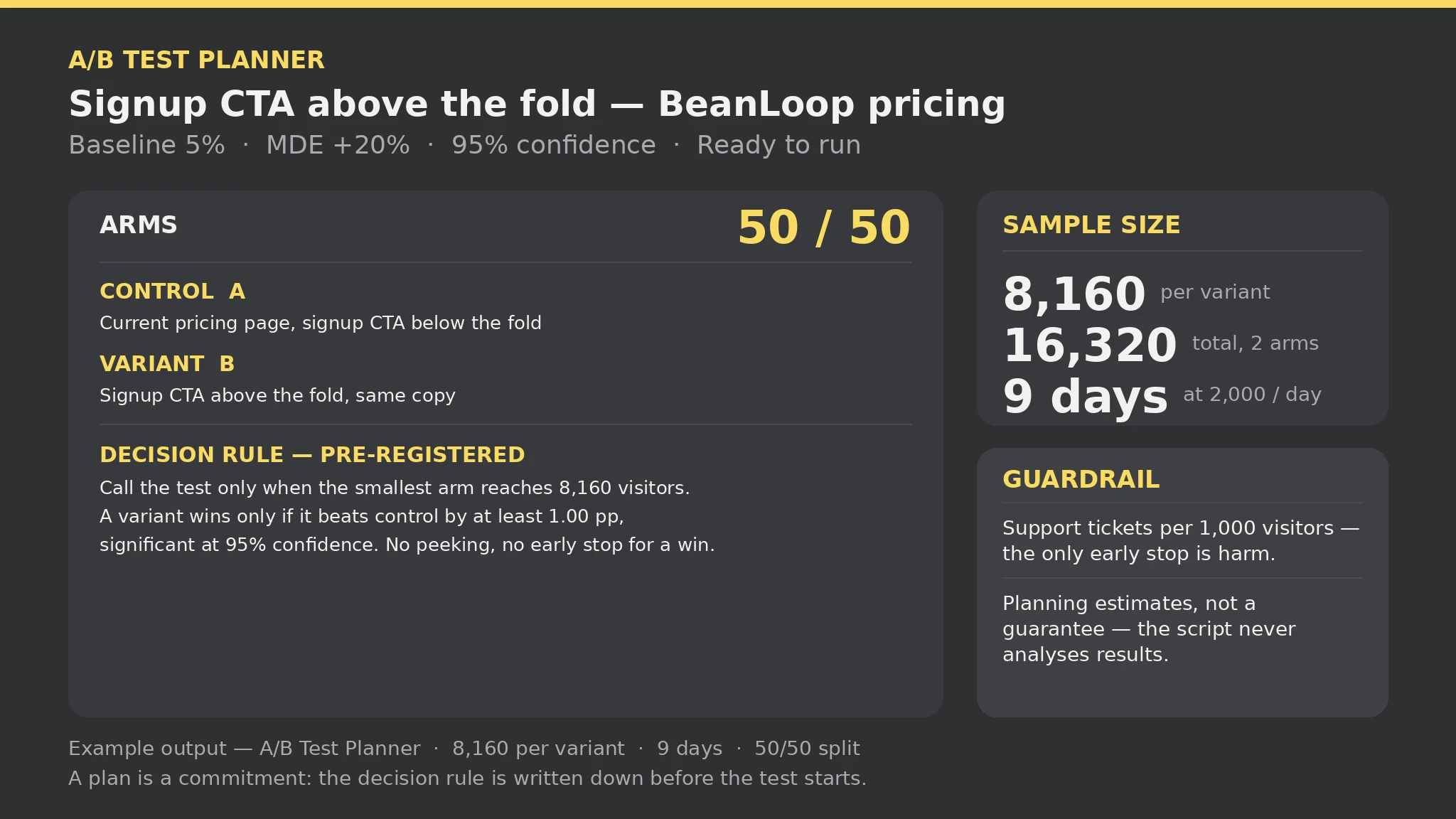
A/B Test Planner
- Write the Hypothesis, Page, Metric with Baseline, and…
- Add one Control line and one Variant line per variant —…
- Add the Traffic line, plus Split, Secondary, Guardrail,…
- Run the planner script, then read the Readiness verdict…
 Premium
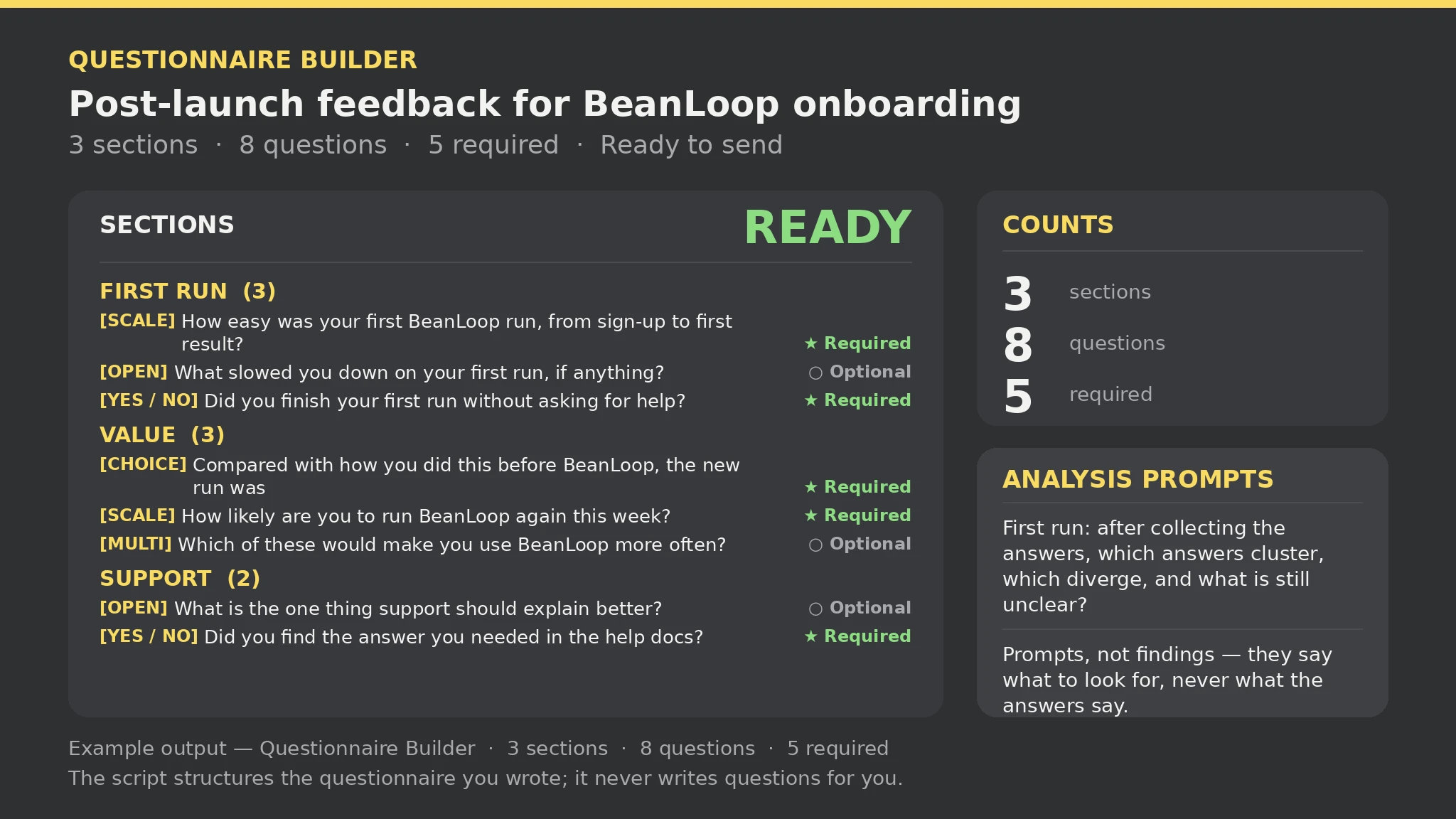
Questionnaire Builder
- Write the Topic, Purpose, and Audience lines in…
- Add one Section line per group, in the order the groups…
- Add one Question line per question — the question text,…
- Run the questionnaire script on the file, then read the…
Every Skill shows real work
Each Skill starts as a finished piece of work: a triaged inbox, a booked meeting, a produced episode. The page shows the result, the exact prompt that made it, and what the package contains.
01
Design the result
We define the finished output first: what done looks like, and how you check it.
02
Write the workflow
Instructions, templates and checks packaged as one SKILL.md your agent can follow.
03
Run it for real
Each Skill page shows a real run and the prompt behind it — no mock outcomes.
04
Keep it current
Skills are versioned and updated as agents and models change.
Ask your agent to install it
Read https://skillu.dev/install/agent.md and follow the instructions, then help me discover the right Skill.
Skills for your agent
One catalog, the agent you already use. See how installing works in yours:
Simple access to every Skill
Monthly
$9.99 / month
Full Premium access, billed monthly.
- Access all Premium Skills
- Install from the web or by agent prompt
- Ongoing Skill updates
- New Premium Skills included
- Cancel whenever you need
Founding Lifetime Founding offer
$169 one-time
Founding price — increases as the library grows.
- Access all Premium Skills
- Install from the web or by agent prompt
- Ongoing Skill updates
- New Premium Skills included
- No subscription or renewal bill
Getting started
What is an Agent Skill?
A Skill is a reusable set of instructions and resources — packaged as a SKILL.md plus templates and checks — that helps an AI agent complete a specific kind of work the same reliable way every time.
Who makes the Skills on SkillU?
Skills are curated and reviewed before listing. Automation skills are listed first because that is where agents save the most time today.
How do I install a Skill?
Open the Skill page, copy its install prompt into your agent, or follow the manual steps. Agents can read https://skillu.dev/install/agent.md and follow it end to end.
Will this work with my agent?
The catalog targets agents that can read and install Agent Skills: Claude Code, Codex, Cursor and Muse. Each Skill page lists the agents it supports.
Do I need an API key?
Not to browse or install free Skills. Some Skills call outside models with your own key; each Skill page states what it needs before you install it.
How do I get Skill updates?
Re-run the install steps when a new version is out. Each Skill page shows its current version, and paid access includes every update.