Seller Assistant
Run Amazon wholesale ops
Documentation
Amazon Seller MCP Server for Claude and ChatGPT
Give your agent the tools to run your Amazon business: leads, purchase orders, and the repricer, from your AI chat.
Connect in 2 Minutes
Seller Assistant is a ChatGPT app. Connect it in one click.
- 1 Open Seller Assistant in ChatGPT.
- 2 Select Connect.
- 3 Sign in to Seller Assistant and allow access.
The client then opens a Seller Assistant sign-in page. Approve access there and the connection is live.
Seller Assistant for ChatGPT
Ask about price list leads, purchase orders, restrictions and the repricer right inside ChatGPT.
SEE IT WORK
Connect Once, Then Run Wholesale From Your Chat
Watch Seller Assistant connect to an AI chat, return the profitable price list leads, draft a purchase order and report on the repricer, in about 80 seconds. Pick a chapter to start at that step.
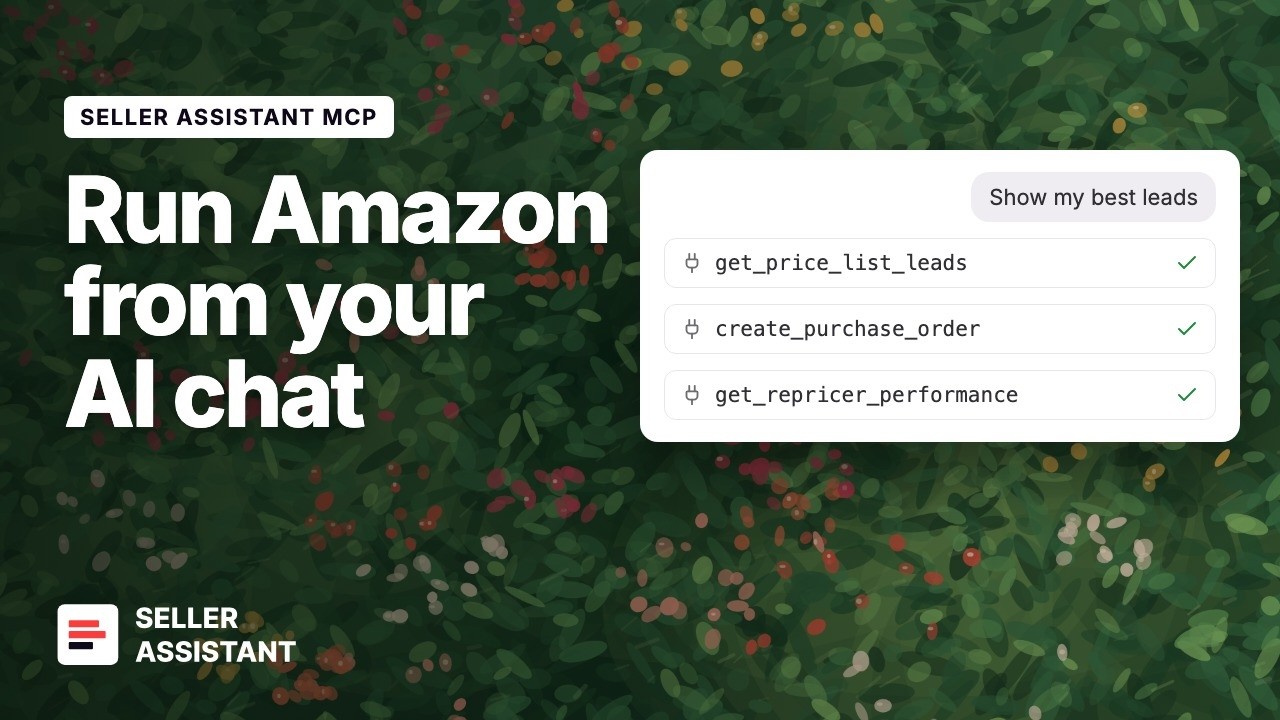
- 0:00 The problem and the fix
- 0:25 Step 1. Connect Seller Assistant
- 0:37 Steps 2 and 3. Get leads and create a purchase order
- 0:59 Step 4. Check the repricer
WHAT YOU ASK, WHAT YOU GET
Say What You Want. Your Agent Works in Your Account.
Buying and selling both run through the same chat: supplier files, supplier search, eligibility checks, purchase orders, and repricing.
"Analyze this price list and show me everything above 30% ROI."
Seller Assistant matches every row to Amazon, calculates fees and profit, and reports progress until the profitable leads come back with a link to the full list.
"Find wholesale suppliers for this brand."
The agent starts a supplier search in the background, checks the status about every 5 seconds, and brings back the suppliers when the search is ready.
"Which of these can my account actually sell?"
A selling restriction check runs against your own Amazon account, then summarizes what is allowed, what needs approval, and what is not eligible.
"Build a purchase order from leads 1, 4 and 7 — 24 units each."
A draft purchase order arrives with the supplier, costs, and quantities laid out for you to confirm, plus a link and a PDF.
"Find the UPC and EAN for these 60 ASINs."
Every ASIN is matched to its identifiers for the marketplace you sell in, ready to paste back to a supplier.
"How did my repricing strategies do this month?"
Performance and history for each strategy, so you can decide what to change before you touch a live price.
"What is in my Seller Assistant account right now?"
Your active team, marketplace, suppliers, and warehouses — the fastest way to confirm the connection works.
WHY AN AGENT, NOT A DASHBOARD
You Describe the Job. Your Agent Runs It.
In the web app you drive every step yourself. Over MCP the agent takes the whole run and comes back when there is something for you to approve.
Hand over the run, not one click
Ask for an analysis and the agent keeps going on its own: it returns the profitable leads, offers to check which ones your account can sell, then offers to draft the purchase order.
It does the waiting
A large price list takes minutes. The agent polls in the background, tells you the progress as it changes, and brings back the leads when it finishes. You are not refreshing a status page.
Supplier search runs while you wait
Ask for suppliers and the agent starts the search, checks the status about every 5 seconds, and returns the matches when they are ready. Earlier searches stay available if you ask for them.
Forward the supplier file exactly as it arrived
PDF, Excel or CSV. The agent samples the rows, works out which columns hold the identifier and the cost, maps them, and starts the analysis. No template, no retyping.
Ask in words, not in filter panels
Say "30% ROI, at least 20 sales a month, nothing Amazon is selling" and the agent turns it into the same advanced filters the dashboard uses.
FAQ
Questions Before You Connect
Do I need an API key?
No. The MCP server uses OAuth only. You sign in with your Seller Assistant account and the AI client never sees your password.
Do I need to install anything?
No. Seller Assistant hosts the server. There is no local package, no desktop bridge, and no command-line process to keep running.
Which AI clients work?
Any client that supports a remote MCP server over Streamable HTTP. This page has exact steps for ChatGPT, Claude, Grok, Grok Bot, Gemini, OpenClaw, and Hermes.
Is this included in my plan?
The MCP connection uses the same Seller Assistant account and the same limits as the web app and the extension. Your price list, restriction, and repricer allowances apply the same way.
Can the AI spend my money?
It cannot buy anything from a supplier. It can draft a purchase order inside Seller Assistant, and it shows you the supplier, quantities, and costs before it does. You approve every write.
Does this replace the extension or the web app?
No. It is another way into the same account. Keep researching on Amazon pages with the extension, and use chat for the bulk work: price lists, restriction checks, purchase orders, and repricer reviews.
What is MCP?
Model Context Protocol is an open standard that lets an AI client use outside tools through one interface. It is what allows Claude or ChatGPT to work inside your Seller Assistant account instead of guessing at Amazon data.
The client rejects the server URL
Use https://mcp.sellerassistant.app/mcp exactly. A trailing slash, a missing /mcp path, or the www domain will fail. Also confirm your client supports remote MCP servers — a client that only runs local servers cannot connect.
The sign-in window does not open
Allow pop-ups for the client, then remove the server and add it again. In a terminal client, copy the printed address into your browser yourself.
I get an authorization error
Your session expired, or you approved access with a different account. Remove the server from the client, add it again, and finish the sign-in.
Seller Assistant does not appear in the chat
Most clients read the tool list once at start. Restart the client after you finish signing in. In Claude Code, run /mcp to check the server state.
The results belong to the wrong team
Ask for your account context to see the active team and marketplace. Switch the team in Seller Assistant, then start a new chat.
A price list looks stuck
Price list analysis and restriction checks run in the background, and a large file takes several minutes. Ask for the status, or open the list in Seller Assistant.
Building your own client or automation? The API reference and OAuth details are in the developer portal.