Sekondo · Adobe MCP
Sekondo connects Claude, ChatGPT and Gemini to six Adobe apps (Photoshop, Illustrator, InDesign, Premiere Pro, After Effects and Lightroom Classic) via MCP, so the AI works directly inside your documents.
Documentation
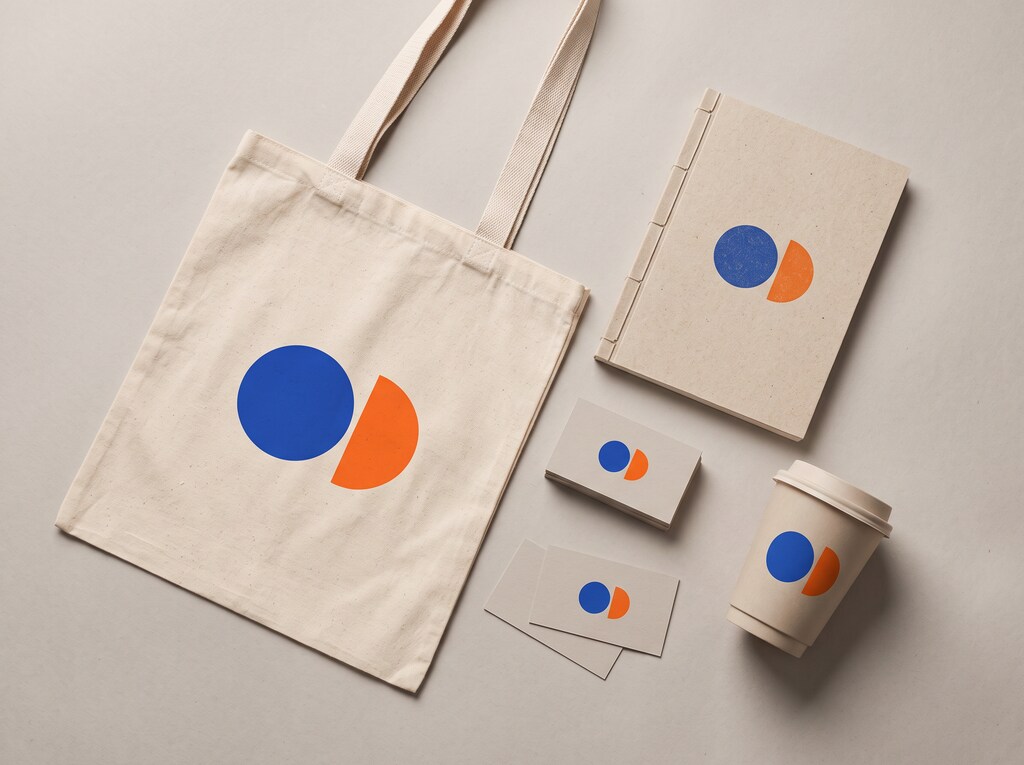
Create brand identities

Design posters

Edit videos

Retouch portraits

Style product shots

Optimise illustrations
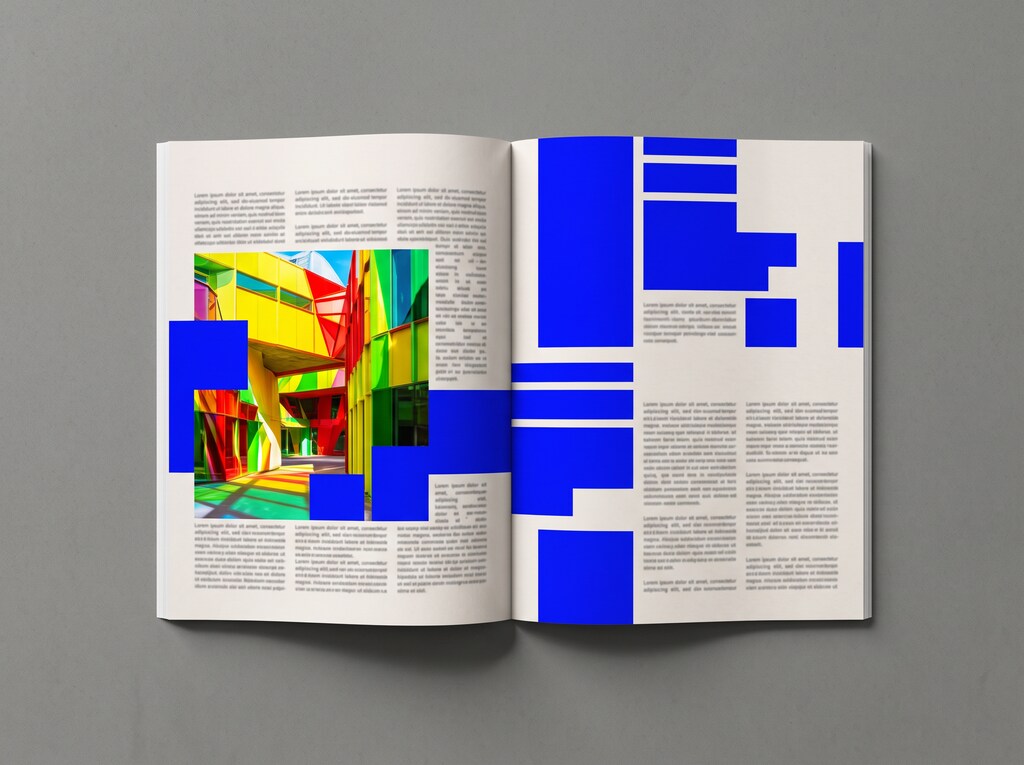
Lay out books

Create animations

Develop landscapes
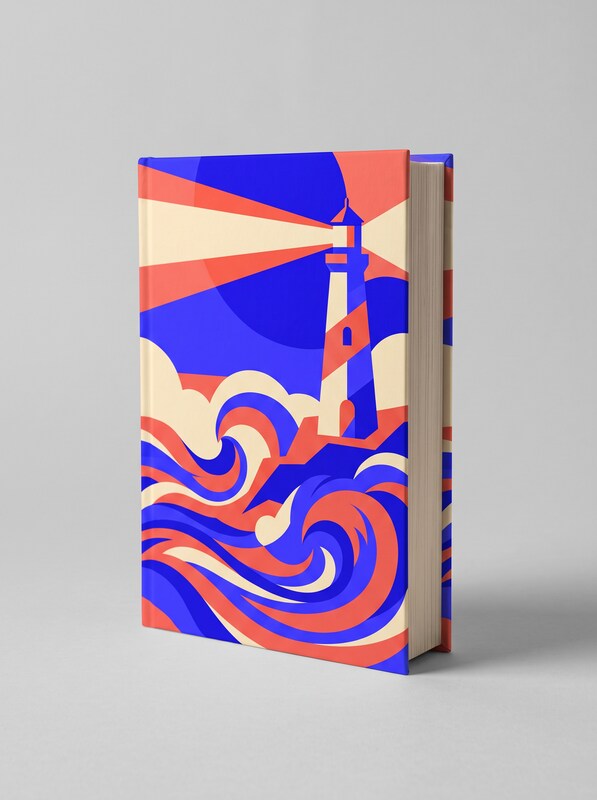
Design covers

Cut documentaries

Develop in batches

Design packaging

Make photo composites

Animate headers

Organise layers
What Sekondo is.
An MCP bridge (Model Context Protocol) that installs into Photoshop, Illustrator, InDesign, Premiere Pro, After Effects and Lightroom Classic. It takes what your AI assistant tells it and does it inside your document, with its layers and its text, so you can keep editing it yourself.

Sekondo is on sale on this website and on Adobe Exchange, Adobe's official store. See it on Adobe Exchange →
Where the time goes
90 % of your timeshould go to creating.
A ten-day job shouldn't disappear into mechanical tasks. With Sekondo you get more than a week to explore your best idea, and the repetitive work is done in a few hours.
The client's deadline stays the same; what changes is the quality of what you deliver.
Let the AI do the tedious part. The creative part stays yours.
See how it works, step by step, right before your eyes.
You describe it. Sekondo chains together the tools in your app, and you watch it come together in your document.
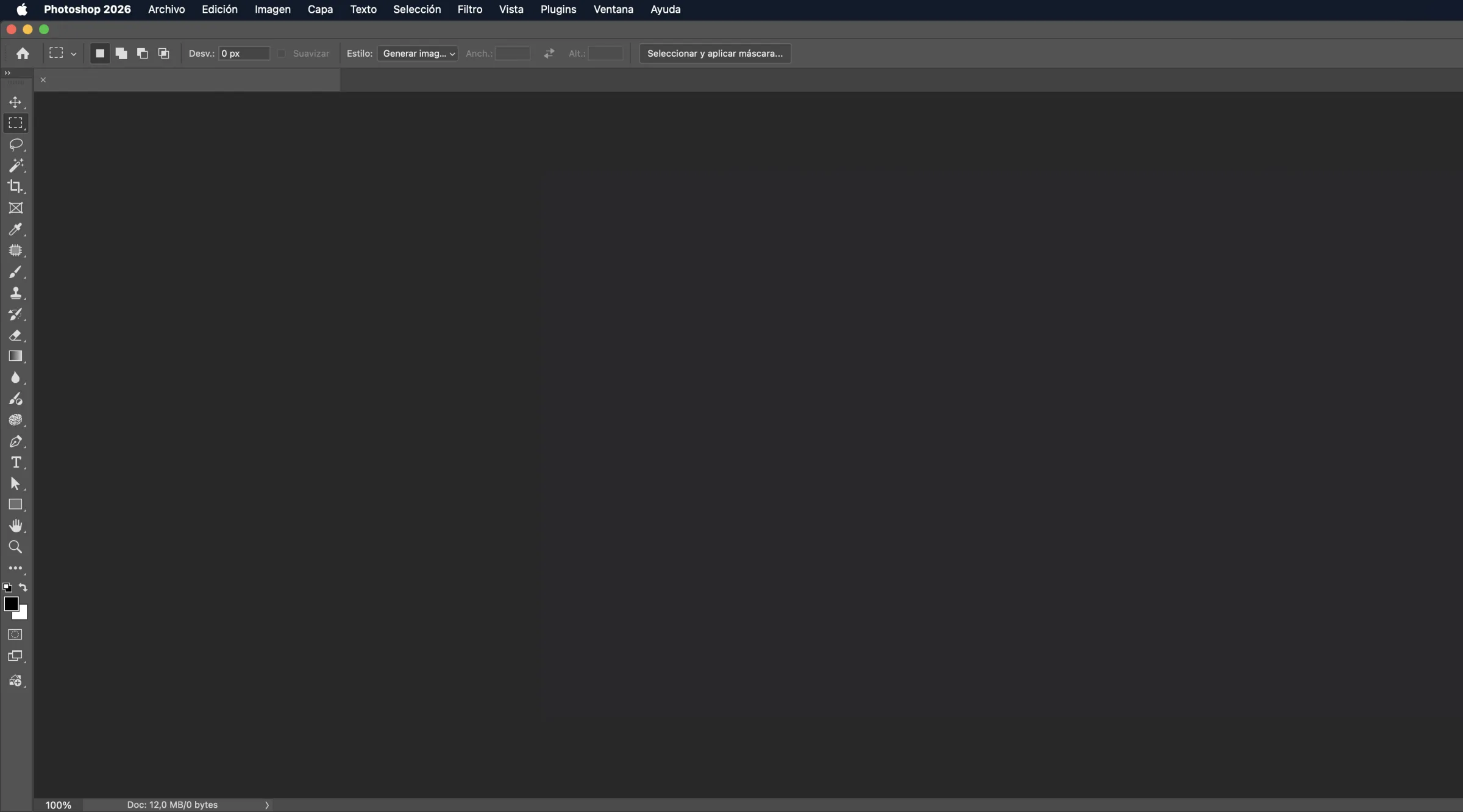
Cartel nocturno.psd @ 66,7% (RGB/8)
Offset:0 pxSmoothStyle:Generate im…Width:Height:Select and Mask…100%Doc: 12.0 MB/0 bytes




Layers
- Layer 7Shop windows
- Layer 1 copy
- Layer 12Street lamps
- Layer 3Parked cars
- Layer 4 copy 2
- Layer 9Sky
- Layer 2
- BackgroundStreet at night
1080 × 1080
1080 × 1350
1080 × 1920
Generation with Firefly Image 3
*Tip:*Don't want a generated background? After using Remove Background, choose your own solid colour fill or upload a custom image.
Cancel ConnectedNew 
Assistant Claude
Model Opus
Reasoning Medium


Guide · FAQ · Rate
It doesn't hand you back an image: it works in your document, layer by layer, and everything it does stays editable. And if something isn't right, undo it (Cmd + Z or Ctrl + Z) and it goes back to how it was.
You ask. Sekondo does it.
Inside the app, from your chat or out loud.
Sekondo now also lives inside your Adobe apps, which is where your tools are. And if you prefer your usual chat, it works just as it always did.
Working…New
Assistant Claude
Model Opus
Reasoning Medium
Sort and name the layers according to their content and delete the unused ones.
Done: 12 layers sorted and named. I removed 3 empty ones; everything else is untouched.
Make the rain heavier, add neon reflections on the asphalt and the headline «NOCHE». Then export it in the social media sizes.
From your built-in panel
It's right inside your Adobe app, just another panel, and you type to it there.
Shop poster
In Photoshop, get the photo of the bottle ready for the shop: white background, 2000 × 2000 and with its shadow.
Done in your document: white background, 2000 × 2000 px and the shadow on its own layer. I haven't touched the original.
Reply…
+ Opus 5.5
From your usual chat
Your Claude, ChatGPT or Gemini desktop app.
ConnectedNew
Done. The autumn catalogue is laid out: 48 pages with your styles.


Talk to Sekondo
Press the mic and explain it in your own words.
What people already using it say.
Rating ★★★★★
“With Sekondo I automate the most mechanical, repetitive work, which saves me a lot of time.”
Ana · Graphic designer · Pamplona
Rating ★★★★★
“I do night photography, and editing usually takes forever because of all the fine adjustments and complex selections every shot needs. Since I started using Sekondo in Lightroom, my workflow has become exponentially faster without losing an ounce of control over the final result. On top of that, customer service and technical support are top-notch: they’re always there to answer any question right away. An exceptional product and team.”
Pedro Monzó · Entrepreneur and photographer · Andorra
Rating ★★★★★
“I work as a graphic designer in a design studio. We’ve built Sekondo into our everyday workflow and it has let us speed up repetitive processes with ease. I always review the results to make sure everything is right, but the corrections are usually minimal.”
Marta · Graphic designer · Córdoba
Rating ★★★★★
“I’m a macro photographer. To get a portrait that shows every last detail of a dew-covered spider, I used to have to manage hundreds of photos: sort them, adjust them, export them to other programs, stack them and squeeze the RAW files for maximum detail. With Sekondo I have an assistant that does all of that for me. It takes care of the mechanical part that eats up your time, so you can spend it on more important things. Simply brilliant.”
Sergio Gómez, @makro_things · Macro photographer · Berlin, Germany
Rating ★★★★★
“Sekondo has been a great discovery for our work in InDesign. It more than does its job and keeps pleasantly surprising us with how it handles tasks. Right now we’re pushing its possibilities and getting more ambitious, trying different ways of asking for things because it solves challenges brilliantly. I can only speak highly of it: every day we come up with new ideas to try and see how far it can go!”
Eugenio Sánchez · Graphic design · Vigo, Spain
Rating ★★★★★
“Honestly, once you know how to use the tool, you get really satisfying results, it’s very intuitive. And the technical support is top-notch.”
Alberto, Algrama · Printer · Benetússer, Valencia
Rating ★★★★★
“An amazing app that has allowed me to get 10X the work done and reduced the learning curve to the level of no experience required.”
Kim Seekman · Writer, editor, graphic designer and tech entrepreneur · Michigan, USA
Rating ★★★★★
“I tried Sekondo with Premiere Pro, and in just one hour, I had a finished video that would normally have taken me days to complete. Can’t wait to try it with the rest of the Adobe suite!”
Joakim Eriksson · Videographer, photographer, editor, IT manager · Sweden
Already using Sekondo? Tell us how it's going

Sekondo, from €7.50 a month You pay nothing today
Your taste isn't something you delegate.The tedious stuff is.
More time for ideas and more room to create.