Chess.com MCP (interactive views)
Chess.com player, game, and daily-puzzle tools where each tool ships its own interactive React view — board replays and a playable puzzle widget, not just text. Built with Skybridge for ChatGPT & Claude.
Documentation
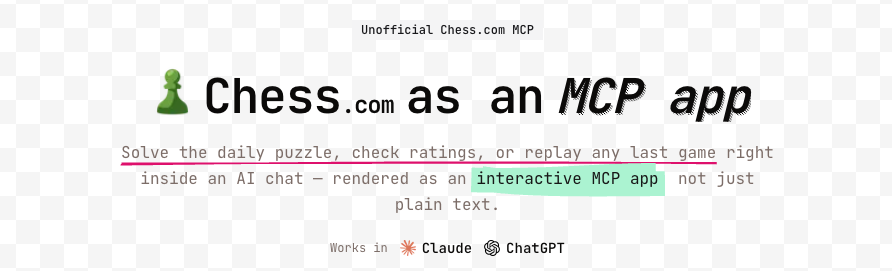



A reference example for building MCP apps with interactive React views — where each tool ships with its own view instead of returning plain text. Built with Skybridge, it looks up Chess.com players, games, and the daily puzzle, and runs in ChatGPT and Claude.
Try it
- Live demo: chess.niklas.sh
- MCP server URL:
https://mcp.chess.niklas.sh/mcp
Just add the MCP server URL to any compatible client (ChatGPT, Claude, etc.) — that's it. Then ask things like "show me magnuscarlsen's last game" or "give me today's chess puzzle".
Tools
| Tool | Input | Description |
|---|---|---|
| get-chess-player | username | Player profile with rapid, blitz, and bullet ratings plus win/loss/draw records. |
| get-last-game | username | The player's most recent game — result, opponent, opening, and an interactive board replay. |
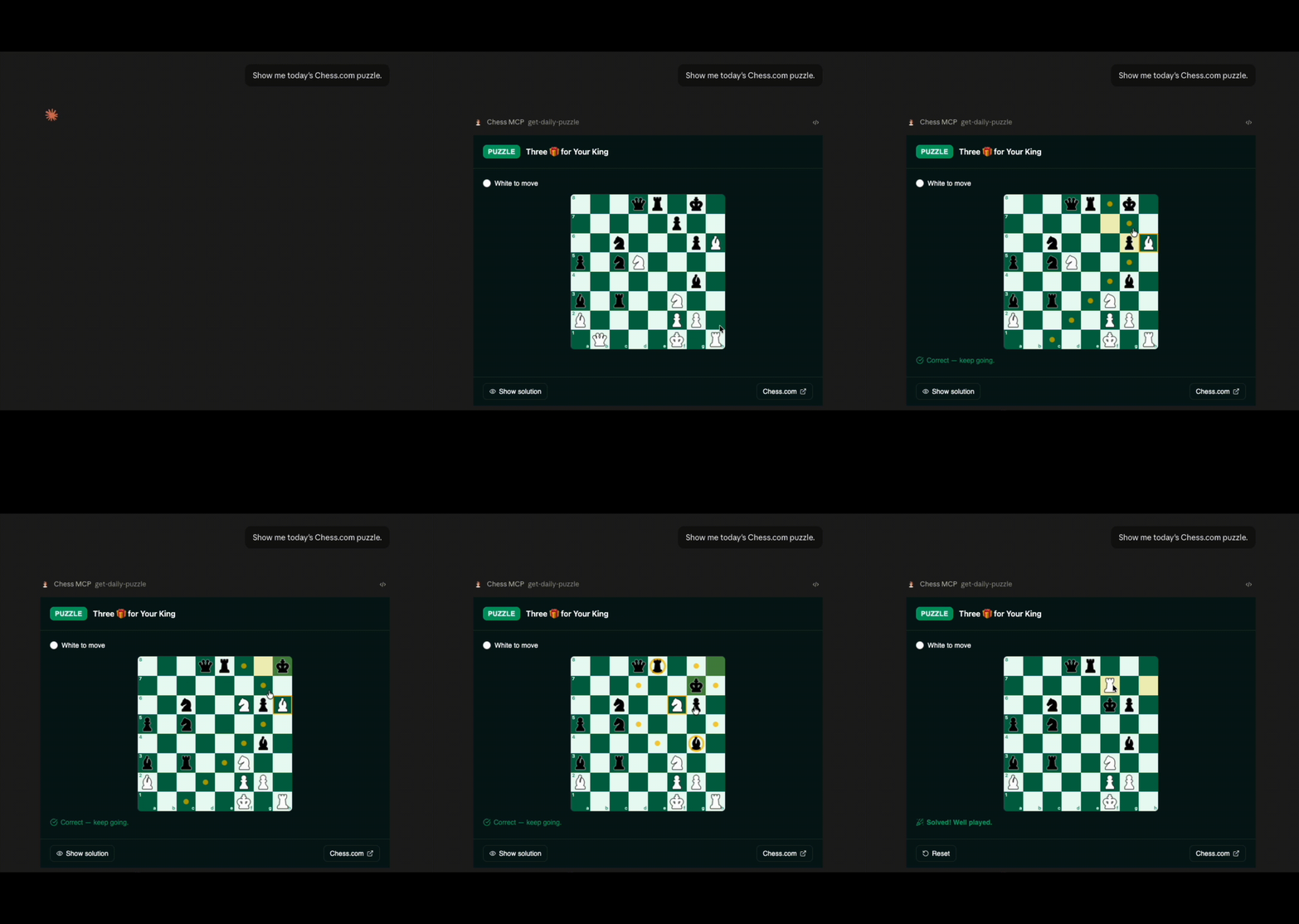
| get-daily-puzzle | none | The Chess.com daily puzzle as an interactive board: solve it move by move with live feedback, reveal the solution, or reset and retry. |
Getting Started
Prerequisites
- Node.js 24.14.1+
- pnpm 9+
Install
pnpm install
Start the dev server
pnpm dev
This starts:
- The MCP server at
http://localhost:3000/mcp. - The Skybridge DevTools UI at
http://localhost:3000.
All scripts (dev, build, test, lint, typecheck) are defined in
package.json.
Project Structure
├── src/
│   ├── server.ts         # Server entry: tool definitions + analytics middleware
│   ├── chess-com.ts      # Typed Chess.com API client (zod boundary + helpers)
│   ├── analytics.ts      # PostHog wrapper (no-op without a key)
│   ├── helpers.ts        # Typed useToolInfo / useCallTool hooks
│   ├── views/            # One React view per tool
│   │   └── shared/       # Shared view code (chess board, helpers)
│   └── index.css         # Global styles
├── vite.config.ts        # Vite + Skybridge + Tailwind config
├── Dockerfile            # Cloud Run image
└── package.json
Testing
Test the app locally using the DevTools UI at http://localhost:3000 while running pnpm dev.
Unit tests run with Vitest: pnpm test.
To connect with web clients like ChatGPT or Claude, expose your server with the --tunnel flag (pnpm dev:tunnel). See the test guide.
Deployment & Analytics
This app deploys to Google Cloud Run via release-please, and tool calls can be
tracked with PostHog (no-op unless configured). See
docs/deployment.md for the full setup.
Resources
- Skybridge Documentation
- Apps SDK Documentation
- MCP Apps Documentation
- Model Context Protocol Documentation
License
The source code is released under the Beerware License.
The chess piece icons are from the "Chess" pack on Flaticon and are used under the Flaticon Free License — they are not covered by the Beerware license. See NOTICE for details.