Movibop
Movibop turns your photos into AI videos. Upload an image, choose from preset effects like dance, meme, pet head or fantasy, and get a short AI-generated video in minutes. Browsing and previews are free; video generation uses credits.
Documentation
AI Photo to Video Generator for Your Photos
Preview dance, meme and fantasy effects. Choose your scene, add the photos it needs, and make your own AI video.
Find your next remake
Recognize the scene, watch the reference and explore who you could put in it.
[
Third-party AI reference
AI Zombie Trend: the Gun, the Hug and the Memory Flashback
How the two-person zombie-hug AI format works, the CapCut template that spread it, and what to check before casting your couple.
Explore this meme
](https://movibop.com/meme/ai-zombie-trend)
[
Third-party AI reference
Alors on Danse Meme: the Music-Coach Sketch, Recast
The scripted Jamel Debbouze sketch behind the Stromae meme, why people call it the 'making of', and how the two-photo AI recast works.
Explore this meme
](https://movibop.com/meme/alors-on-danse-meme)
[
Third-party AI reference
Burning Bridges AI Trend: Drake's Chandelier Party, Recast
The Drake "Burning Bridges" chandelier scene behind the AI trend, the moves people copy, and what to verify before making one.
Explore this meme
](https://movibop.com/meme/burning-bridges-ai)
See the effect. Make your version.
AI examples selected for their distinct scenes and photo requirements. Your result will vary with your photos.
 AI example
Editor’s Pick
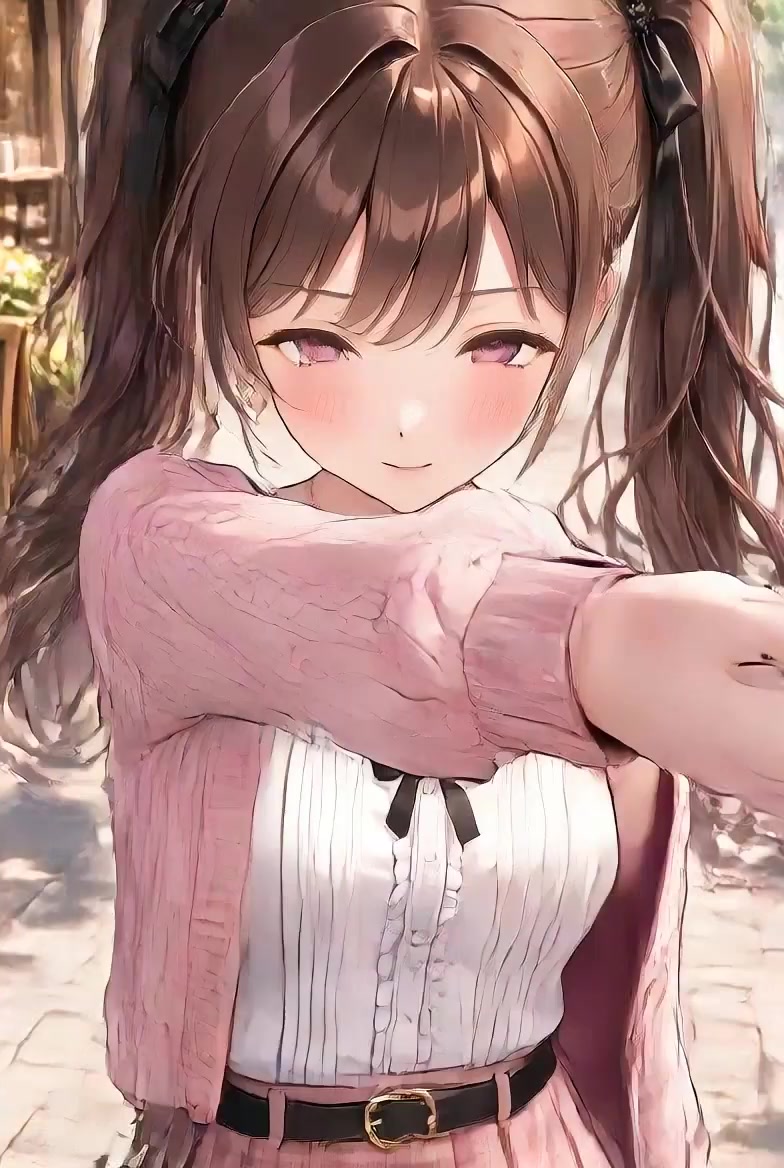
KDA Firestarter Dance
1 photo·Expected output: 12 sec·200 credits
A stylized stage dance with preset choreography and camera movement. Your photo guides the performer.
 AI example
Editor’s Pick
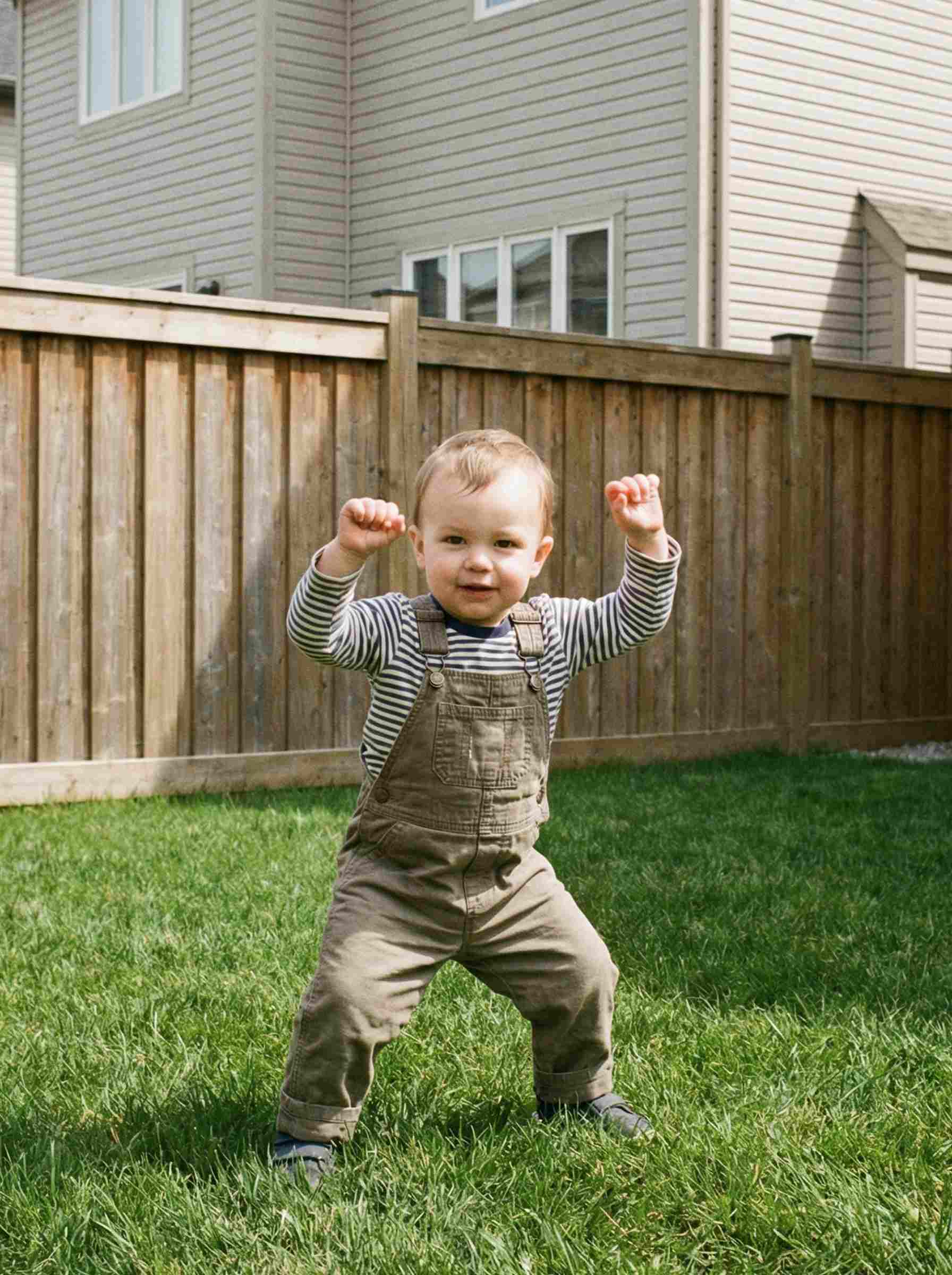
Baby Dance
Baby Night 🍼🕺
1 photo·Video·550 credits
A playful child dance on a lawn in daylight. Check the example and use a photo you have permission to upload.
 AI example
Editor’s Pick
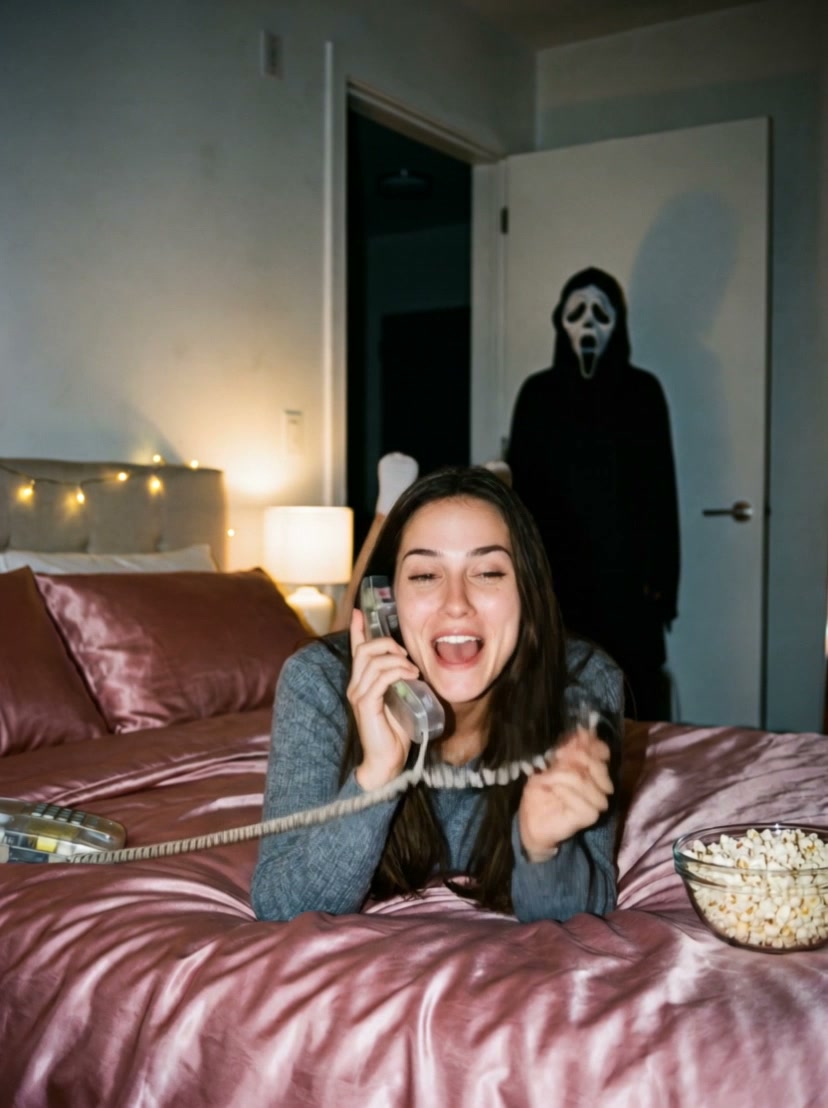
Ghost Call 📞
1 photo·Expected output: 10 sec·450 credits
A staged Halloween phone call with a masked guest in the doorway. The output is a video.
 AI example
Editor’s Pick
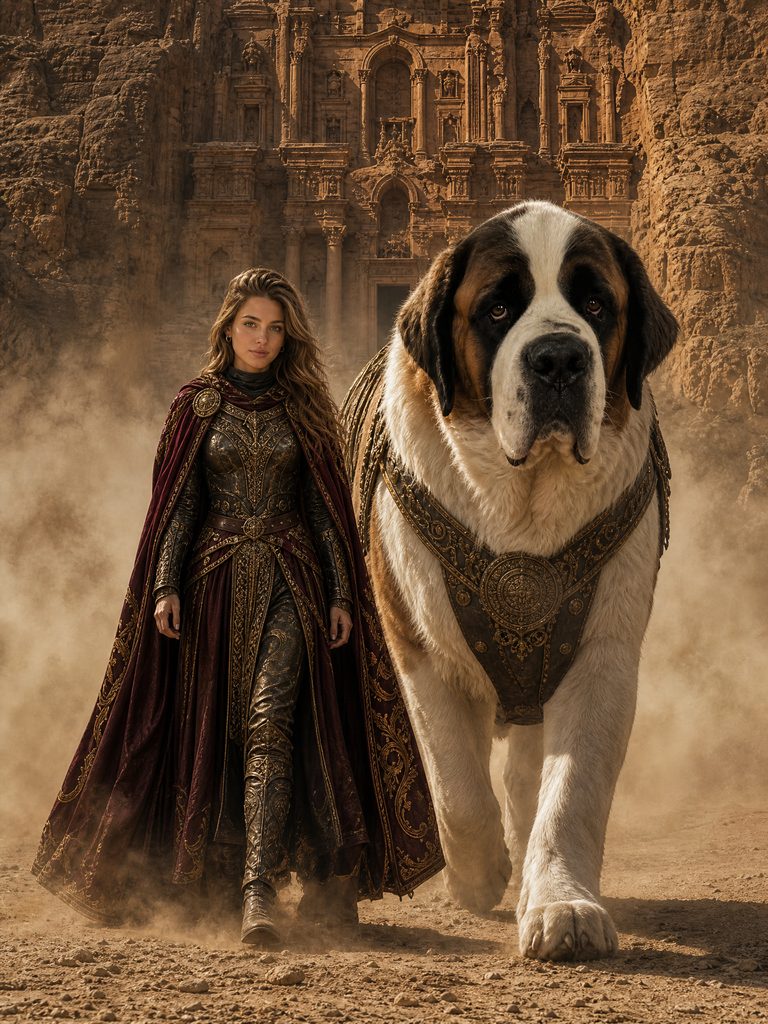
Giant Dog Guardian
Golden Guard
2 photos required·Expected output: 5 sec·500 credits
Walk beside a giant armored dog. Add the person first and the pet second.
 AI example
Editor’s Pick
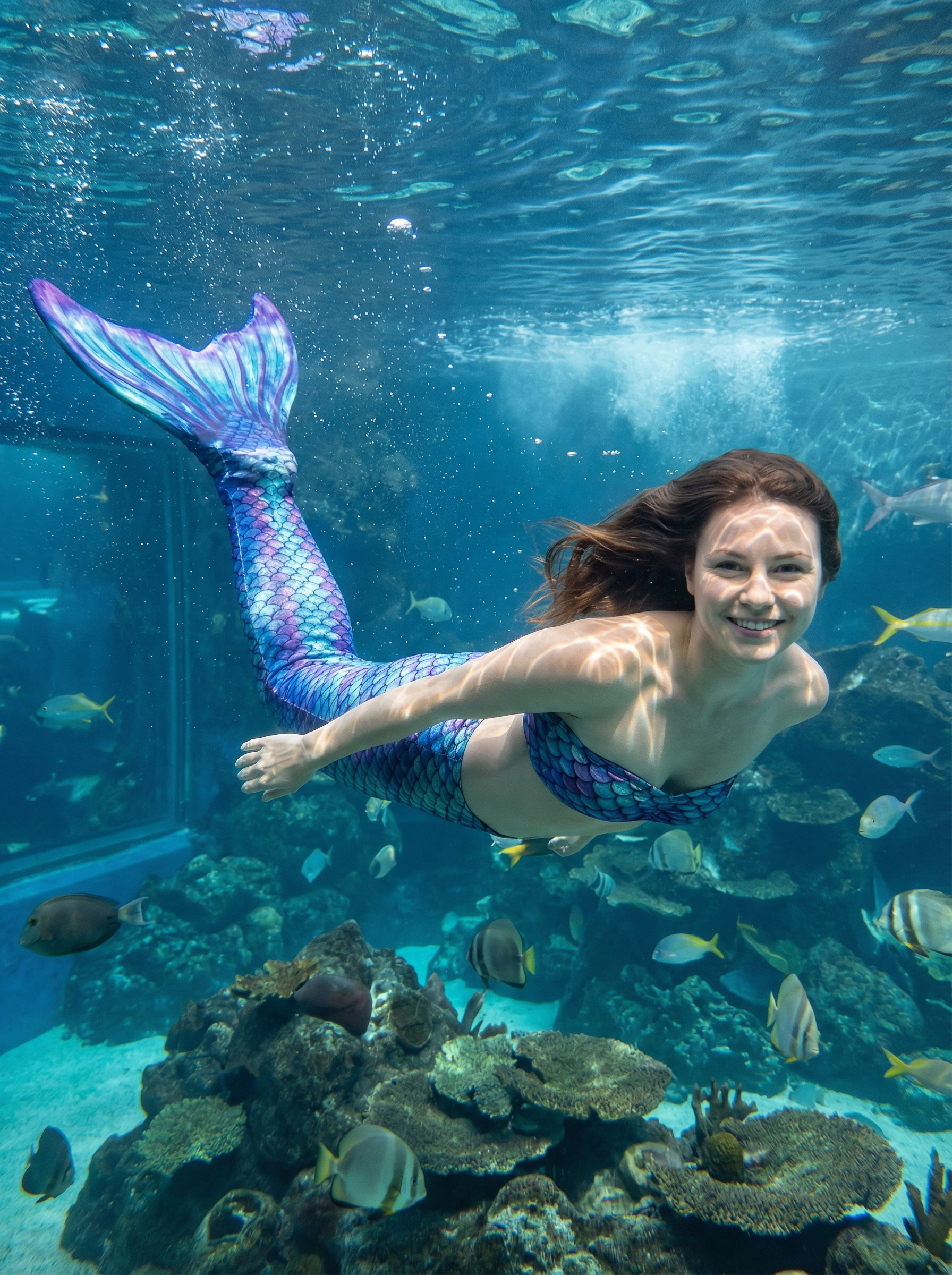
Mermaid Video
Mermaid
1 photo·Video·450 credits
Swim through an underwater mermaid scene. The example begins with the mermaid already in view.
 AI example
Editor’s Pick
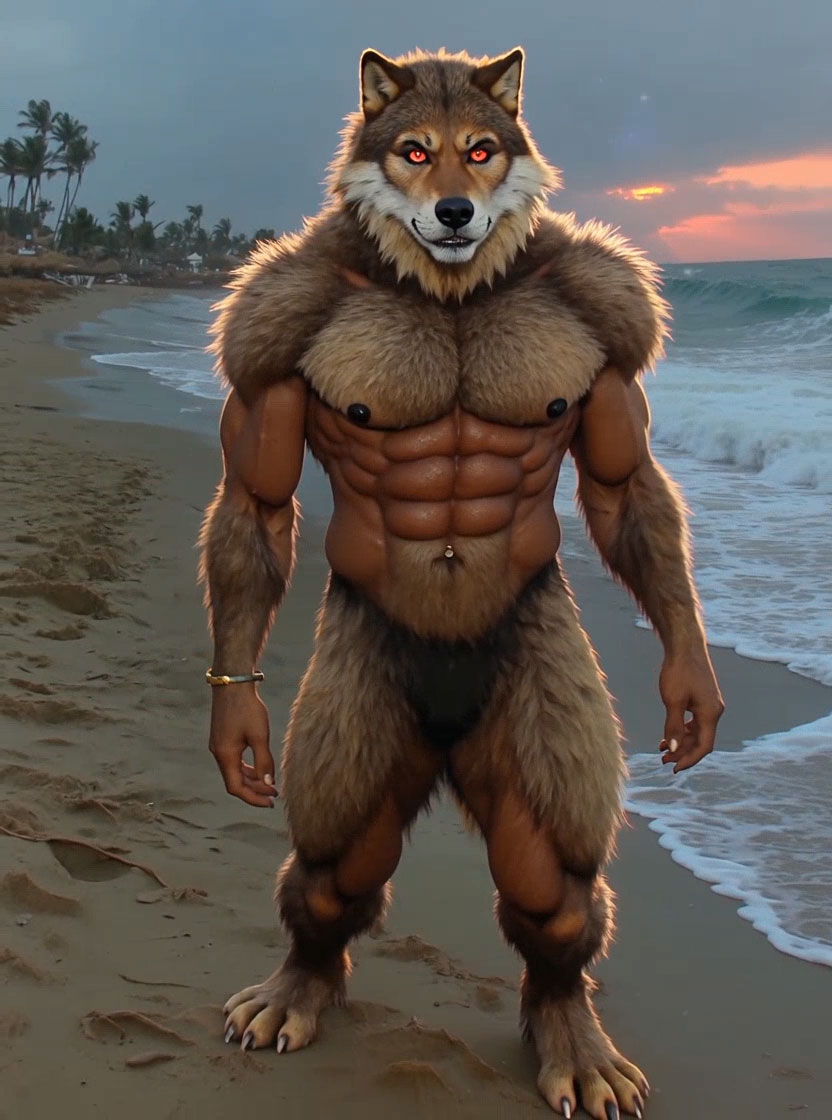
Werewolf Transformation
Werewolf
1 photo·Video·200 credits
A purple-glow transformation from person to a wolf-like character on a beach.
From your photos to your video
- 1
Choose an effect
Watch a template’s example and check the photos, roles and credits it needs. You don’t need to upload an original video. Watch video examples - 2
Upload the required photos
Add clear photos in the order shown. Follow the guidance for each person or pet, then check the cost before you generate. - 3
Generate, review, and save
Follow progress in Creations. When your video is ready, review it and download it from the result page. Check your videos in Creations
Before you add your photos
Use clear photos you own or have permission to use. Follow the input roles on each template; AI can change faces, backgrounds and movement.
Prepare photos for AI video Check the order in two-photo templates
Know the Credit Cost Before You Create
Browsing and previews are free. Generating uses the credits shown on each effect. If a task fails, check its status and credit record before retrying.
AI Photo to Video Generator FAQ
What is an AI Photo to Video Generator?
It is a tool that uses an uploaded image as the starting point for an AI-generated video. Movibop uses ready-made templates to define the effect, so you begin by choosing a scene rather than building a video from scratch. Your photo and the selected template shape the generated result.
Is Movibop free to use?
You can browse templates and watch examples without paying or creating an account. Video generation uses credits. Check the cost on the template you choose and visit Pricing for the available purchase options. Free browsing does not mean that every generated video is free.
Will the video look exactly like the preview?
The preview demonstrates the template's style and intended effect. Your uploaded photos influence the result, and AI-generated details can vary. Do not expect an identical face, background, or movement in every attempt. Choose a suitable photo and assess the completed video on its own.
What should I do if generation fails?
Open the result page to review the task status and related credit record. Check those details before trying again, since another attempt may create a separate task. If you still need help, use the support link and include the task information relevant to your question.
Contact support about your task
What photos am I allowed to upload?
Upload only photos you own or have permission to use. Movibop is for creative entertainment; sexual or explicit content, including non-consensual intimate imagery, is prohibited. Check the Terms of Service and Privacy Policy before uploading photos if you need details about permitted use and how your information is handled.