ClipmivoAI MCP
MCP server for ClipmivoAI, a multi-model AI video studio. Generate videos from text or images (default Seedance 2.5). Stdio server distributed as an MCPB bundle, v0.1.7. Not a hosted endpoint.
Documentation
Turn your next idea into a video.
Your next film starts with a prompt, an image, or a reference.
0 / 10,000
Model
Aspect ratio
Duration
Resolution
AI-generated content may be inaccurate or resemble existing works. Review content and rights before sharing. Infringement, pornography, CSAM, non-consensual or deceptive synthetic depictions or voices of real people, and impersonation are prohibited. Acceptable use rules.
WORLDS MADE WITH AI
Beyond the imaginable
Selected AI films · Watch in full
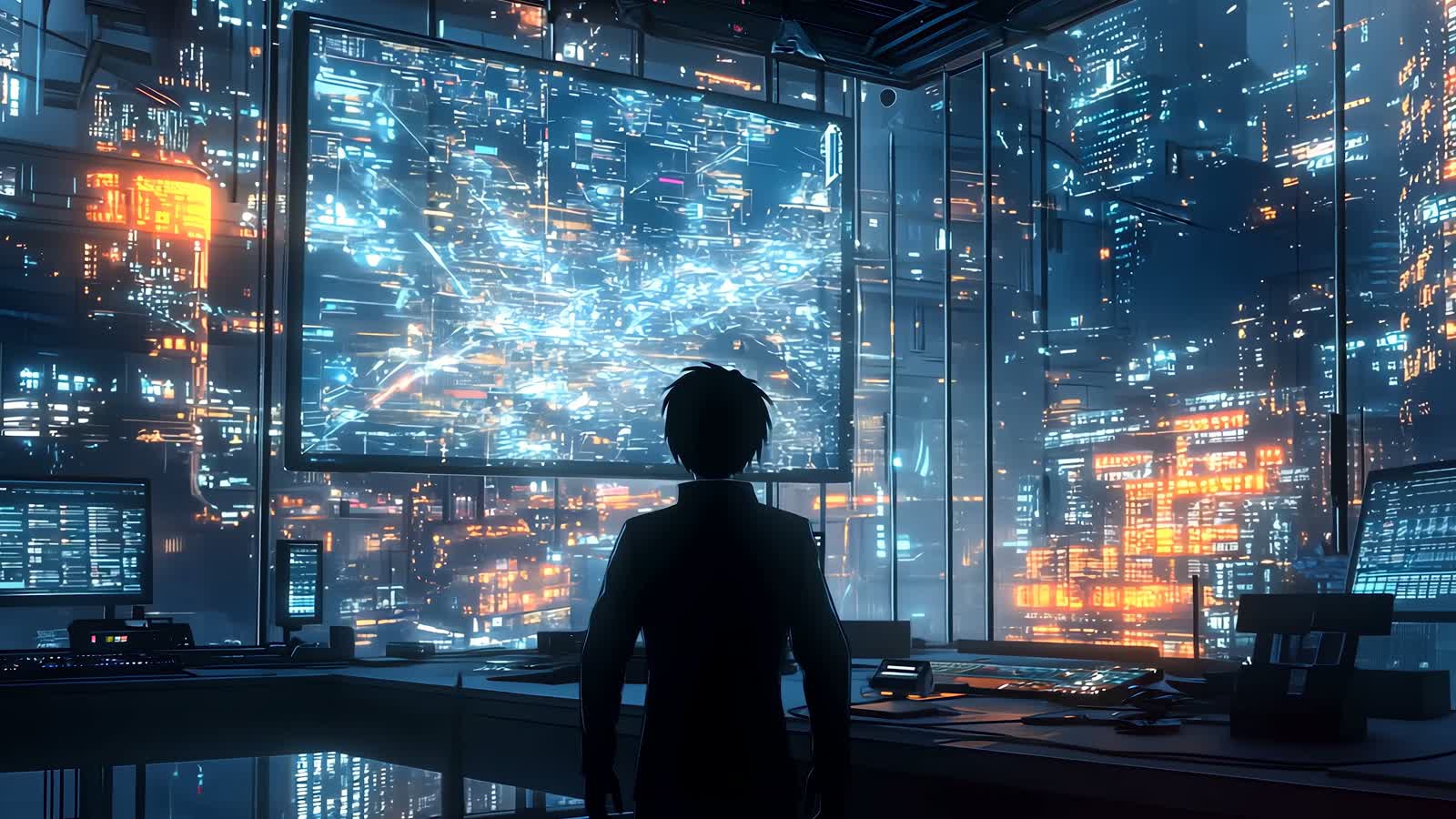 01
Neon Reverie Future cities
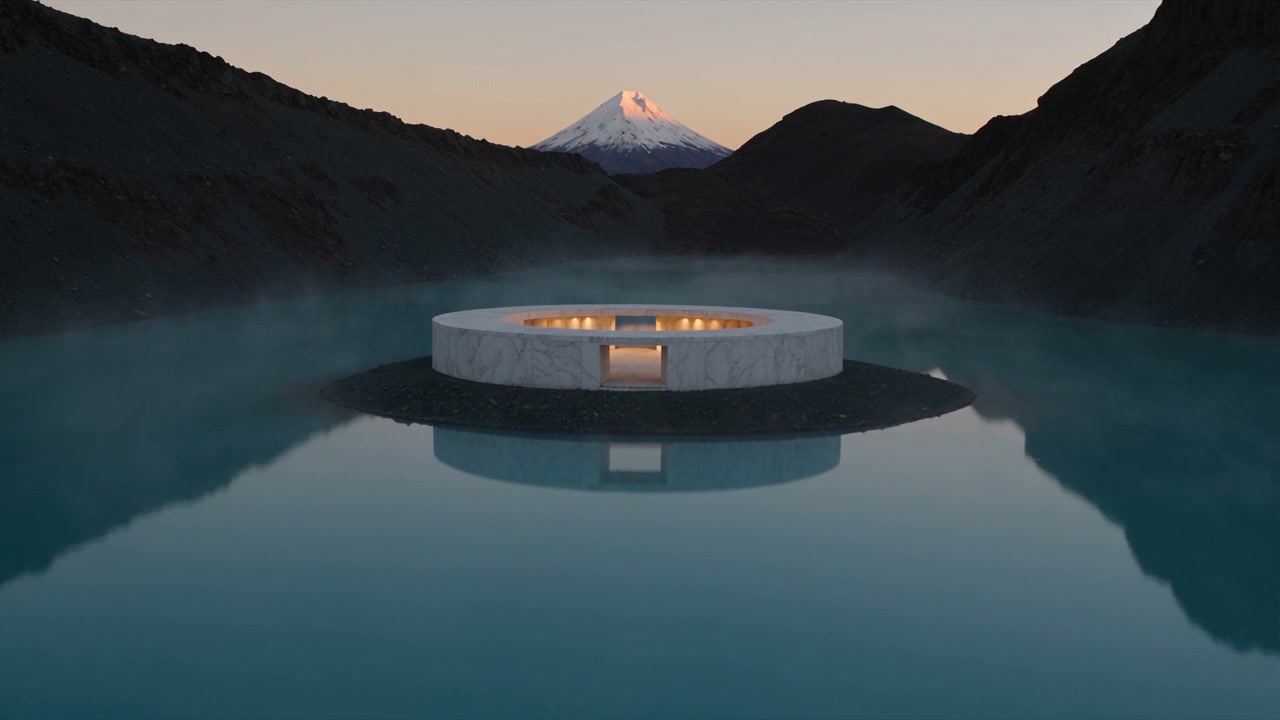 02
The Blue Hour Architecture
 03
Chromatic Current Material study
Create AI videos from text, images and references
ClipmivoAI is a multi-model AI video studio for creators and small teams. Describe a shot, upload an image or reference media, choose available settings and review a quote in one workspace. Find and download finished results in My creations.
Text to video
Describe the subject, action, setting and camera movement. Example prompt: In a glass greenhouse at dawn, a white flower slowly opens; the camera gently pushes in through soft backlight.
Image to video
Upload an image you have permission to use as the visual starting point. Describe the desired motion, such as a slow product rotation or camera pan. Check model support before using first and last frames.
Product photo to video: examples and workflow →
Reference-guided video
Guide supported models with image, video or audio references. Media types, counts and durations have model-specific limits. Select a compatible mode before uploading and confirming the quote.
Explore reference inputs and model settings →
How do I choose an AI video model?
Choose text, image or reference-media mode first, then select a model. Resolution, duration, aspect ratio, audio and first/last-frame support vary by model; use the options currently offered in the studio. Test motion and composition in a short shot before changing resolution or duration.
Is the credit reservation the final price?
No. Before submission, the studio shows the reservation for your settings. Final charges depend on the locked rate and settled usage: some models bill by token, others by second or request. Read the pricing page for reservation and settlement details, and confirm reference-media quotes after uploading your inputs.
Where can I find my generated videos?
Sign in and open My creations to view task status and results. Successfully generated and stored videos can be downloaded from their creation records; uploaded inputs are in your asset library. The background selection includes external artists and original ClipmivoAI examples, identified in the film information. It does not promise identical results from every generation.
Can I generate videos through an API or CLI?
Yes. The developer guide covers model discovery, uploads, quotes, asynchronous tasks, polling and downloads. Create a key with the required scopes in the signed-in developer area, then follow the guide. Keep API keys out of public code.
Content guidelines & usage
- Pornography, sexually explicit content, or any sexualization or sexual exploitation of minors.
- Graphic gore, dismemberment, torture, extreme violence, glorification of violence, hate or incitement to discrimination or violence.
- Non-consensual intimate imagery, deceptive impersonation, or content that infringes privacy, likeness, copyright or trademark rights.
- Fraud, unlawful threats, harassment and other illegal uses, or attempts to bypass safety checks.
Checks cover prompts, reference media and generated results, and may vary by model. A blocked generation does not establish a violation on your part. To appeal, contact contact@clipmivoai.com with the task ID.