Kling 4.0
Kling 4.0 is an AI-powered tool. Visit the official site for details and usage.
Documentation
Kling AI video is a family of video generation models built by Kuaishou. You give one a text prompt, an image, or a set of reference files, and it renders finished video with synchronized audio — no editing software, no separate sound pass.
The line has shipped on a roughly ten-month major cycle since June 2024:
- Kling 1.0 June 2024, beta
- Kling 2.0 April 2025
- Kling 2.5 Turbo September 2025
- Kling 3.0 February 7, 2026, added native 4K and multi-shot sequencing
- Kling 3.0 Turbo and Omni June 17, 2026, added 4K editing and the Omni One engine
- Kling 4.0 launching October 2026
01
Kling AI video models are not interchangeable. Kling 4.0 renders 3 to 30 seconds at up to 4K with 10-bit HDR. Kling 3.0 caps at 15 seconds but is available on the API today at published rates. Kling Avatar 2.0 does one job — turning a photo and an audio track into a talking or singing performance — and does it for up to five minutes, far longer than any of the general video models.
02
Ask for a Kling AI models list and you will usually get the version numbers without the part that matters — which one to actually use. Kling AI video models are built for different jobs, and the newest is not automatically right for yours. Resolution and length drive what a generation consumes far more than model choice does, so picking the model is a workflow decision first.
03
This site runs all of them from one prompt box. Kling AI text to video, Kling AI image to video, and reference-driven generation all start in the same place, so you can compare output on your own material before committing credits to a long render.
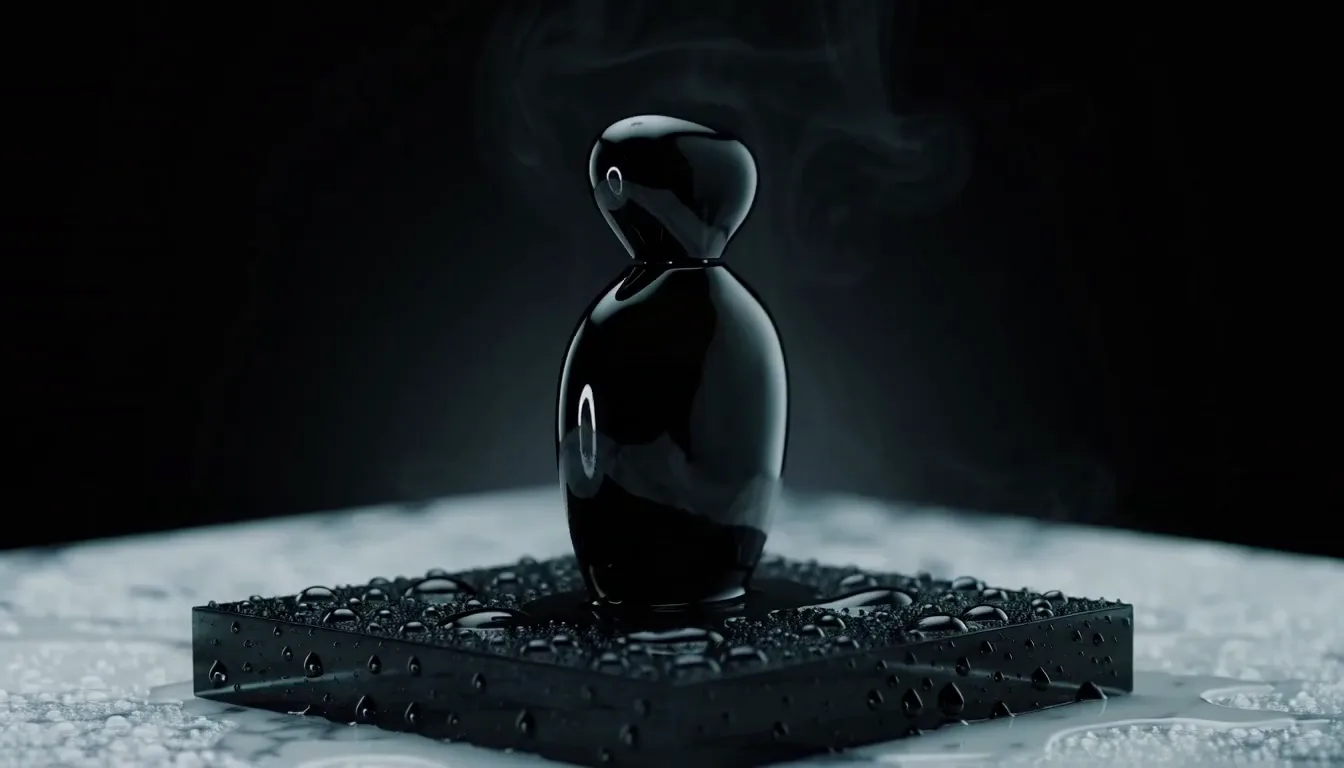
Kling 4.0
Coming Soon
Supports dynamic motions, Omni reference with up to 15 assets, native 30-second generation and multiple keyframes, bringing cinematic control to a single take.
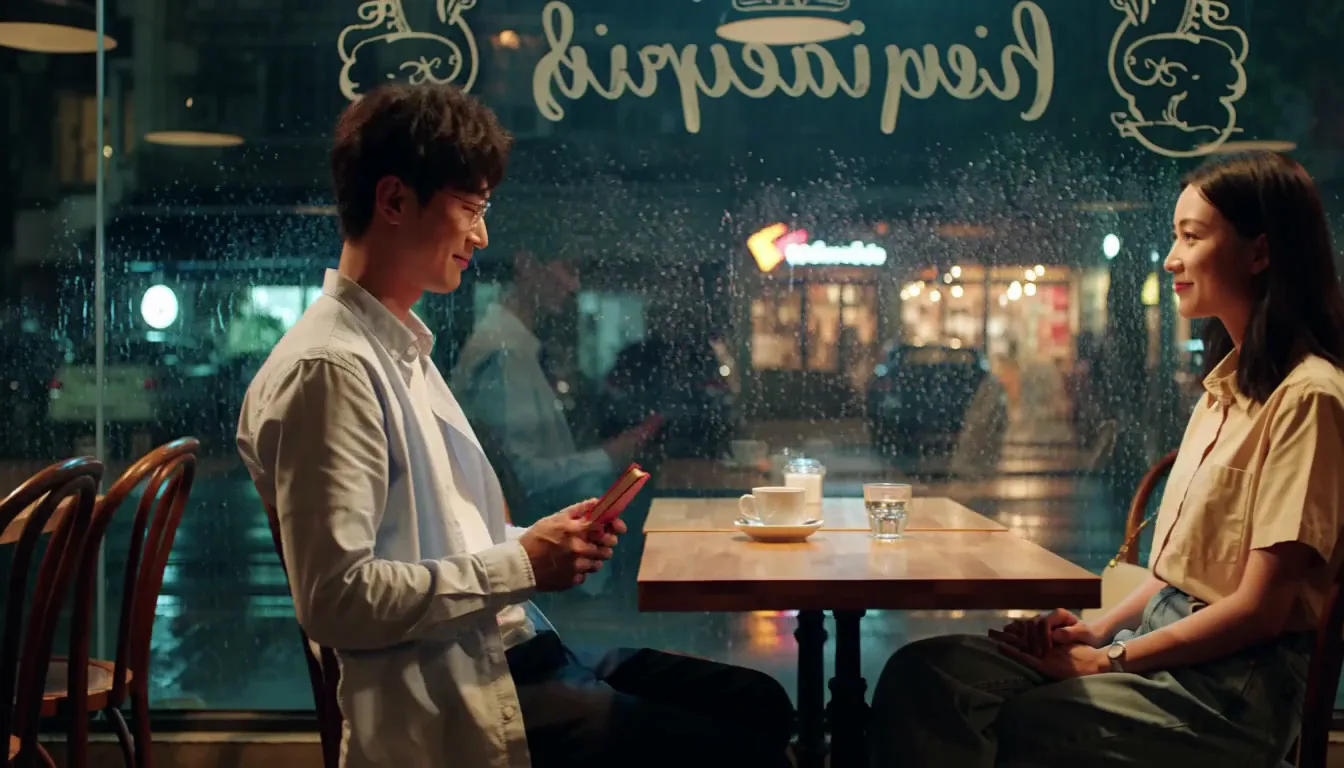
Kling 3.0 & 3.0 Omni
Popular
Synchronized audio-video generation, intelligent storyboarding and element reference — high consistency across shots, with video input and in-place editing on Omni.
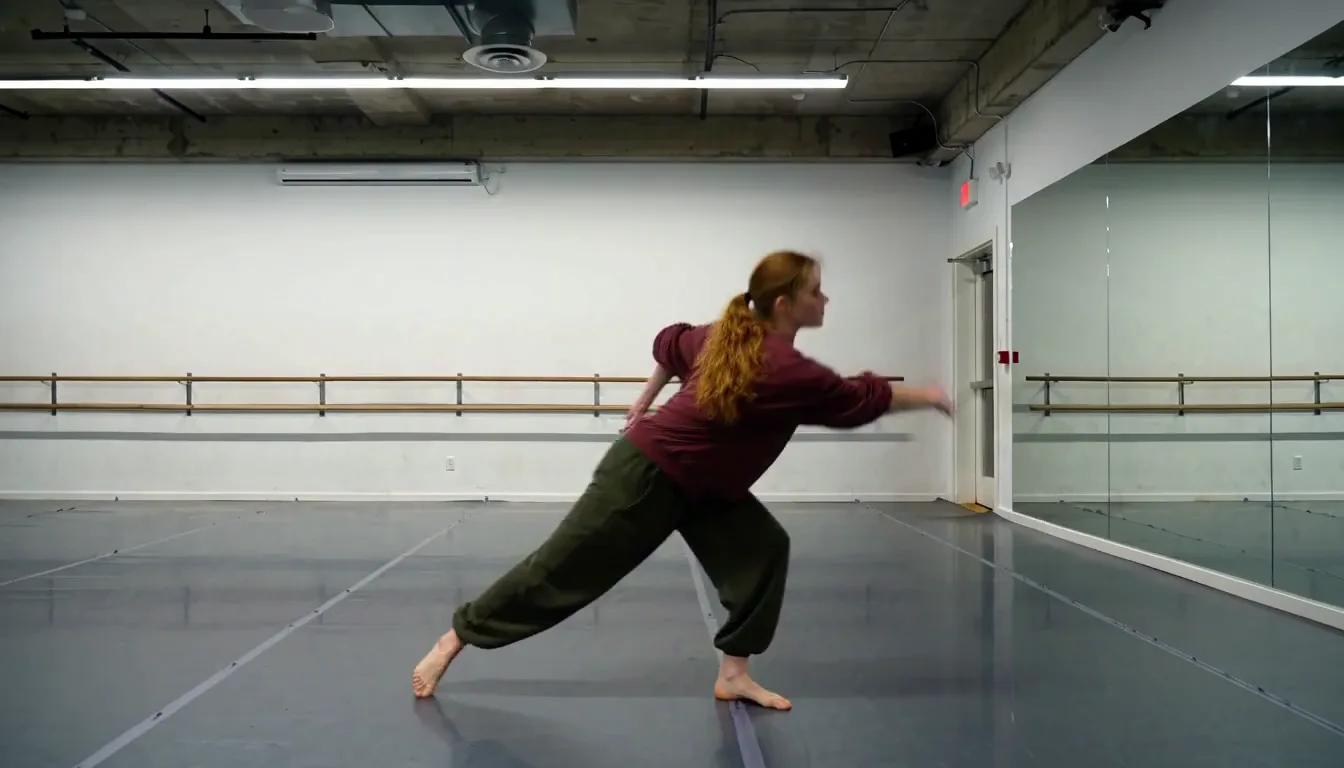
Kling 2.6
The motion generation. Fast, lightweight clips at fixed 5 and 10 second lengths, and the base for motion control transfer from a reference performance.
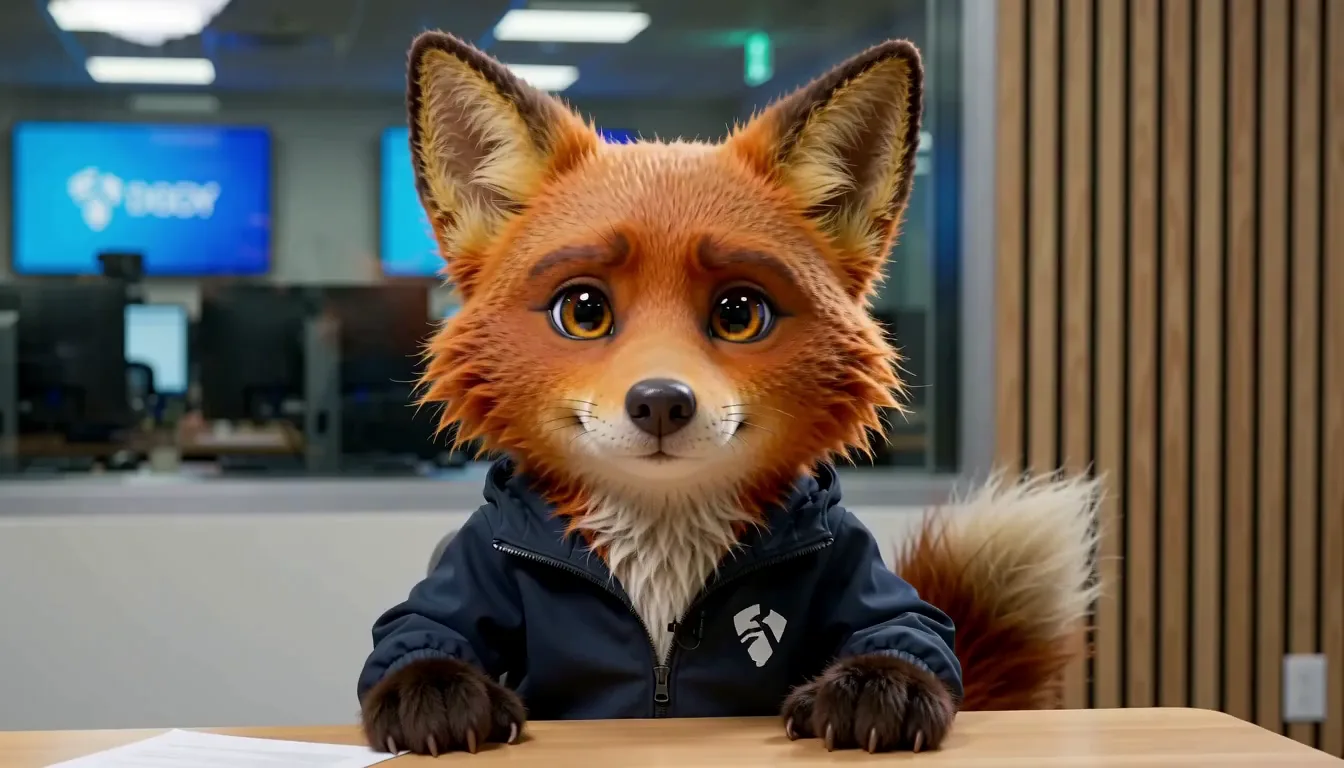
Kling Avatar 2.0
Turn one photo and an audio track into a talking or singing performance up to five minutes at 48fps. Works with real people, illustrations, animals and cartoon characters.
Creation mode
Text to Video
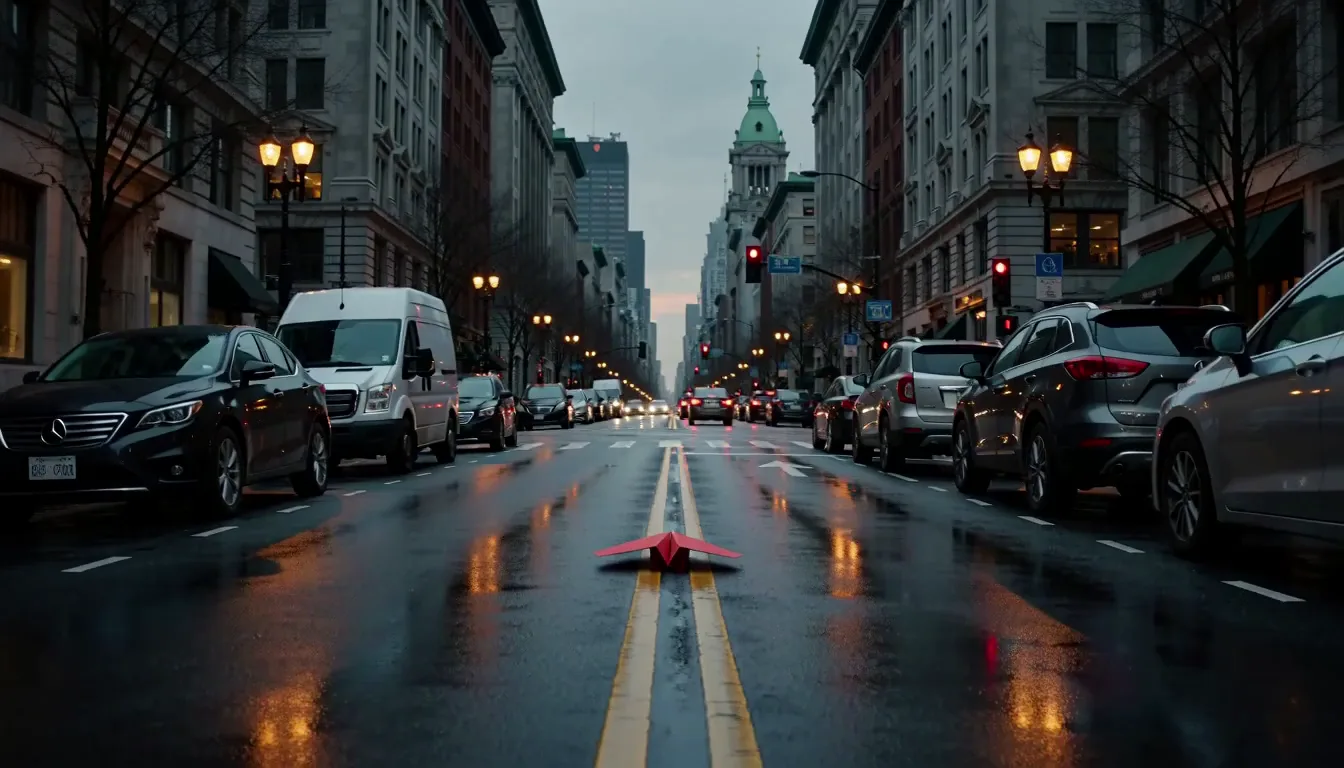
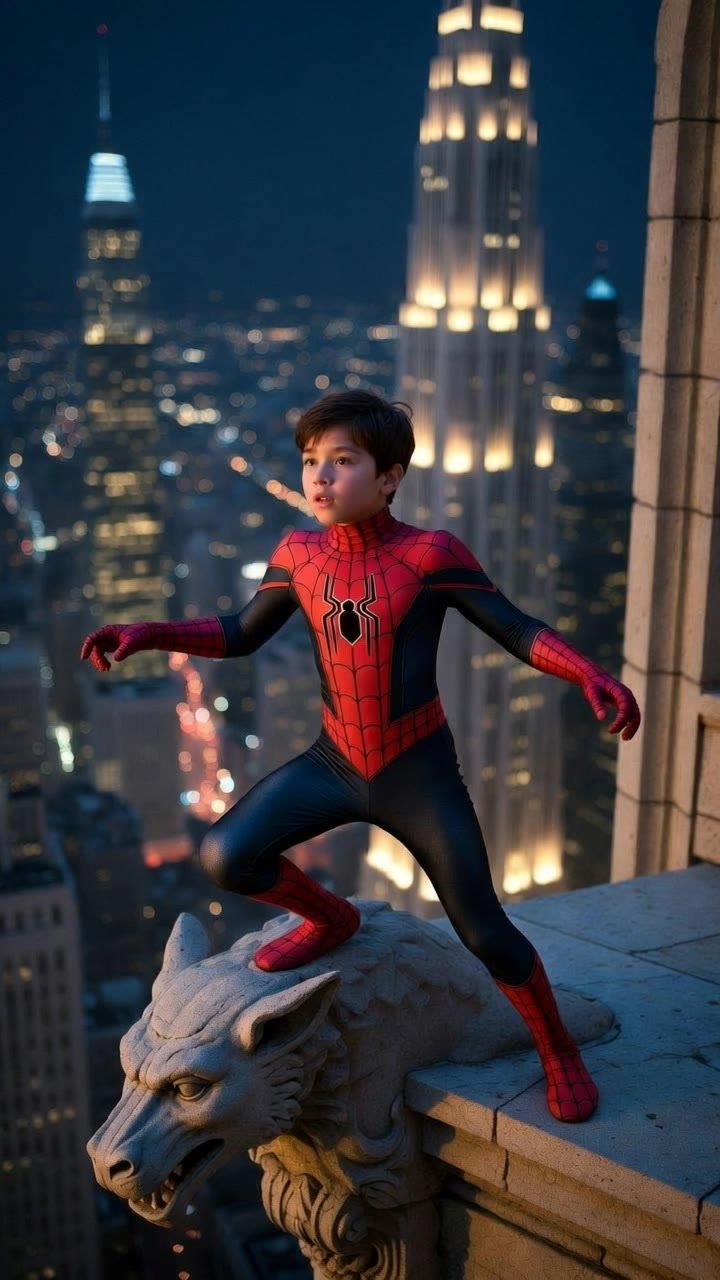
Transform simple prompts into cinematic, high-definition videos with coherent structure and production-quality visuals. Describe the subject, the camera and the light, and the model builds the scene with synchronized audio.
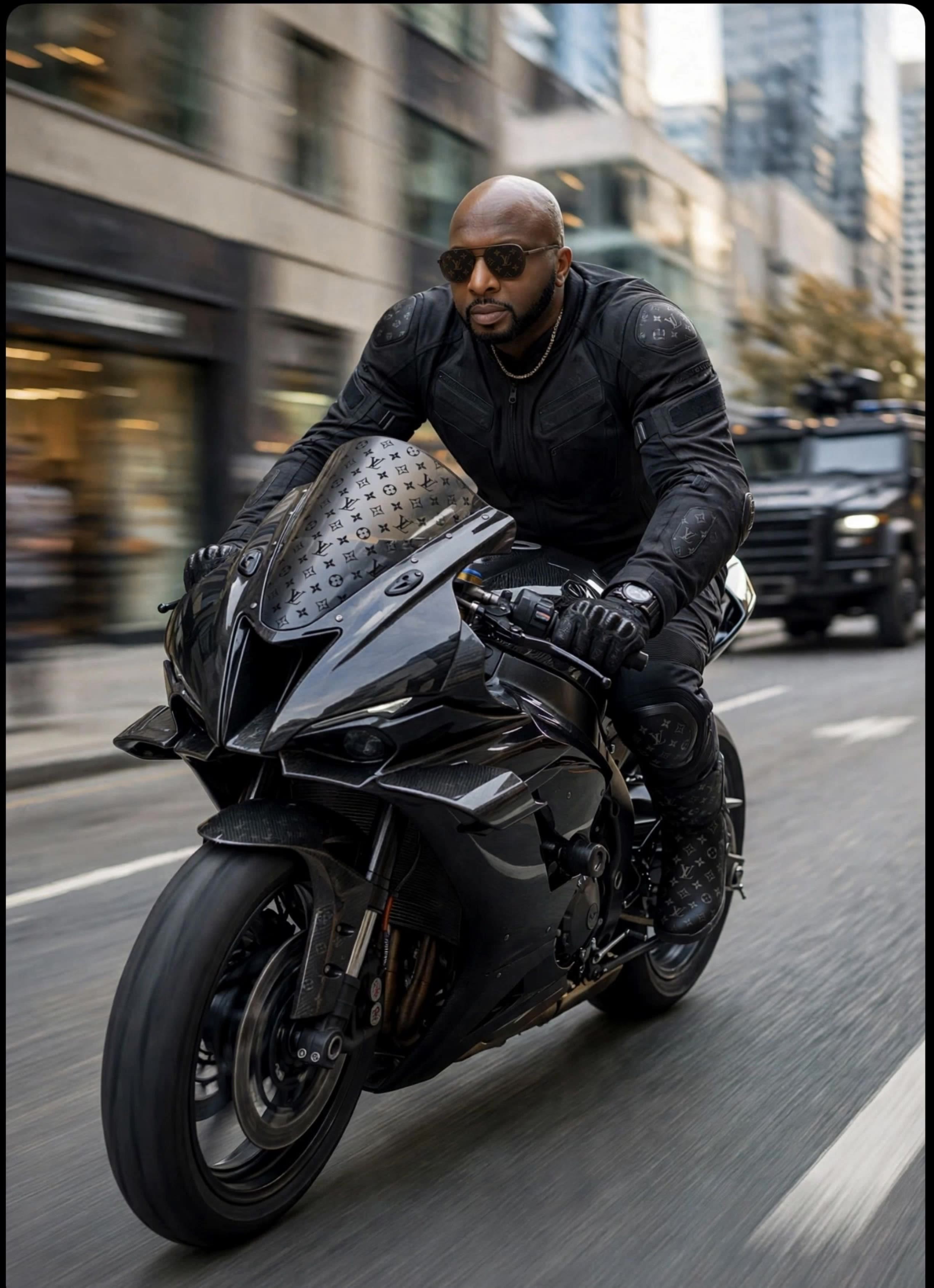
Red paper airplane on a wet city street
Creation mode
Image to Video
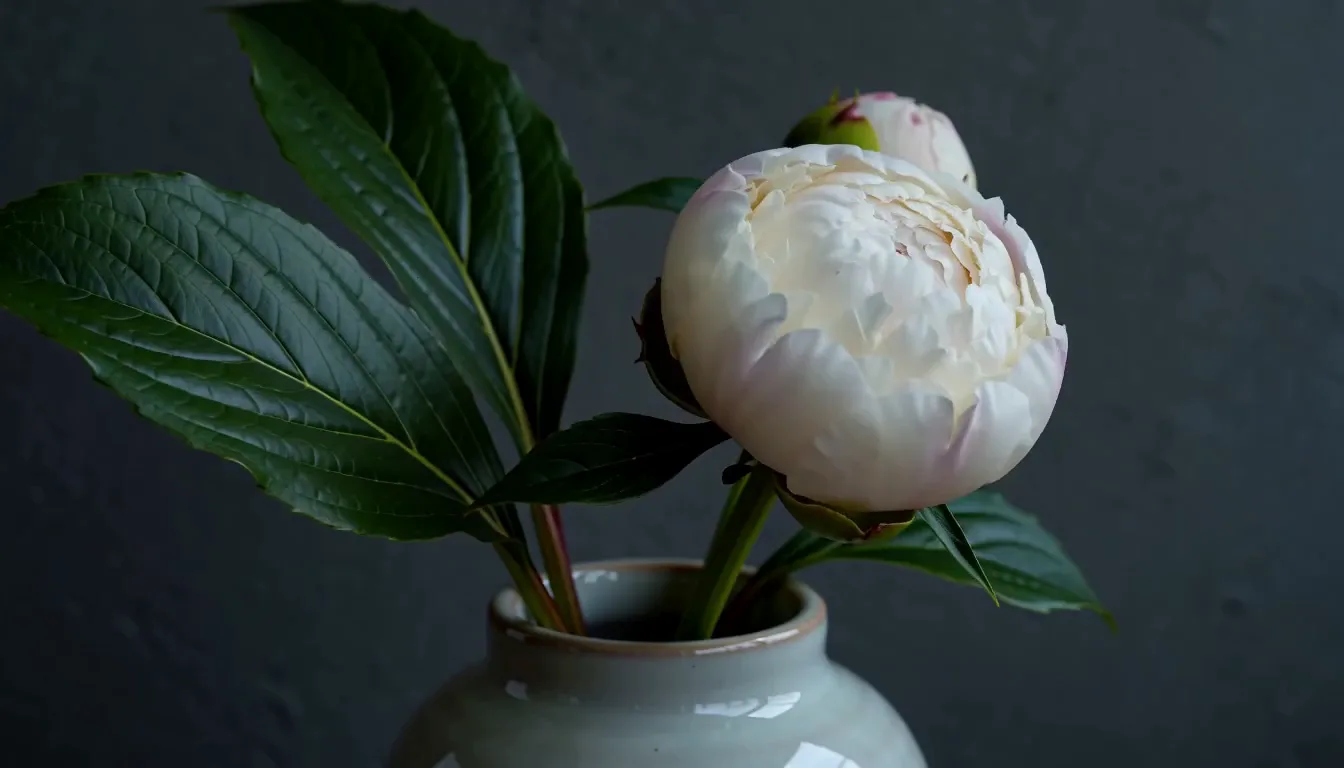
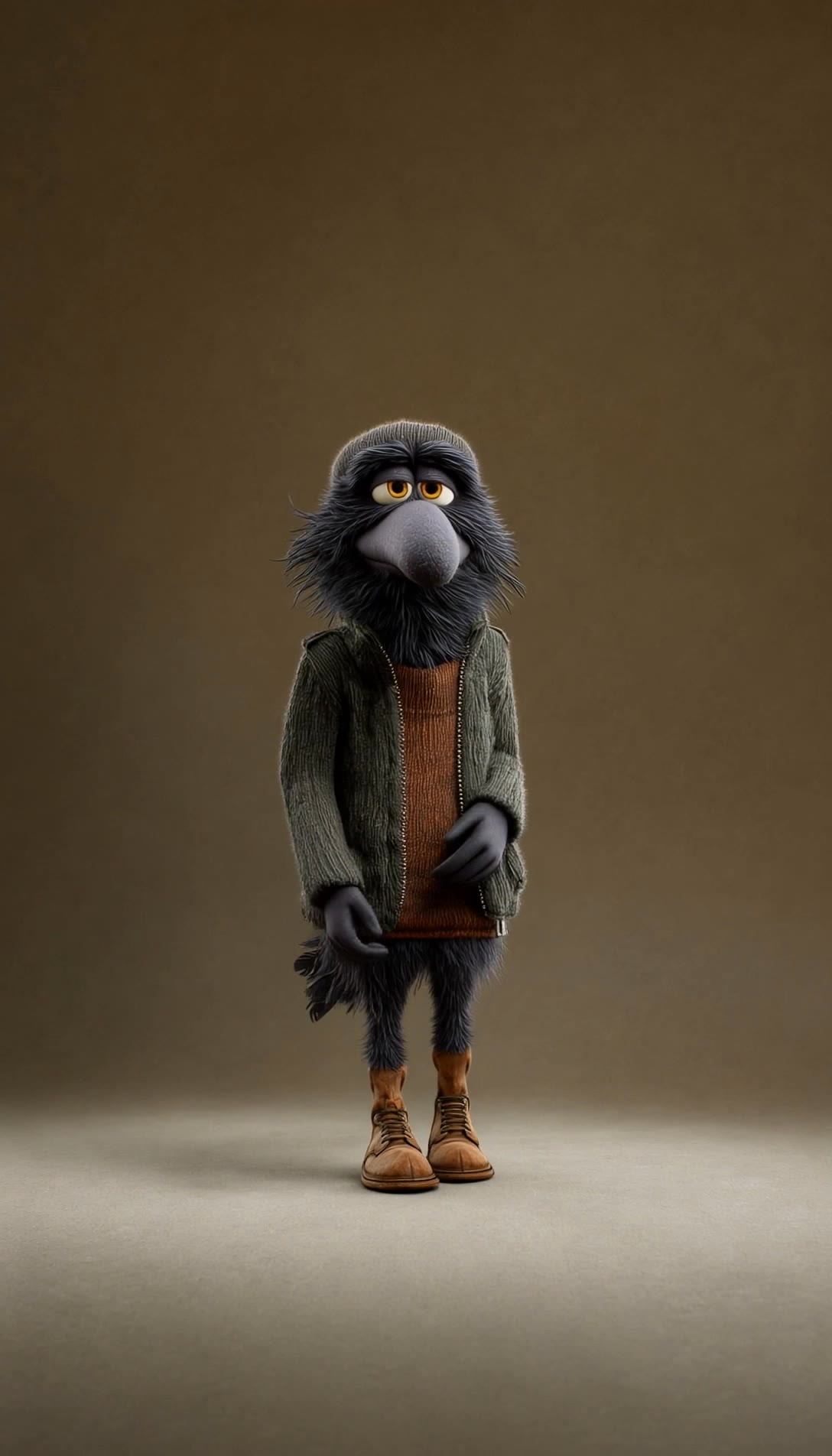
Leverages static images as visual anchors to produce coherent and smooth dynamic video, keeping styles and elements consistent. Start from one product still or a character frame and the motion is added around what you already have.
White peony opening in a ceramic vase
Creation mode
Video Omni
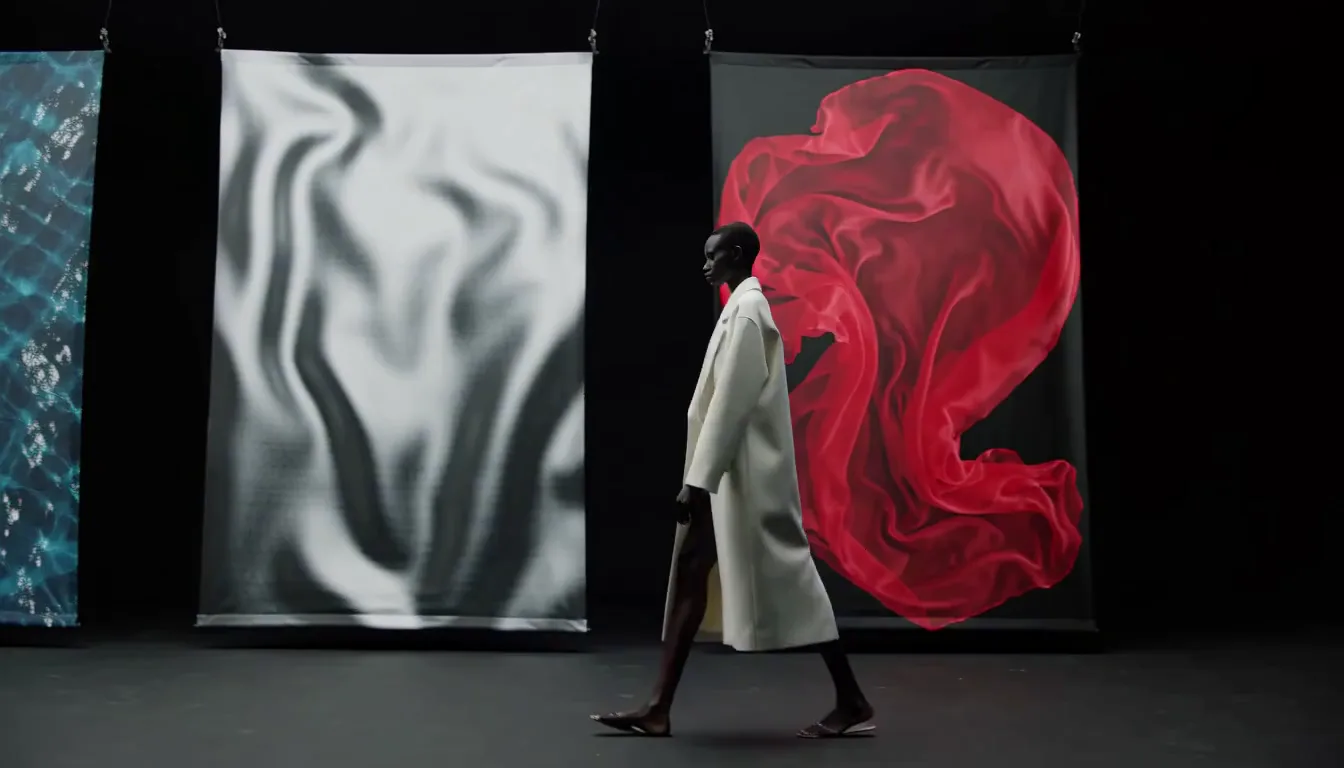
Feed images, video and audio into a single generation rather than text alone. Omni accepts existing footage as input, so you can restyle a clip, replace a character or a product inside it, or extend a scene you have already shot — and edit the result in place instead of regenerating it.
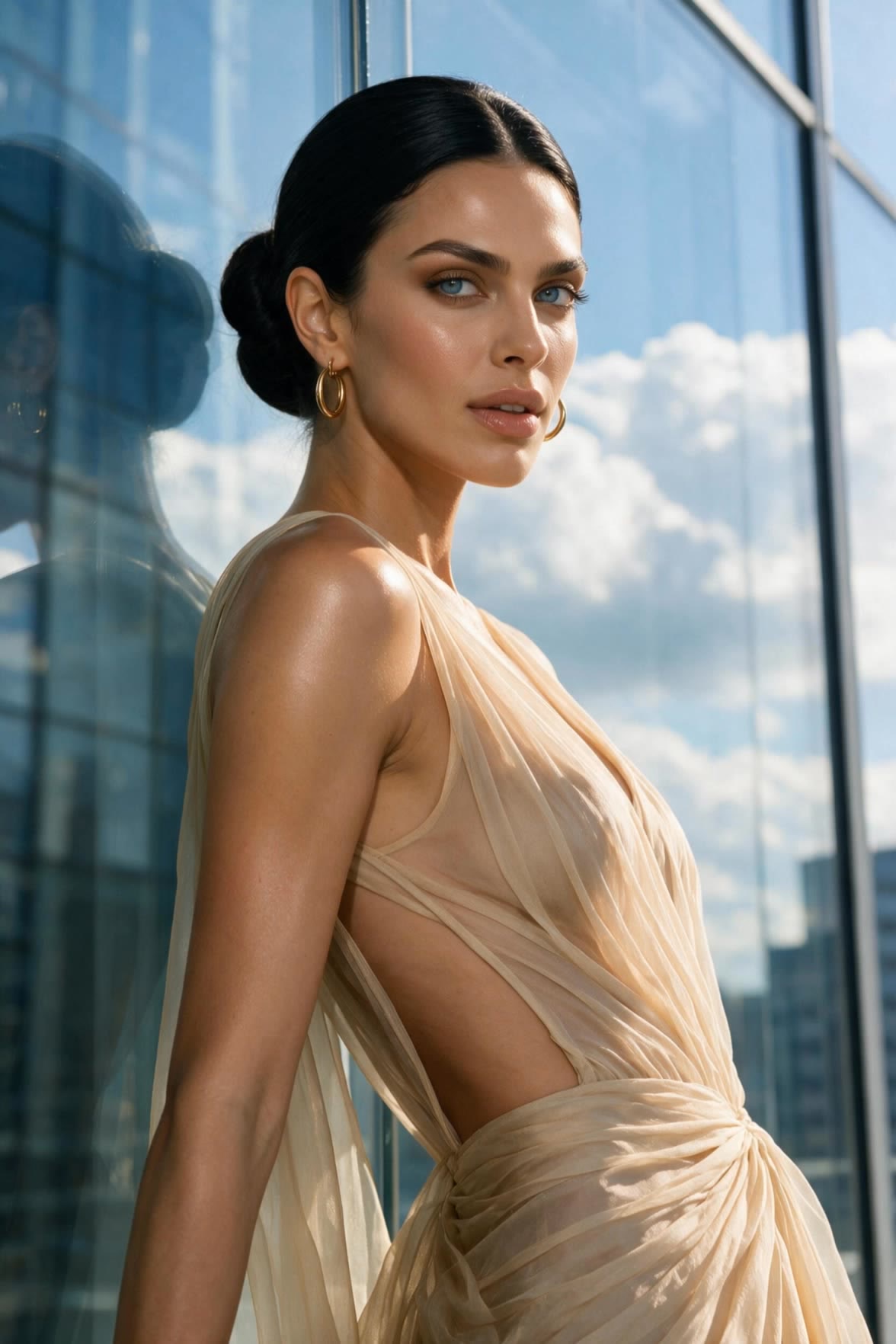
Fashion model walking past abstract fabric panels
Creation mode
Motion Control
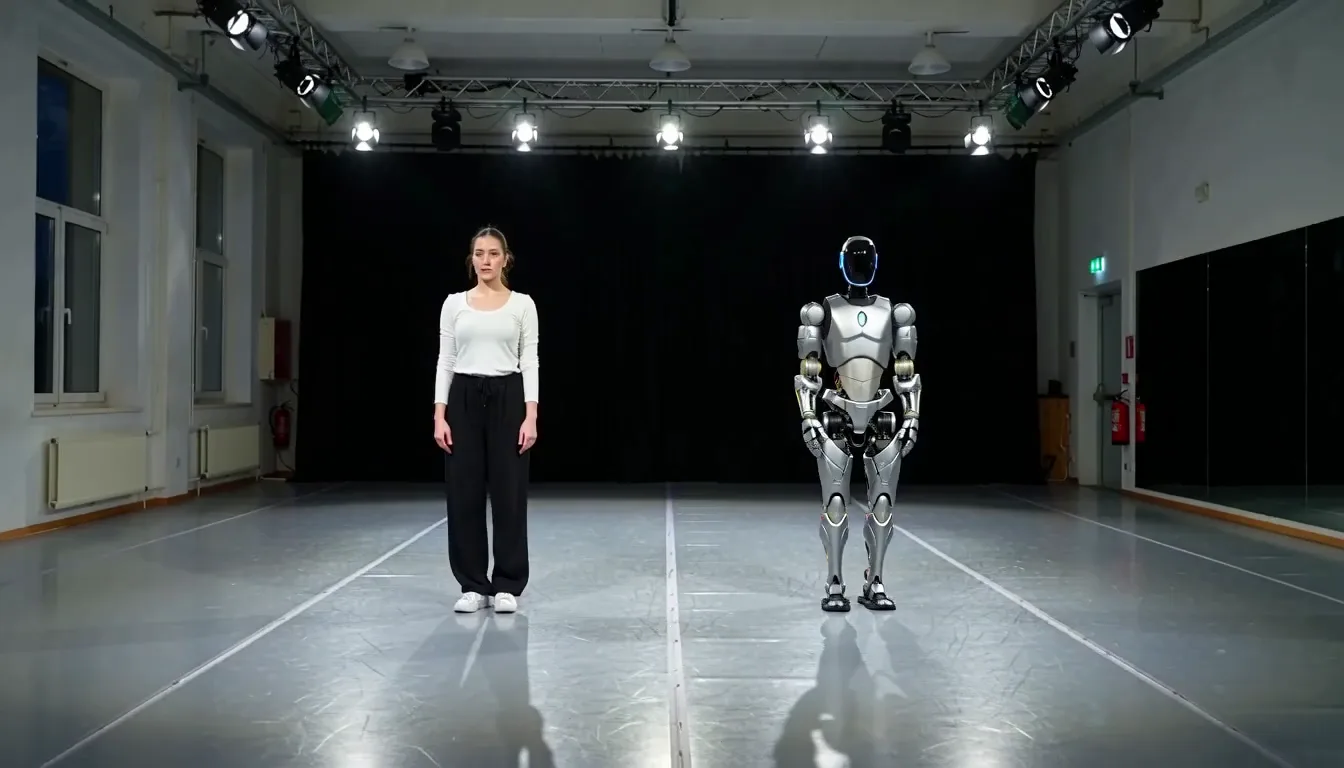
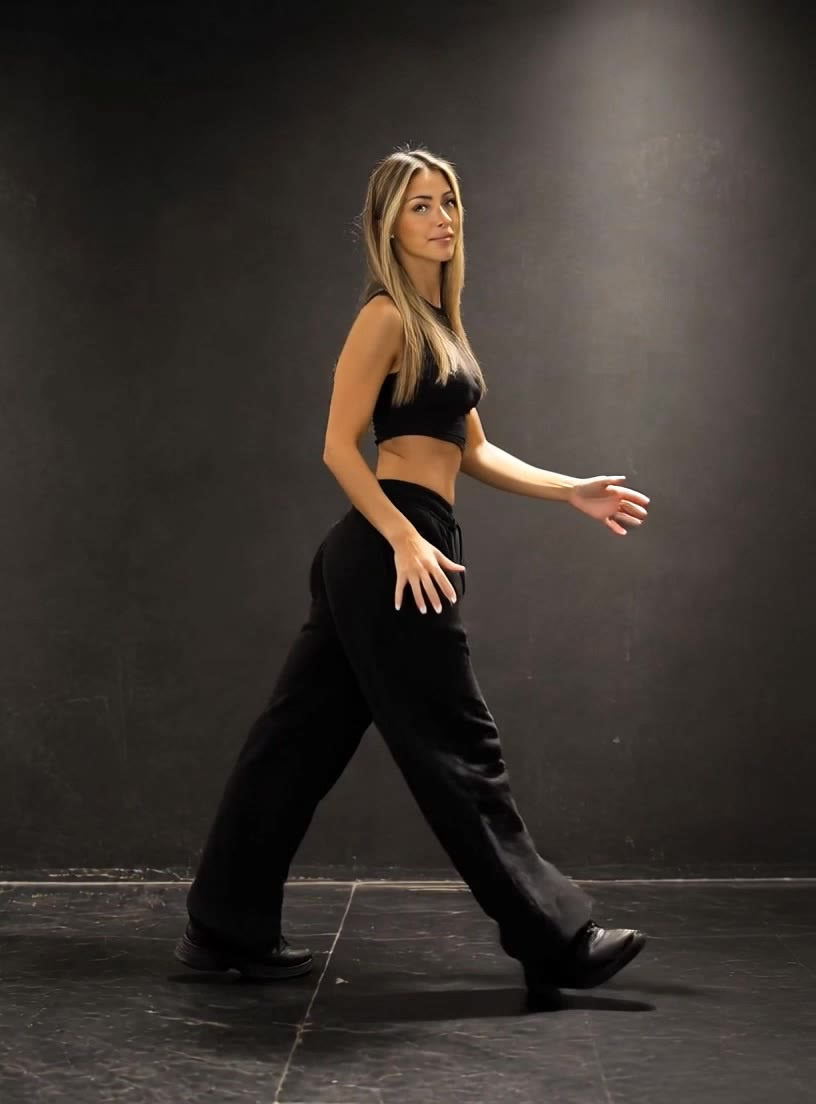
Transfer a performance from a reference clip onto your own character. Body action, camera movement and timing carry across together, so you direct the motion rather than describing it and hoping. This is the fastest route to matching a trend format or reusing choreography you already like.
Performer and robot standing side by side in a studio
Creation mode
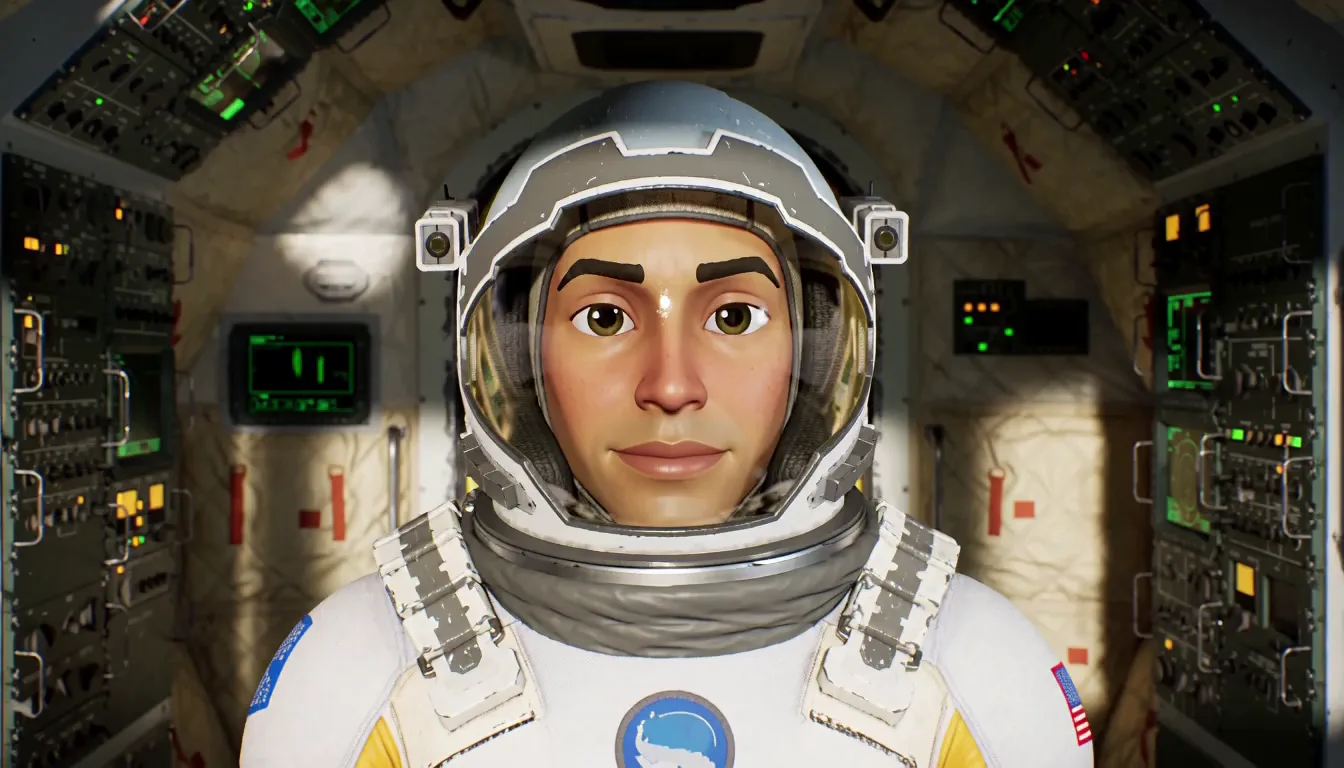
Kling Avatar
Turn one photo and an audio track into a talking or singing performance running up to five minutes at 48fps. It works with real people, illustrations, animals and cartoon characters, and it is the only capability here built for long-form single-character delivery.
Animated astronaut facing the camera inside a spacecraft
Creation mode
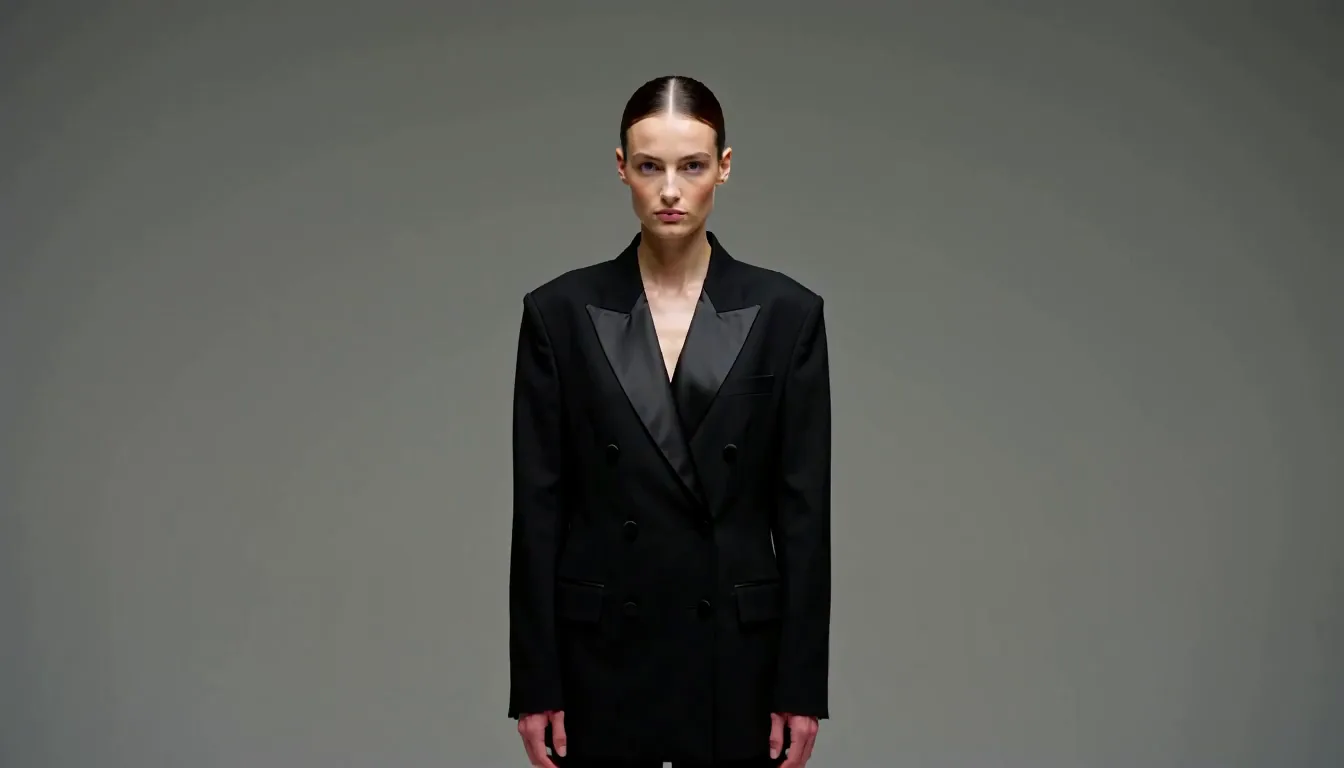
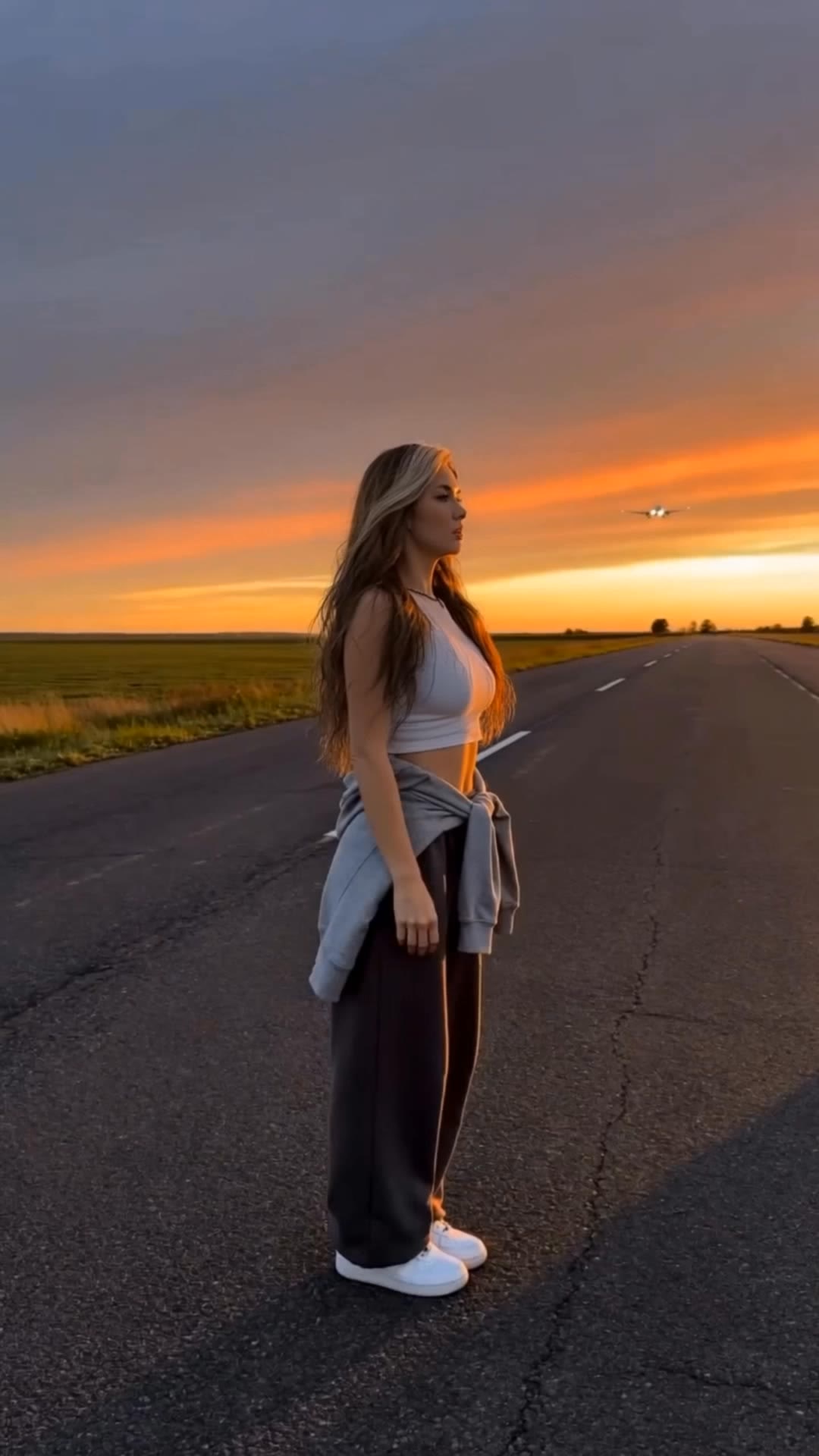
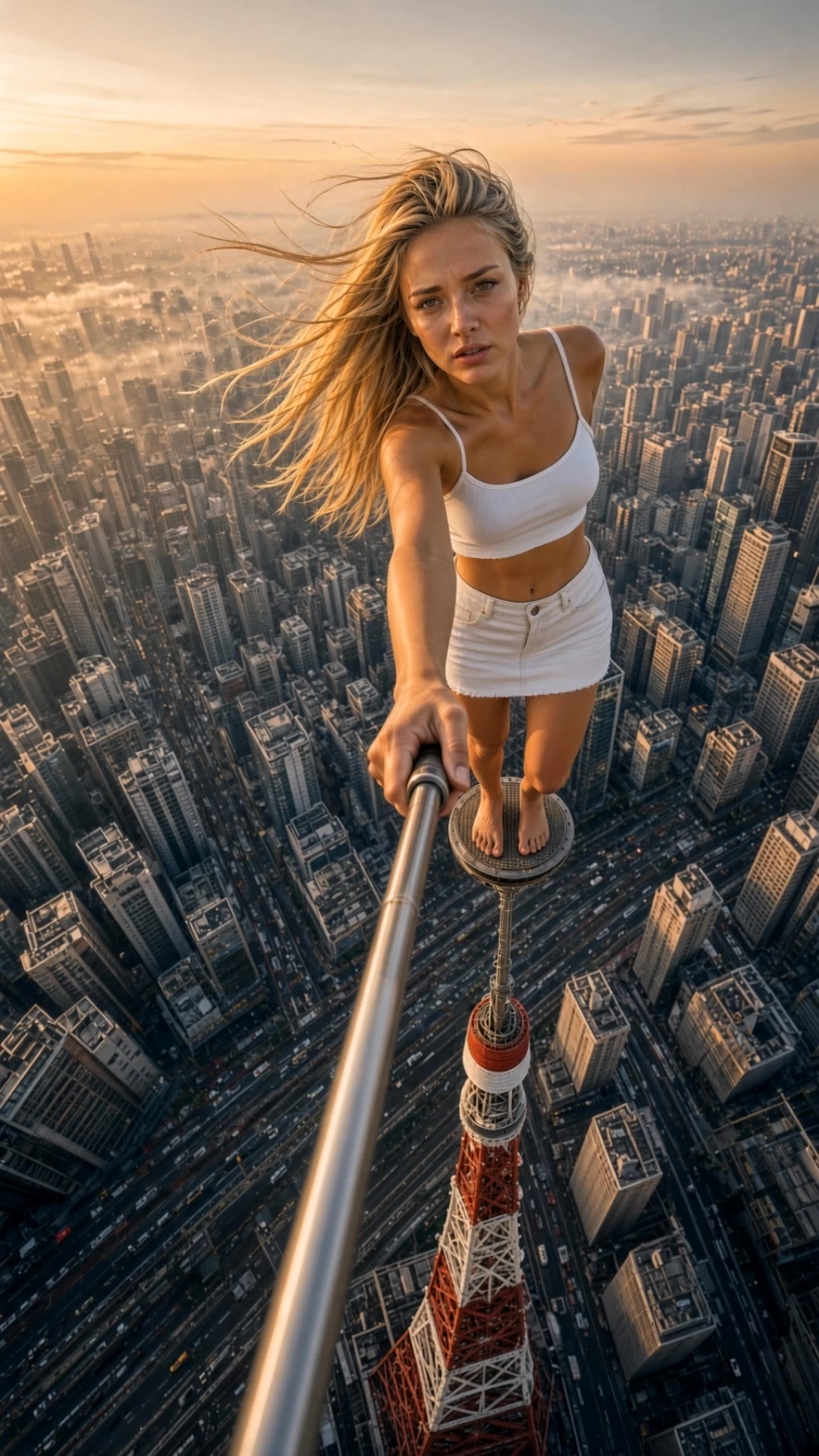
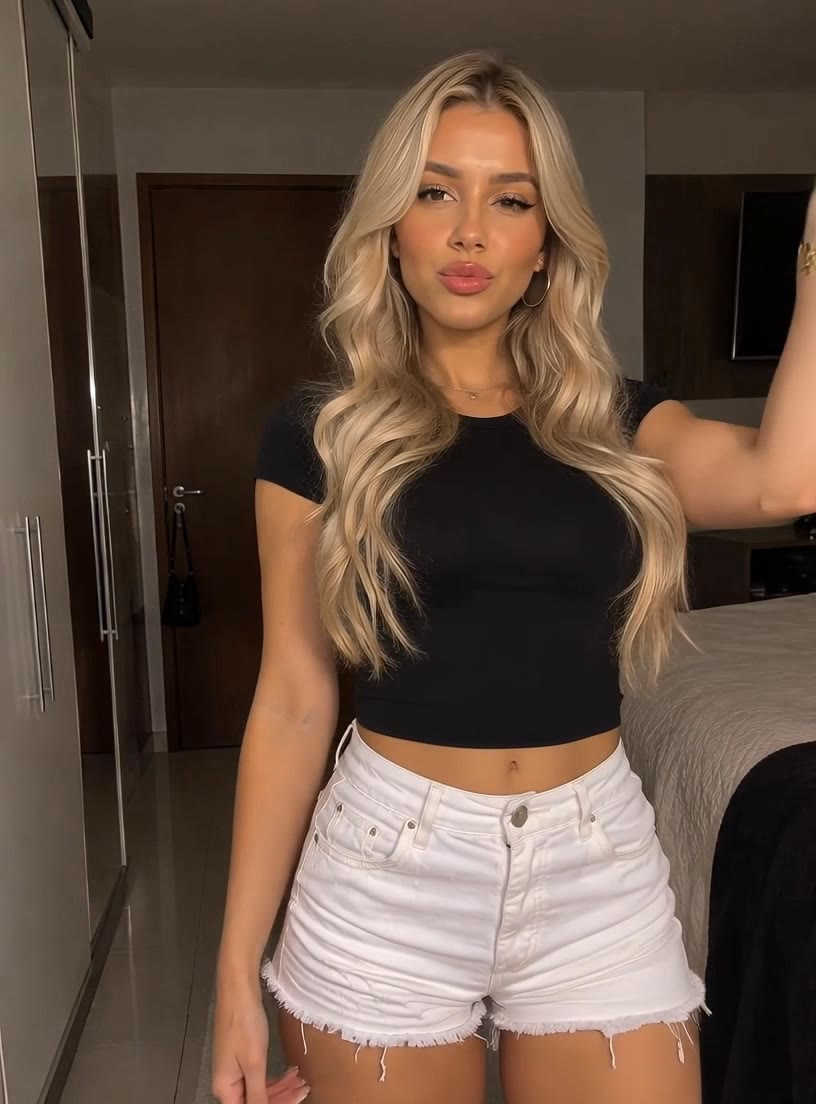
Video Effects
Apply ready-made effect templates to a photo or a clip — transformations, transitions and stylised motion that would take an editor hours to build by hand. Pick a template, drop in your material, and the effect is applied consistently.
Woman in a black blazer against a plain backdrop



Which Kling Model Should You Use?
Match the job to the capability. The newest model is not automatically the right one.
| If you need | Use | The capability behind it |
|---|---|---|
| A single take longer than 15 seconds | Kling 4.0 | 3–30s per generation, extension to 2 min coming |
| 4K with HDR for grading | Kling 4.0 | 10-bit HDR at 1080p and 4K |
| Ultrawide cinematic framing | Kling 4.0 | 21:9 as a native aspect ratio, not a crop |
| Story beats landing at exact moments | Kling 4.0 | up to 10 keyframe images |
| A full shot list in one instruction | Kling 4.0 | 8,000-token prompts |
| One script, several language versions | Kling 4.0 | stereo lip-sync across 9 languages and regional accents |
| Fast drafts and high-volume output | Kling 4.0 Flash | 720p, 3–20s, built for frequent generation |
| Multi-shot sequences with element reference | Kling 3.0 / Omni | synchronized audio-video, storyboarding, in-place editing |
| Motion transferred from a reference clip | Kling Motion Control | recreates complex movement and facial expression from a reference performance |
| A talking or singing character over 30 seconds | Kling Avatar 2.0 | up to 5 minutes from one photo, 48fps |
| Short, fast, lightweight clips | Kling 2.6 | fixed 5 and 10 second lengths |
| Heavy reference compositing (30+ assets) | none of these | Kling caps at 15 reference items |
1. Pick the model.
Kling 4.0, Kling 3.0, Kling 2.6 and Kling Avatar 2.0 all run from the same prompt box, so you can render the same brief on two models and compare before committing credits to a long take.
2. Write the prompt.
Describe the subject, the camera, then the light — a chef plating pasta, slow dolly in, warm window light from the left. Kling AI video models respond to concrete nouns more than to adjectives, so name the objects rather than the mood. Kling 4.0 accepts up to 8,000 tokens, so a full shot list fits.
3. Add references and keyframes.
Drop in up to 15 items — 10 images, 5 videos, 7 subjects. One clear face shot locks a character across shots; a product photo locks colour. Add keyframes when specific moments have to land: you can pin up to 10.
4. Draft at 720p, finish at 4K.
Settle composition and camera at the low-resolution tier first. A 4K render costs several times what the same clip costs at 720p, so one avoided re-roll pays for a handful of drafts. See pricing for the exact rates.
Partly. You get starter credits on this site with no card, which covers a few short clips at 720p — enough to judge whether the output suits your material before paying. Free Kling AI video does not include the longest durations or 4K, because those consume several times more credits per second than a 720p draft. Kling 4.0 Flash, capped at 720p and 20 seconds, is the tier designed for high-volume cheap generation. Anyone advertising unlimited free access to a model this expensive to run is either rate-limiting silently or serving an older model.
Kling AI video is billed per second of output, not per generation, so a failed render costs the same as a good one and a 5-second test costs a sixth of a 30-second take. Three things move the rate: resolution is by far the largest factor, native audio adds to it, and Pro model tiers cost more than their Standard counterparts. Because credits scale with length rather than attempts, the cheapest way to work is to settle composition at a low resolution and render once at full quality. Full per-second rates for every model, plus credit pack prices, are on the pricing page.
It depends on the model. Kling 4.0 generates 3 to 30 seconds in a single pass, and Kuaishou says clips will be extendable multiple times up to 2 minutes, listed as coming soon. Kling 3.0 caps at 15 seconds per generation. Kling 4.0 Flash, the early-access tier, runs 3 to 20 seconds. The outlier is Kling Avatar 2.0, which produces up to five minutes of talking or singing video from a single photo and an audio track — far longer than any of the general video models, because it solves a narrower problem.
It depends on the job, and the honest answer names where it loses. Kling 4.0 leads on output quality and control: 4K with 10-bit HDR, up to 10 keyframes, 21:9 framing. ByteDance's Seedance 2.5 matches its 30-second single-pass length and beats it decisively on reference capacity — 50 assets against Kling's 15 — so for reference-heavy compositing Seedance is the stronger tool. If your deliverable is graded, wide, or has to hit specific story beats, Kling 4.0 is the better pick. Benchmark both on your own prompts rather than on anyone's showreel.
Yes, and it is one of the most-used paths. Upload a single still and Kling animates it with camera movement and, on Kling 4.0, synchronized stereo audio. For tighter control you can add reference images that lock a character's face or a product's exact colour — Kling 4.0 accepts up to 15 reference items in total, of which 10 can be images. A practical note: when you start from an image, describe only motion and light in the prompt. Re-describing what is already in the picture tends to make the model drift away from it.
Four: Kling 4.0, Kling 3.0 and 3.0 Omni, Kling 2.6, and Kling Avatar 2.0, all from the same prompt box. They are not interchangeable — Kling 4.0 for length, resolution and keyframe control; Kling 3.0 for anything you need through the API today, since Kling 4.0 is not on the API plans yet; Kling 2.6 for motion transferred from a reference clip; Kling Avatar 2.0 for a talking or singing character running longer than 30 seconds. The model selector sits above the prompt box, and each model has its own page with full specifications.
Kuaishou has confirmed October 2026 for Kling 4.0. Kling 4.0 Flash, the faster tier in the same lineup, opened to a limited group of users for early access on September 28, 2026 at 720p and up to 20 seconds. Two capabilities are dated later than the model itself: 10-bit HDR output and multi-pass extension to 2 minutes are both listed as coming soon rather than available at launch. Until Kling 4.0 is generally available, Kling 3.0 is the model to use for anything with a deadline.
About two minutes for a typical clip, though it varies with length, resolution and whether audio is enabled. A short 720p draft comes back faster than a full-length 4K render with HDR and native audio. The practical workflow is to draft short and cheap first — settle composition, camera move and keyframes at 720p, then re-render once at full resolution. A 4K attempt consumes several times what a 720p draft does, so a single avoided re-roll pays for a handful of drafts. Kling 4.0 Flash exists for exactly this: fast, 720p, up to 20 seconds.
It depends on the model. Kling 4.0 outputs 720p, 1080p and 4K, and adds 10-bit HDR at the top two resolutions — a capability no earlier Kling version has. Kling 3.0 renders 1080p and 4K but without HDR. Kling 4.0 Flash, the early-access tier, is 720p and 8-bit SDR only. Kling Avatar 2.0 runs at 1080p and 48fps. One thing to know about 4K on this platform: it is generated at full resolution rather than upscaled afterward, which is why texture and grain hold up on a large screen where an upscaled clip goes soft. It is also the setting that consumes the most credits by a wide margin.
Yes, on paid tiers. Output from paid plans is watermark-free and cleared for commercial use, while free-tier clips carry a watermark — the standard trade for generating without a card. Check the licensing terms on your specific plan before using a clip in a paid campaign, since commercial rights come with the paid tiers rather than the free allowance. For brand work there is a practical limit worth knowing in advance: references get a product close on shape and colour, but logos and fine surface detail shift between generations. For anything that has to be pixel-accurate, shoot the hero product and use Kling AI video for the scene around it.
Not one worth using for finished work. Video generation costs real money to run — a single 30-second 4K clip consumes a meaningful amount of compute — so any service offering unlimited free generation is either capping you invisibly, watermarking heavily, or running an older and cheaper model than it advertises. What is genuinely available free is a starter allowance, which is what this site gives you: enough credits to test your own prompts at 720p before deciding whether to pay. Exact allowances and rates are on the pricing page.
Try Kling 4.0 on Kling AI Video
Starter credits included. No card, no install.
Type a sentence, pick a model, and you have a clip in about two minutes. Starter credits cover a few renders — enough to judge Kling AI video on your own material rather than on a showreel someone else picked.