CookiePal
Manage your CookiePal cookie banner from Claude: domains, the banner tag and style, and cookie scan reports.
Hosted MCP Server
npx add-mcp 'https://mcp.cookiepal.io/mcp'Installs into Claude Code, Codex, Cursor and more
Documentation
CookiePal for AI
Your cookie banner.Installed with AI.
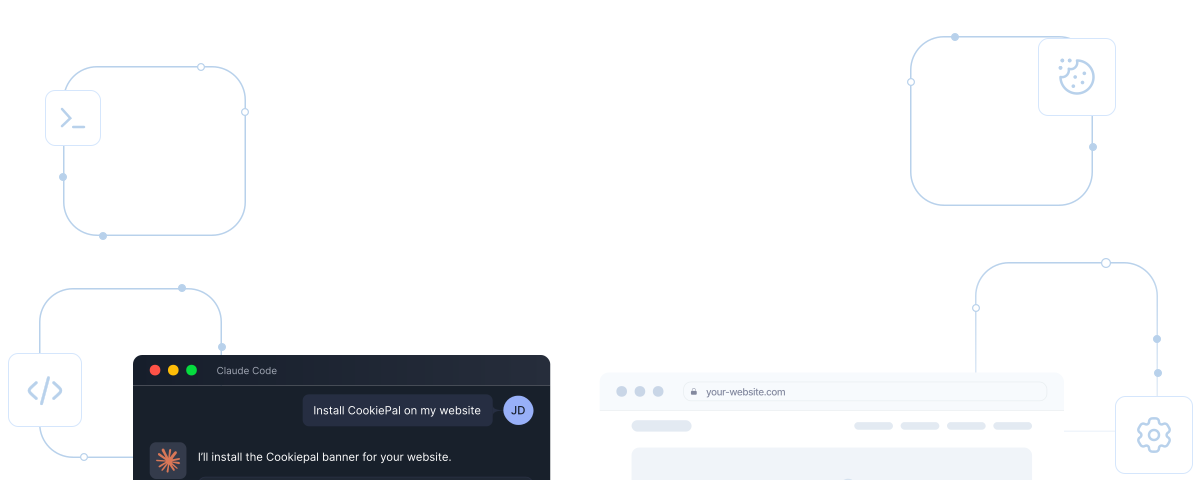
Let AI handle the complicated parts of cookie consent. Install your CookiePal banner, scan your website, and manage your settings using Claude Code, MCP, and developer tools.
Install with Claude Code View documentation
Works with Claude Code
MCP integration
No account needed to check a website
How it works
From a simple prompt toa working cookie banner.
No complicated setup instructions. Just connect CookiePal, tell your AI what you need, and let it handle the technical steps.
01
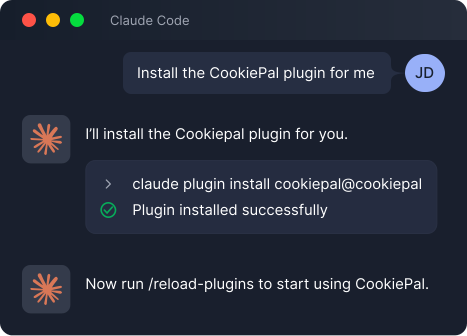
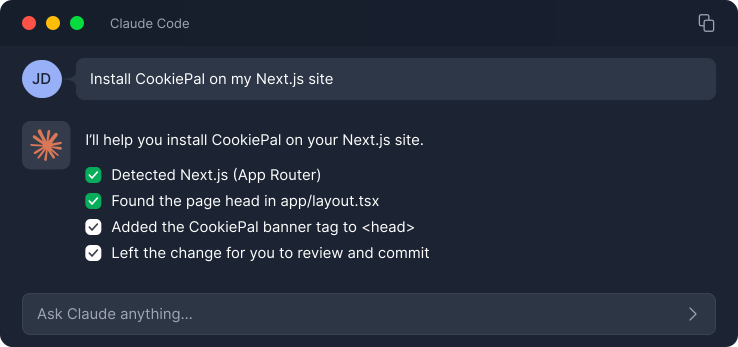
Add CookiePal to Claude Code
Install the CookiePal plugin and connect your account when you're ready to set up your website.
02
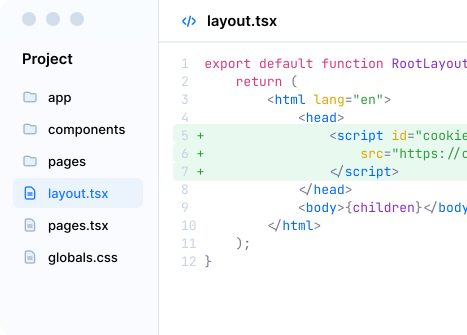
Let AI install your banner
CookiePal detects your website's framework and adds the banner to the right place in your code.
03
Check that everything works
Once your changes are live, verify your installation, scan for cookies, and check how your website handles consent.
Ways to use CookiePal
Built forthe way you work.
Whether you prefer an AI assistant, command line tools, or developer integrations, CookiePal fits into your workflow. Same powerful compliance tools, wherever you work.
Claude Code Plugin
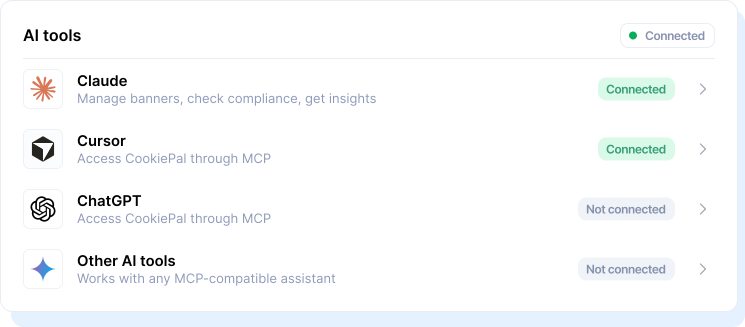
MCP Server
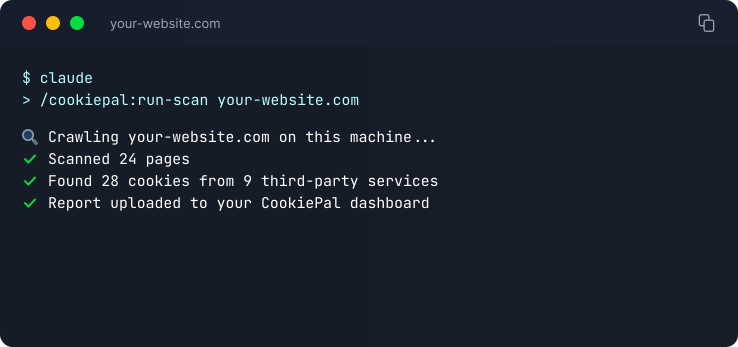
CLI & Developer Tools
What you can do
Manage cookie consent directlyfrom Claude Code.
Use simple commands to install your CookiePal banner, scan your website for cookies, verify the setup, and check compliance. All from your terminal, with the help of AI.
Claude Code
Claude Code
Hi! I can help you manage CookiePal. What would you like to do?
> /cookiepal:
Available CookiePal commands:
/cookiepal:install-banner
Install your CookiePal cookie banner on your website, with step-by-step guidance.
/cookiepal:match-site-design
Match your banner's colours to your website's design, checked for accessible contrast.
/cookiepal:check-one-page
Check cookies and consent behaviour on a specific page, with a detailed report.
/cookiepal:run-scan
Scan your entire website for cookies and tracking technologies.
/cookiepal:verify-installation
Verify that your CookiePal banner is installed correctly and working as expected.
/cookiepal:check-gcm
Check your Google Consent Mode configuration and detect any issues.
/cookiepal:detect-stack
Detect your website's framework and technology stack for tailored setup instructions.
/cookiepal:connect-account
Connect Claude Code to your CookiePal account, or create one.