Google Patent Details Scraper: Claims & Metadata Export (Apify Actor)
Export Google Patents details for known publication numbers or URLs: title, abstract, assignees, inventors, dates, legal status, claims, description and family links at full detail, one JSON row per patent, ready for patent tables. No login or API key. Price: $1.95 per 1,000 saved patents, plus $0.0007 per run start. Runs as an Apify Actor, callable from MCP clients via the Apify MCP server (https://mcp.apify.com/?tools=cliqtomedia/google-patents-scraper).
Hosted MCP Server
npx add-mcp 'https://mcp.apify.com/?tools=cliqtomedia/google-patents-scraper'Installs into Claude Code, Codex, Cursor and more
Documentation
Google Patent Details Scraper: Claims & Metadata Export (cliqtomedia/google-patents-scraper) Actor
Extract Google patent details from known publication numbers or URLs. Export metadata, claims, description and same-page family links.
- URL: https://apify.com/cliqtomedia/google-patents-scraper.md
- Developed by: Cliqto Media (community)
- Categories: Developer tools, Automation
- Features: Limited permissions
- Stats: 2 total users, 1 monthly users, 100.0% runs succeeded, 0 bookmarks
- User rating: No ratings yet
Pricing
from $1.36 / 1,000 saved patent rows
This Actor is paid per event. You are not charged for the Apify platform usage, but only a fixed price for specific events. Since this Actor supports Apify Store discounts, the price gets lower the higher subscription plan you have.
Learn more: https://docs.apify.com/actors/running/actors-in-store.md#pay-per-event
What's an Apify Actor?
An Actor is a serverless cloud program that runs on the Apify platform. It has two run modes. In Batch mode, an Actor accepts a well-defined JSON input, performs an action which can take anything from a few seconds to a few hours, and optionally produces a well-defined JSON output, datasets with results, or files in key-value store. In Standby mode, an Actor provides a web server which can be used as a website, API, or an MCP server.
Apify vocabulary and the platform model are defined once, in the agent quickstart at https://apify.com/agents.md.
How to integrate an Actor?
If asked about integration, you help developers integrate Actors into their projects. You adapt to their stack and deliver integrations that are safe, well-documented, and production-ready.
Do not guess an integration path. Every one of them is in the agent quickstart at https://apify.com/agents.md: the Apify MCP server, Agent Skills with the Apify CLI, the JavaScript and Python clients, the REST API, and the account-free path for an agent with no human to sign in. It also carries the rule on stating cost before the first paid run.
For examples already wired to this Actor's own input schema, see the API section below.
Each client library has reference documentation the quickstart does not restate: JavaScript/TypeScript (npm install apify-client) and Python (pip install apify-client).
README
Fetch Google patent details for publication numbers you already know. Get a title, dates, an abstract and source names. Choose full detail to add claims, description, citations and family links from the same public page.
Start with the patent number in the new Input form. Open the Dataset to check the result. Each run has a $0.0007 start charge at the recommended 512 MB memory. Saved rows cost $1.95 per 1,000, including partial rows. Missing pages and technical failures are explained in RUN_SUMMARY; they do not create paid patent rows.
Contents
- What it does
- Quick start
- Use cases
- Input
- Output
- Pricing and limits
- API and export
- Troubleshooting
- FAQ
- Support
What it does
This Actor reads public Google Patents detail pages. It saves one row for each unique publication number. It works with known IDs and exact https://patents.google.com/patent/ URLs. US, EP and WO page formats have been checked with real publications.
It is a good fit for a list of known patents, a source-linked patent table, or a claims and description export. It does not find patents by keyword, resolve application numbers, walk citation graphs or fetch every member of a family. Search inputs are rejected. No login or proxy setup is needed. PDF and image files are never downloaded.
Fields can be missing or translated on Google Patents. Legal status and expiration dates are source values, not legal advice or a guarantee that a patent is valid. Verify important facts with the relevant patent office. This independent tool is not affiliated with or endorsed by Google LLC.
Quick start
- Open Input. A new form suggests
US9014905B1inpublicationNumbers. - Keep this number for a small first run. The form suggestion is not an API default.
- Click Start.
- Open Dataset and check
publicationNumber,titleandcanonicalUrl. - Open RUN_SUMMARY to check every input outcome.
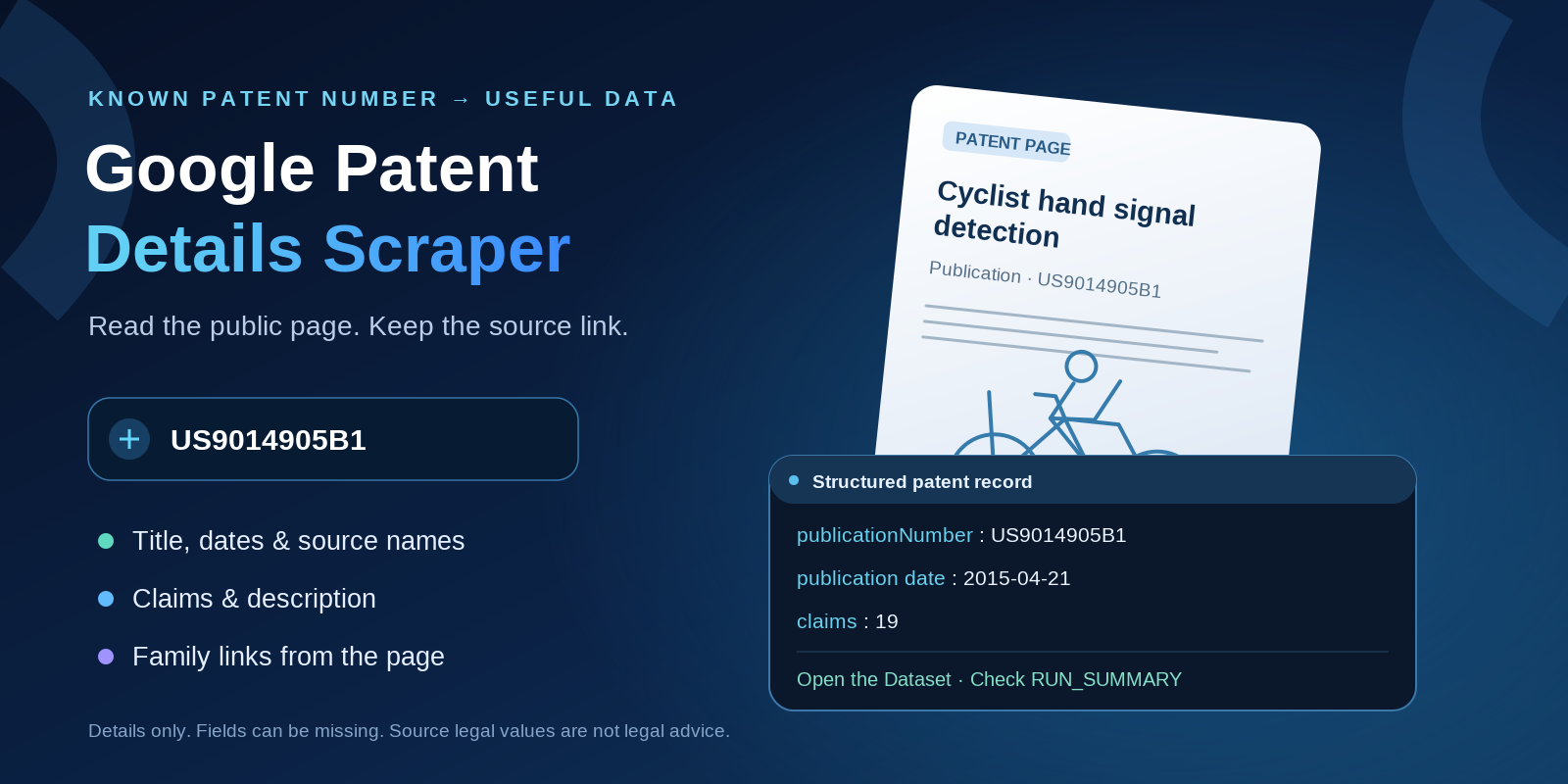
The example returns the patent Cyclist hand signal detection by an autonomous vehicle, with publication date 2015-04-21. Choose detailLevel: "full" to collect its claims and description too.
Use cases
| Your task | Input | Useful fields | Next step |
|---|---|---|---|
| Build a table from a known patent list | publicationNumbers | title, dates, assignees | Export the Dataset |
| Read claims and description | detailLevel: "full" | claims, description, truncation | Check the source page and text limits |
| Compare source family links | detailLevel: "full" | family, relatedApplications | Open each source link yourself |
Input
At least one nonempty publicationNumbers or patentUrls list is needed. Each list may contain up to 100 entries; the whole run saves at most 100 unique publications. An empty API input {} is invalid and never adds the demo number for you.
| Field | Type | Required | Runtime default / form prefill | Values and effect |
|---|---|---|---|---|
publicationNumbers | string[] | One of the two lists | No default; prefill ['US9014905B1'] | Known publication IDs, up to 40 characters each; example EP1000000A1 |
patentUrls | string[] | One of the two lists | None | Exact HTTPS URLs on patents.google.com/patent/, without query or fragment |
language | string | No | en; no prefill | Two lowercase letters; used for IDs and URLs without a language suffix |
detailLevel | string | No | metadata; no prefill | metadata or full; full adds bounded text and same-page references |
maxItems | integer | No | 10; no prefill | 1–100; stops new unique inputs at this cap |
includePdfLink | boolean | No | false; no prefill | Return the source PDF link, if present; no file download |
Publication numbers are uppercased and spaces are removed. Use a publication ID such as US9014905B1, not an application number such as US14/166,502. Unsafe URLs and malformed IDs are reported without fetching them.
When both lists are used, URL entries are processed first. Repeated normalized publication numbers are saved once; the first entry wins, including its language. A language suffix in a URL overrides language. At metadata level, full-detail fields stay null. includePdfLink works at either level.
Full-detail example
{
  "publicationNumbers": ["US9014905B1"],
  "detailLevel": "full",
  "maxItems": 1,
  "includePdfLink": true
}
For URLs, use this shape:
{
  "patentUrls": ["https://patents.google.com/patent/EP1000000A1/en"],
  "detailLevel": "full",
  "maxItems": 1
}
Output
The default Dataset contains one JSON object per saved unique publication. All top-level fields below are present. null means unavailable or not requested; an empty list means no entries were extracted. Text is plain source text with whitespace joined; it is not an AI summary. Dates come from page markers, so a grant date can be null even for a granted patent.
| Field | Type | Meaning and empty behavior |
|---|---|---|
schemaVersion | string | "1", output contract version |
status | string | PATENT_SAVED or PARTIAL; partial means missing optional fields or a text/list limit |
publicationNumber | string | Required publication identity, also the duplicate key |
canonicalUrl | string | Required safe Google Patents detail link |
applicationNumber | string/null | Source application number; not a supported lookup key |
countryCode, kindCode | string/null | Source office and publication kind |
title, abstract | string/null | Bounded source text; a missing title prevents a saved row |
inventors | string[] | Unique source names; empty when missing |
assignees.original, assignees.current | string[] | Unique source names in each list |
dates.priority, dates.filing, dates.publication, dates.grant | string/null | Each is YYYY-MM-DD or null |
classifications.cpc, classifications.ipc | string[] | Source codes; empty when none are extracted |
legal.status, legal.expirationDate | string/null | Source status and date; not legal conclusions |
legal.events | object[] | Source events with nullable date, title, type, documentId, assignee, search, description strings |
legal.disclaimer, disclaimer | string | Reminder to verify legal values with a patent office |
claims | string[]/null | Full-detail claim text in page order; null at metadata level, empty if absent |
description | string/null | Full-detail text; null when absent or metadata-only |
citations.backward, citations.forward | object[] | Full-only patent references; citations is null at metadata level; non-patent literature is omitted |
family.simpleFamilyId | string/null | Same-page simple-family value, never a duplicate key; family may be null |
family.members | object[] | Same-page representative publication links, not an exhaustive global family search |
relatedApplications | object[]/null | Full-only related rows; nullable applicationNumber, publicationNumber, title, priorityDate, filingDate, sourceUrl strings |
pdfUrl | string/null | Optional HTTPS source PDF link; never fetched |
figureCount | integer/null | Count of recognized figure markers; no image download |
detailLevel | string | metadata or full |
source.host, source.path, source.language | string | Source location and selected language |
source.transport, source.parserVersion | string | direct-http and the parser version |
source.retrievedAt | string | UTC retrieval time; not a source filing date |
truncation | object[] | field, reason strings and originalLength, keptLength integers; empty when no cap was hit |
search | null | Retained compatibility field; always null |
Each citation and family member has publicationNumber (string), plus nullable countryCode, kindCode, title, date and sourceUrl strings. These are links from the fetched page. The Actor does not visit them.
Output example
This trimmed object comes from the same US full-detail input above. It omits long text and source names from this document; the Dataset keeps the full bounded row.
{
  "schemaVersion": "1",
  "status": "PATENT_SAVED",
  "publicationNumber": "US9014905B1",
  "canonicalUrl": "https://patents.google.com/patent/US9014905B1/en",
  "applicationNumber": "US14/166,502",
  "title": "Cyclist hand signal detection by an autonomous vehicle",
  "dates": {
    "priority": "2014-01-28",
    "filing": "2014-01-28",
    "publication": "2015-04-21",
    "grant": null
  },
  "family": {
    "simpleFamilyId": "52822648",
    "members": [{
      "publicationNumber": "US9014905B1",
      "countryCode": "US",
      "kindCode": "B1",
      "title": "Cyclist hand signal detection by an autonomous vehicle",
      "date": "2014-01-28",
      "sourceUrl": "https://patents.google.com/patent/US9014905B1/en"
    }]
  },
  "detailLevel": "full",
  "truncation": [],
  "search": null
}
Results and run summary
| Situation | Dataset | RUN_SUMMARY and action |
|---|---|---|
| Normal publication | One row | PATENT_SAVED; check its source link |
| Missing optional data or capped text | One paid row | PARTIAL; inspect the input reason and truncation |
| Repeated ID | No extra row | DUPLICATE_INPUT; first entry wins |
| Missing page | No row | NOT_FOUND; check the publication ID |
| Unsafe or malformed input | No row | INVALID_INPUT; fix the value |
| Access denial or throttling | No fake row | BLOCKED or RATE_LIMITED; wait, then try a small run |
| Network failure or changed page | No fake row | TRANSIENT_ERROR, PARSER_DRIFT or TECHNICAL_ERROR; check summary and contact support |
| Input cap or deadline reached | Completed rows remain | TRUNCATED_BY_LIMIT or an explicit aborted outcome for remaining inputs |
Open Output for Dataset and RUN_SUMMARY links. The summary is a JSON record in the default key-value store. It records each input, saved/partial/duplicate/missing/error counts, request bytes, retries, timing and row charges. Empty Dataset alone does not tell you whether pages were missing or access failed. A platform status of SUCCEEDED can still contain partial outcomes; always read the summary.
Pricing and limits
The applied price is $0.00195 per saved patent row. Both metadata and full detail use the same row event, patent-row-saved. Partial rows are paid rows. There is no additional charge for full detail or the optional PDF link. Platform usage is included; the Actor does not add it to the buyer's bill.
The platform automatically charges apify-actor-start at $0.0007. Up to 1 GB memory, it charges once; above that it charges once per GB (4 GB costs $0.0028 to start). A missing-page run or a run containing only invalid IDs has the start charge, but no row charge. Duplicate and skipped entries have no row charge. In a partially failed run, the start charge still applies and only saved rows produce row events. Keyword filters and unchanged-monitor runs are not supported.
| Scenario at 512 MB | Saved rows | Row charge | Total with one start |
|---|---|---|---|
| One known patent | 1 | $0.00195 | $0.00265 |
| Ten known unique patents | 10 | $0.01950 | $0.02020 |
| One hundred unique patents | 100 | $0.19500 | $0.19570 |
| Missing pages only | 0 | $0.00000 | $0.00070 |
Use the platform Maximum cost per run setting to cap all event charges, including the start. The maxItems input limits unique publications, not total dollars. A low platform cost cap can stop a run before all inputs finish.
Recommended memory is 512 MB (minimum 256 MB). Larger memory increases the number of start events.
Limits: 100 entries per input list, 100 saved rows per run, one source request at a time, 3–6 seconds between publications, up to 3 redirects and 2 retries for temporary failures. Each request, including its body, has a 20-second deadline and a 2 MiB HTML limit. Source work ends within 585 seconds; a shorter platform timeout stops it earlier and leaves time for the summary. A longer platform timeout does not increase these limits.
Text limits are 1,000 title characters, 20,000 abstract characters, 250,000 claim characters and 500,000 description characters. Claims and citation/family/event lists are limited to 500 entries. Caps are shown in truncation. Large or slow batches can finish partially; split them into smaller inputs. Availability and page layout can change.
API and export
Use the Apify run API with the same input JSON. The Actor ID is 20fpS7snbVJNCRK9I; the supported release route is latest. Keep your API token private. Read defaultDatasetId and defaultKeyValueStoreId from the completed run, then open the Dataset items and the RUN_SUMMARY record.
The Dataset can be exported as JSON or CSV through Apify. Use JSON when you need nested claims, citations or family data. The overview table shows key fields; the full JSON keeps all fields. You can configure a schedule in Apify for your own known patent list; every execution fetches the pages again and is billed as a separate run. The Actor has no change-only monitor.
Troubleshooting
No rows appear
Open RUN_SUMMARY. NOT_FOUND means the source returned a missing-page response. INVALID_INPUT means the value or settings were invalid. BLOCKED and RATE_LIMITED are access failures. They do not mean that a patent is absent. Check the same publication link in a browser, then retry a small run after waiting.
Claims or description are missing
Check that detailLevel is full. Some pages omit a section or expose less text in the selected language. Check status, input reasons and truncation. This tool cannot supply text that the source does not expose.
Fewer rows than input entries
Repeated IDs, invalid values, missing pages, maxItems, the platform cost limit or a deadline can reduce the count. The summary accounts for every input. Reduce the batch size if the run is slow. Do not retry repeatedly when the source blocks access.
FAQ
Does it search Google Patents?
No. Add known publication numbers or exact patent detail URLs. Keyword queries, application-number lookup and search filters are not supported.
Do I need Google credentials?
No. Only public detail pages are read. The Actor does not log in or solve access challenges.
Will I get every family member and citation?
Only the recognized entries on the fetched page, within list limits. There is no recursive lookup, family expansion or guarantee of exhaustive coverage. A simple-family ID groups related source records; each publication still has its own identity.
Is full text copied exactly?
The Actor extracts plain page text and joins whitespace. It preserves Unicode and source content within the stated caps. HTML tags are removed; claim arrays keep page order. It does not fetch PDFs, translate text itself or generate a summary.
Can I use legal status as a decision?
Treat it as a source field. It is not legal advice, a validity judgment, an expiration guarantee or complete prior-art analysis.
Support
Open an issue on this Actor's Issues tab in Apify Store. Include the run ID, the affected publication number and the relevant RUN_SUMMARY reason. Send only the small public input needed to reproduce the issue. Never send API tokens, cookies, billing details or private documents.
Changelog
This Actor's version history is a separate document: https://apify.com/cliqtomedia/google-patents-scraper/changelog.md
Actor input Schema
patentUrls (type: array):
HTTPS Google Patents /patent/ detail URLs only.
publicationNumbers (type: array):
Known public publication identifiers for direct detail extraction.
language (type: string):
Two-letter lower-case language code used for the public detail page.
detailLevel (type: string):
Metadata or full detail from the same public patent page.
maxItems (type: integer):
Global hard cap for saved unique publications in one run. Up to 100.
includePdfLink (type: boolean):
Returns a source link only; PDF and image assets are never downloaded.
Actor input object example
{
  "publicationNumbers": [
    "US9014905B1"
  ],
  "language": "en",
  "detailLevel": "metadata",
  "maxItems": 10,
  "includePdfLink": false
}
Actor output Schema
dataset (type: string):
No description
runSummary (type: string):
No description
API
You can run this Actor programmatically using our API. Below are code examples in JavaScript, Python, and CLI, as well as the OpenAPI specification and MCP server setup.
JavaScript example
import { ApifyClient } from 'apify-client';

// Initialize the ApifyClient with your Apify API token
// Replace the '<YOUR_API_TOKEN>' with your token
const client = new ApifyClient({
    token: '<YOUR_API_TOKEN>',
});

// Prepare Actor input
const input = {
    "publicationNumbers": [
        "US9014905B1"
    ]
};

// Run the Actor and wait for it to finish
const run = await client.actor("cliqtomedia/google-patents-scraper").call(input);

// Fetch and print Actor results from the run's dataset (if any)
console.log('Results from dataset');
console.log(`💾 Check your data here: https://console.apify.com/storage/datasets/${run.defaultDatasetId}`);
const { items } = await client.dataset(run.defaultDatasetId).listItems();
items.forEach((item) => {
    console.dir(item);
});

// 📚 Want to learn more 📖? Go to → https://docs.apify.com/api/client/js/docs
Python example
from apify_client import ApifyClient

# Initialize the ApifyClient with your Apify API token
# Replace '<YOUR_API_TOKEN>' with your token.
client = ApifyClient("<YOUR_API_TOKEN>")

# Prepare the Actor input
run_input = { "publicationNumbers": ["US9014905B1"] }

# Run the Actor and wait for it to finish
run = client.actor("cliqtomedia/google-patents-scraper").call(run_input=run_input)

# Fetch and print Actor results from the run's dataset (if there are any)
print(f"💾 Check your data here: https://console.apify.com/storage/datasets/{run.default_dataset_id}")
for item in client.dataset(run.default_dataset_id).iterate_items():
    print(item)

# 📚 Want to learn more 📖? Go to → https://docs.apify.com/api/client/python/docs/quick-start
CLI example
echo '{
  "publicationNumbers": [
    "US9014905B1"
  ]
}' |
apify call cliqtomedia/google-patents-scraper --silent --output-dataset
MCP server setup
{
    "mcpServers": {
        "apify": {
            "type": "http",
            "url": "https://mcp.apify.com/?tools=fetch-actor-details,cliqtomedia/google-patents-scraper"
        }
    }
}
The hosted server signs you in with OAuth on first connect, so no API token belongs in this config. Clients without OAuth support can send an Authorization: Bearer <APIFY_API_TOKEN> header instead, using a token from API & Integrations in Apify Console (https://console.apify.com/settings/integrations).
OpenAPI specification
Download the OpenAPI definition: https://api.apify.com/v2/actors/20fpS7snbVJNCRK9I/builds/ls3rfNS3O196uCFbG/openapi.json