AnyToSpeech MCP
officialConvert anything into audio, steerable realistic voices
What can you do with AnyToSpeech MCP?
- Generate speech from text or files — Ask your assistant to turn plain text, PDFs, DOCX files, images with text, or SRT subtitles into downloadable audio.
- Transcribe and summarize media — Submit audio or video for transcription, then get transcripts and AI summaries of the recordings.
- Translate across formats — Translate text, audio, images, or media URLs into other languages from a chat prompt.
- Clone and design voices — Create custom voices from samples, design new voices with AI, and run speech-to-speech conversion.
- Produce podcasts — Generate full episodes from a topic or uploaded file, or plan a multi-episode series.
- Check account and jobs — Review credits and transcription minutes, list voices, and track or cancel async jobs.
Documentation
AnyToSpeech MCP - Connect ChatGPT, Claude, Cursor & More to Your Account
30
MCP tools
Sign in
No key to copy
Your plan
Same billing as the website
Scoped
Disconnect anytime
Everything AnyToSpeech does — inside your AI chat
Not a stripped-down API. The same production features your account already has, exposed as tools your assistant can call.
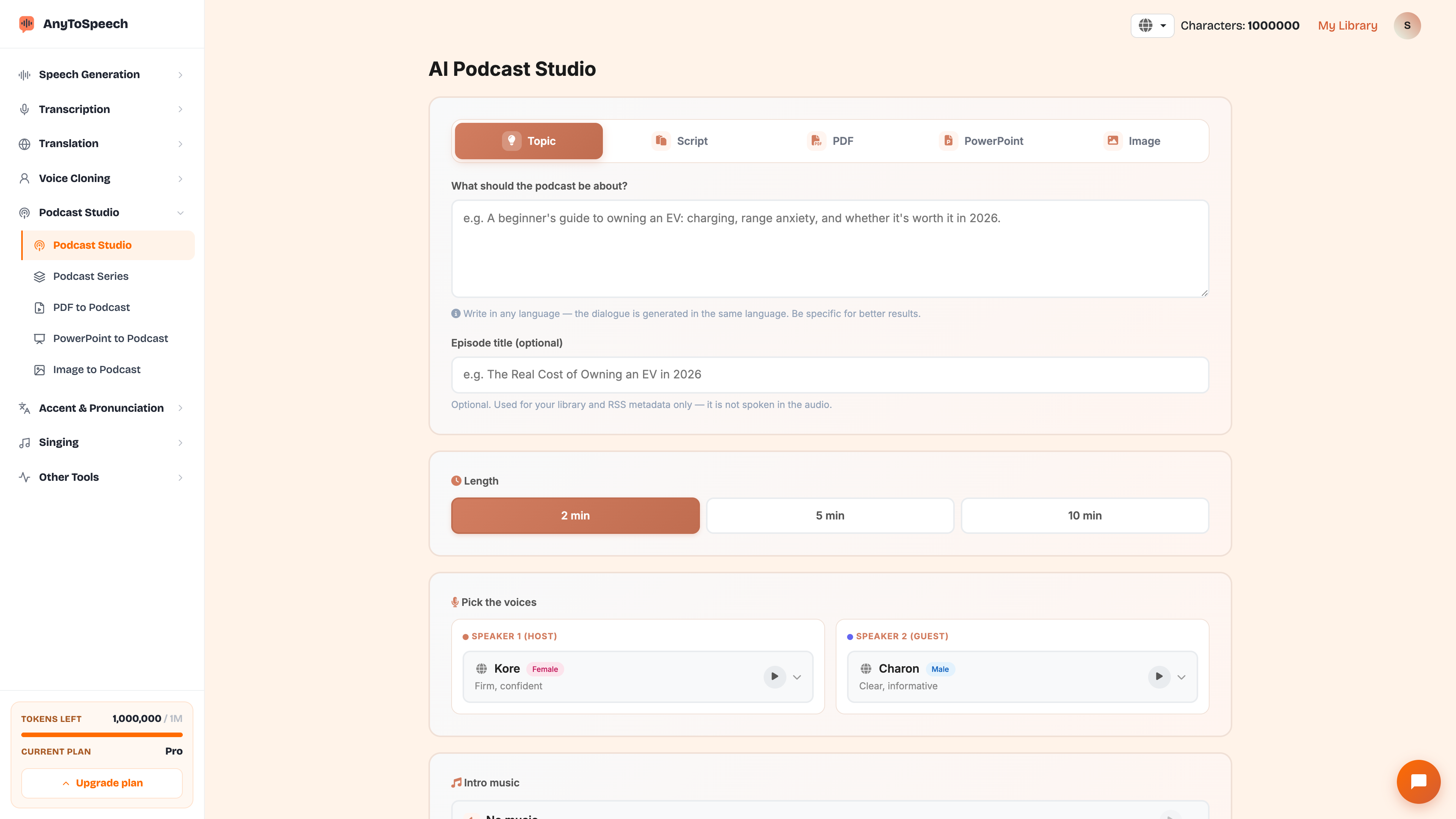
Text & documents → natural speech
Generate audio from plain text, PDFs, DOCX, images with text, SRT subtitles, or multi-speaker scripts. Perfect for narration, accessibility, and content repurposing.
speech_synthesize speech_from_document speech_from_image speech_multi_speaker
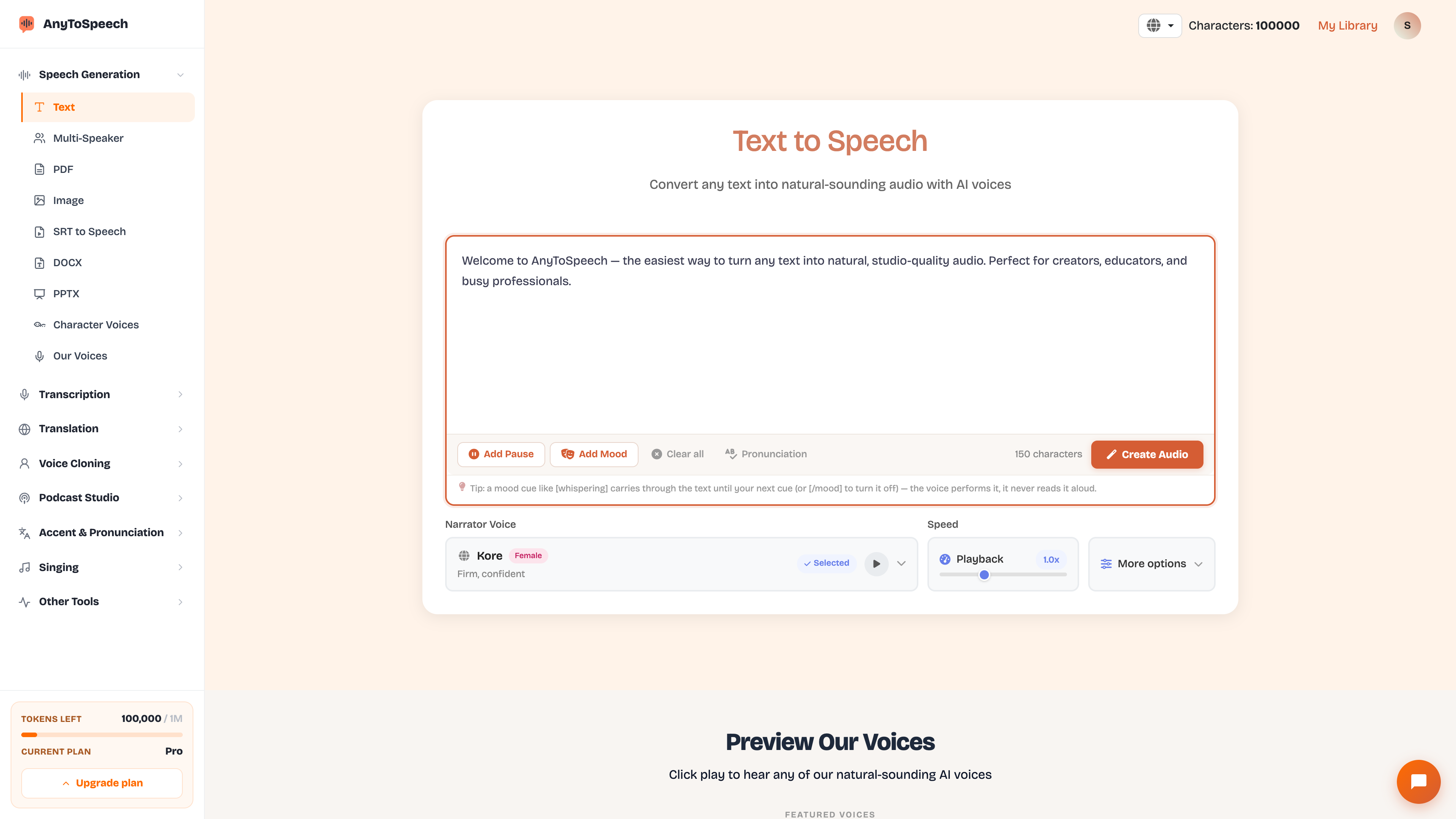
Transcribe & translate anything
Submit audio or video for transcription, summarize recordings, translate text, audio, images, or media URLs — all metered against your transcription minutes.
transcription_create transcription_summarize translation_audio translation_image
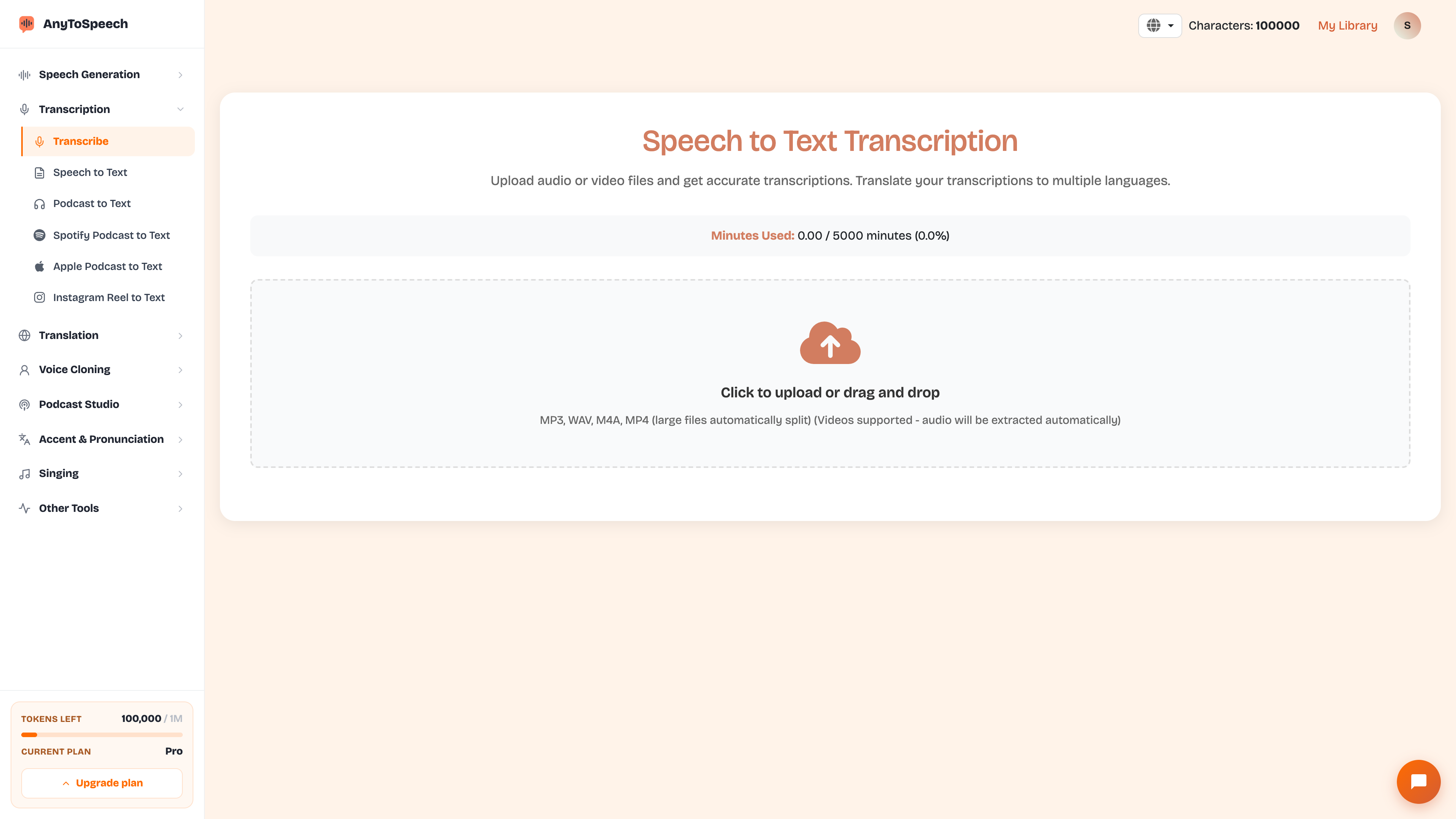
Clone, design & transform voices
Create custom voices from samples, design new voices with AI, run speech-to-speech conversion, and manage your voice library — all from a chat prompt.
voice_clone voice_design_publish speech_to_speech
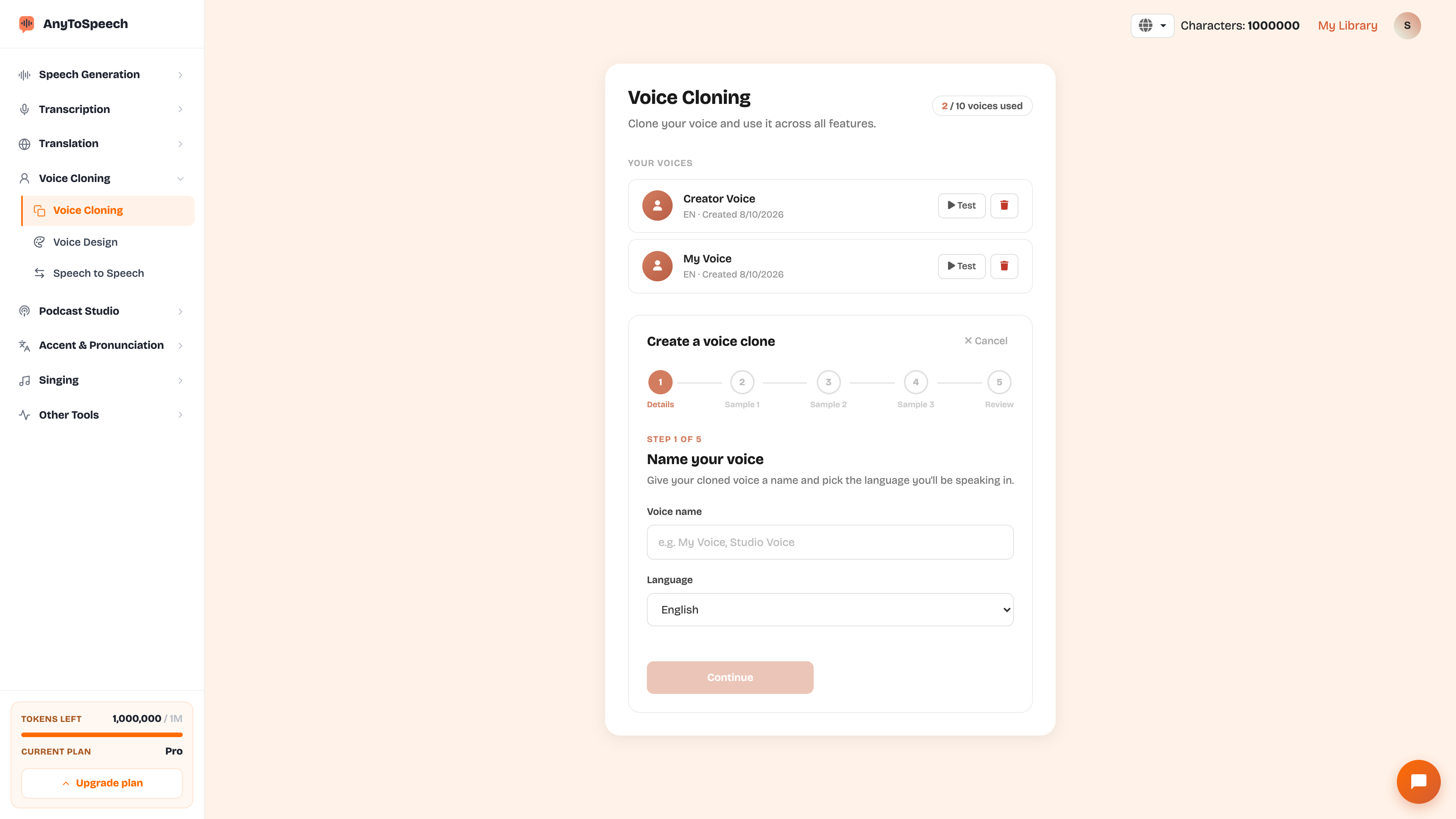
Podcasts on demand
Generate full podcast episodes from a topic, upload a file, or plan a series. Your assistant handles scripting and audio — you keep publishing.
podcast_generate podcast_from_file podcast_series_plan
Six capability areas, one connector
Approve only the permissions each assistant needs, and see every connected app in one place.
Speech generation
Text, documents, images, SRT, and multi-speaker dialogue → downloadable audio.
Transcription
Upload or link media, poll job status, get transcripts and AI summaries.
Translation
Translate text, audio, images, and transcripts across languages.
Voice studio
Clone, design, test, convert, and delete custom voices you own.
Podcasts
Single episodes, file uploads, and multi-episode series planning.
Account & jobs
Check credits and minutes, list voices, track async jobs, cancel runs.
Connected in under two minutes
No developer portal. No separate API subscription. Just your AnyToSpeech account.
1
Create a free account
Sign up for AnyToSpeech if you haven't already. Free tier included — upgrade anytime for more credits and minutes.
2
Paste the server URL
Add the AnyToSpeech server URL in ChatGPT, Claude, Cursor or VS Code, sign in and click Allow. No key needed. Perplexity and Meta Muse use an integration key you create in one click.
3
Ask your assistant
“Transcribe this file.” “Read this PDF aloud.” “Make a podcast about…” Usage bills to your plan automatically.
Set up AnyToSpeech in your assistant
ChatGPT Add AnyToSpeech as a custom app in developer mode. About 3 minutes. Claude Add a custom connector. Works on every Claude plan, including Free. Meta Muse Connect through a Muse custom connector while our directory listing is in review. Perplexity Add AnyToSpeech as a remote connector with an integration key. Cursor One line in mcp.json, then sign in. Narrate docs and changelogs from your editor.
ChatGPT guides
Read a PDF out loud Get the whole document as audio, not a 60-second clip. Text to speech as MP3 Turn any ChatGPT answer or pasted text into a downloadable file. Create a podcast Two hosts, natural back-and-forth, from a topic or a file. Clone your voice Make ChatGPT's output sound like you.
Claude guides
Read a PDF out loud Listen to long reports and papers Claude has already read. Add text to speech Give Claude a voice: 200+ voices, any language, MP3 output. Create a podcast Have Claude research the topic and AnyToSpeech voice it. Clone your voice Use your own voice for everything Claude writes.
Use AnyToSpeech Inside Your AI Assistant →
Built for your account, not ours
Unlike generic API keys, MCP connects to your subscription, with controls you can revoke anytime.
Disconnect anytime Every signed-in app and integration key is listed on your integrations page. Disconnect or revoke and access stops immediately.
Scoped permissions Choose exactly what each assistant can do: text to speech only, transcription only, and so on.
Your plan & credits No surprise API invoice. Same limits and billing as the AnyToSpeech website.
Token-only API access MCP endpoints require Bearer tokens — browser sessions cannot auth the API.
Common questions
What is AnyToSpeech MCP?
It's a Model Context Protocol server that lets AI assistants (ChatGPT, Claude, Cursor, VS Code, Perplexity, Meta Muse and more) call AnyToSpeech on your behalf: text to speech, transcription, translation, voice cloning, podcasts and more.
Do I need a separate API subscription?
No. MCP usage draws from your existing AnyToSpeech account — the same credits, transcription minutes, and plan limits you use on the website.
How do I connect Cursor?
Click Add to Cursor on the integrations page, then click Connect next to AnyToSpeech in Cursor Settings → Tools & MCP and sign in. No key needed.
Does it work with ChatGPT, Claude, Perplexity and Muse?
Yes. In ChatGPT and Claude, add a custom connector with the server URL, sign in to AnyToSpeech and click Allow. No key needed. Perplexity and Meta Muse use an integration key, which you create in one click on the integrations page.
Is my data safe?
You approve exactly which permissions each app gets. Signed-in apps appear under Connected apps and keys under Integration keys on the integrations page. Disconnect or revoke anytime and access stops immediately.
Where is the MCP server URL?
https://anytospeech.com/api/mcp — paste it into your assistant and sign in. It's also on your integrations page.